

Response Example
Display Ideas
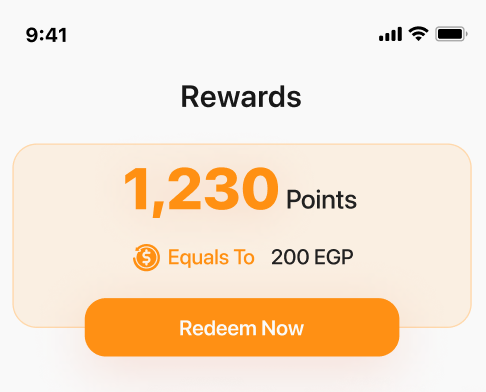
Points Summary
- Total Points: Highlight the total points balance and its equivalent monetary value
- Available Points: Show points available for immediate use
- Pending Points: Display points pending approval, along with their value
Call-to-Action
Emphasize available points and their redemption potential (e.g., “Redeem 1200 points to save $60!”)
Expiring Points Alert
Notify customers about upcoming expiring points and their expiration date
Progress Indicator
Show a progress bar or similar visual element to indicate pending or expiring points relative to the total
Related Resources
Get Customer Balance API
Retrieve customer balance including available and pending points
Build Your Own UI
Back to Build Your Own UI overview