

</body> tag. If you use templates to dynamically generate pages for your site, like PHP, ASP, or similar technology, you can paste the code snippet into its file, then include it in your page header.
Basic Widget Setup
Widget Modes
The widget supports two different modes: a guest view and a customer view. Each can be shown to your website visitors with the same code snippet and serve different use cases.Guest View
What guests (non-logged-in users) see about your programs. This can encourage guests to create accounts and sign in to enjoy your rewards programs.
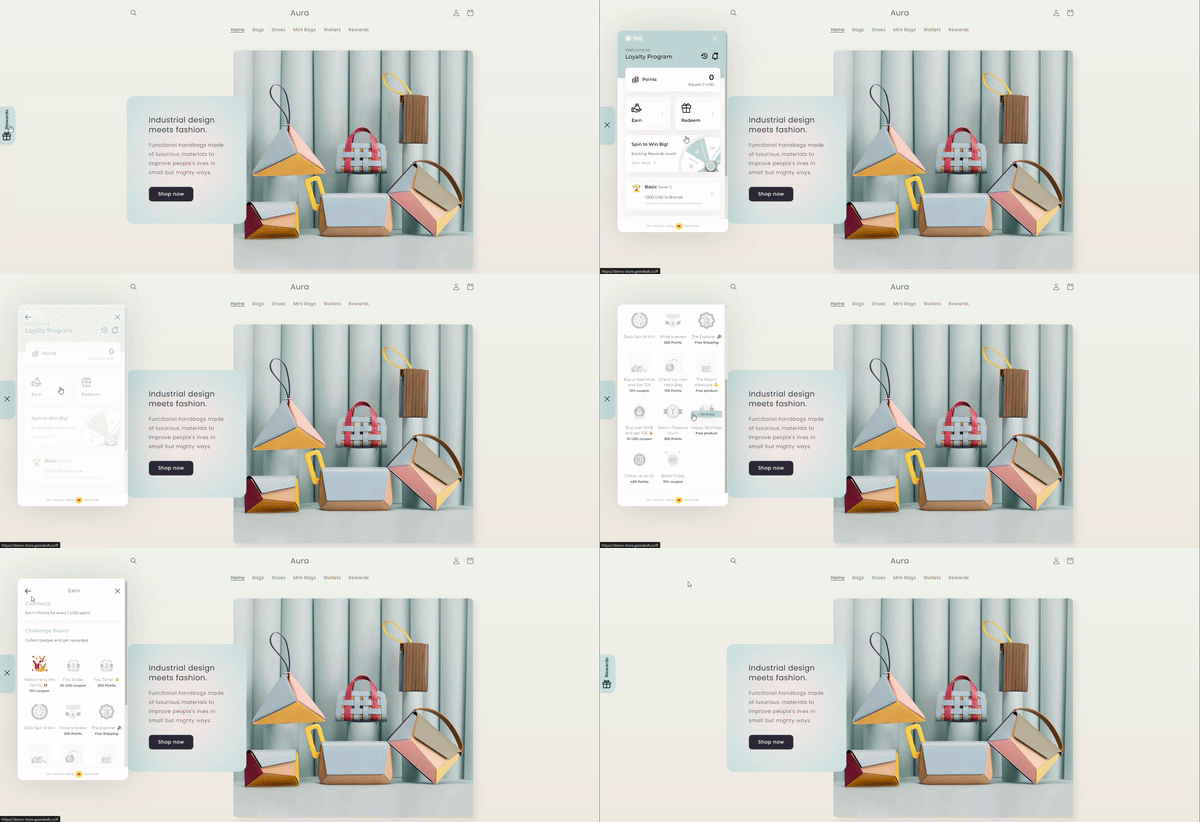
Customer View
Used to let customers (logged-in users) track their programs in your rewards program and enjoy their benefits.
Guest View Implementation
For non-logged-in customers, use the below snippet with just your Gameball APIKey. Please check the article How can you get your account integration details? (API Key & Secret Key) to learn more on how to get your unique APIKey.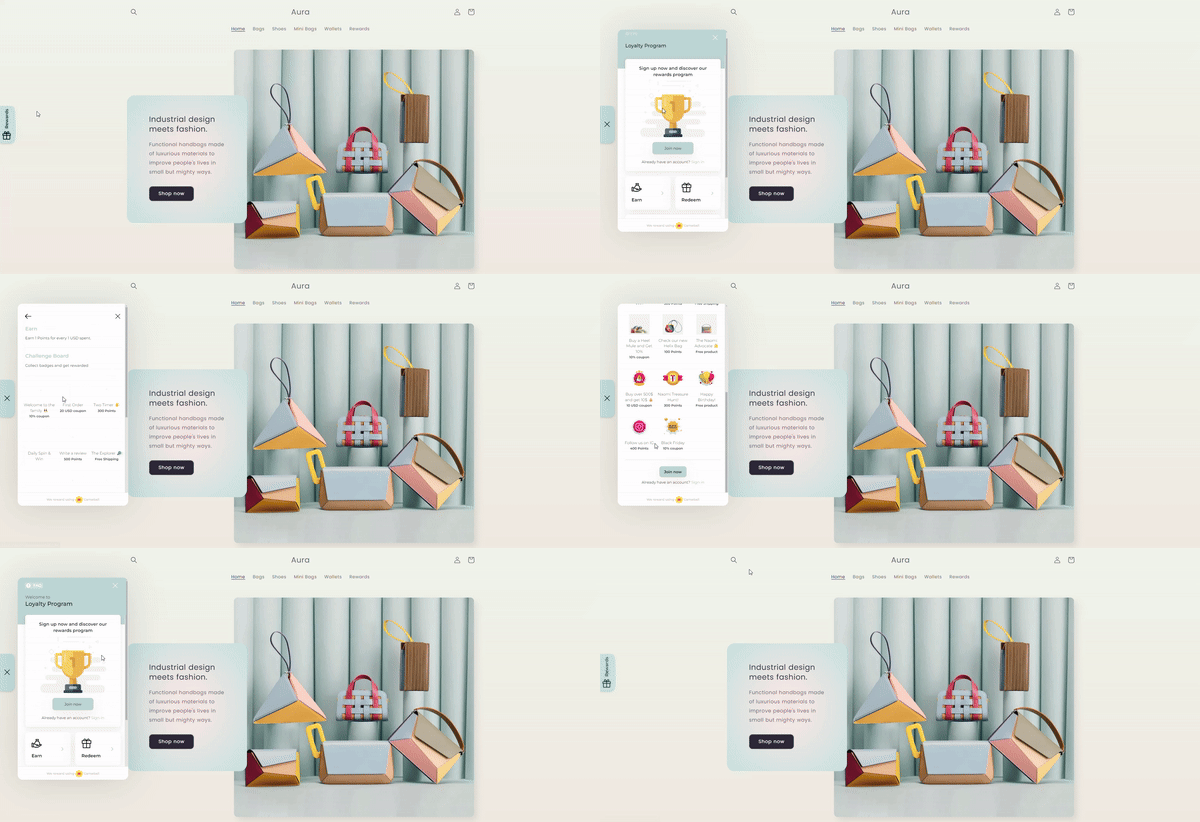
Customer View Implementation
For customer view, all you need to do is to set theplayerUniqueId value to the currently logged-in user. This is how your customer will be identified and tracked at Gameball, hence make sure to send a permanent consistent id across a user’s lifetime. It could be a database ID, random string, email, or anything that uniquely identifies the customer.
In addition to the playerUniqueId, optional player attributes can be sent to enrich the customer’s profile at Gameball. You can send non, all, or selected attributes to Gameball depending on how you would like to enrich your customer’s profile.
Every time the widget is initialized with customer data, the customer profile is created or updated on Gameball side. You may consider enriching your Gameball’s customer profile with attributes that are not available to the UI by using the server-side Create/Update Customer API
Widget Parameters Description
APIKeystring Required
The unique identifier for the player whose attributes are being updated.
lang
string Optional
Your platform language preference to view Gameball Widget with.
Note: The language provided should be as per configured languages in your account. If not provided the Gameball profile widget will be shown with your account default language
Example: "en", "fr".
shop
string Required Shopify Only
Store name with myshopify.com domain. Used if your app is a mobile app for a Shopify store connected to Gameball
shopify
boolean Required Shopify Only
Indicates that you’re using Shopify
platform
string Optional
The platform you application used:
ShopifySallaany
playerUniqueId
string Required
Unique identifier for the customer that you can reference across the customer’s whole lifetime. Could be a database ID, random string, email or anything that uniquely identifies the customer.
playerAttributes
Object Optional
Additional customer-specific attributes. Includes attributes such as the customer’s name, contact details, and purchase history.
Profile Languages
For websites with multiple languages, how you can change Gameball widget language based on active website language. Gameball supports multiple languages for the customer profile widget. The widget language can be changed based on your customer’s active language on the website.Learn how you can configure the languages on your Gameball account through this article.
lang variable in the code snippet.
Next Steps
- Customer Management - Create and manage customer profiles
- Track Events - Start tracking customer events
- Track Orders - Process orders and award points