

Understanding Deep Links
Deep links are URLs or hyperlinks that take users directly to a specific section of the Gameball widget. This allows for a more seamless user experience by providing quick access to the desired content without navigating through the entire widget. You can use deep links with any element that can hold a hyperlink, such as text, images, menu items, or buttons. You can also include these hyperlinks in automated emails or SMS campaigns. For example, if a customer clicks a button labeled “Check your earned points now!” in an email, they will be redirected to your website and see the widget section displaying their points.Available Gameball Deep Links
#gameball-home
#gameball-home
Takes customers to the home section and guests to the sign-up section.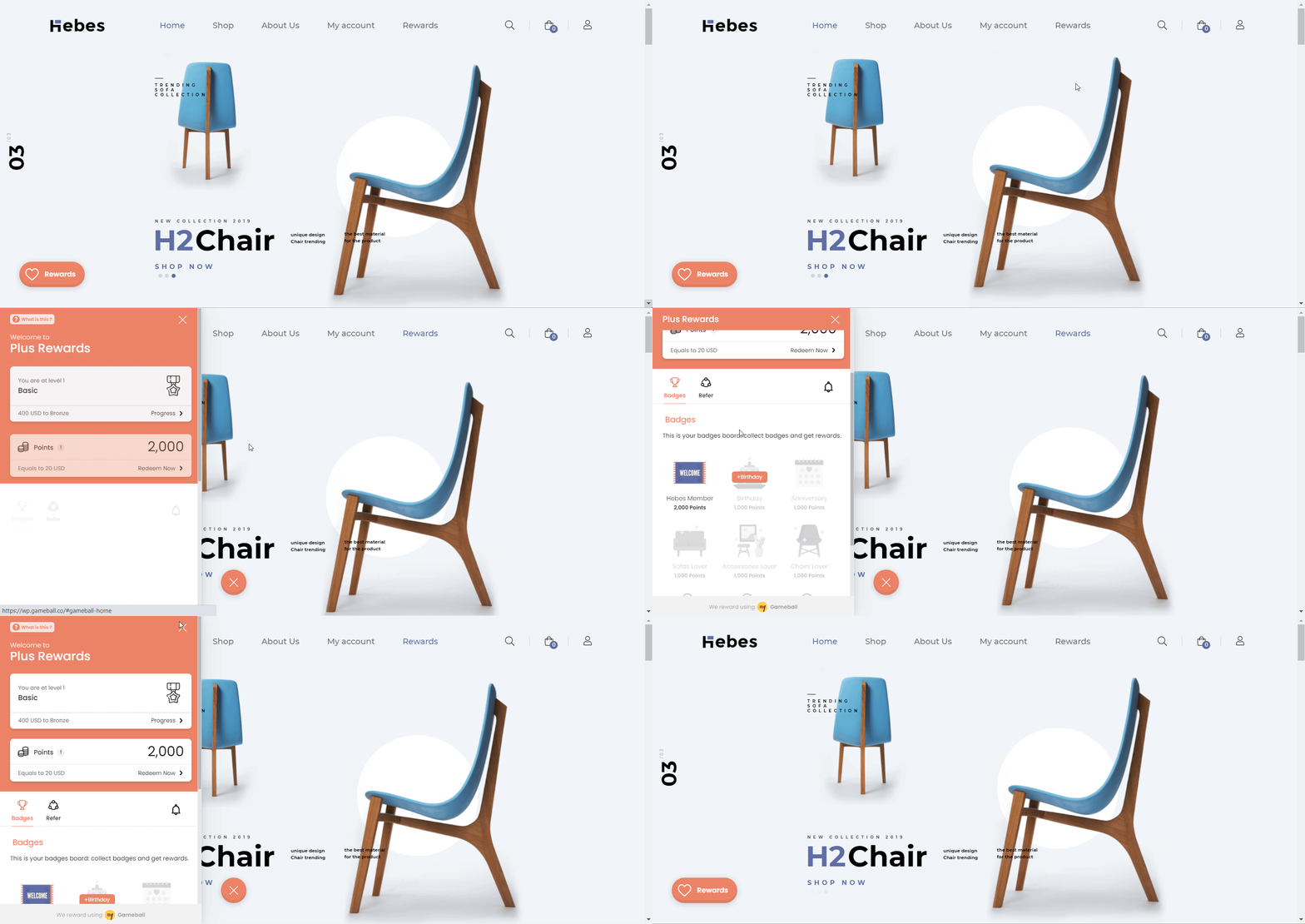
#gameball-referral
#gameball-referral
Directs customers to the referral tab and guests to the home section.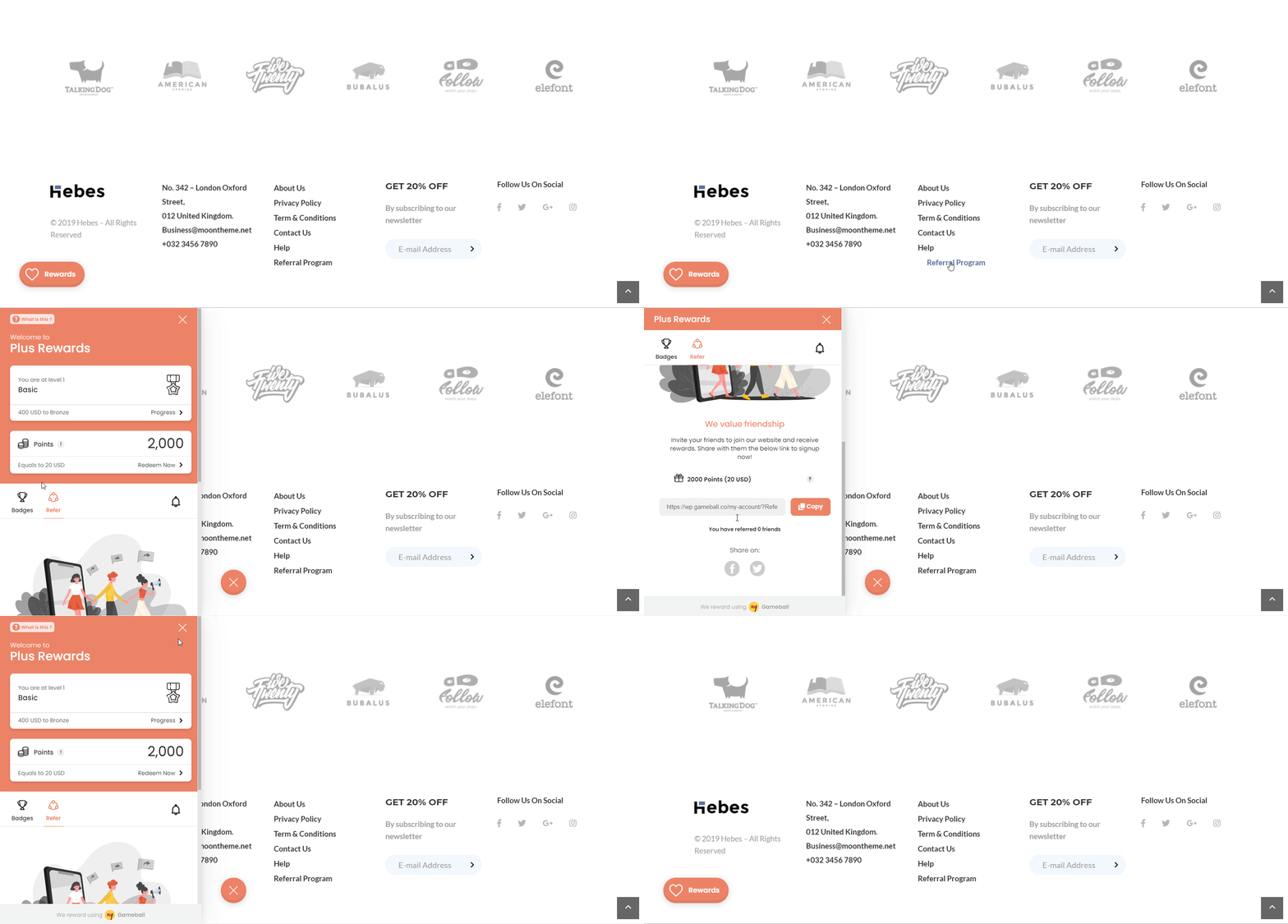
#gameball-faq
#gameball-faq
Opens the “FAQ” section for both customers and guests.
#gameball-levels
#gameball-levels
Shows customers the levels progress tab and guests the levels program section.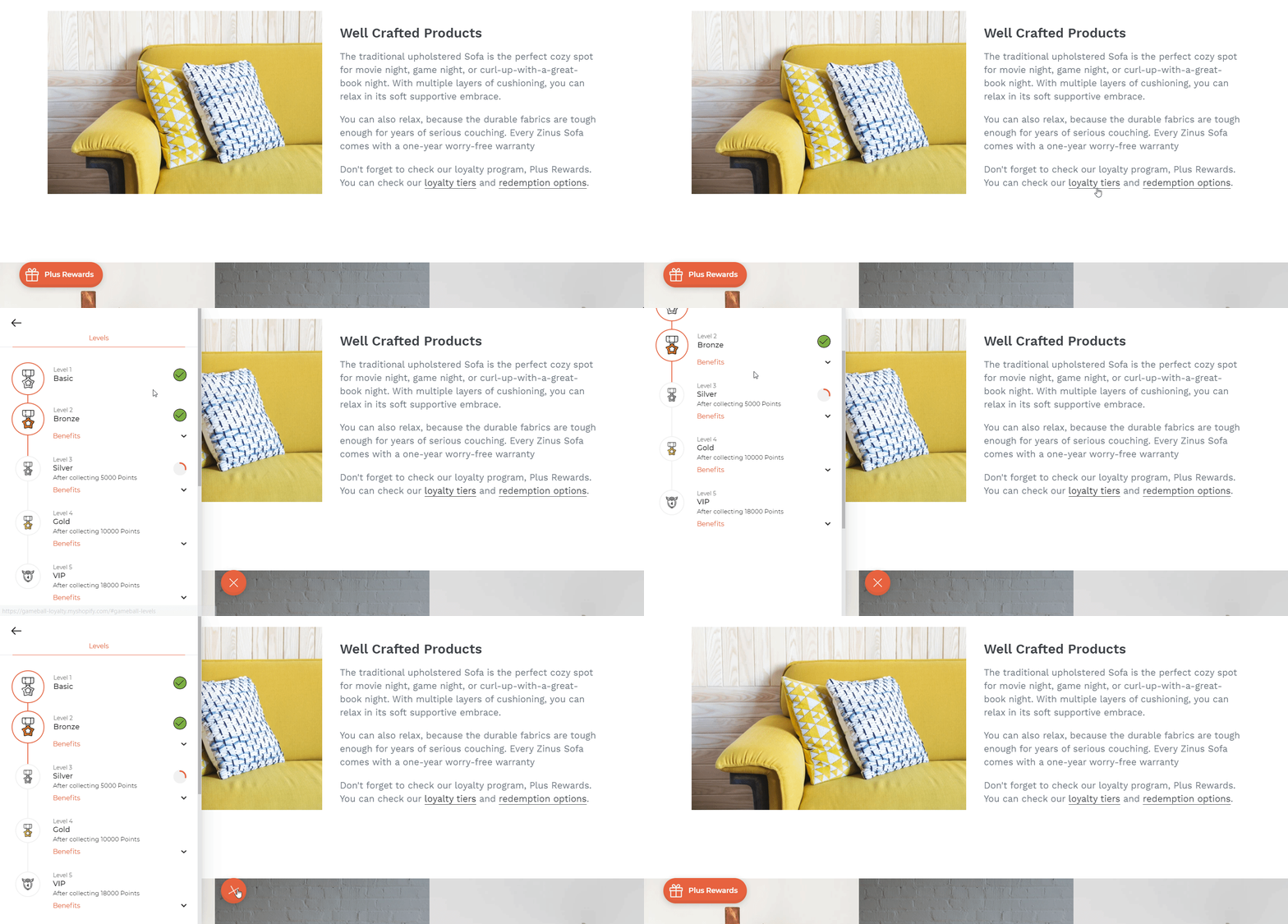
#gameball-redemption
#gameball-redemption
Leads customers to the redemption tab and guests to the “How to Redeem” section.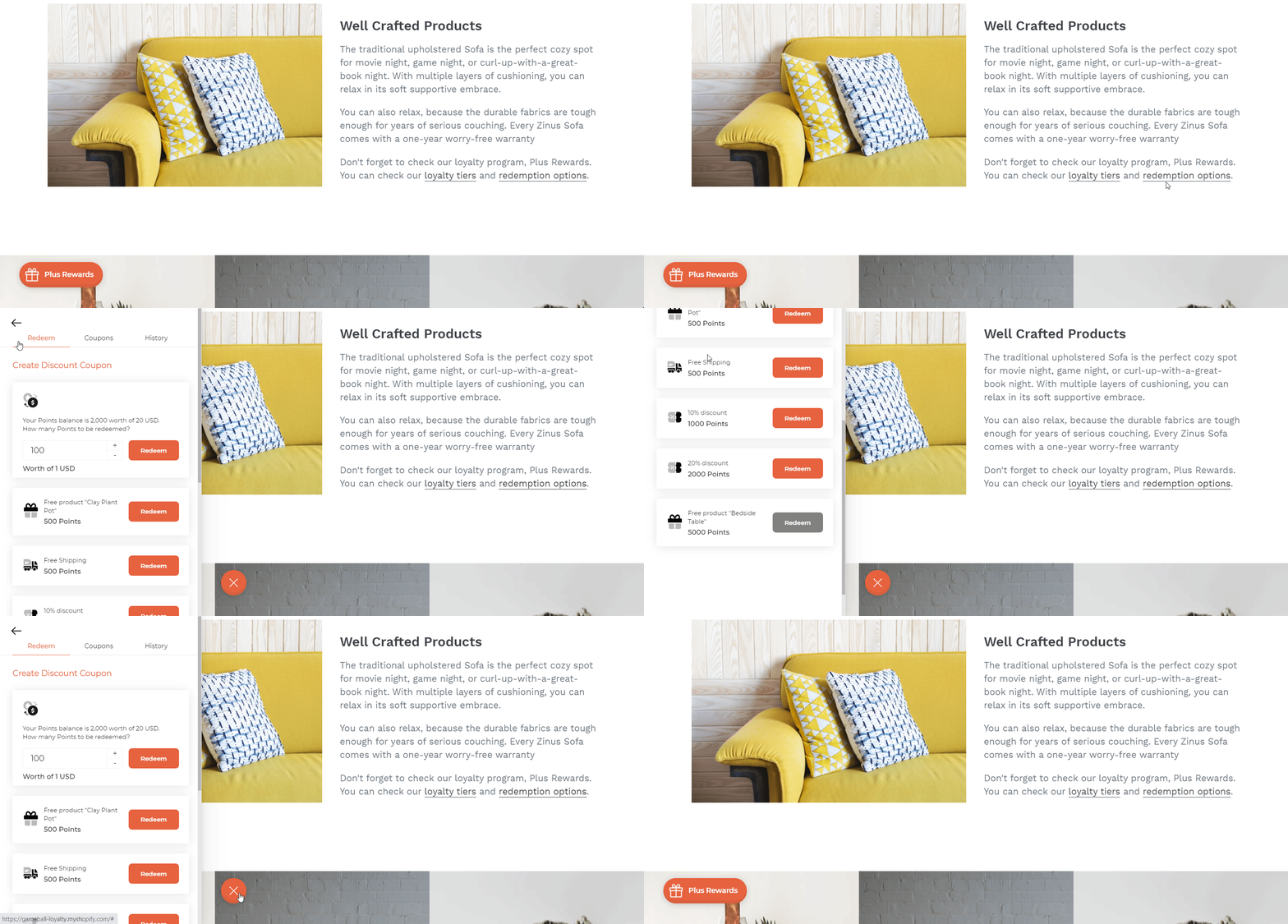
#gameball-wheel
#gameball-wheel
Opens the “Spin the Wheel” page for customers.
#gameball-slot
#gameball-slot
Opens the “Slot Machine” page for customers.
#gameball-history
#gameball-history
Opens the widget directly in the Customer History section.
Using Deep Links in Emails and SMS Campaigns
To redirect users from an email or SMS to your website and open the Gameball widget to a specific section, you need to use a query string. Combine your website link with the Gameball widget deep link.| Destination | Link Format |
|---|---|
| Website URL | www.shop-name.com |
| Widget Home Section | /#gameball-home |
| Widget Referral Section | /#gameball-referral |
| Widget FAQ Section | /#gameball-faq |
| Widget Levels Section | /#gameball-levels |
| Widget Redemption Section | /#gameball-redemption |
Triggering the Gameball Widget Using JavaScript
You can also open or toggle the Gameball widget programmatically using the JavaScript function:onclick event, like in the example below:
Related Articles
Hide Gameball's Widget Button
Learn how to hide the default launcher button and rely on deep links instead.
Customize the Widget Launcher
Control the shape, position, icon, and visibility of your loyalty launcher button.