

Quick Overview
| Scenario | Use Case | Key APIs |
|---|---|---|
| Basic Order | Earn points on purchase | POST /order |
| With Points Redemption | Redeem points at checkout | POST /hold-points + POST /order |
| With Coupon Codes | Apply discount codes | POST /validate-coupon + POST /order |
Each scenario outlines a practical process that focuses on customer interactions, ensuring they can easily navigate loyalty rewards, coupons, and promotions as they complete their purchases.
1️⃣ Submitting an Order
Let’s explore how the Order API works, starting with what your customers experience and how their actions on your e-commerce platform interact with Gameball to trigger rewards and campaigns.Customer Journey
🛍️ Customer browses and adds items
A customer, Sarah, visits your e-commerce website and adds items to her cart.
💳 Customer completes checkout
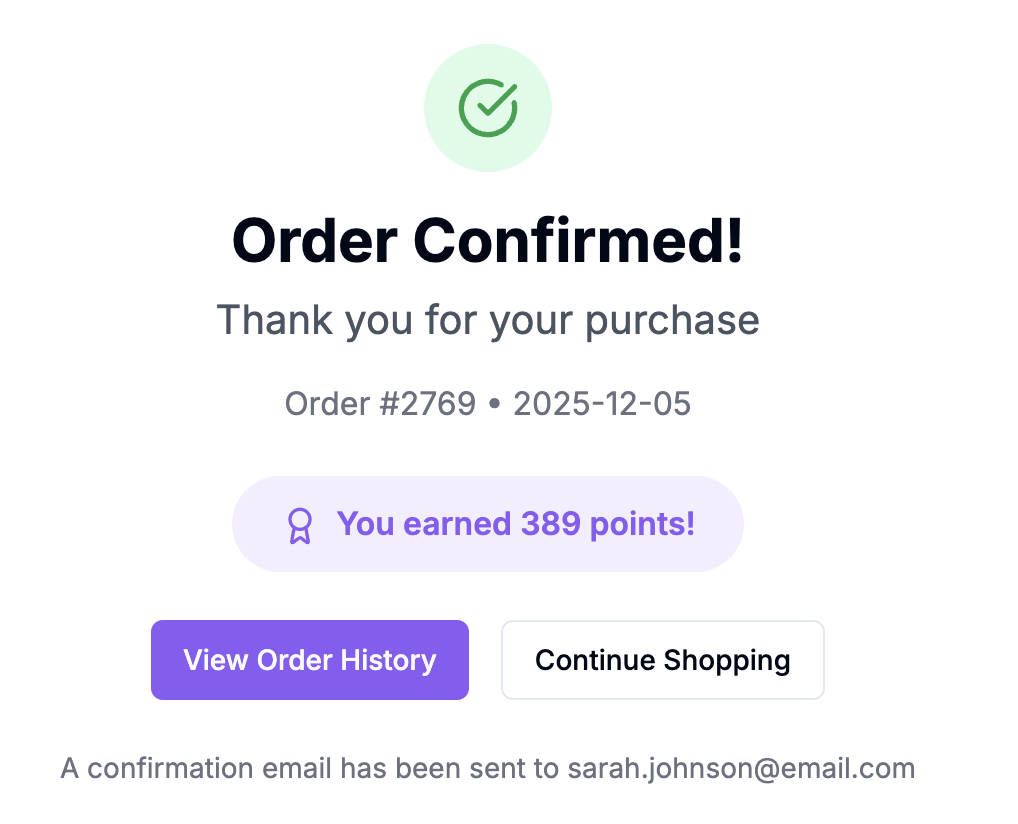
At checkout, she places an order for a pair of sneakers worth $500 and pays successfully.
What Happens in the Background
The moment Sarah’s order is completed, your website communicates with Gameball through the Order API. This triggers aplace_order event in the background, sending details like:
💰 Order Information
💰 Order Information
Basic order metadata including totals and timestamps:
🛍️ Products Purchased
🛍️ Products Purchased
Detailed product information for each item in the order:
👤 Customer Information
👤 Customer Information
Customer identifier to link the order to the right profile:
Gameball Processing
Once theplace_order event is triggered:
Order data mapping
The Order API automatically sends the order details to Gameball, mapping your order attributes to event metadata.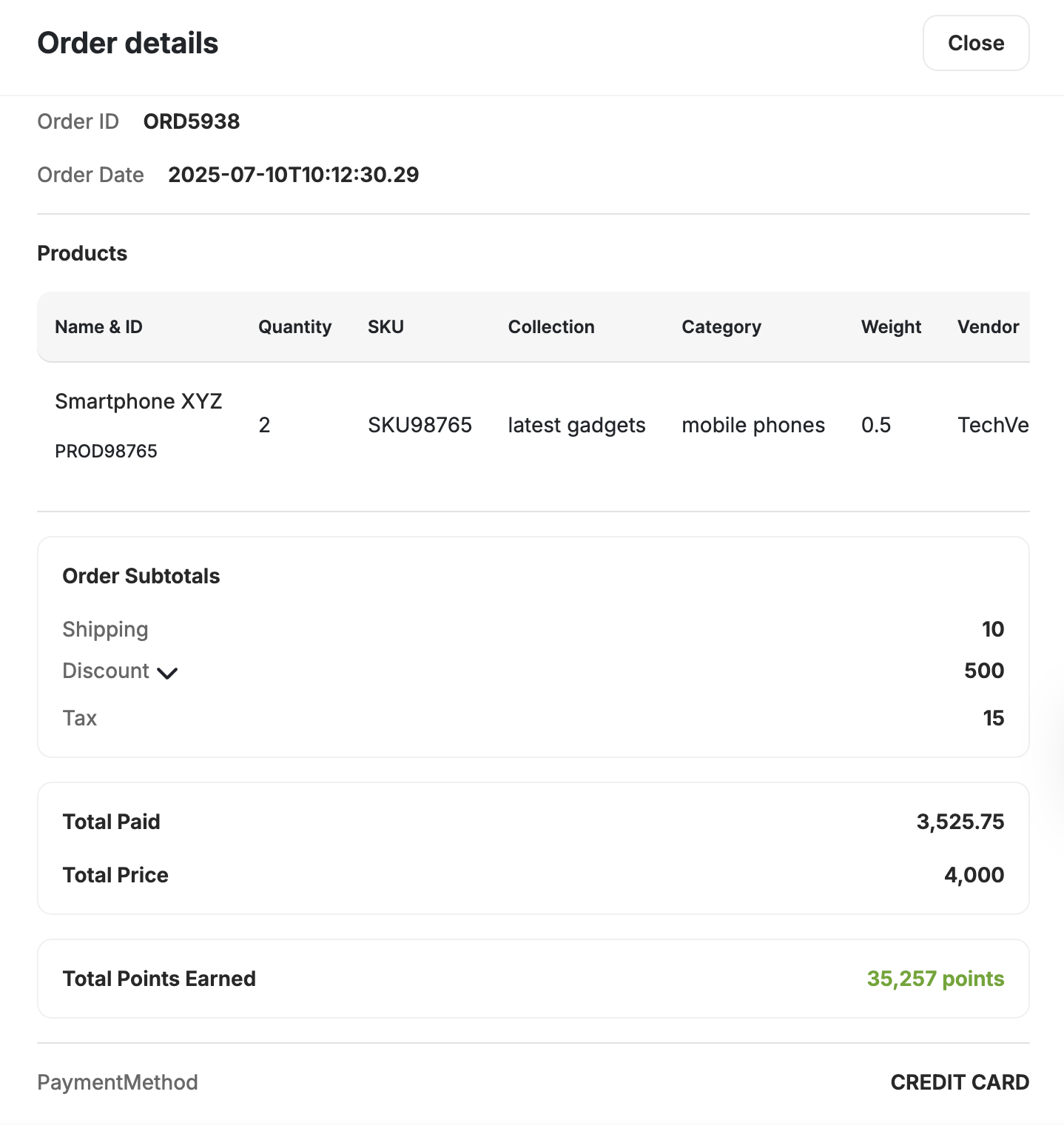
This is how orders look like on Gameball’s dashboard after being placed.

📋 Field Mapping Reference
📋 Field Mapping Reference
Need to know exactly how order fields map to Gameball events? Here’s the complete reference:
| Order API Attribute | Mapped to Event Object Attribute |
|---|---|
| totalPaid | total_paid |
| totalDiscount | total_discount |
| lineItems[i].weight | weight |
| lineItems[i].vendor | vendor |
| lineItems[i].sku | sku |
| lineItems[i].title | title |
| lineItems[i].tag | tag |
| lineItems[i].category | category |
| lineItems[i].collection | collection |
| extra.key[0]:value | key[0]:value |
Seamless Automation
✅ With Orders API
Automated & Integrated
- Auto reward triggering on purchase
- No manual event creation needed
- Multi-module integration (cashback, campaigns)
- Real-time balance updates
- Instant order-campaign linking
❌ Without Orders API
Manual & Fragmented
- Manual event creation required
- Complex multi-step tracking
- Disconnected workflows
- Delayed reward processing
- Error-prone data entry
- If Sarah qualifies for cashback, Gameball calculates the amount and updates her balance instantly and you can display it using the Get Customer Balance API.

This image showcases the Gameball widget displaying the customer’s balance. You can also retrieve the same information programmatically using the Get Customer Balance API for seamless integration with your application.
- If you’re sending order-based notifications, Sarah might receive a message like: “Congratulations, Sarah! You’ve earned 100 points for your last order.”

Customer Experience
Sarah’s experience remains smooth and rewarding:- She places an order without any extra steps
- She receives instant confirmation about her reward points or cashback, enhancing her satisfaction
- Over time, Sarah can redeem these points for discounts, keeping her engaged and loyal to your brand
Why This Matters
Seamless Customer ExperienceKeep customers engaged with rewards without adding friction to their purchase journey.
Streamlined Internal ProcessesSave time with automatic data mapping and event creation—no manual work required.
Flexible Campaign TargetingTie specific orders or products to targeted campaigns, driving sales effectively.
Related Order Integrations
If you need to integrate points redemption or coupon codes with your order submission, refer to these detailed guides:Points Redemption
Learn how to integrate points redemption during order submission, including how to hold points and link them to orders.
Coupon Codes
Discover how to validate, lock, and apply coupon codes when customers place orders.
🚀 Advanced Order Handling Scenarios
For most businesses, the basic order flows above are sufficient. However, certain business models require specialized configuration:Collection-Based Earning
Configure rewards based on specific product collections or categories
Taxes & Shipping Exclusion
Exclude taxes and shipping from loyalty point calculations
Multi-Merchants & Branches
Handle multiple stores, merchants, or branch locations