

| Platform | Plan |
|---|---|
| Shopify | Not Available |
| Salla | Not Available |
| Non-Platform | All Plans |
The Campaign URL is available for game campaigns only.
Intro
Gameball makes it easier than ever to engage your customers, no technical integration needed. Instantly generate and share a Campaign URL for your games across social media, email, SMS, or offline channels. Perfect for businesses without apps or websites: just share the link and start engaging!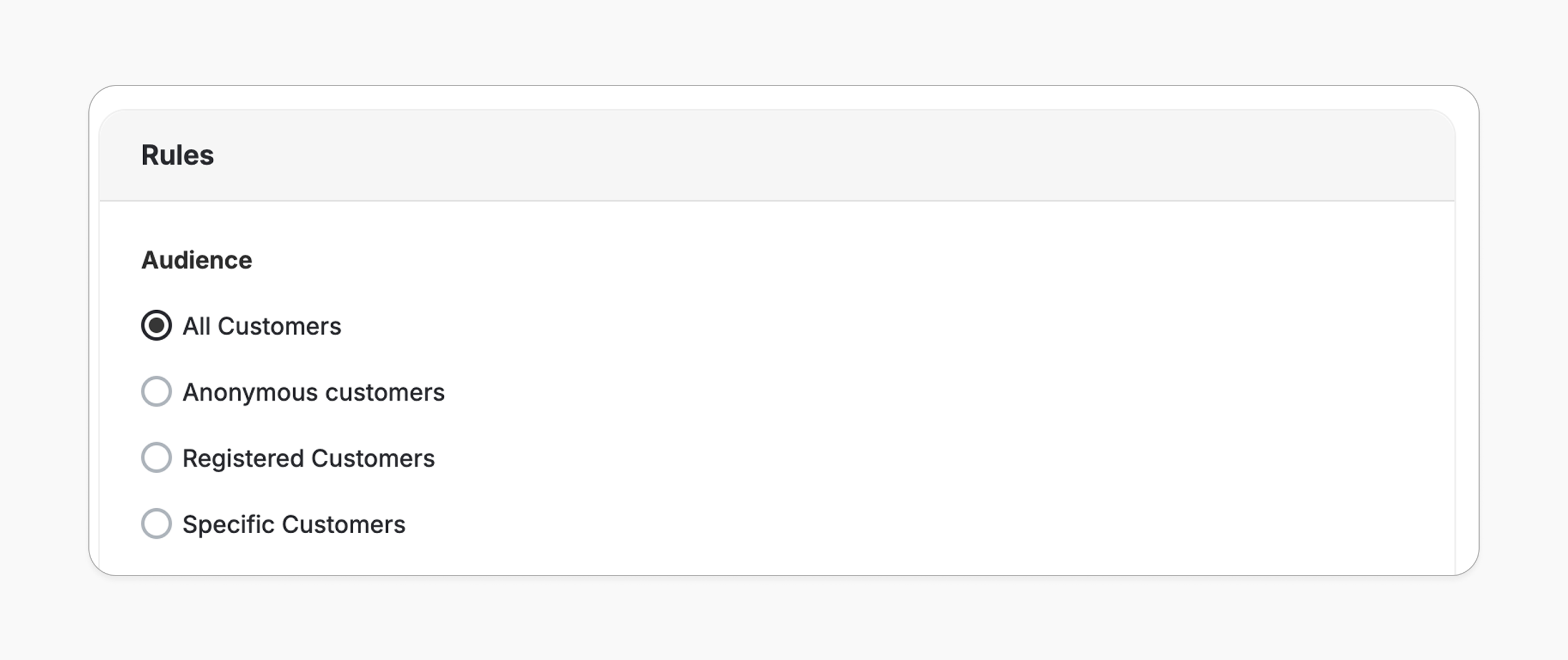
How to Access the Campaign URL
From the Campaign Details Page
After creating a campaign, you can find the Campaign URL next to the internal campaign name at the top.
Campaign URL Options
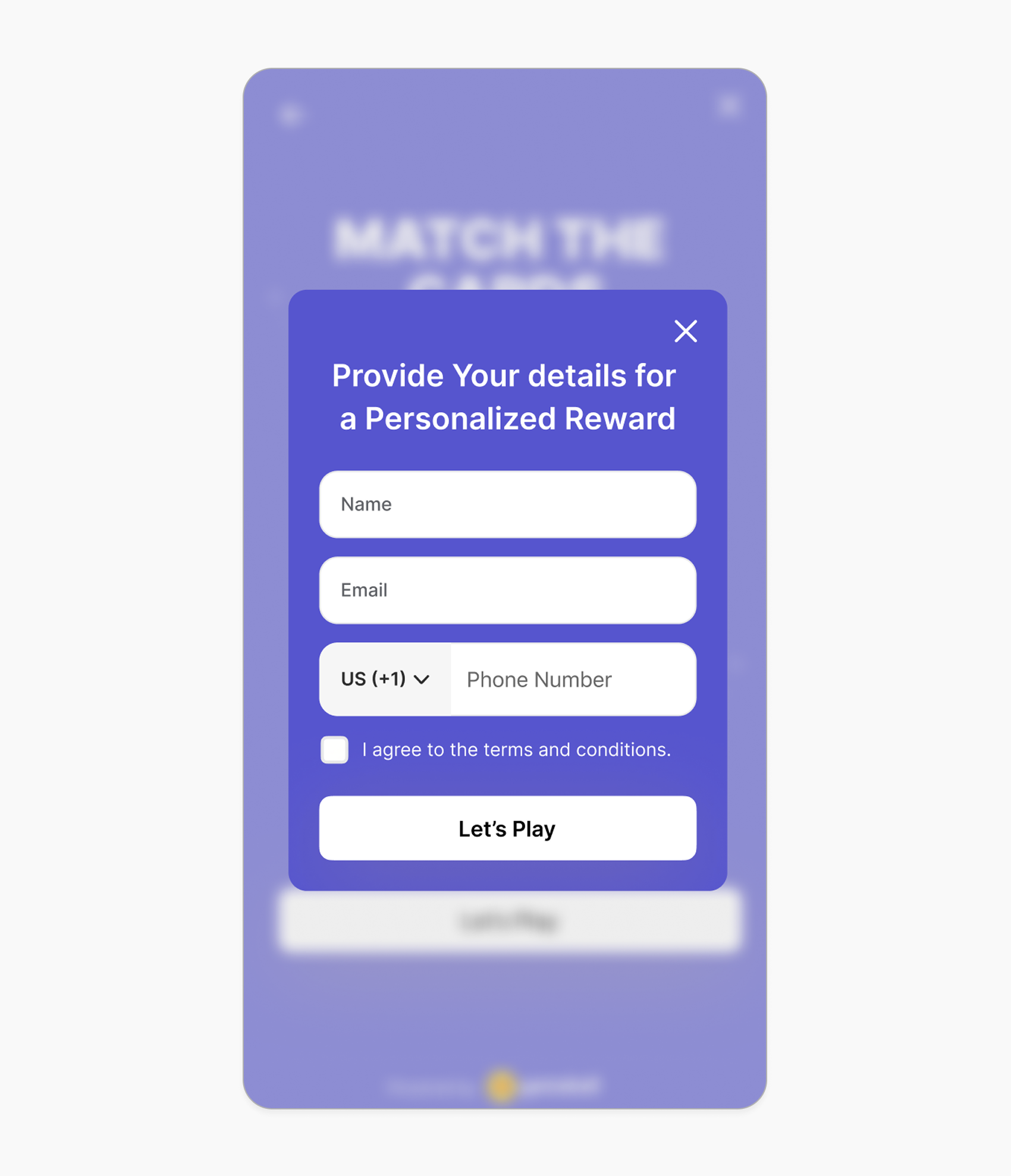
The URL may either open directly for customers to play the game or prompt a lead form to identify the customer first, depending on the selected audience.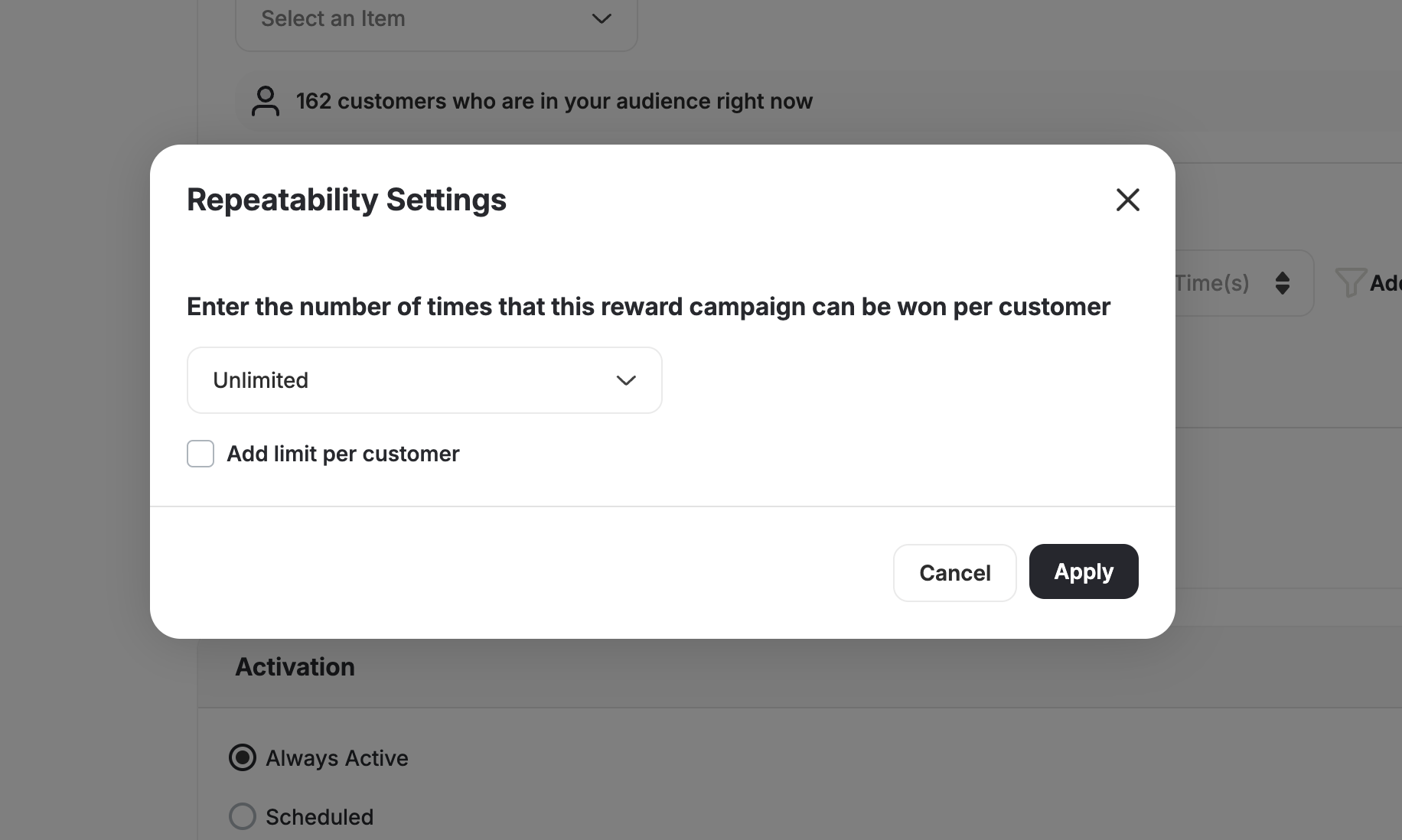
| Case | Details |
|---|---|
| 1. Audience: Registered / Specific Customers | The URL will contain a customer ID placeholder {customerid}. Replace {customerid} with the actual customer value or your dynamic variable. The customer is automatically identified and enters the game directly. Example: https://play.gameball.app?k=xxx&p={customerid}&d=details_spin_123 |
| 2. Audience: Anonymous | No ID is passed in the URL. The customer will see a form requesting their Email or Mobile Number before playing. You can customize the lead form from the customization page. Example: https://play.gameball.app?k=xxx&d=details_spin_123 |
Notes for Registered / Specific Audience
Notes for Registered / Specific Audience
- If the URL is missing the ID, the game will not load.
- If the customer ID passed in the URL doesn’t exist in Gameball, we will create a new customer account.
- Customers are created as members.
Notes for Anonymous Audience
Notes for Anonymous Audience
- You can set whether the customer identifier field on the form is Email (default) or Mobile.
- If the customer fills out the form and does not already exist in Gameball, a new customer account will be created.
- Customers are created as guests.
Lead Form Configuration (When Audience is Anonymous)
When a customer accesses the Campaign URL, a form will appear to collect their information. You can access it from Customize Design > Lead Form[Shopify] The lead form is only available for Shopify customers.
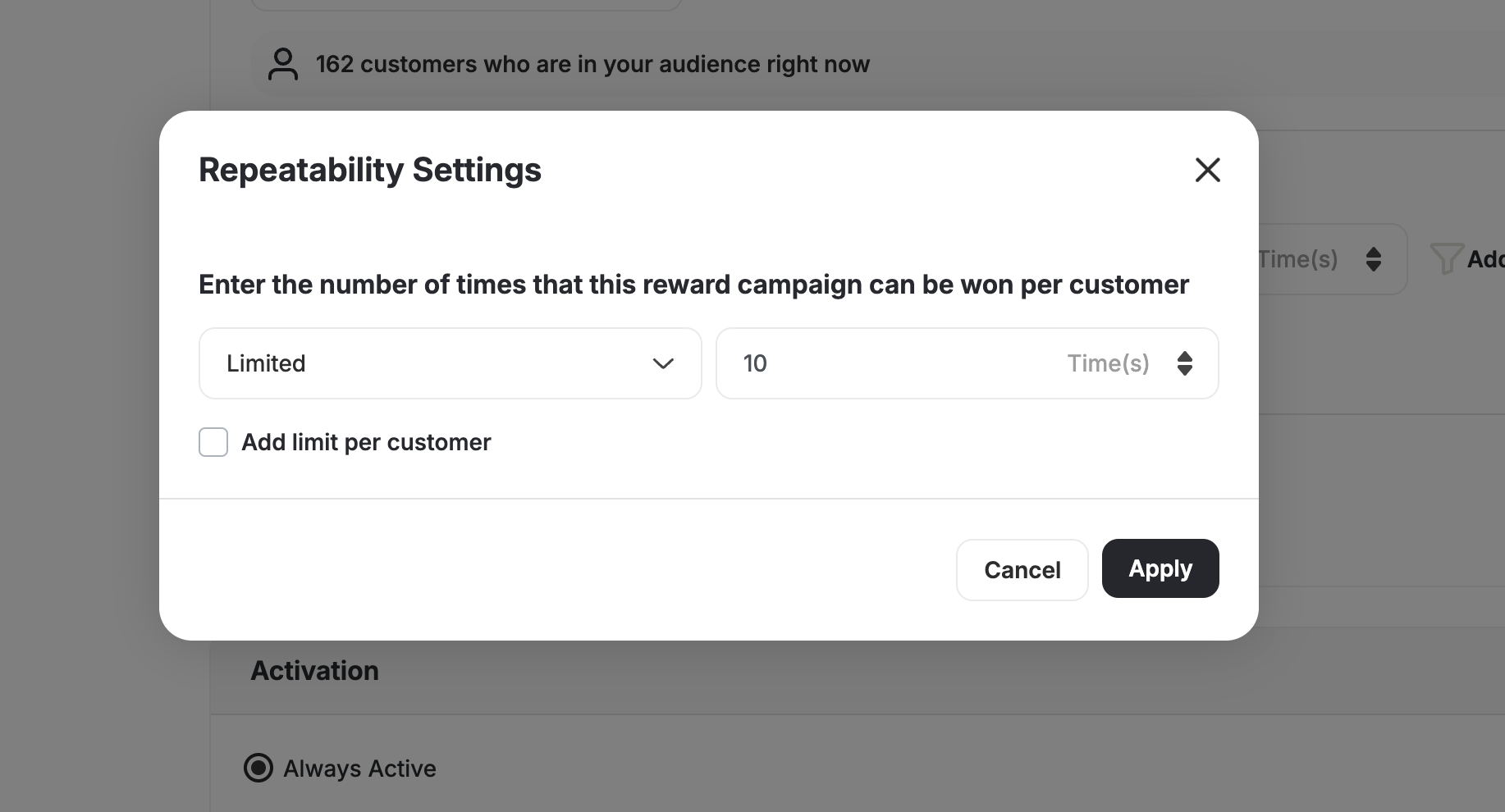
- Lead Form supports 5 custom customer attributes: You can include any previously created customer attributes, such as City, Gender, Favorite Product, Age, and more, using a multi-select dropdown. Custom fields display with the correct input type (text, number, date picker, toggle) and follow all validation rules.
- Control over field configuration: Rearrange fields, mark them as mandatory or optional, and toggle default fields (Name, Email, Mobile) on/off. Email or Mobile can be selected as the unique identifier, and unique identifiers cannot be removed or set as optional.
- Smart data handling for guest users: All submitted attributes are saved to the guest’s temporary profile and automatically mapped to their customer profile once they are identified (e.g., login or purchase).
| Field | Notes |
|---|---|
| Name | Optional. A field to collect the customer’s name. |
| Default identifier. A field to collect the customer’s email. Required unless Mobile is selected as the identifier. | |
| Mobile | Can be enabled and set as the primary identifier instead of Email. Mobile numbers are stored in E.164 international format +[Country Code][Number] (e.g., +1XXXXXXXXXX). |
| Terms and Conditions | Optional. A checkbox to confirm customer agreement. |
What happens if a registered customer fills out the lead form?
What happens if a registered customer fills out the lead form?
If an already registered customer filled out the lead form, Gameball will add the missing data to their profile and ignore the already collected data. For example, a registered customer fills out the lead form, providing their name, email address, and phone number.Gameball checks and finds out that this is, in fact, a registered customer and that it already has their name and email filled, but it has no phone number. Gameball will only add the phone number to their stored profile data and will not overwrite the name and email, as this information has already been previously collected.
Important Notes
Replace Customer IDWhen using a URL with a customer ID, make sure to replace
customerid with the actual customer value or your dynamic variable.- You can change the game language to any of the configured languages by passing the
langattribute in the URL (e.g.,?lang=arfor Arabic). - If the
langparameter is not passed, the game will open using the widget’s default language. - You can update or manage your available languages from Widget Settings > General > Languages.
Automatically Trigger Game Popups Based on Page URL
Surface Gameball Games on websites by automatically launching a game in a pop-up when a customer visits a specific page. This allows you to deliver game-based engagement experiences without requiring customers to open the Gameball widget.Automatic Game Popups
Games such as Spin the Wheel, Slot Machine, and Match Cards can now be triggered automatically when a page URL matches predefined rules. The experience opens directly in a standalone pop-up rather than inside the widget.
Game Pop-Up Experience
The game pop-up provides a streamlined, distraction-free experience by displaying only the game interface without any widget navigation elements. Customers can play the game or close the pop-up at any time, and it will automatically close once the game is completed or dismissed. Guest users will see the game alongside a lead form, while logged-in customers access it according to their eligibility criteria.URL Rules and Display Controls
You can configure where the game pop-up appears using the same flexible URL rule engine as Web Popups. The pop-up can be set to display on all pages where the widget is installed or only on pages that match specific conditions, such as “contains,” “does not contain,” “is,” “is not,” “starts with,” or “ends with.” You can also control how often it appears — either once per session or a limited number of times. Additional timing options allow the pop-up to show immediately on page load, after a delay, or once the customer scrolls a defined percentage of the page.Eligibility Behavior
The pop-up will not appear for customers who are no longer eligible to play the game, such as those who have reached a daily or lifetime limit. When multiple campaigns share the same trigger conditions, the system prioritizes the campaign that was created first.Related Articles
Set Up a Reward Campaign
A complete guide to configuring all reward campaign settings from audience to activation.
Reward Types in Gameball
Understand the full range of reward types you can offer customers.