

Types of Rewards Offered by Gameball
Gameball provides several reward types across various platforms, each designed to enhance the customer experience.| Reward Type | Subcategories | Platform |
|---|---|---|
| Online Only Rewards | Points, Free Product, Free Shipping, Fixed Amount-based Discount (Available in Dynamic mode), Percentage-based Discount, Custom Rewards (Third-party), External Reward, Coupon Engine Rewards (Third-party redemption, External Reward API call, Percentage-based cashback coupon, Fixed Amount-based cashback coupon, Percentage-based fee discount) | All platforms |
| POS Rewards | POS Fixed Amount-based Discount, POS Percentage-based Discount | Shopify |
| Shopify-Specific Rewards | Store Credit, Recharge Fixed Amount-based Discount, Recharge Percentage-based Discount | Shopify |
| Recharge Rewards | Fixed Amount-based Discount, Percentage-based Discount | Shopify - Recharge Subscription Users |
Setting Up Each Reward Type
1. Points Reward
1. Points Reward
This reward is available as a campaign reward only.
| Platform | Plan |
|---|---|
| All | All |
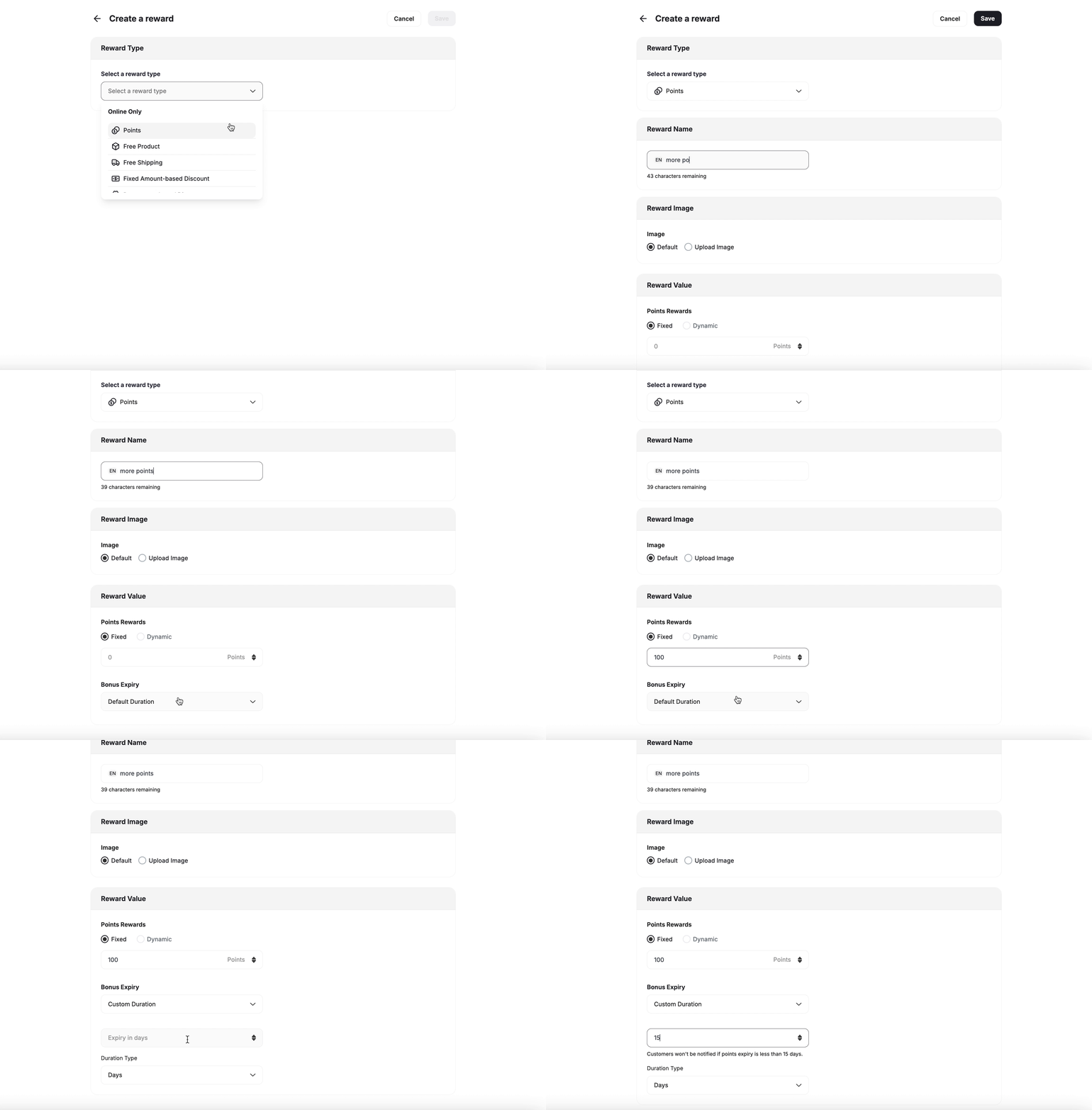
- Add Points: Specify the number of points to award customers.
- Tiering Up Method: If you are using Gameball’s score feature for tiering, you can reward customers with scores in addition to points. Learn more about Score.
- Points Expiry Options:
- Default Expiry: Uses the platform’s default points expiration setting. Learn how to configure your default expiry settings
- Custom Expiry: Override the default by setting a specific expiration for that particular reward.
- Duration Type: Choose from Days, Months, or Years.
- Duration: Define the duration based on the selected type.
2. Free Product
2. Free Product
This reward is available as a campaign reward as well as a redemption option.
| Platform | Plan |
|---|---|
| All | All except for free plans |
-
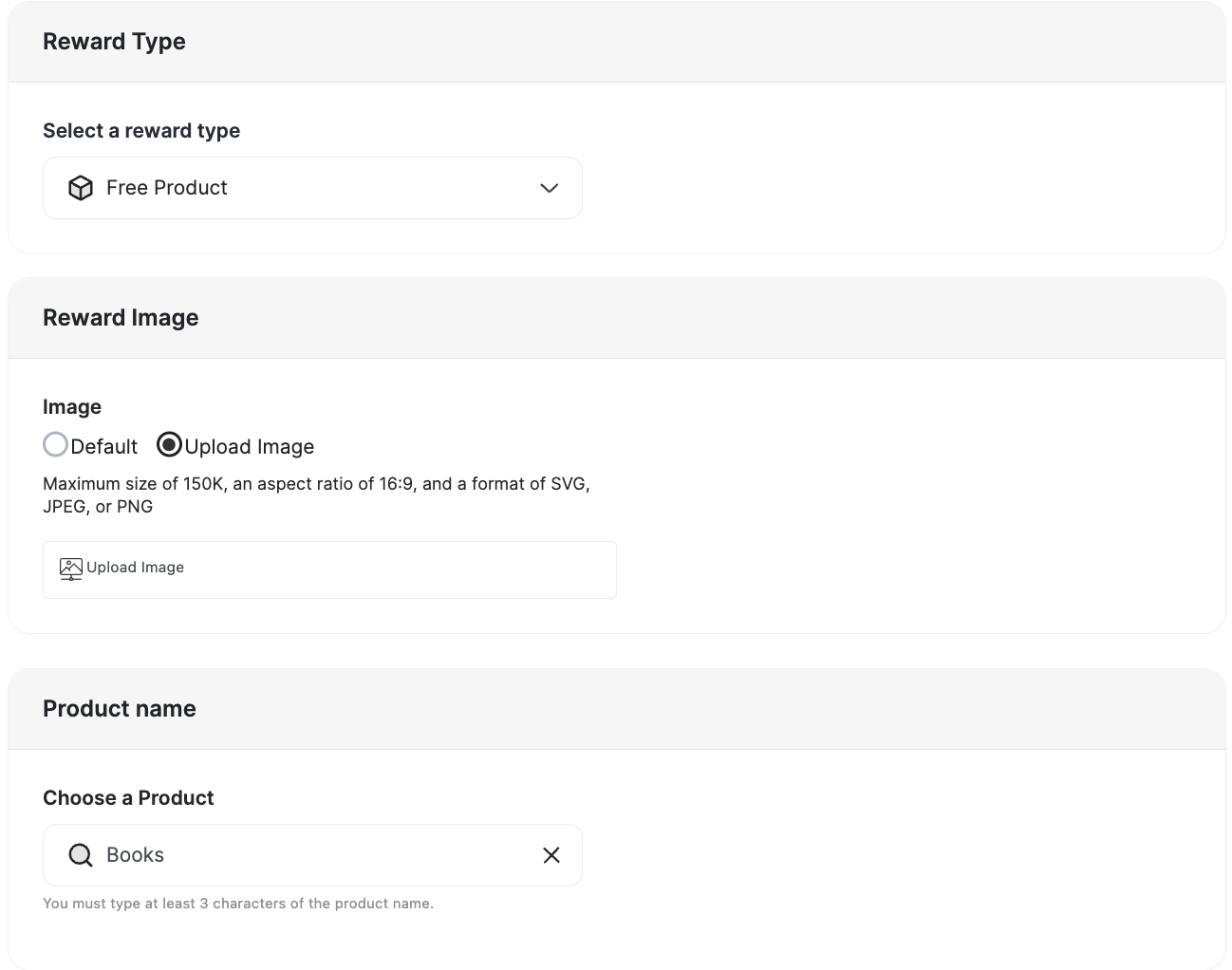
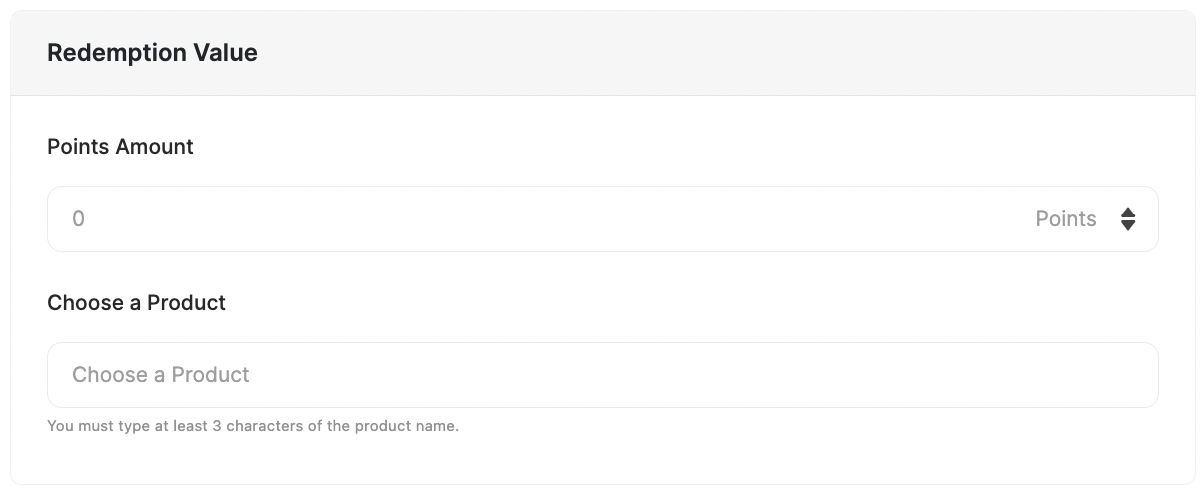
Reward Image: Select the product’s image.
-
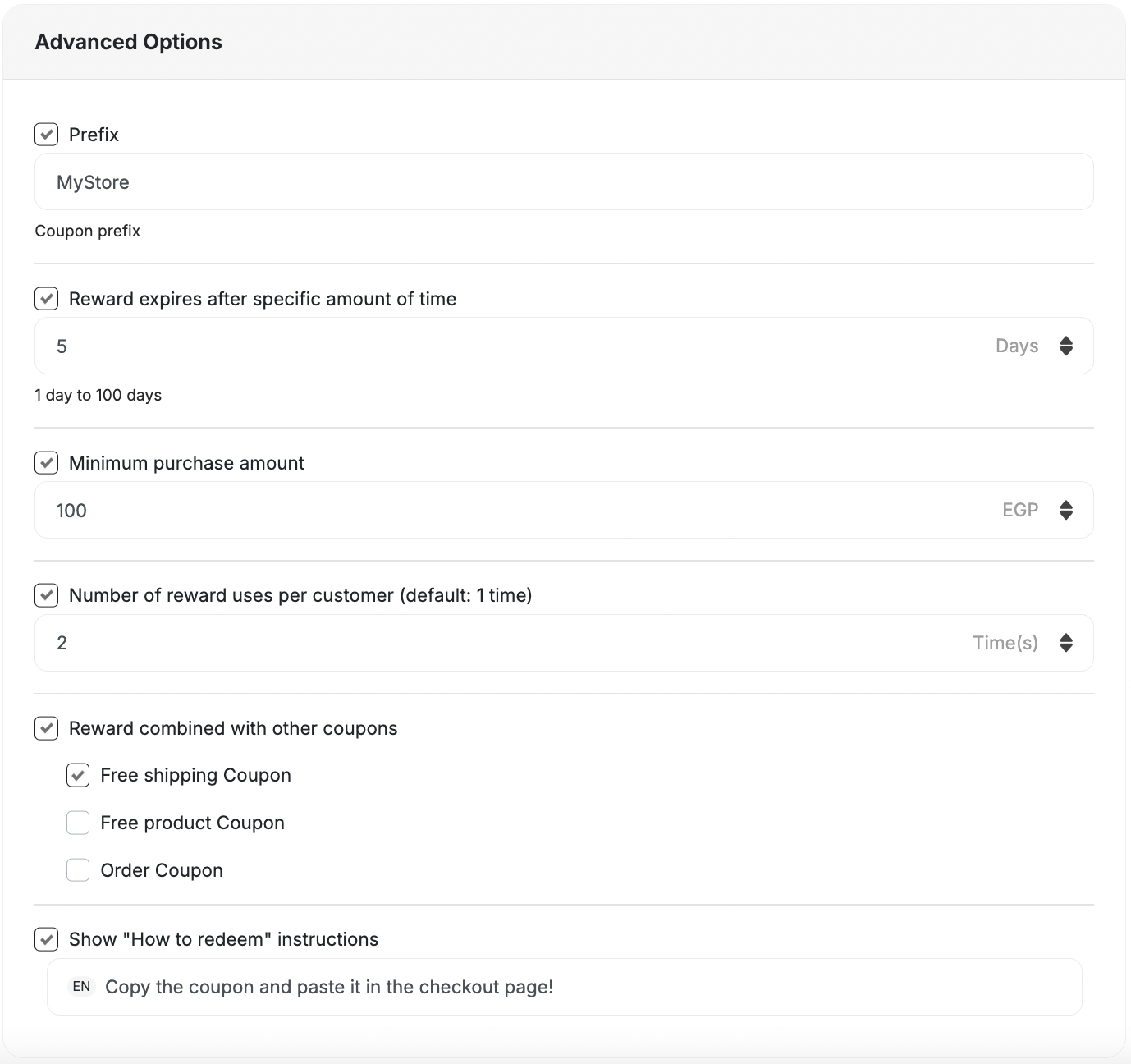
Advanced Options:
- Prefix: Add Coupon Prefix.
- Reward expires after a specific amount of time: Set the expiry for the reward.
- Minimum purchase amount: The amount required for usage. (Default: 1)
- Reward combined with other coupons: Compatibility with other coupons or to be won alongside other coupons.
- Show “How to redeem” instructions.
- Follow the same steps as the Reward Campaign setup.
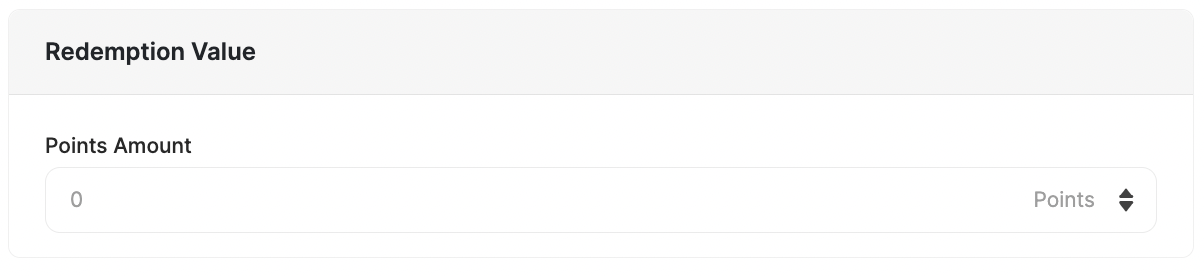
- Add the points needed to redeem this reward in the Redemption Value section.
3. Free Shipping
3. Free Shipping
This reward is available as a campaign reward as well as a redemption option.
| Platform | Plan |
|---|---|
| All | All except for free plans |
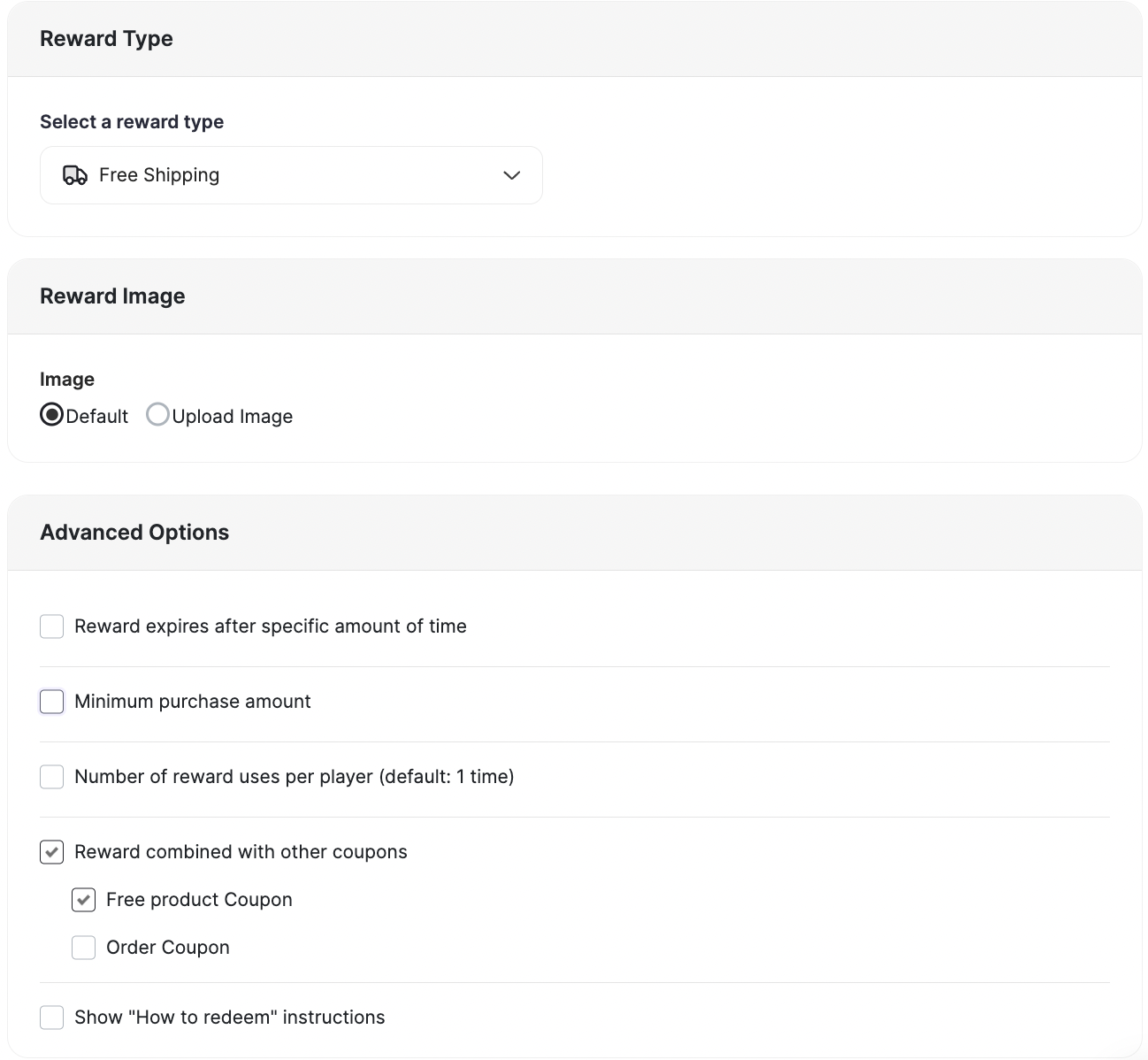
- Reward Name: Choose a name for the reward.
- Reward Image: Choose to have the default or upload an image for display.
- Advanced Options:
- Prefix: Add Coupon Prefix.
- Reward expires after a specific amount of time: Set the expiry for the reward.
- Minimum purchase amount: The amount required for usage. (Default: 1)
- Reward combined with other coupons: Compatibility with other coupons, or to be won alongside other coupons.
- Show “How to redeem” instructions.
- Follow the same steps as the Reward Campaign setup.
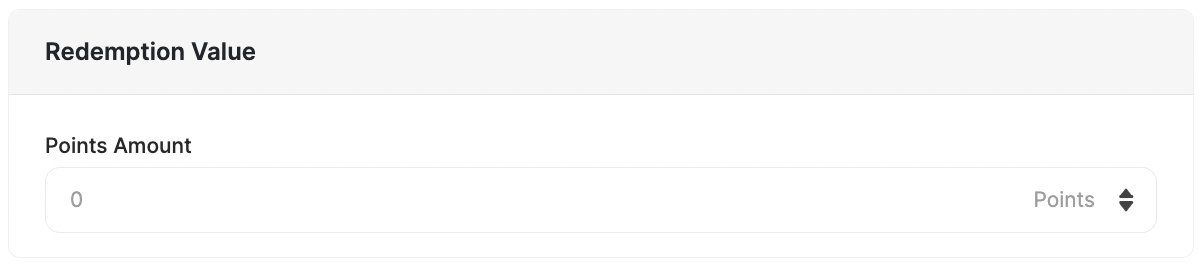
- Add the points needed to redeem this reward in the Redemption Value section.
4. Amount-based Discount
4. Amount-based Discount
This reward is available as a campaign reward as well as a redemption option.
| Platform | Plan |
|---|---|
| All | All |
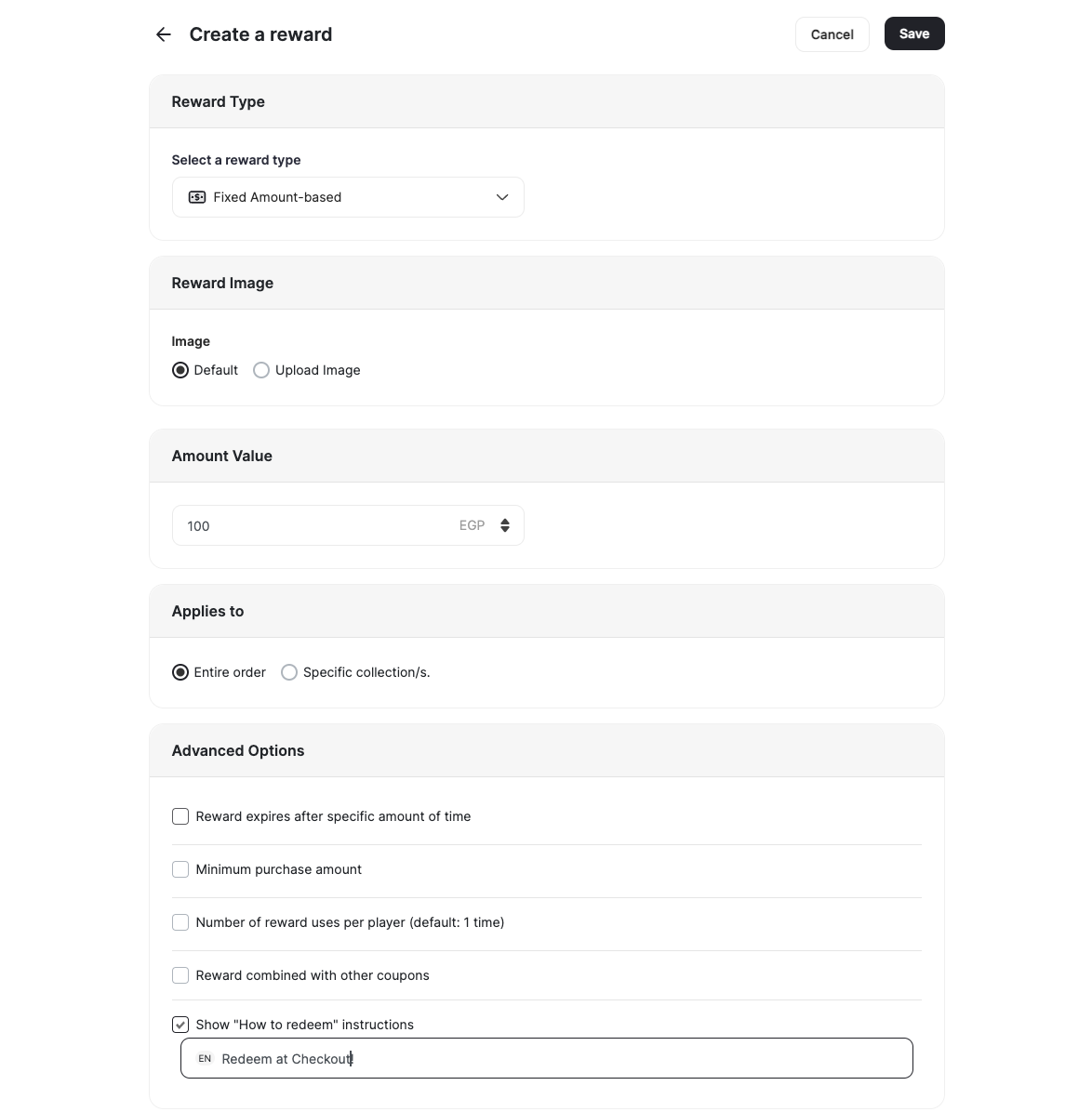
- Reward Image: Choose an image.
- Reward Value: Set the value (e.g., $100).
- Applicability: Specify if it applies to all purchases or specific Collections and/or specific Merchants.
- Advanced Options:
- Prefix: Add Coupon Prefix.
- Reward expires after a specific amount of time: Set the expiry for the reward.
- Minimum purchase amount: The amount required for usage. (Default: 1)
- Reward combined with other coupons: Compatibility with other coupons, or to be won alongside other coupons.
- Show “How to redeem” instructions.
- Follow the same steps as the Reward Campaign setup.
- Add the points needed to redeem this reward in the Redemption Value section.
5. Percentage-based Discount
5. Percentage-based Discount
This reward is available as a campaign reward as well as a redemption option.
| Platform | Plan |
|---|---|
| All | All |
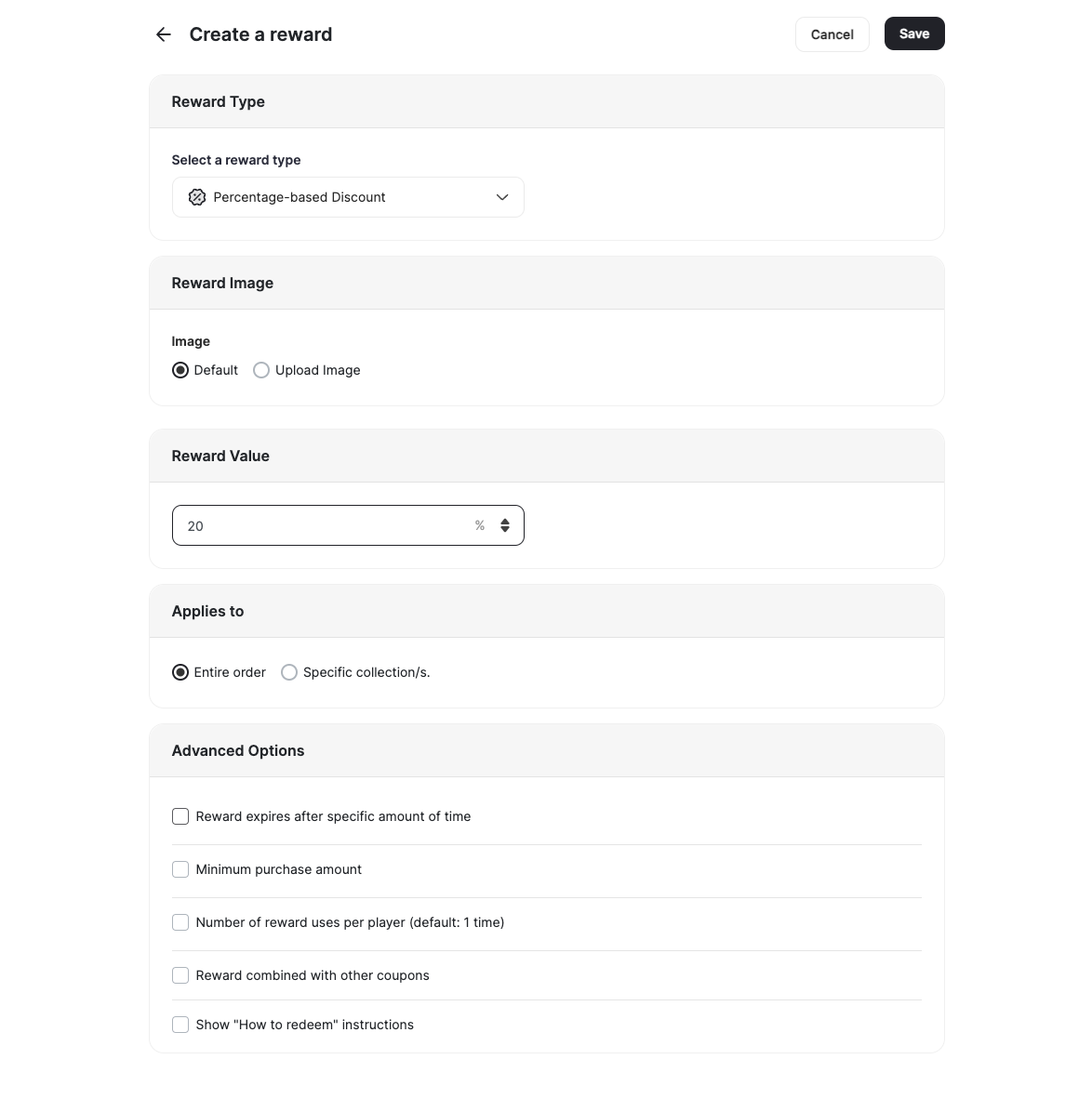
- Reward Image: Choose an image.
- Discount Value: Set the discount (e.g., 20% off).
- Applicability: Specify if it applies to all purchases or specific Collections and/or specific Merchants.
- Advanced Options:
- Prefix: Add Coupon Prefix.
- Reward expires after a specific amount of time: Set the expiry for the reward.
- Minimum purchase amount: The amount required for usage. (Default: 1)
- Reward combined with other coupons: Compatibility with other coupons, or to be won alongside other coupons.
- Show “How to redeem” instructions.
- Follow the same steps as the Reward Campaign setup.
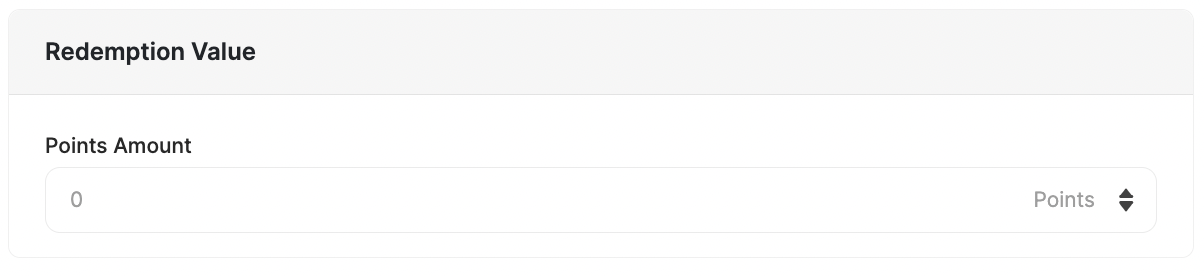
- Add the points needed to redeem this reward in the Redemption Value section.
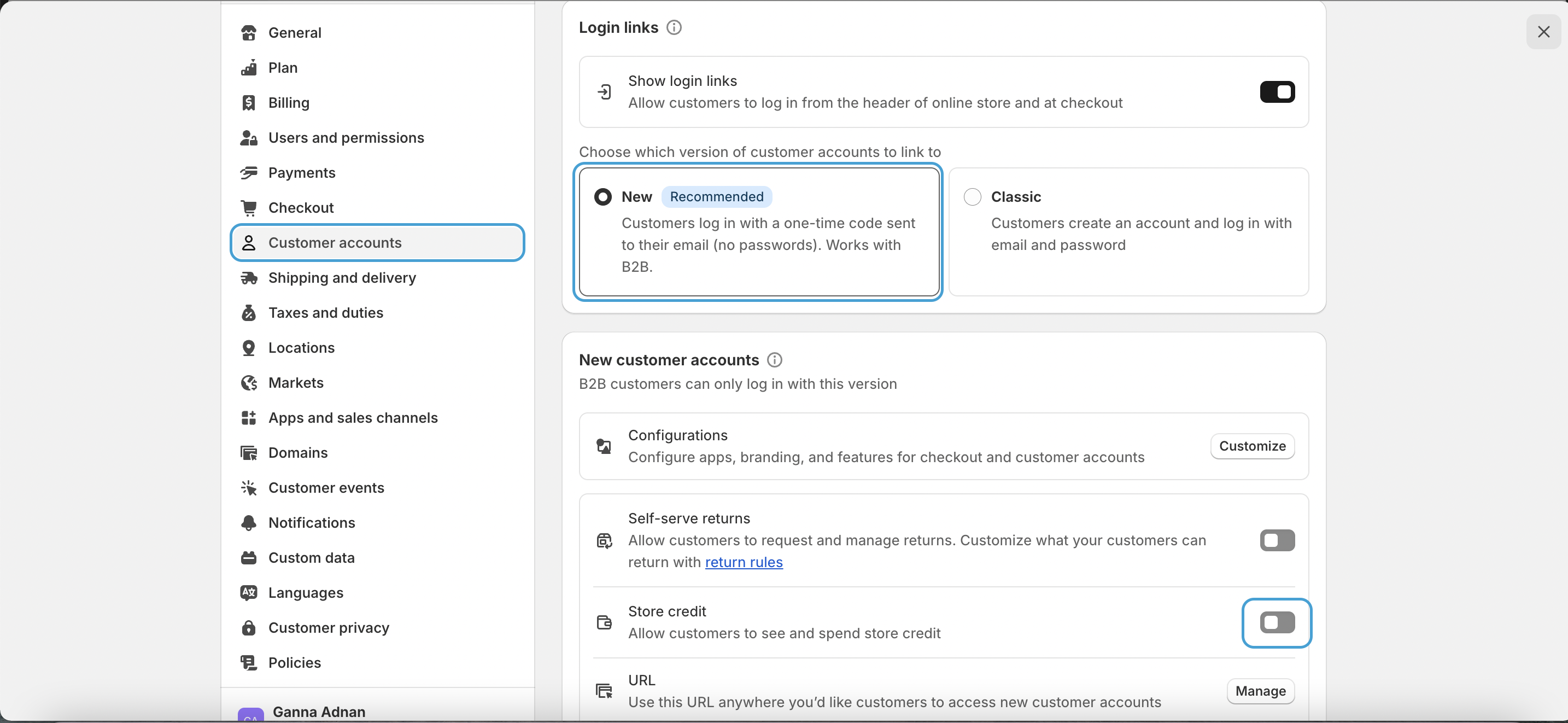
6. Store Credit
6. Store Credit
This reward is available as a campaign reward only.
| Platform | Plan |
|---|---|
| Shopify only | Starter, Pro and Guru (Newly enrolled) |
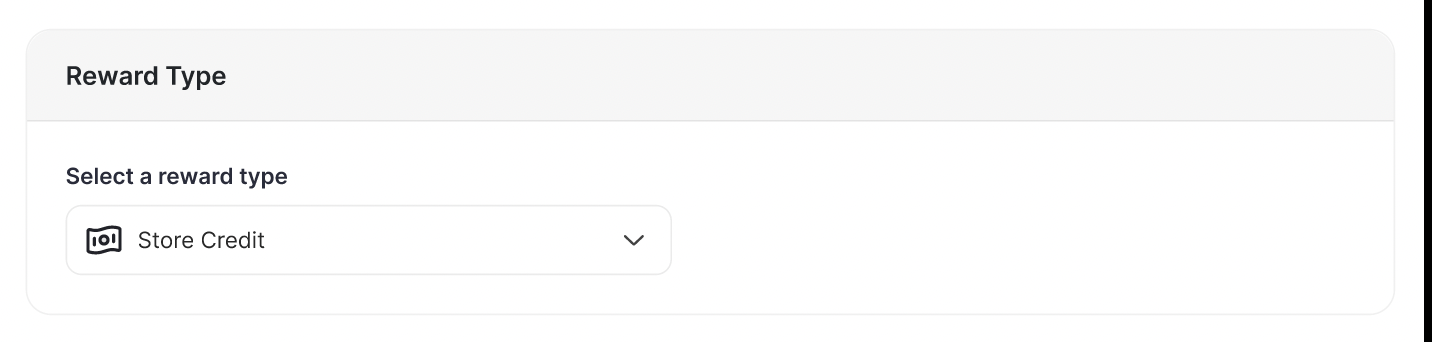
- Credit Value: Set the Credit value (e.g., $100).
- Bonus Expiry: Set a specific expiry for this reward, overriding the default expiry.
Dynamic Value for “Fixed Coupon Rewards”
Fixed Coupon Rewards has a Dynamic Value option. Instead of being limited to a static reward (e.g., 10 off, a merchant can now set the coupon to equal 15% of the customer’s cart total or a specific metadata value, making offers more personalized and impactful.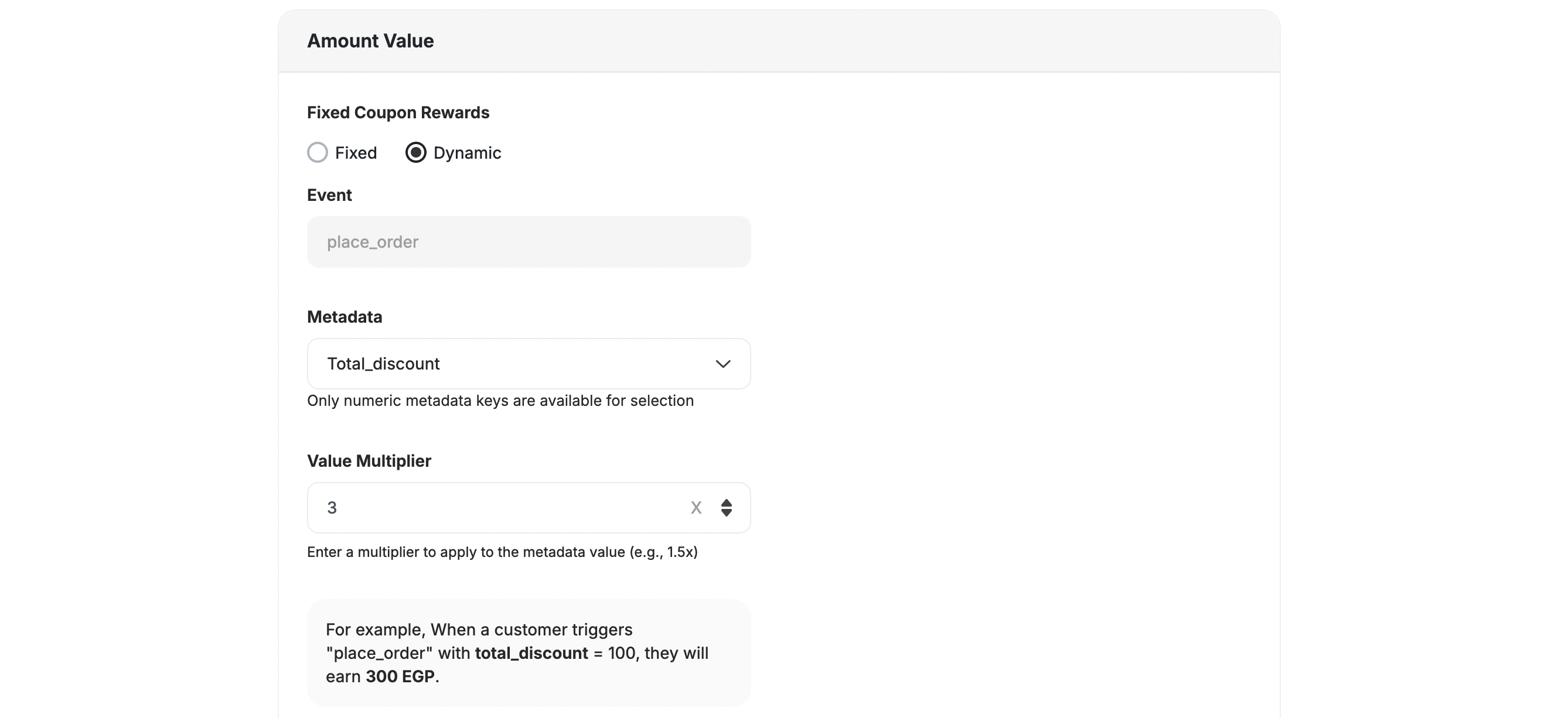
Static Fixed Value
Configure a fixed coupon with a specific value (e.g., $10 off) that never changes.
Dynamic Value
Set the coupon to calculate dynamically as a percentage of a chosen metric, such as the cart total or an order value.
Extra Reward Types
In addition to the online rewards, Gameball supports special rewards for Shopify POS systems and Recharge-enabled subscriptions.POS Rewards
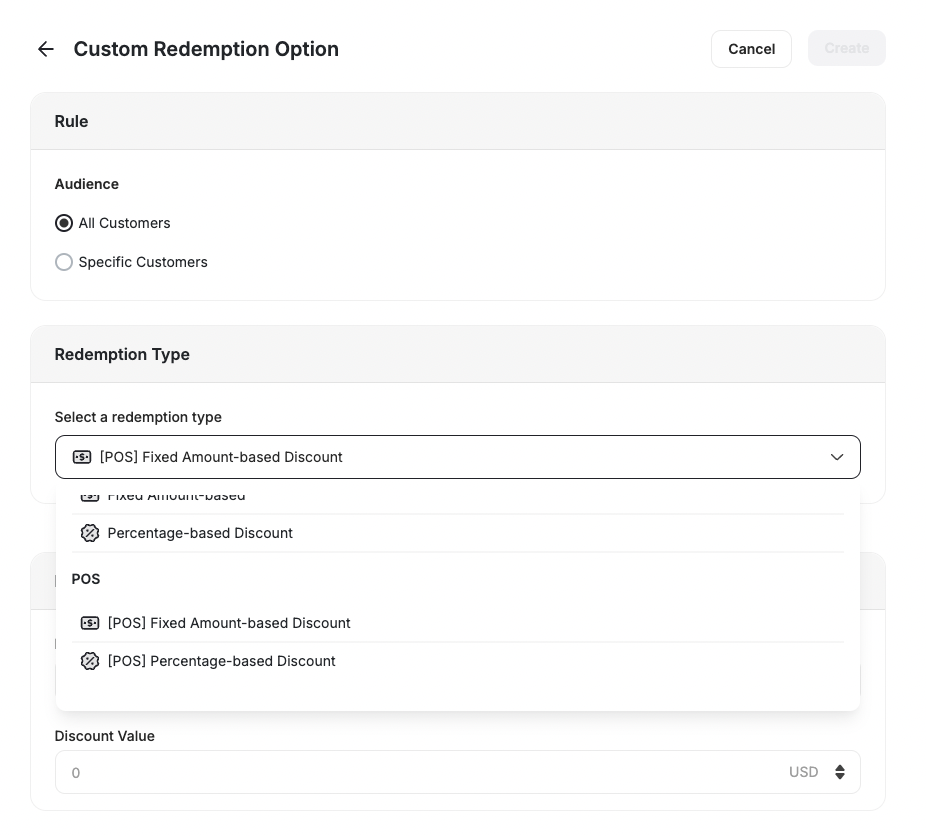
POS Rewards
This reward is available as a redemption option only.
| Platform | Plan |
|---|---|
| Shopify | All |
| Salla | Starter, Pro, Guru |
| Non-platform | Contact Support |
- POS Amount-based Discount: Reward customers with a fixed discount (e.g., $10 off) when they purchase in-store.
- POS Percentage-based Discount: Offer a percentage discount (e.g., 10% off) for in-store purchases.
Recharge Rewards
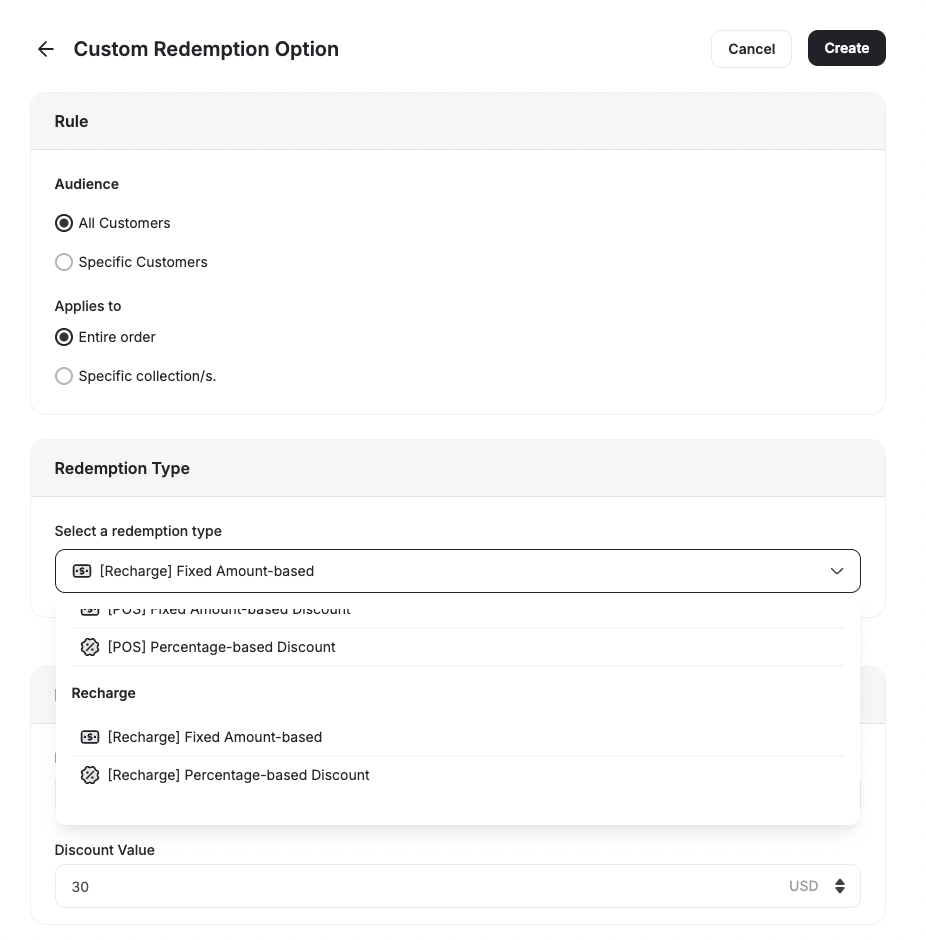
Recharge Rewards
- Recharge Amount-based Discount: Provide customers with a fixed discount on their Recharge subscription orders.
- Recharge Percentage-based Discount: Offer a percentage discount on recurring Recharge subscription orders.
Customizing Your Reward Campaign
Learn how to set up a customized reward campaign. For all rewards, you can adjust the following advanced options to suit your business needs:- Prefix: Add Coupon Prefix.
- Reward expires after a specific amount of time: Set the expiry for the reward.
- Minimum purchase amount: The amount required for usage. (Default: 1)
- Reward combined with other coupons: Compatibility with other coupons or to be won alongside other coupons.
- Show “How to redeem” instructions.
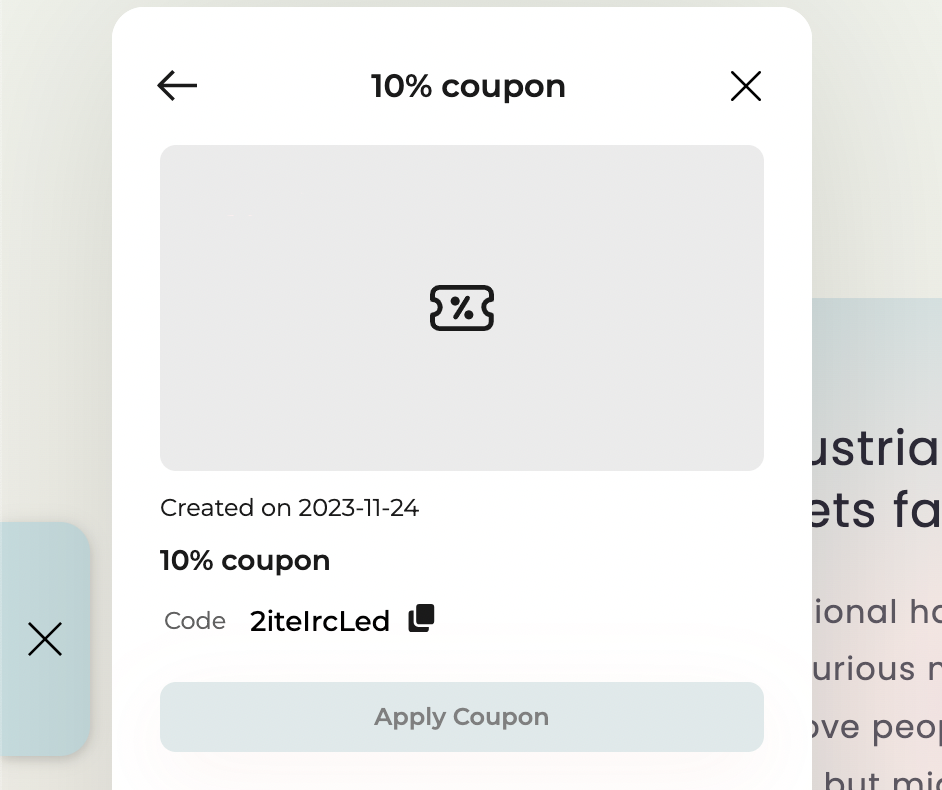
- A “Check Coupons Details” button will be displayed on the success screen of any game only if the reward type is a coupon.
- The button will not appear for any other reward types (e.g., points, badges, items).
- When the player clicks “Check Coupons Details”, they will be redirected to the Coupon Details Page inside the widget.
Related Articles
Create an Action-Based Reward Campaign
Build a reward campaign triggered by specific customer actions from scratch.
Create a Time-Based Reward Campaign
Set up a reward campaign that fires on a scheduled date or instantly.
Setting Custom Ways to Redeem Points
Configure custom redemption rules so customers can exchange points for specific rewards.