

What Does This Integration Do?
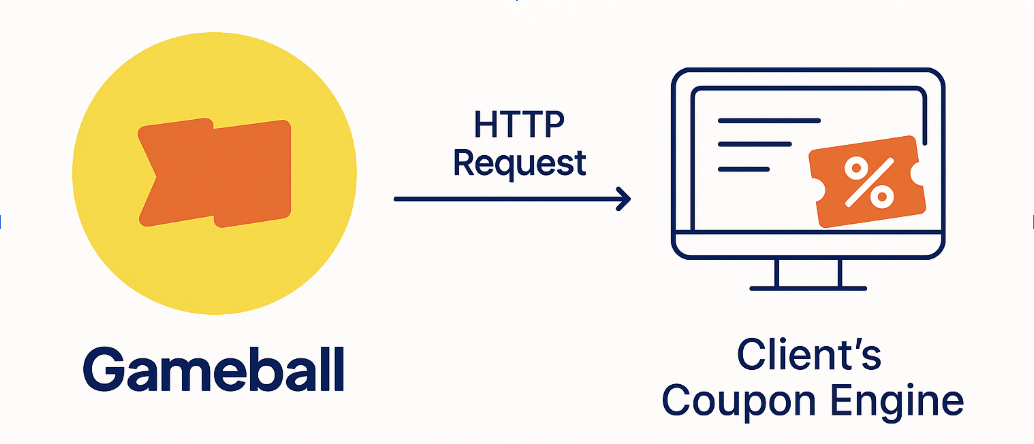
Instead of using Gameball’s native coupon engine, Gameball can send a real-time HTTP request to your system when:- A customer redeems points for a coupon reward
- A customer completes a campaign and earns a coupon
Supported Use Cases
| Scenario | Example |
|---|---|
| Redeem Points | Adam redeems 500 points and receives a 10% OFF code |
| Campaign Reward | Sarah completes a mission and earns a $20 coupon |
Flow: How Gameball Communicates With Your System
Implementation Guide
Step-by-Step Integration Flow
Step 1: Configure Gameball to Call Your Endpoint
| Gameball Widget | Custom UI |
|---|---|
| Configuration required only once — the rest is handled internally. | Same configuration required — you control how the coupon is generated/displayed. |
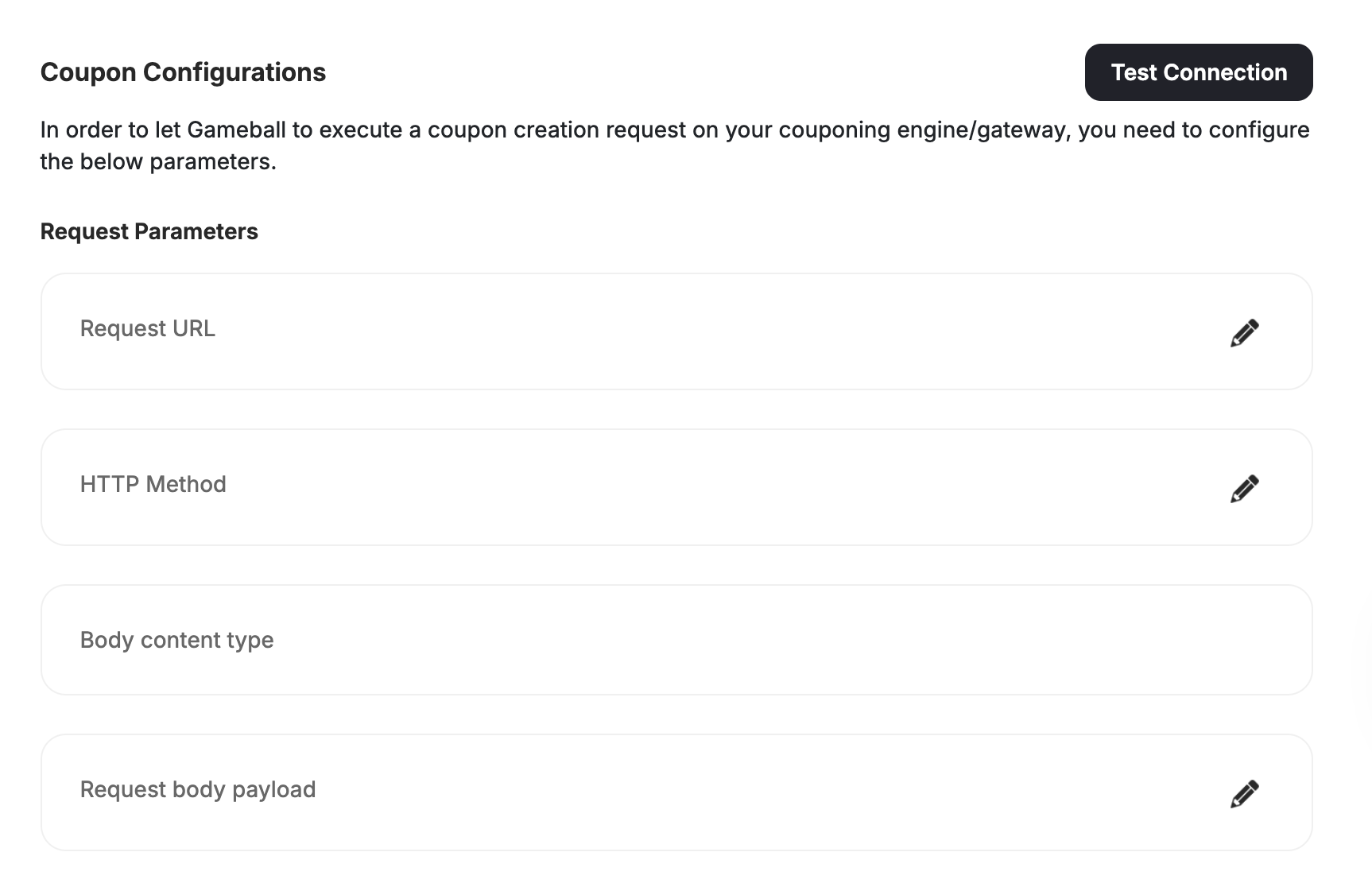
| Field | Description |
|---|---|
| url | Your coupon generation endpoint, e.g., https://api.yourapp.com/create-coupon |
| method | Usually POST |
| contentType | Typically application/json |
| headers | Auth or token headers, if needed |
| payload | The request body Gameball will send |
| couponMapping | Map Gameball coupon types to your supported types |
| platforms | Platforms where the coupon applies (e.g., web, mobile, POS) |
Step 2: Configure via API (Optional)
You can configure this directly via API: API: PUT /api/v4.0/integrations/configurations/coupon APIKey: YOUR_API_KEY SecretKey: YOUR_SECRET_KEY Content-Type: application/jsonStep 3: Build Your Coupon Creation Endpoint
This is your own API that Gameball will call. Example (Node.js):You must return HTTP 200 and include the coupon code in the response.
Step 4: Test the Connection
| Gameball Widget | Custom UI |
|---|---|
| Use “Test Connection” from Gameball dashboard to simulate coupon creation. | Same. Useful for debugging or dry-run integration. |
Coupon Redemption Flows
Gameball supports two primary coupon generation flows, both of which work with either the Gameball widget or your custom UI.1. Manual Coupon Redemption
Overview
| Gameball Widget | Custom UI |
|---|---|
| Redemption flow is fully handled: point display, coupon generation, and coupon listing. | You handle reward options, redemption calls, and coupon display manually. |
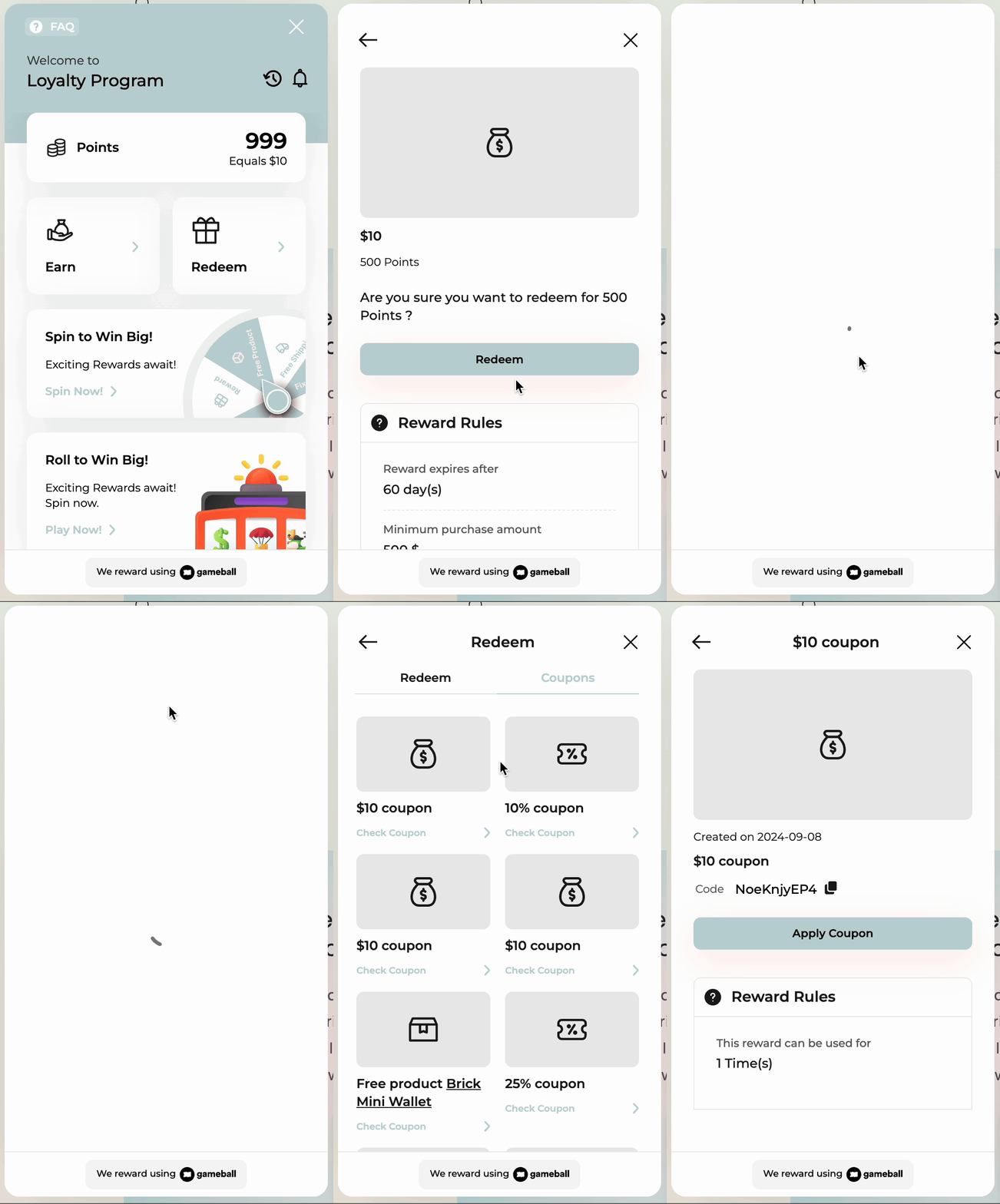
Step-by-Step: Widget-Based Manual Redemption
Step 1: Customer opens the widget → Gameball displays points balance and redemption options.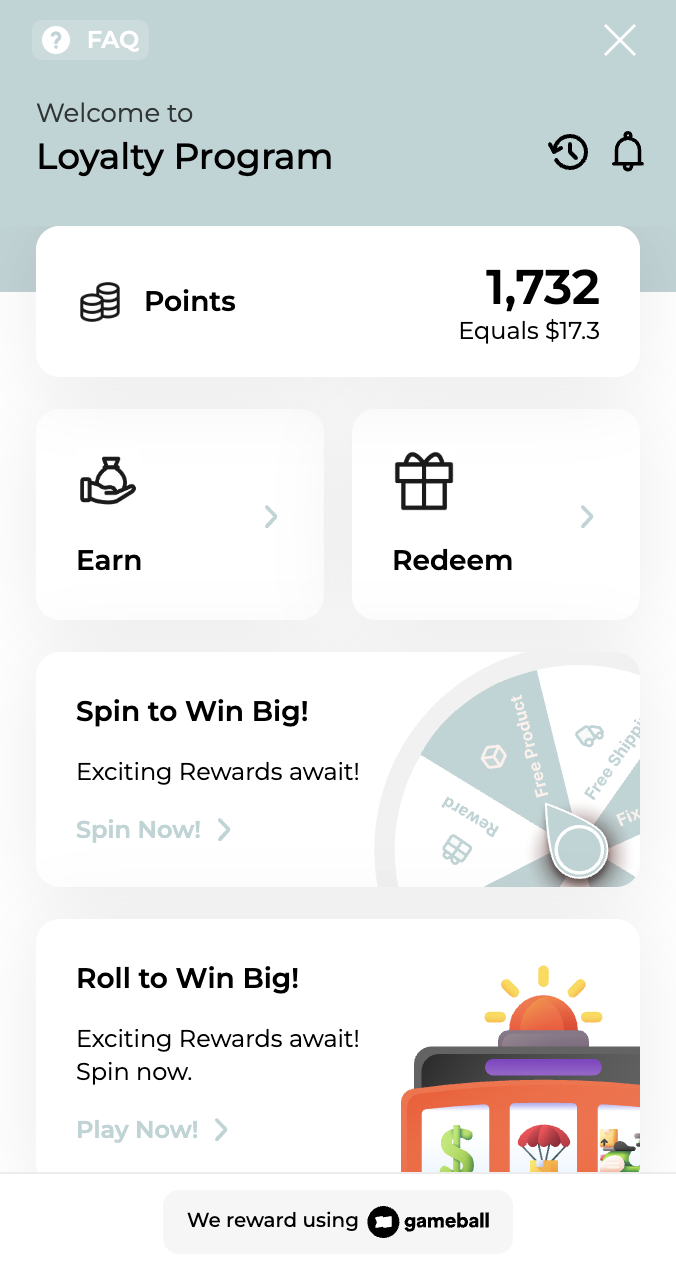
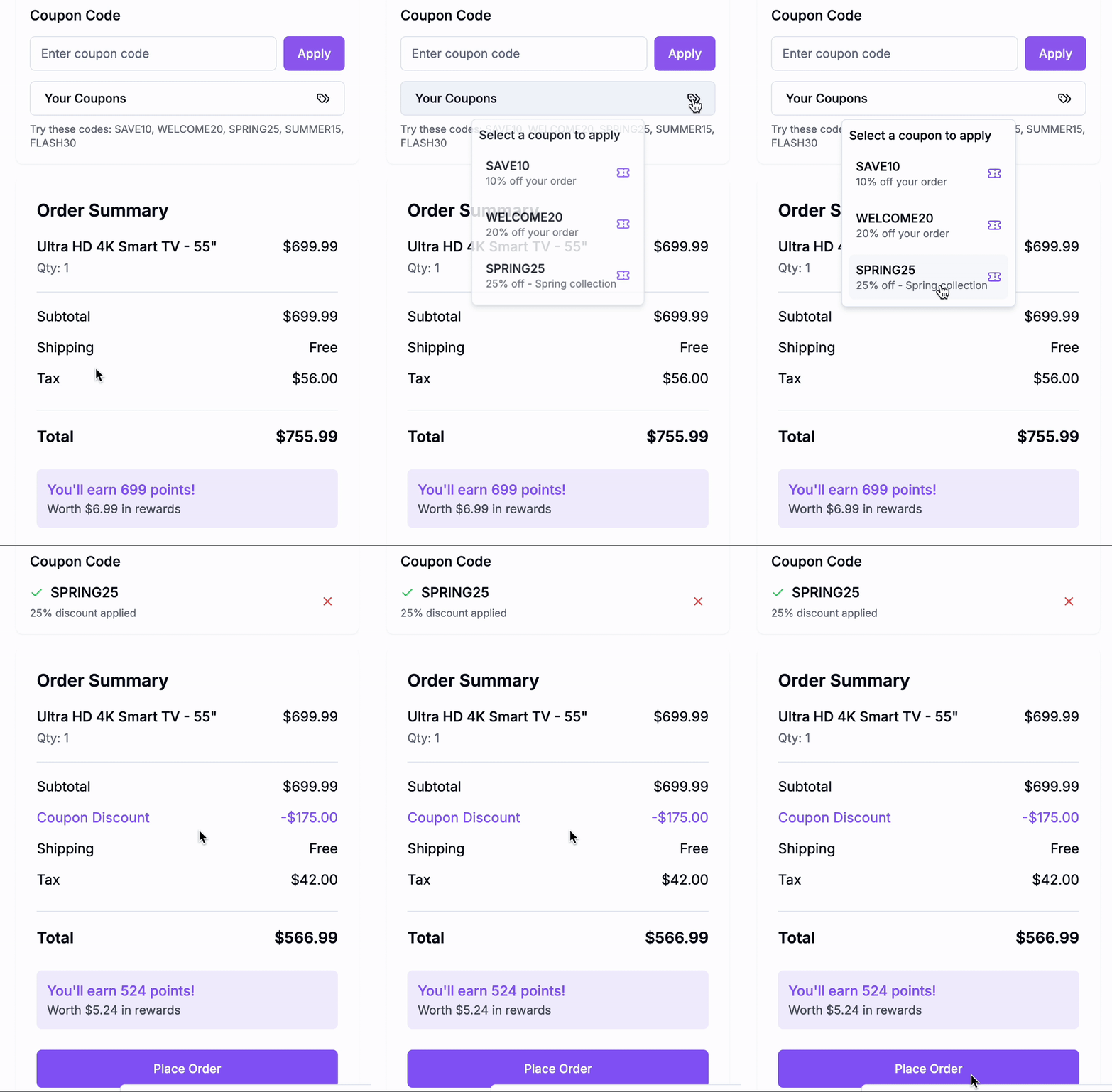
Step-by-Step: Custom UI Manual Redemption
Step 1: Fetch Redemption Options GET /redemption-configs2. Campaign-Based Coupon Rewards
- Gameball Widget
- Custom UI
Widget automatically shows campaign-earned coupons in “My Coupons”.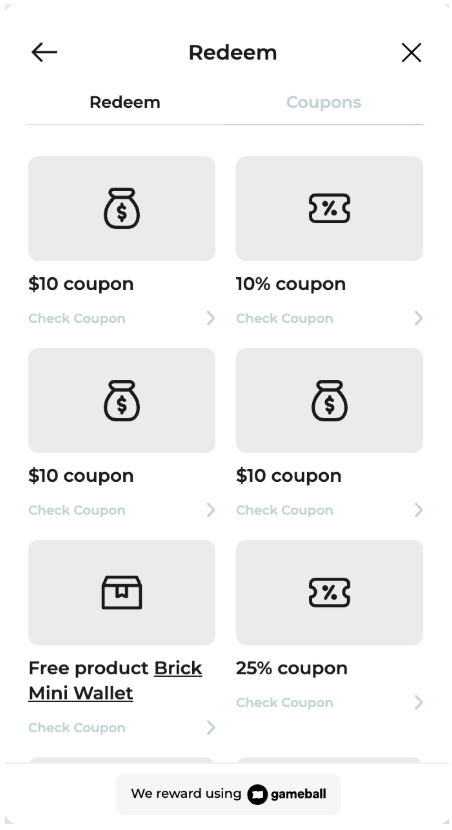
Step-by-Step: Widget Campaign Flow
- Gameball displays the coupon in real-time once earned from a campaign.
- No API integration needed to show it.
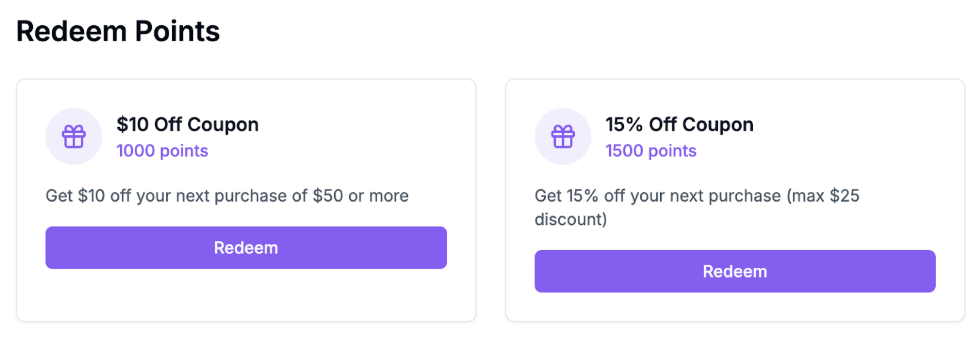
- At checkout, use POST /order as shown earlier.
Related Resources
Redeem Points API
Convert loyalty points into coupon rewards
Generate Coupon API
Use Gameball’s engine when you don’t need custom issuance
Get Customer Coupons API
Display coupons created by your backend
Gameball Coupon Engine Tutorial
Learn the built-in alternative to custom coupon generation