

Integration Steps
Install the Gameball Customer Profile on Your Mobile App
It only takes a few minutes to install the Gameball customer widget on your mobile app. Follow the steps below on our technical docs based on your app:Once installed, your customers will be able to view their Gameball Customer Profile on your mobile app. The Gameball profile will be added as a popup/overlay and can be accessed through any button: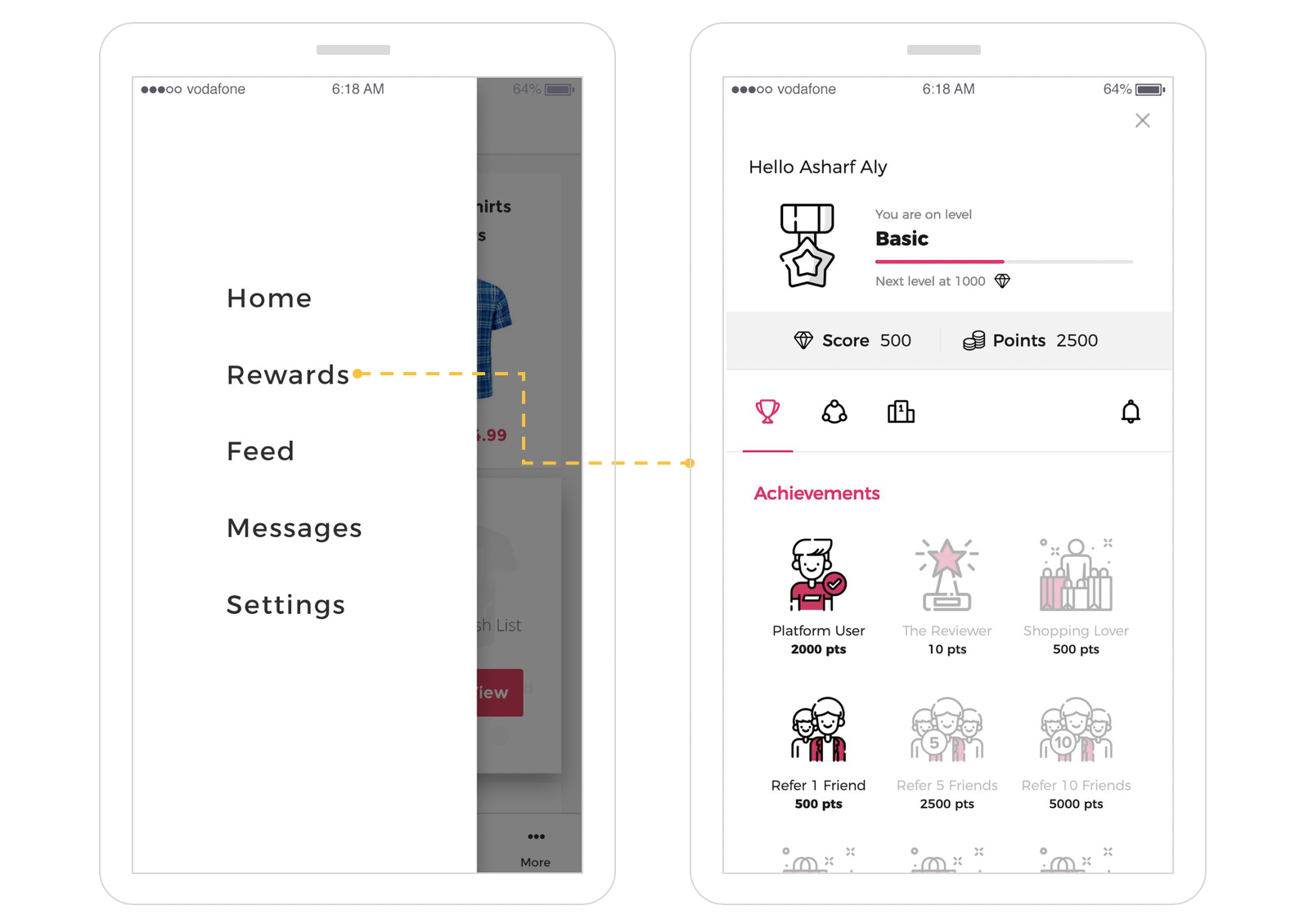
- iOS
- Android
- React Native
Follow the iOS integration guide covering:
- Installation
- Initialization
- Show Gameball Customer Profile
Configure Your Firebase Account Details on Gameball
You must have a Firebase account, and it should be configured on your Gameball Admin Dashboard account through Configure your Firebase account on Gameball.Configuring your Firebase account on Gameball will allow Gameball to:
Send In-App and Push Notifications on Your App
Send In-App and Push Notifications on Your App
Deliver real-time messages and push notifications to your customers directly through your mobile app.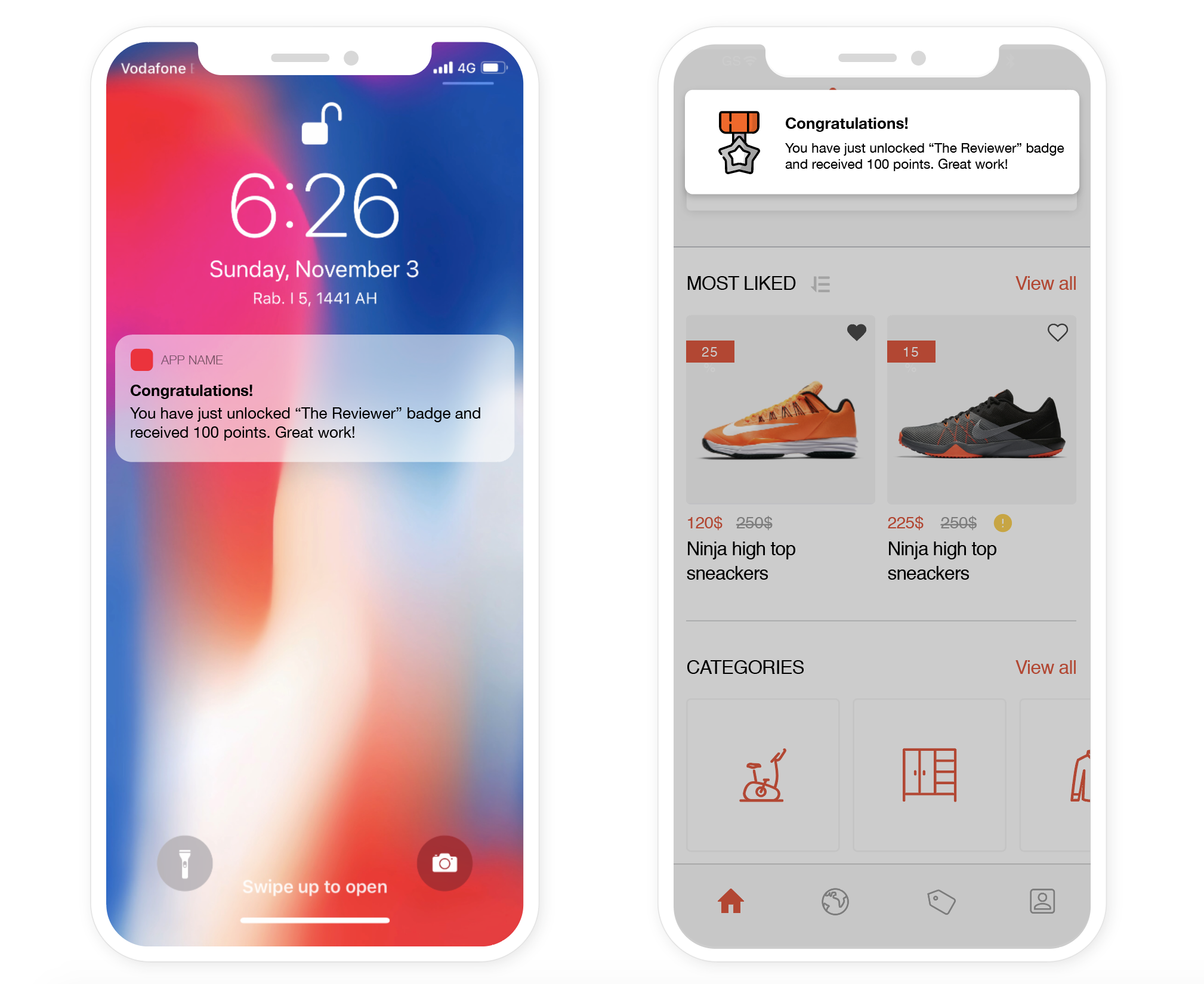
Generate Gameball Referral Dynamic Links
Generate Gameball Referral Dynamic Links
Complete the referral experience on mobile by generating dynamic referral links. This is required if you plan to use the Referral Program.
Send Customer Events to Gameball
You can track actions your customers take as Customer Events, while logged into your platform only. Sending events will be through the Send actions (events) API.You can use these customer events for the following:
Action-Based Campaigns
Create action-based campaigns and rewards. Read about the events creation engine.
Referral Campaigns
Create referral campaigns and rewards. Read about the referral program.
Customer Messages
Send customer messages based on events. Read about how to create and configure your customer messages.
Configure Referral Integration
If you are not going to use the referral program, skip this step.
- iOS
- Android
- React Native
Follow the iOS referrals module guide.
Reward Your Customers Based on the Paid Amount Through the Cashback Program
Through the cashback program, for every paid placed order on your mobile app using cash, credit card, PayPal, etc., you can reward your customers with points based on a predefined equation.
- Configure the reward equation on the Gameball Admin Dashboard. Read about the Points earn and redeem settings.
The program must be Active.
- On every successful paid placed order on your mobile app, use the Cashback API to update Gameball.