| Platform | Plan |
|---|
| Shopify | All Plans |
| Salla | All Plans |
| Non-Platform | All Plans |
How to Set Up
Open Gameball
Log in to your Gameball dashboard.
Add a Reward Campaign
Click Add Reward Campaign.
Select the Template
Choose the Create account template.
Configure the Campaign
Edit the campaign’s setup to match your goals.
Activate
Click Set Live to activate the campaign.
Campaign Trigger
The customer creates an account on your platform.
This template uses the standard reward campaign setup. See the Generic Setup Guide for details.
How It Works for Customers
Visit
A customer visits your platform.
Create Account
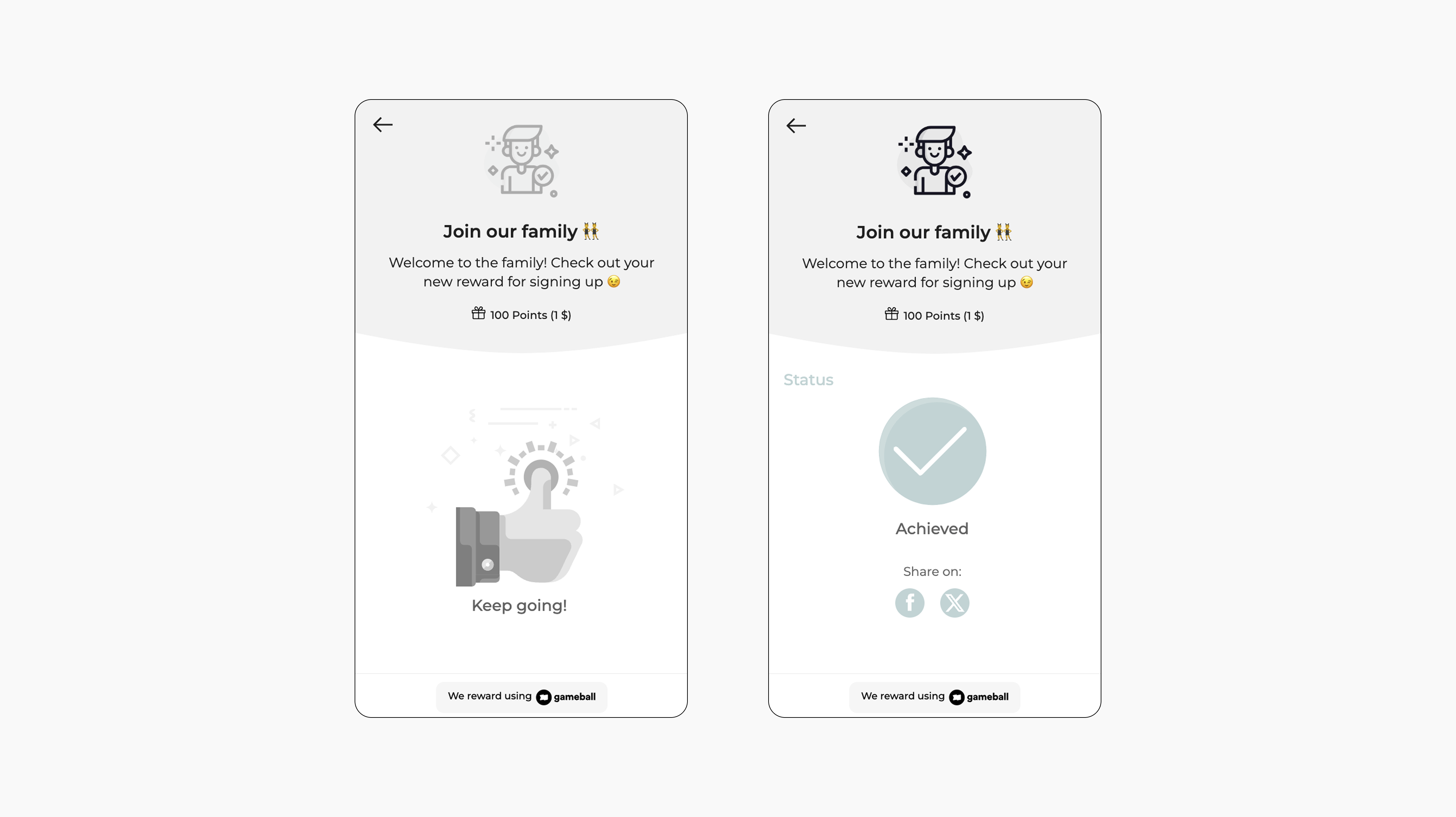
When they successfully create an account, Gameball automatically triggers the reward.
Receive Reward
The customer receives the reward immediately (points, discount, badge — based on your setup).
Notification
The customer will be notified via the widget or email with the reward as per your configuration.
Important Notes
New Customers OnlyOnly customers who sign up after the campaign is active will be rewarded.
Old CustomersYou can manually reward customers who signed up before by going to the Customers tab -> Reward a Campaign -> Account Created.
Bulk MigrationImporting customers while the campaign is active won’t trigger rewards.
[Shopify] New Account Creation MethodCustomers registering this way are marked as “Member” and will receive the reward.[Shopify] Guest CheckoutCustomers who check out as guests (Legacy method on Shopify) are labeled “Guests” and will not earn the reward, even if guest rewards are enabled.[Shopify] Guest to MemberIf a guest later registers with the same email, their status will be converted to “Member,” and they will receive the signup reward.