

Plan Availability
- Shopify & Salla
- Non-Platform
| Plan | Available |
|---|---|
| Starter | Yes |
| Pro & Guru | Yes |
Creating a New Point Multiplier Reward Campaign
Navigate to Reward Campaigns
Log in to your Gameball Dashboard. Navigate to the Campaigns section on the left side menu and click on Rewards.
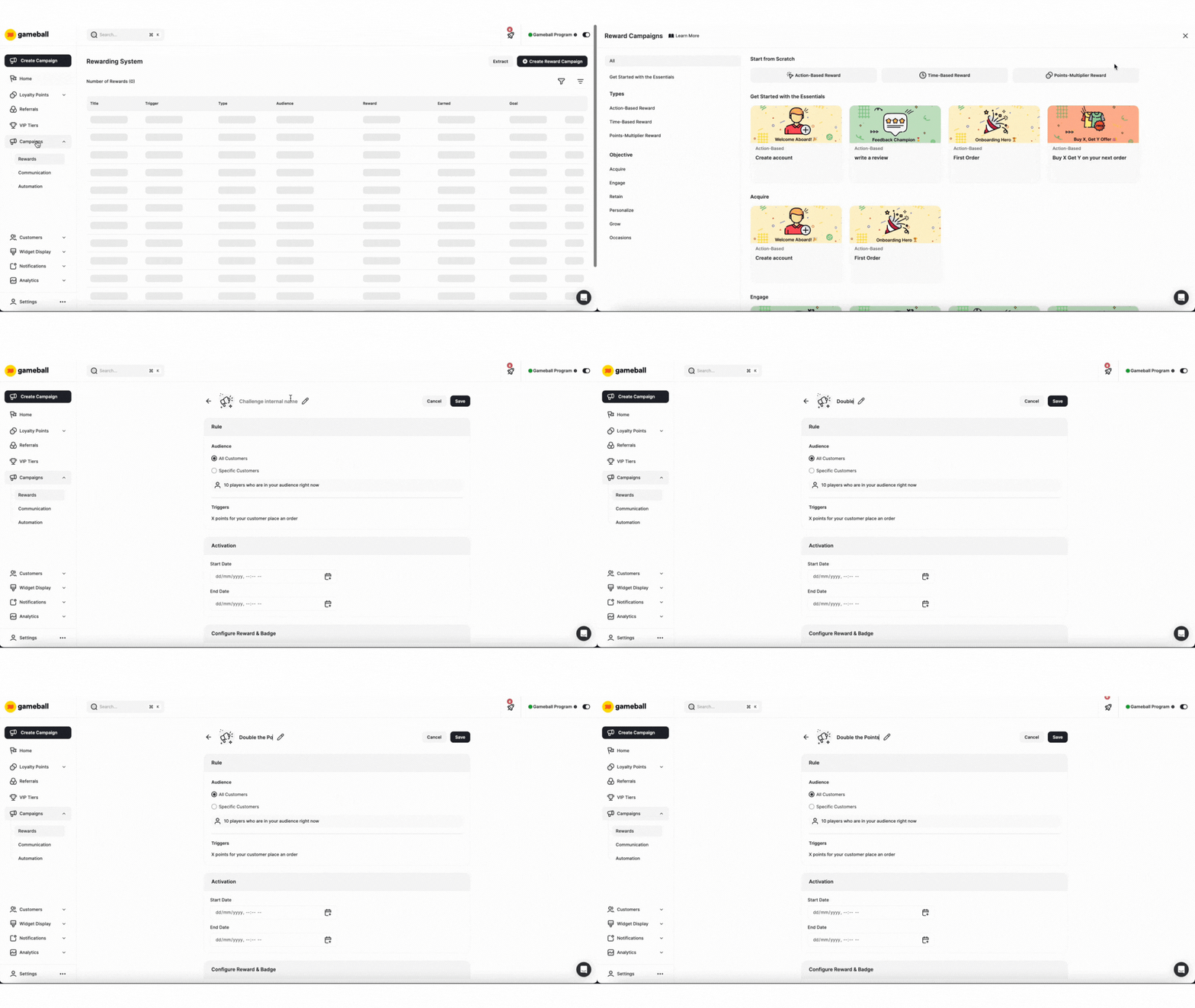
Configuration of a Point Multiplier Reward Campaign
Rule
Define the rules that determine when customers receive the campaign’s rewards. Utilize Gameball’s event-based engine to create sequences of rules that customers must follow to earn rewards.
Audience
Audience
Choose who is eligible to view and participate in this campaign: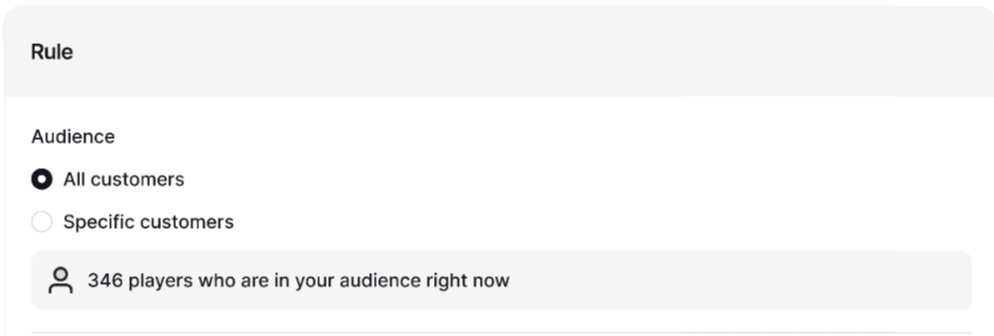
- All Customers
- Specific Customers:
- Segments
- Tags
- Customer Attributes
- Combination of Segments, Tags, or Customer Attributes
Trigger
Trigger
For Points Multiplier rewards, the trigger is automatically set to the event “Place Order.” You now have two options to configure this campaign:
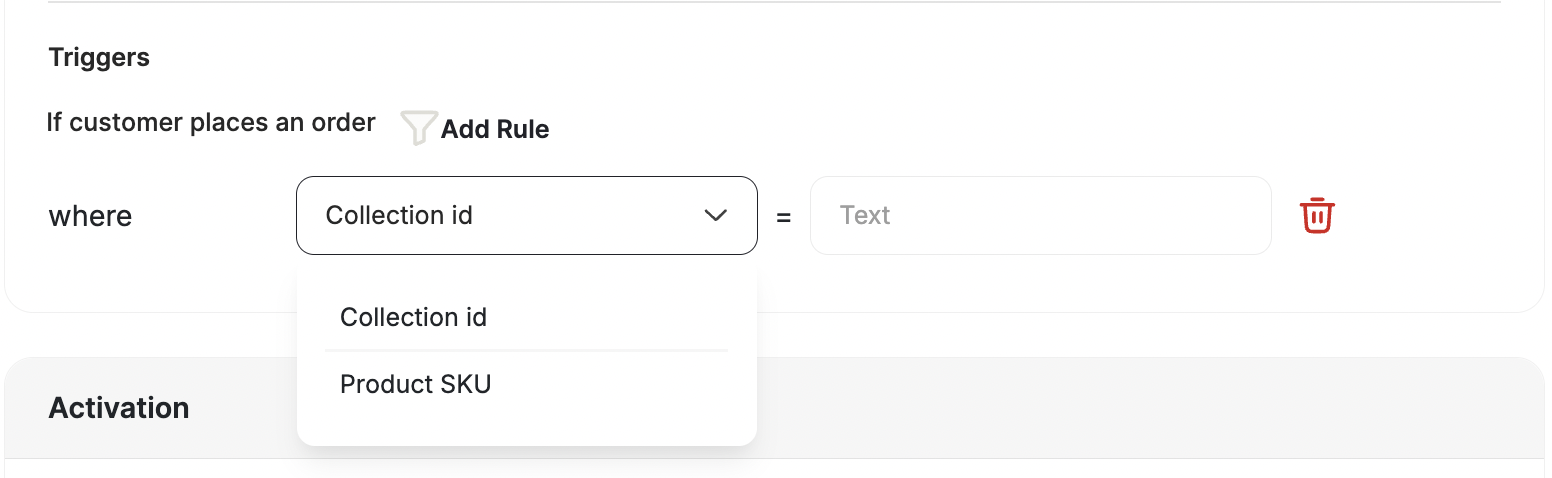
- Apply the Points Multiplier to All Orders: By default, the multiplier will apply to every order placed by your customers.
- Apply the Points Multiplier to Specific Collections or Product SKU: If you only want to apply the multiplier to a specific collection or a product (e.g., during a sale or promotion), you can add a rule that includes the collection’s ID. This way, the multiplier will only be applied to orders that include items from that particular collection or the product alone.
Activation Settings
Choose when this campaign will be available for your customers: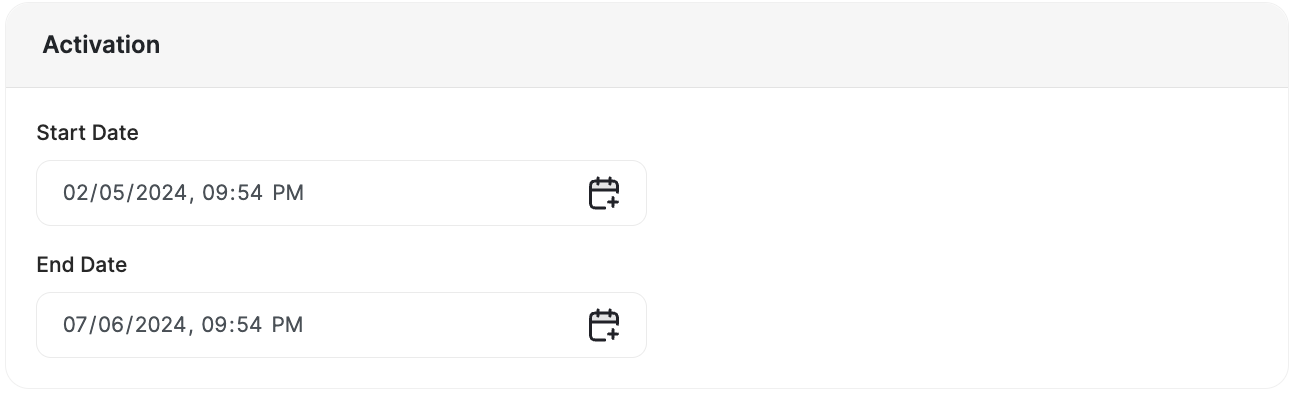
- Always Active: The campaign will always be available for its audience unless you deactivate it.
- Scheduled: The campaign will have a certain start date and end date. Before and after these dates the campaign will not be visible to the audience.
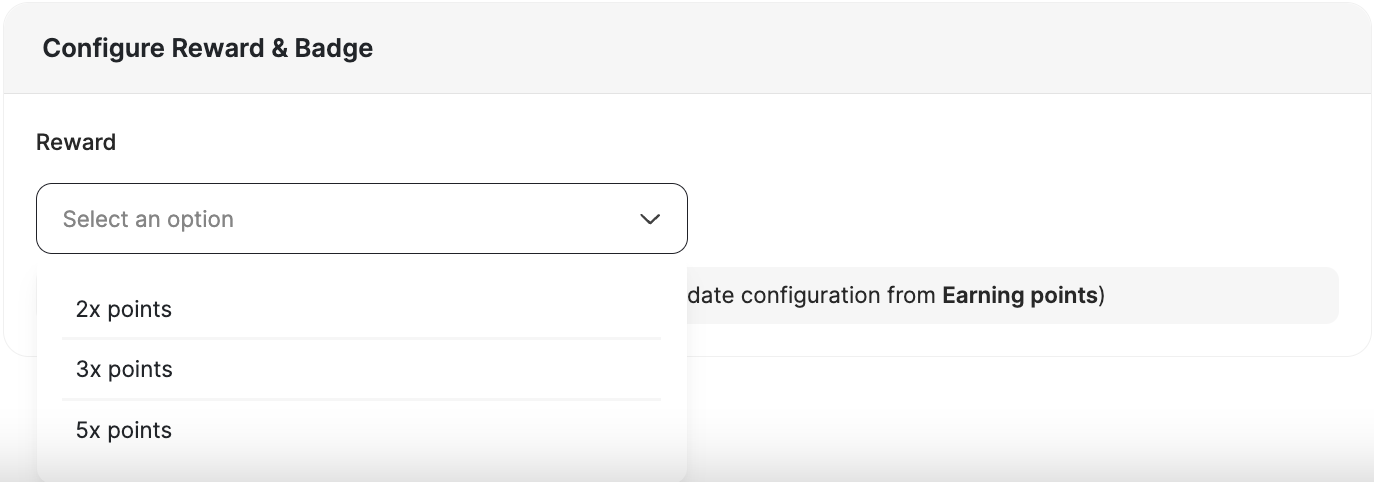
Custom Expiry for Points Multiplier Campaigns
Set a configurable expiry period for points earned through point multiplier campaigns. This gives you full control over when bonus points are activated (respecting your return window) and when they expire, helping reduce fraud risk and liability.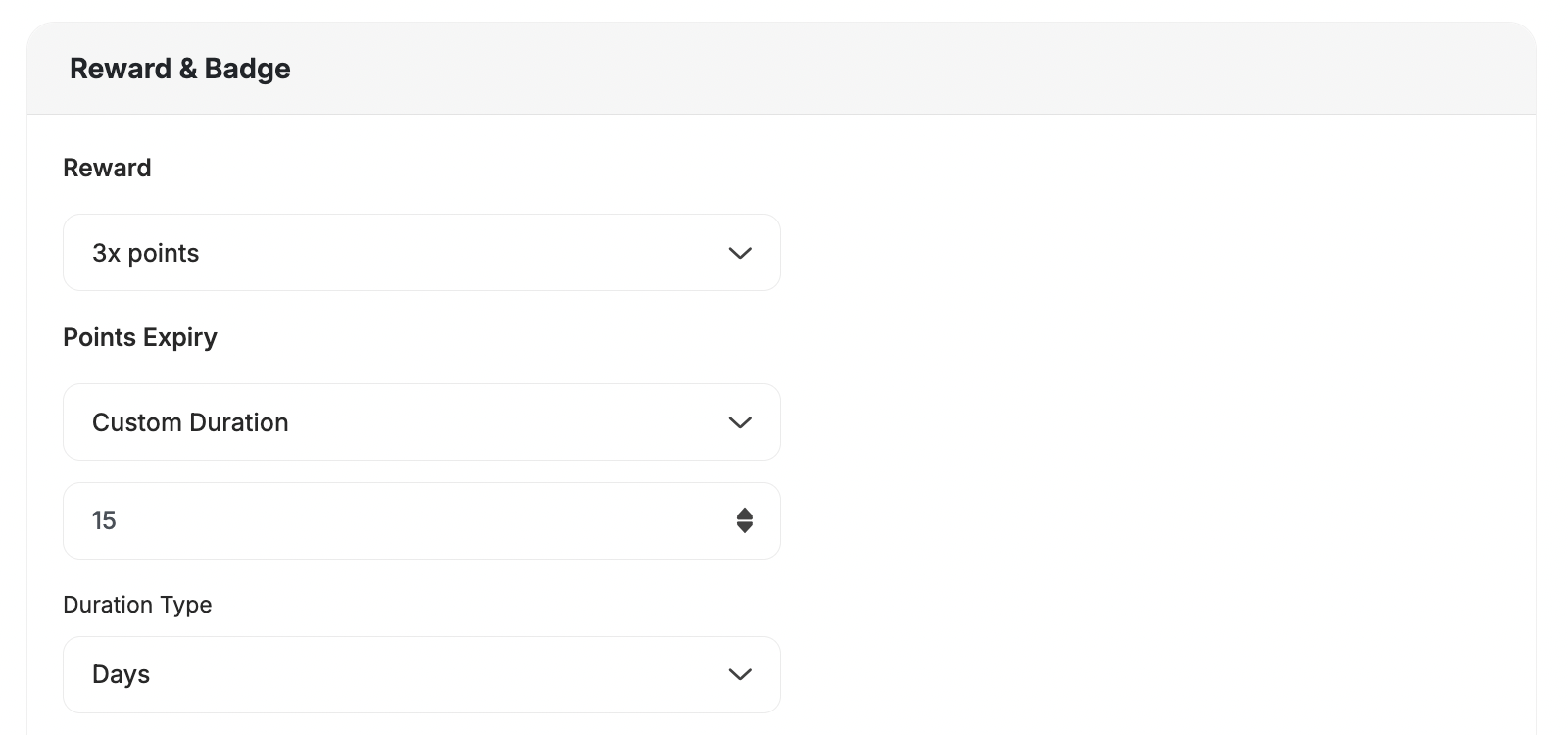
Why This Matters
Previously, points earned from multiplier campaigns (e.g., Double Points) were activated immediately without considering your return/refund window. This exposed merchants to:| Risk | Description |
|---|---|
| Fraud risk | Customers could earn and use points before returning items. |
| Inflated liability | Early activation of bonus points inflated outstanding loyalty balances. |
- Delay point activation until after the return window passes.
- Define a custom expiry period (days) for multiplier campaign points, just like in other reward campaigns.
- Align rewards with finalized, eligible transactions only.
There are other types of Reward Campaigns. Learn how to create and configure each of them below:
Related Articles
Reward Campaign Insights
Explore the full setup guide for reward campaigns, including events, rewards, and notifications.