| Platform | Plan |
|---|
| Shopify | All Plans |
| Salla | Not Available |
| Non-Platform | Not Available |
Shopify Flow is a powerful automation tool that lets you seamlessly connect Gameball Loyalty with other Shopify apps. Use it to build custom workflows and enhance your loyalty program in multiple ways.
Use Shopify Flow templates to reward customers on Gameball based on actions from other apps — for example, leaving a review on Yotpo.
A Shopify Flow workflow consists of three main parts: Triggers, Conditions, and Actions. Learn more in the full guide.
How to Set Up
On Gameball
On Shopify Flow
Open Gameball
Log in to your Gameball Admin Dashboard.
Add a New Reward Campaign
Click Add Reward Campaign.
Select the Template
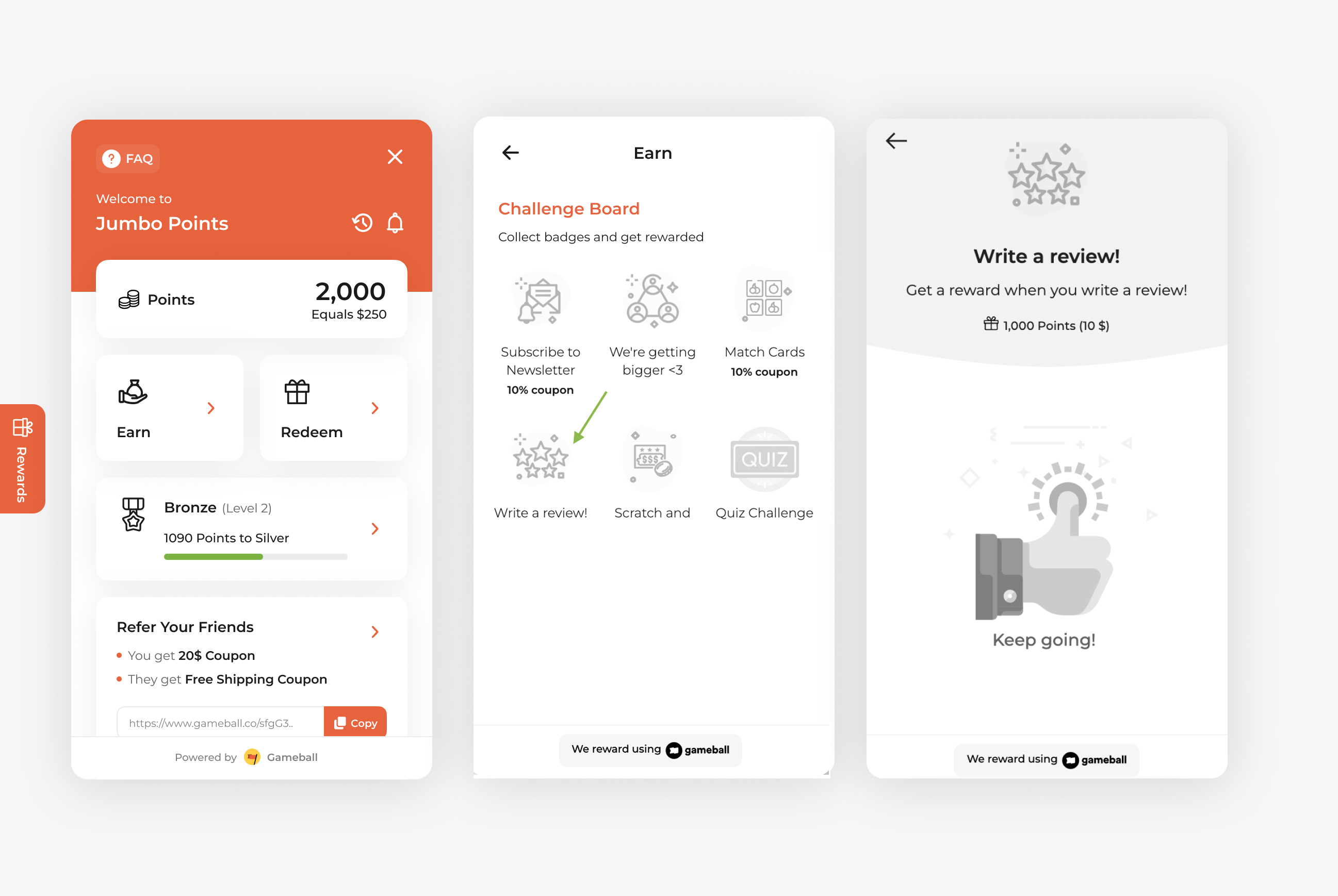
Choose the “Write a review” template tagged with Shopify Flow.
Edit the Campaign Setup
Configure your campaign’s audience, rewards, and other settings.
Set Live
Click Set Live to activate your campaign.
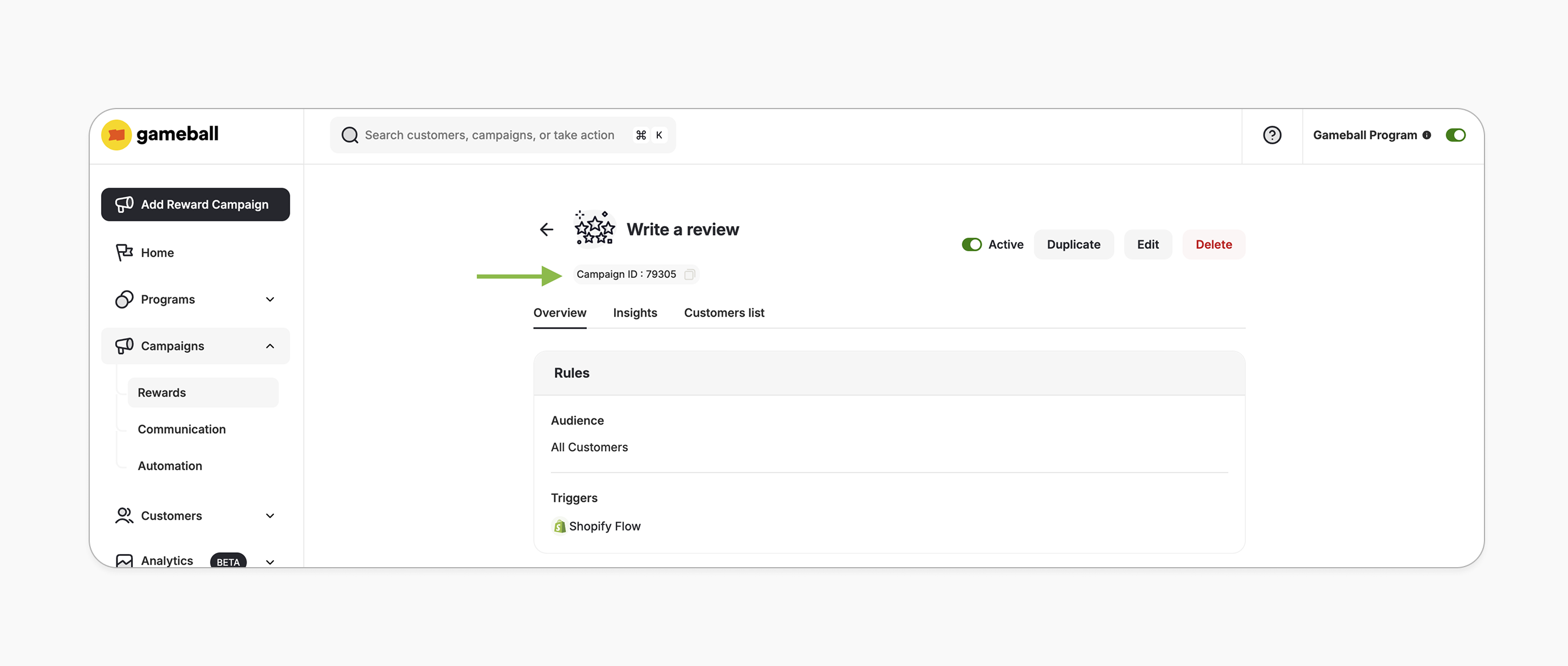
Copy the Campaign ID
After creating your campaign, copy the Campaign ID from the campaign details page. Open Shopify Flow
From your Shopify admin, go to Apps > Shopify Flow and click Create Workflow.
Set the Trigger
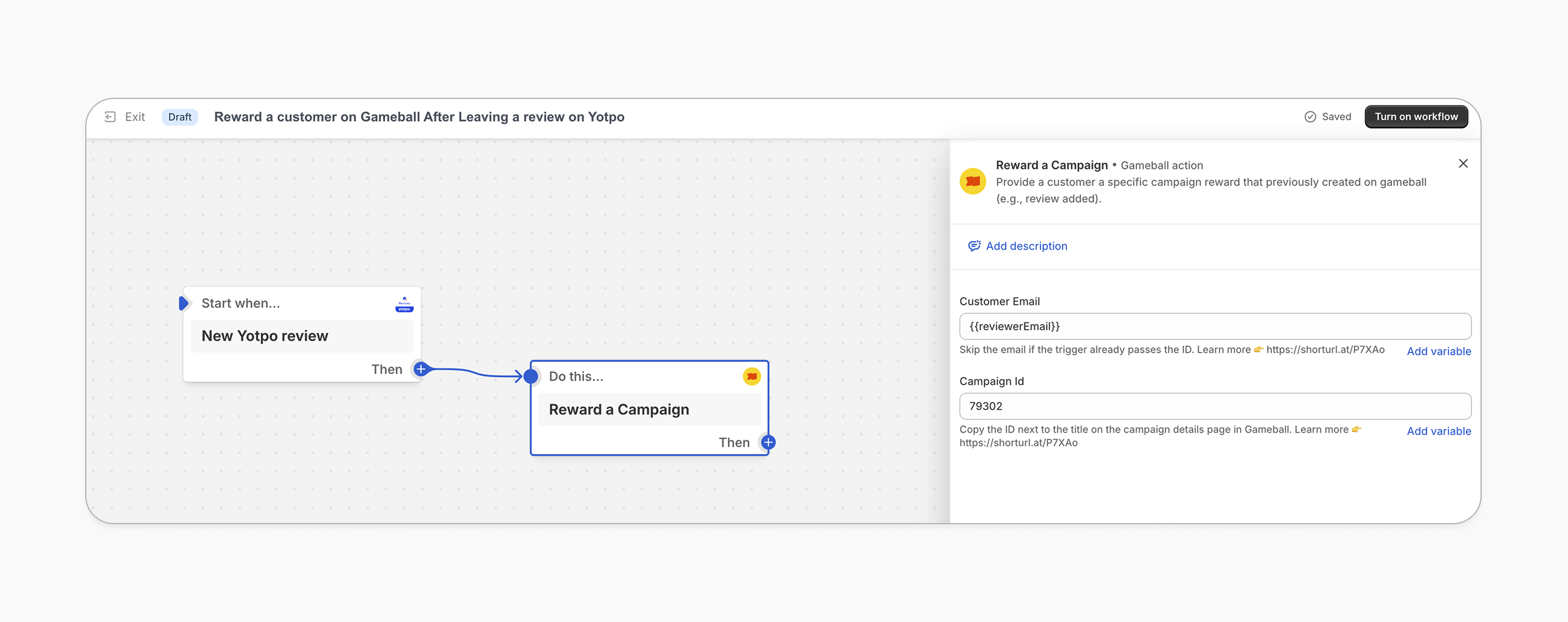
Choose the app you use for reviews as the trigger (e.g., Yotpo).
Add Customer Email
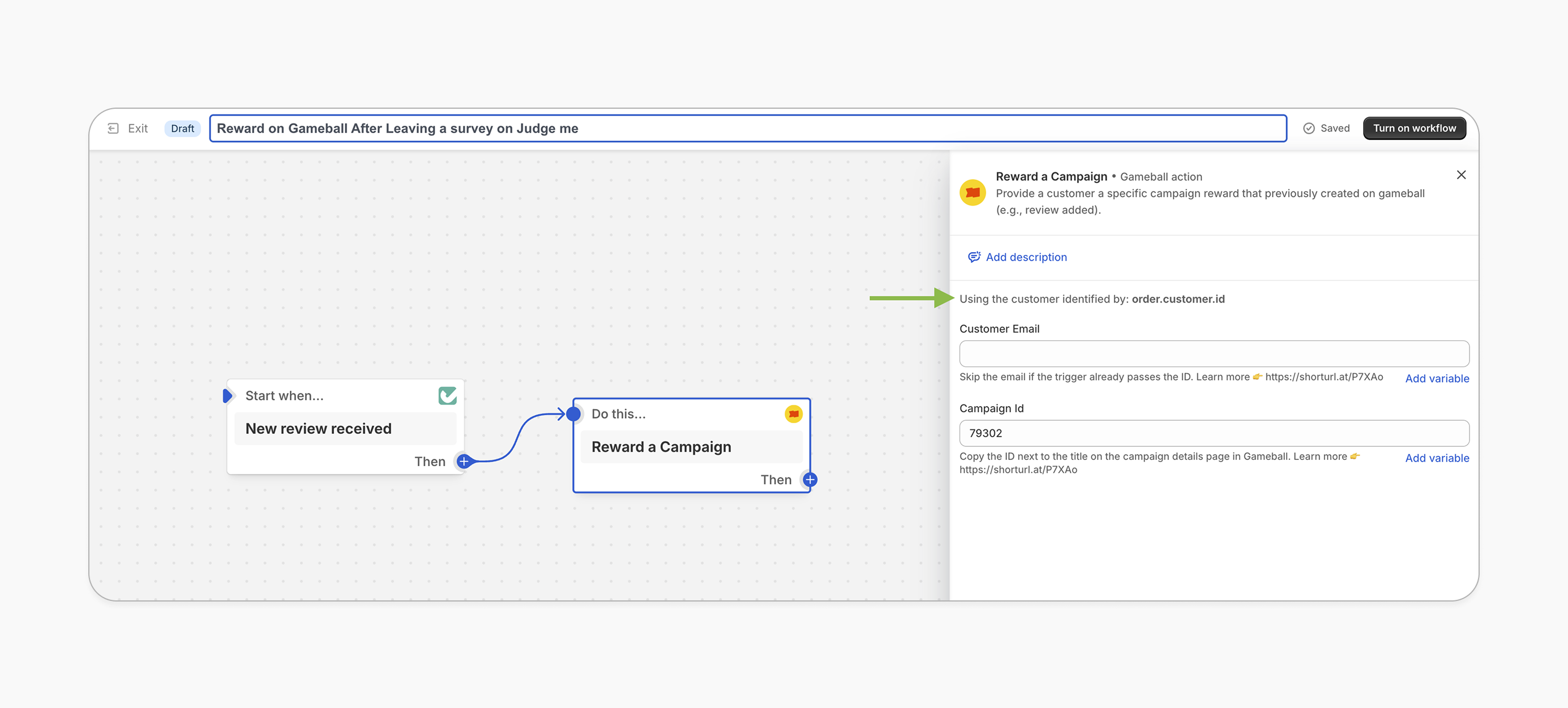
Add the customer email if the trigger doesn’t pass the customer identifier automatically. See the Important Notes section below for more details.
Add the Gameball Action
Add the “Reward a Campaign” action and paste the Campaign ID you copied from the Gameball campaign details page.
Save the Workflow
Save the workflow to activate it.
This template uses the standard reward campaign setup. See the Generic Setup Guide for details.
How It Works for Customers
Customer Leaves a Review
The customer leaves a review (e.g., via Yotpo).
Shopify Flow Triggers
Shopify Flow triggers the workflow based on the review response.
Gameball Rewards the Customer
Gameball rewards the customer with the reward set in the “write a review” campaign.
Reward Notification
The customer is notified via the widget or email, depending on your configuration. Learn more.
Important Notes
Skip Email FieldWhen setting up Gameball as an action in Shopify Flow, you may not need to fill in the email field if the trigger app already passes the customer identifier automatically. In this case, the identifier will appear just above the email field.
Related Articles