

Ask for Reviews
Goal
Ask customers to leave reviews for purchased products by offering incentives.Flow
After a waiting period of 14 days following a customer’s purchase, an email is sent inviting them to leave a review. In return, customers are offered X points as an incentive.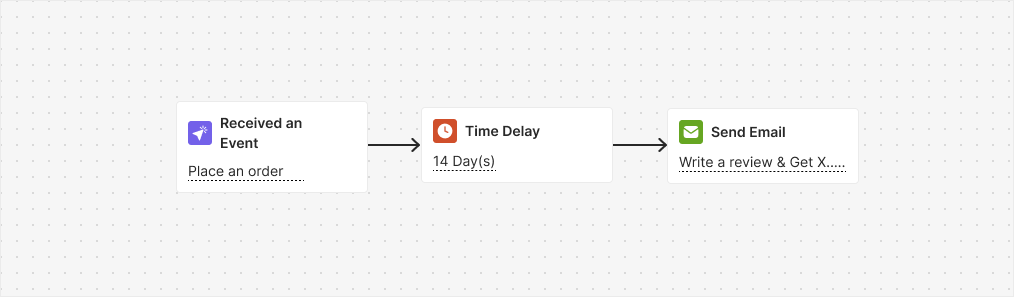
Trigger
Placed OrderInstructions
- Along with this automation, you need to reward a customer upon adding a review by enabling the “Reward for Reviews” automation series or activating the “Write a Review” challenge.
- Adjust the 14-day wait to match your process. It is set to ensure that the customer received the order; change it if needed.
Reward for Reviews
Goal
Reward customers for writing reviews to incentivize and encourage feedback on products.Flow
This automation is triggered by a webhook when a user writes a review. The customer then receives 200 points and a special badge as recognition for their contribution.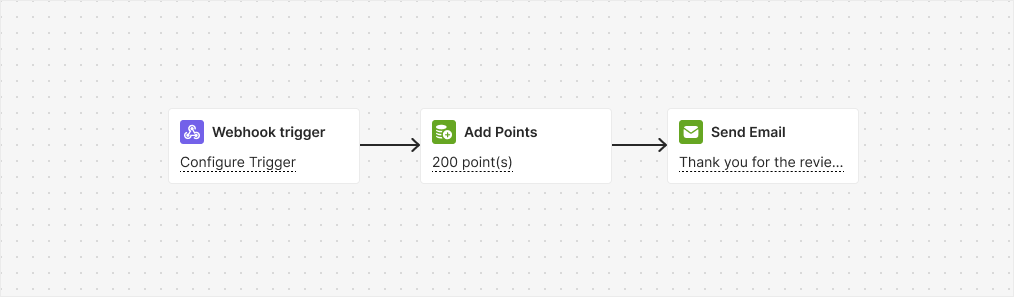
Trigger
WebhookInstructions
Collect Feedback/Survey
Goal
Incentivize feedback participation and survey completion to enhance customer engagement and satisfaction.Flow
This automation is triggered by a webhook when a customer leaves feedback or fills out a survey. The customer then receives 200 points and a special badge as recognition for their contribution.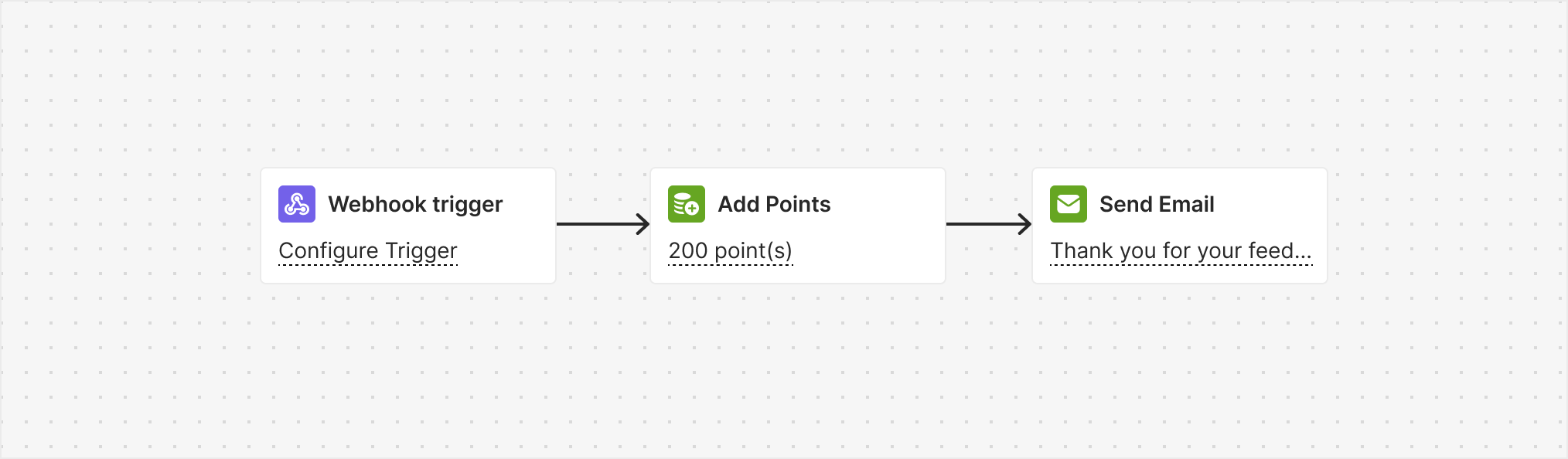
Trigger
Webhook. Learn how to set it up.Instructions
Configure the webhook trigger to notify Gameball when someone leaves feedback or fills out a survey.
Related Articles
How to Create an Automated Workflow
Step-by-step guide to building automation campaigns.
Introduction to Automation Templates
Overview of all available automation templates.