

Integration Steps
Install Gameball Customer Widget on Your Web App
It only takes a few minutes to install Gameball Customer Widget on your web app. Read Install Gameball on your web app.Once installed, your customers will be able to: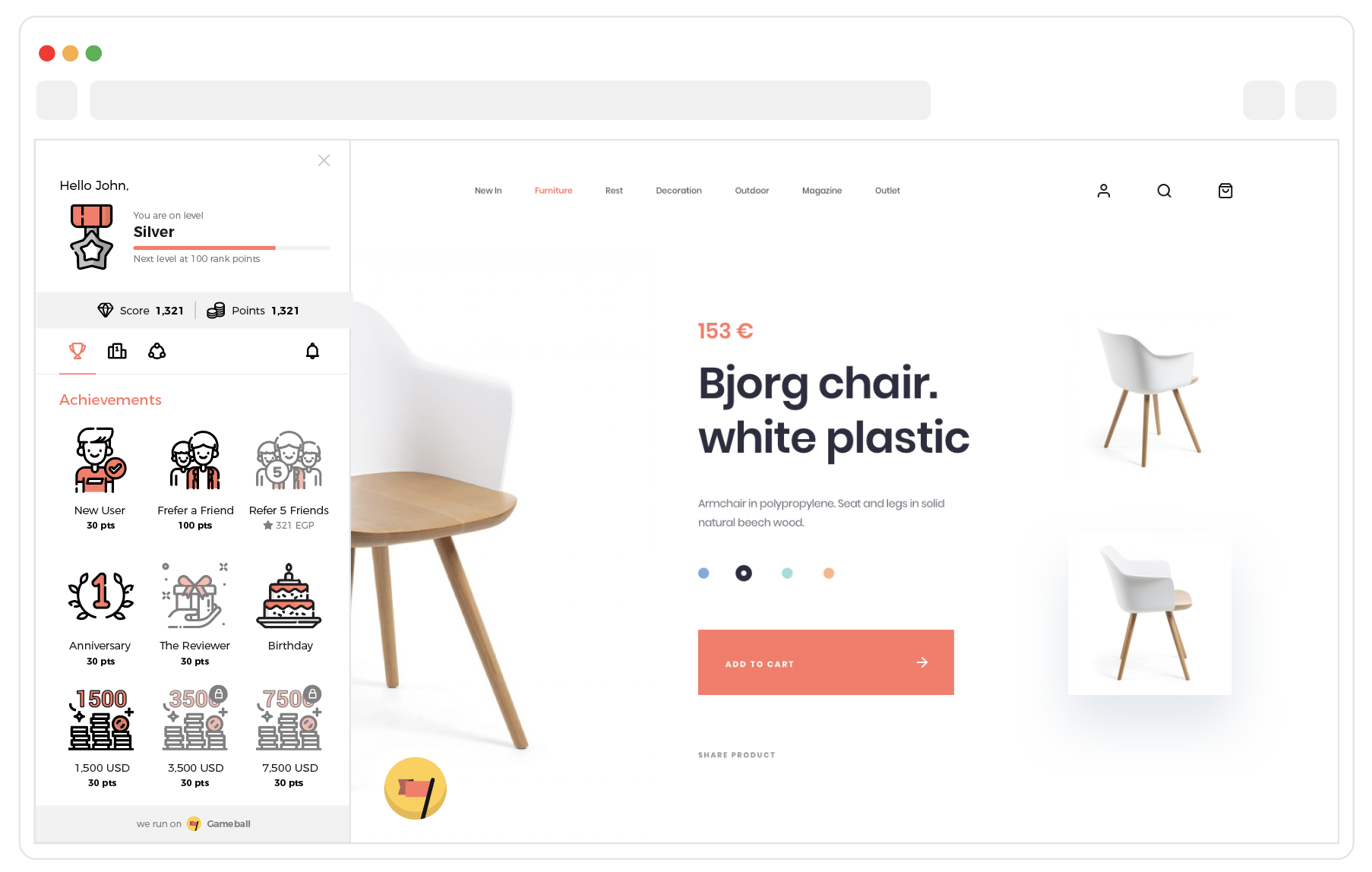
- See Gameball Customer Profile on your web app
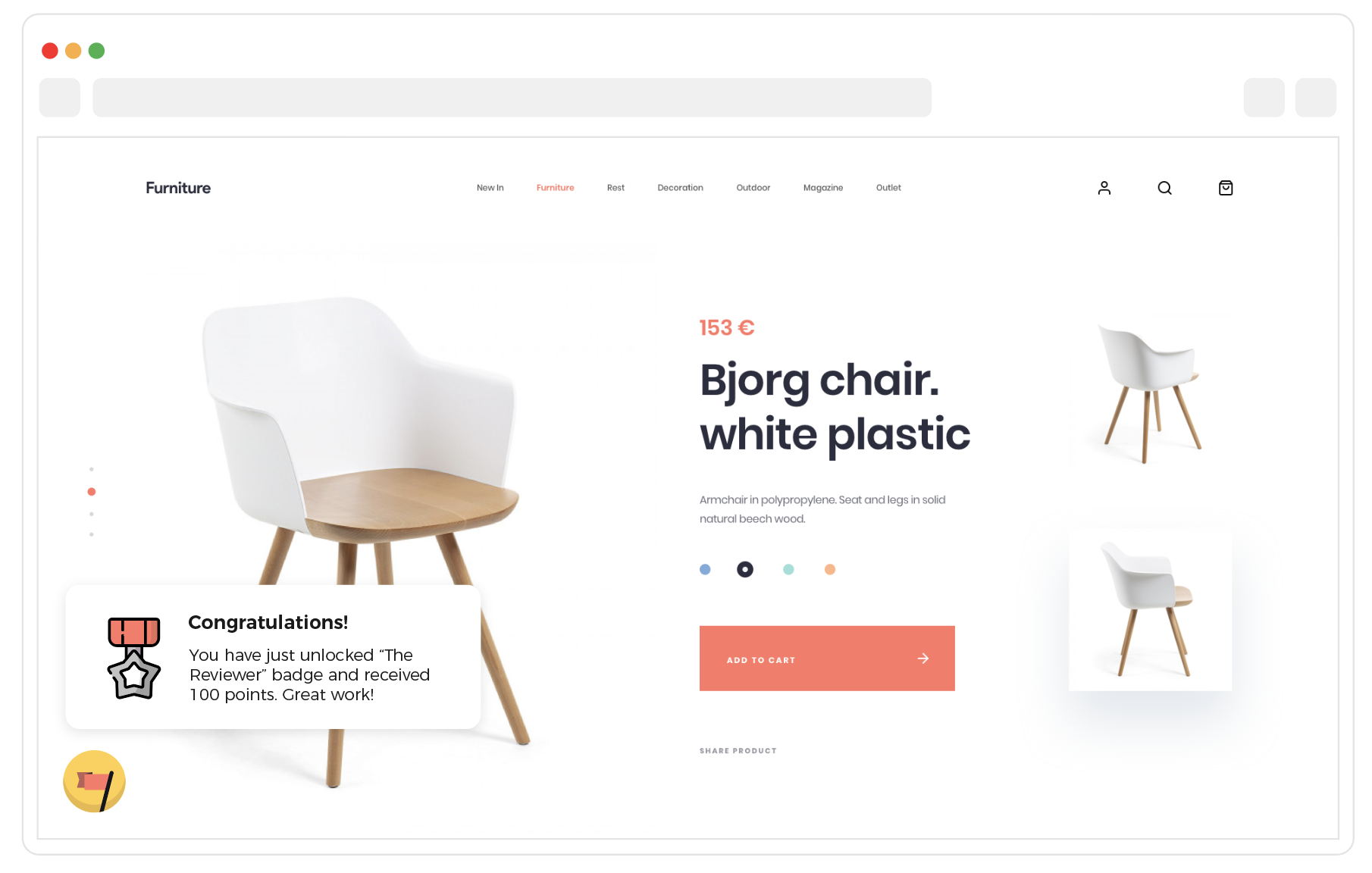
- Receive in-app notifications and messages from Gameball
Send Customer Events to Gameball
You can track actions your customers take as Customer Events, while logged into your platform only. Learn about sending events through the Send actions (events) API.You can use these customer events in the below:
- Create action-based reward campaigns. Read about action-based reward campaigns and the engine.
- Send customer messages based on events. Read about how to create and configure your customer web message campaign.
Configure Friends Referral Integration
If you are not going to use the referral program, skip this step.
- Add your website registration URL to the Gameball Customer Profile referral tab. Read about referral tab configurations.
- Follow the integration step in the configure referral module.
Reward Your Customers Based on the Paid Amount through the Cashback Program
Through the cashback program, for every paid placed order on your web app using cash, credit card, PayPal, etc., you can reward your customers with points based on a predefined equation as cashback. Follow the steps below to complete the integration:
- Configure the reward equation on the Gameball Admin Dashboard. Read about how to launch the cashback program.
The program must be Active.
- On every successful paid placed order on your website, use the cashback API to update Gameball.