

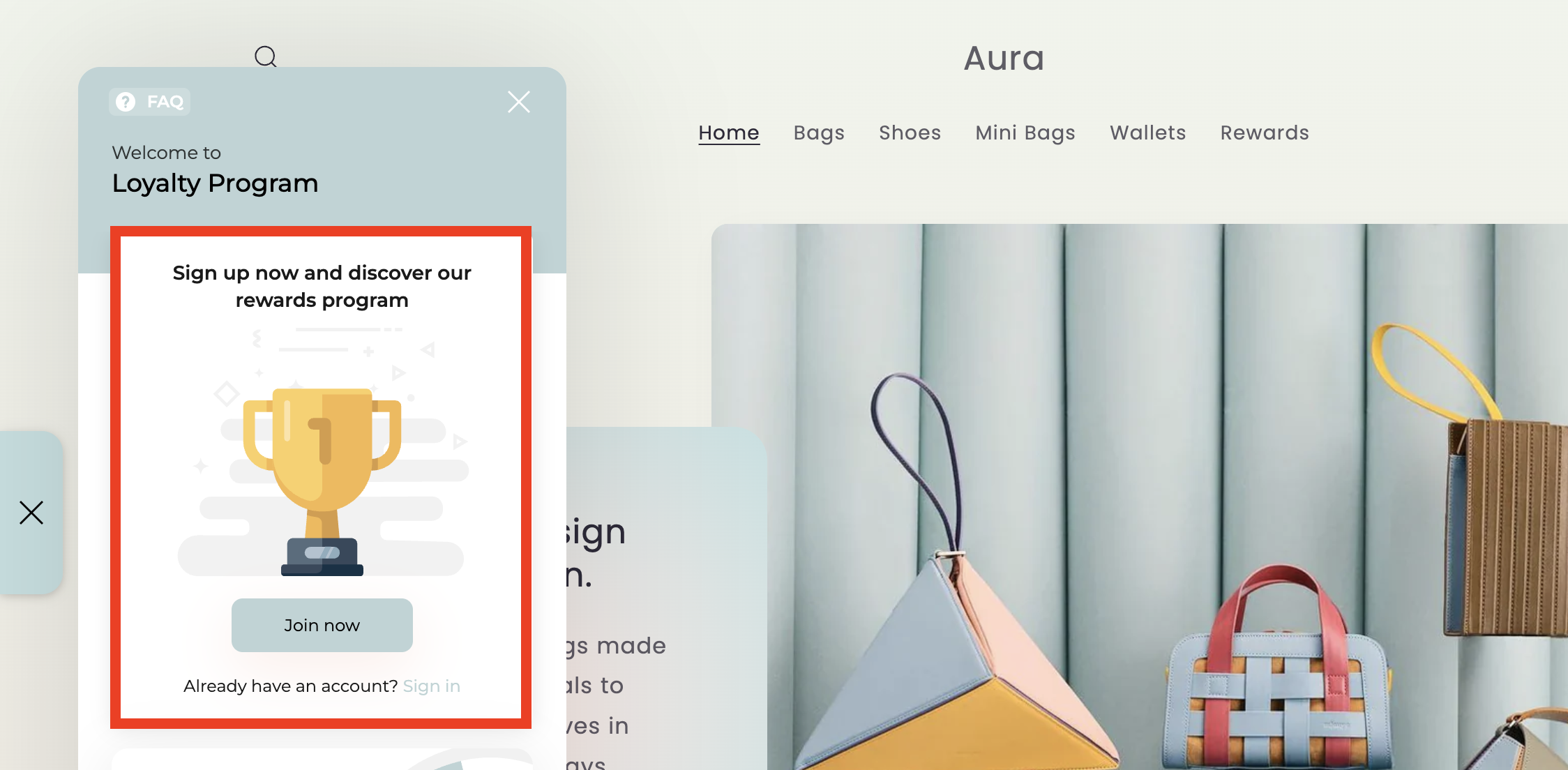
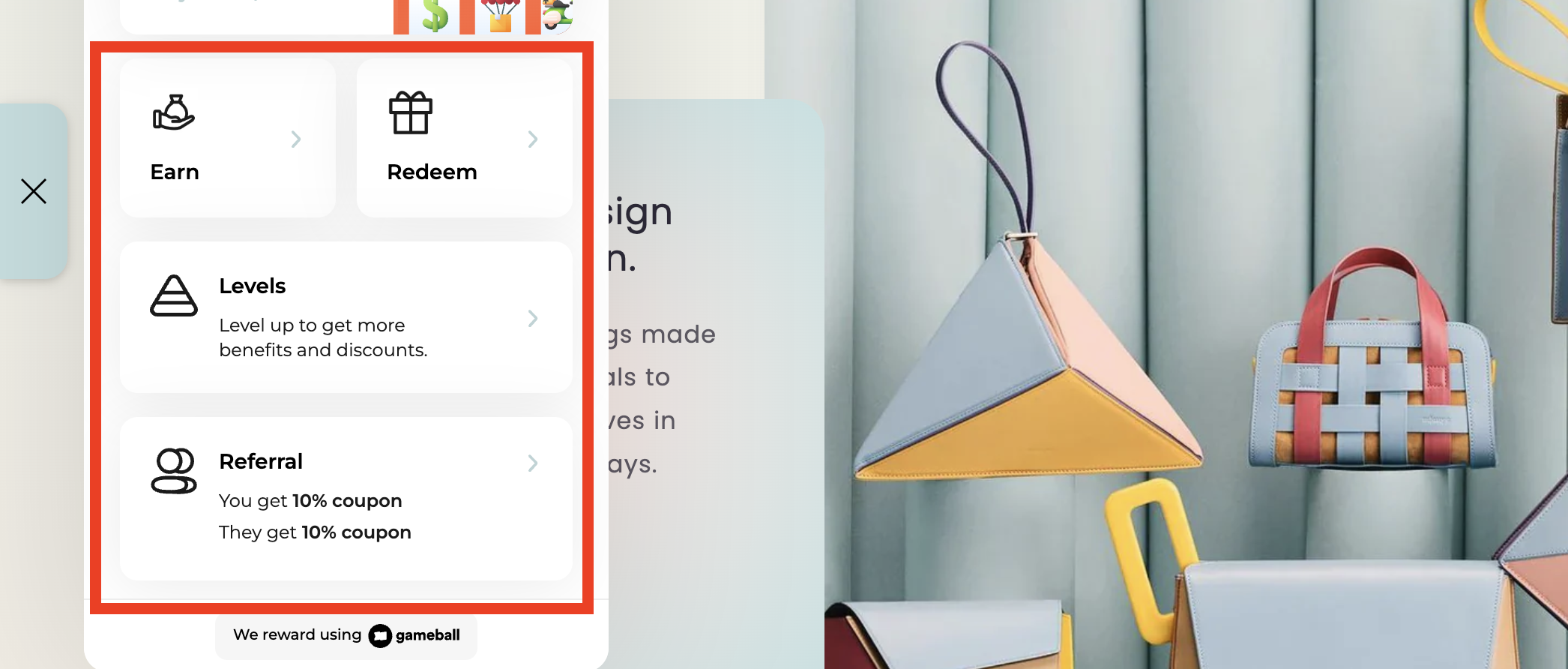
- The guest view content shown to visitors who have not yet signed in.
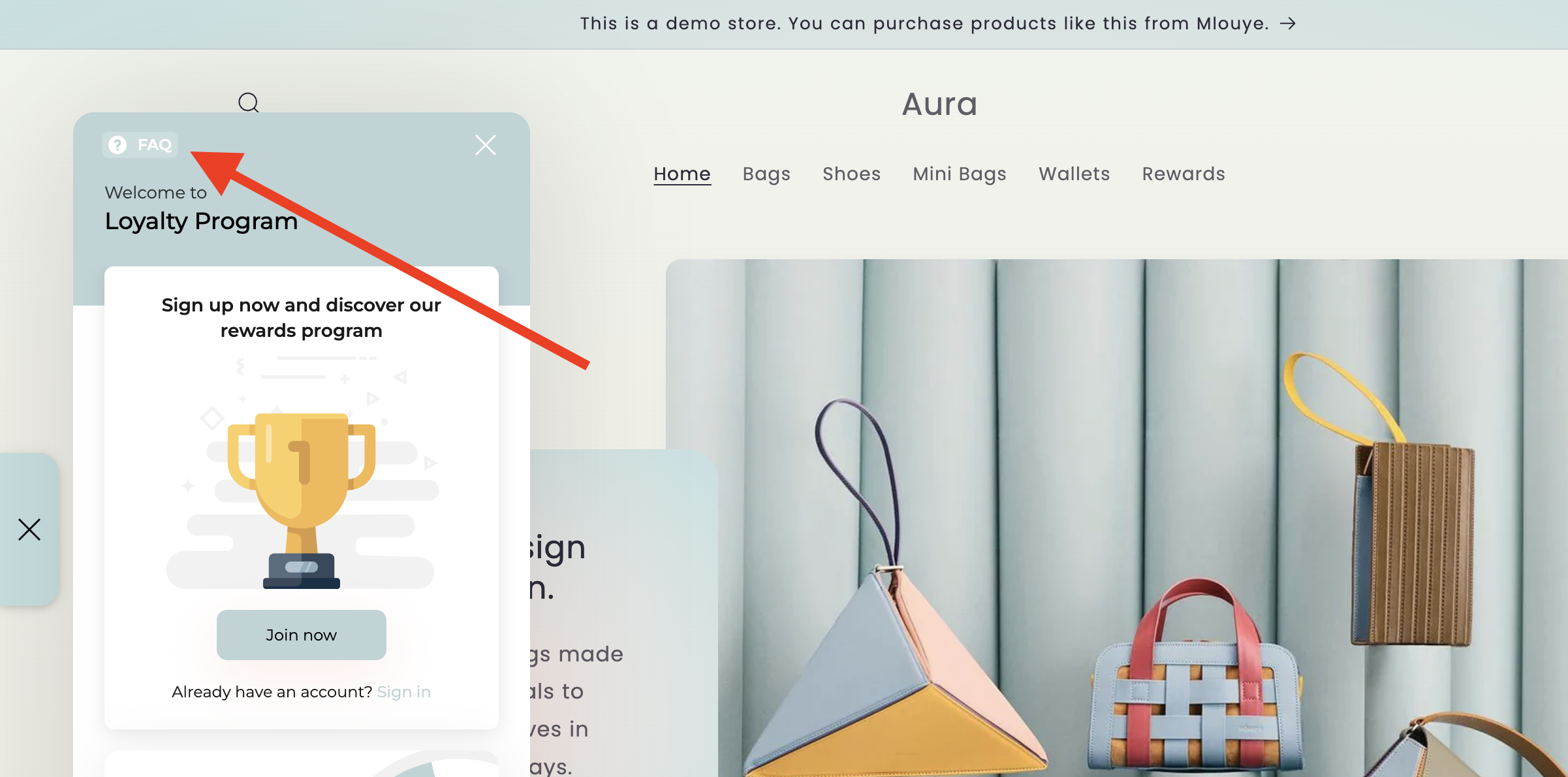
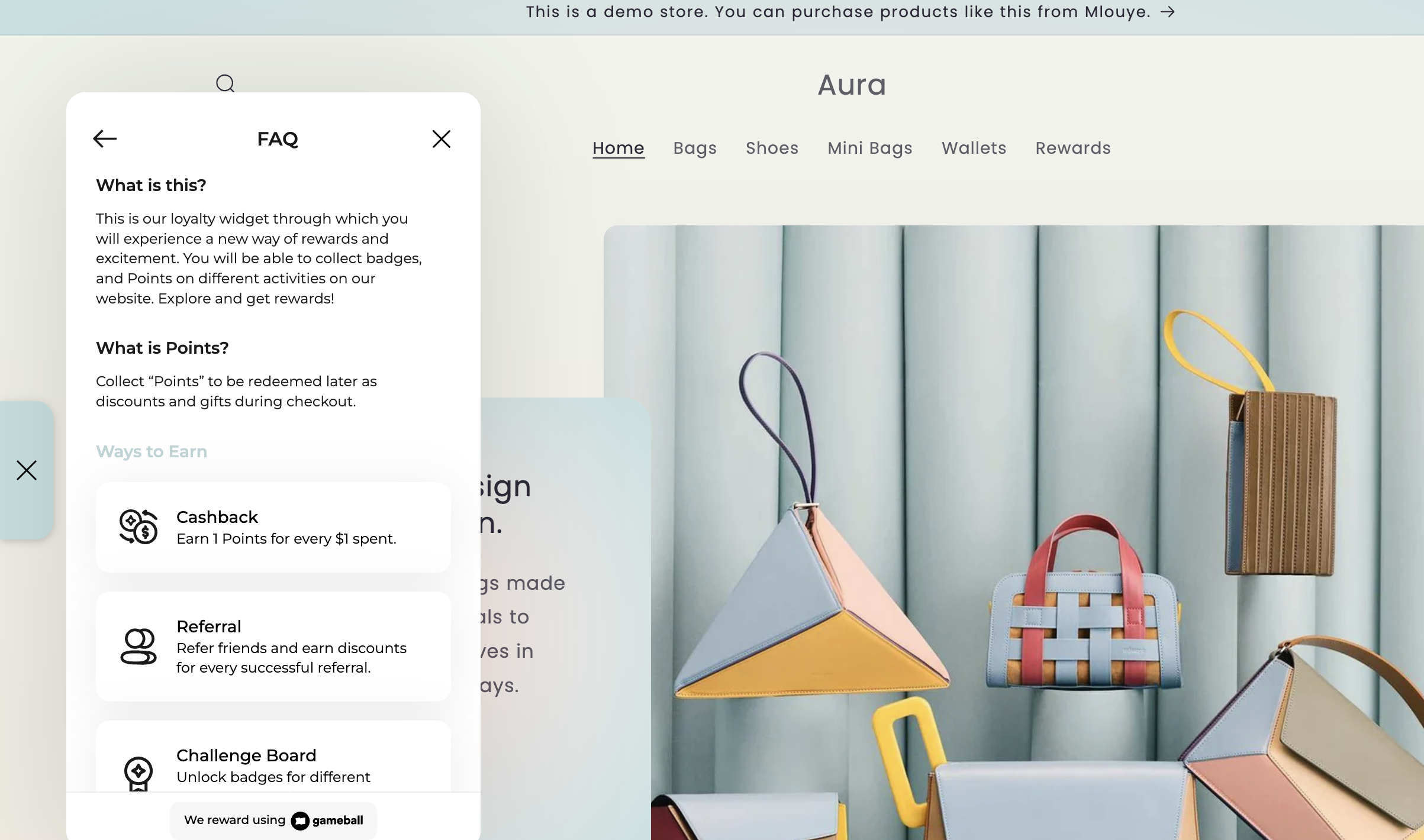
- The FAQ section found at the top of the widget.
Editing the Guest View Content
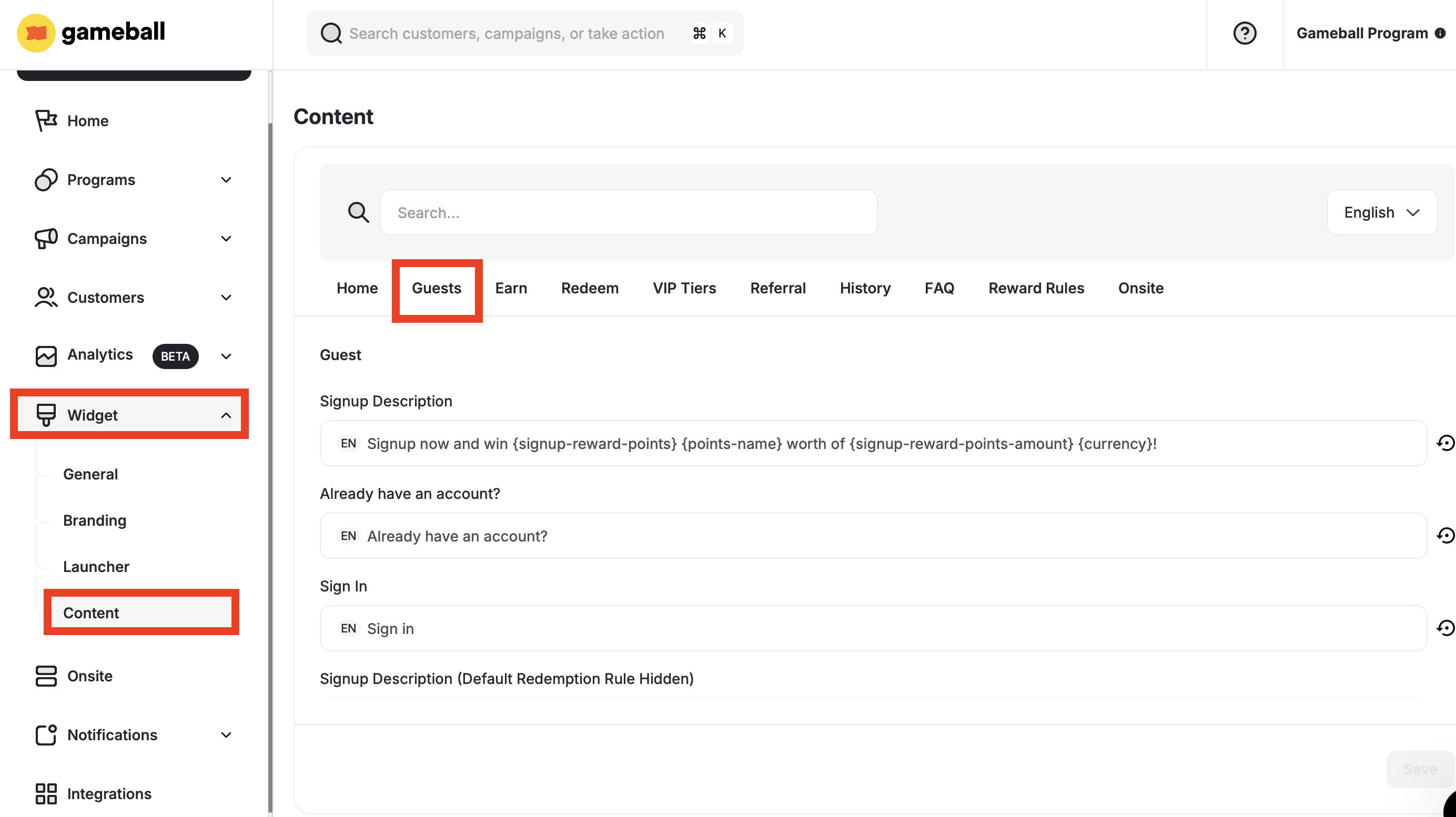
Fill in the Guest View Fields
The following fields are available to customize:
| Tab | Description |
|---|---|
| Signup Description | Displays the main description message shown to guest users on the signup screen. |
| Already have an account? | Text prompting users who already have an account. |
| Sign In | Call-to-action for existing users to log in. |
| Signup Description (Default Redemption Rule Hidden) | Alternate signup message shown when the default redemption rule is hidden. |
| Join Now | Call-to-action inviting the user to register. |
| Guest Card Title | The title displayed at the top of the guest card. |
| No Rolls Left Description | Message shown when the guest has no more chances (rolls) left. |
Editing the FAQ Section
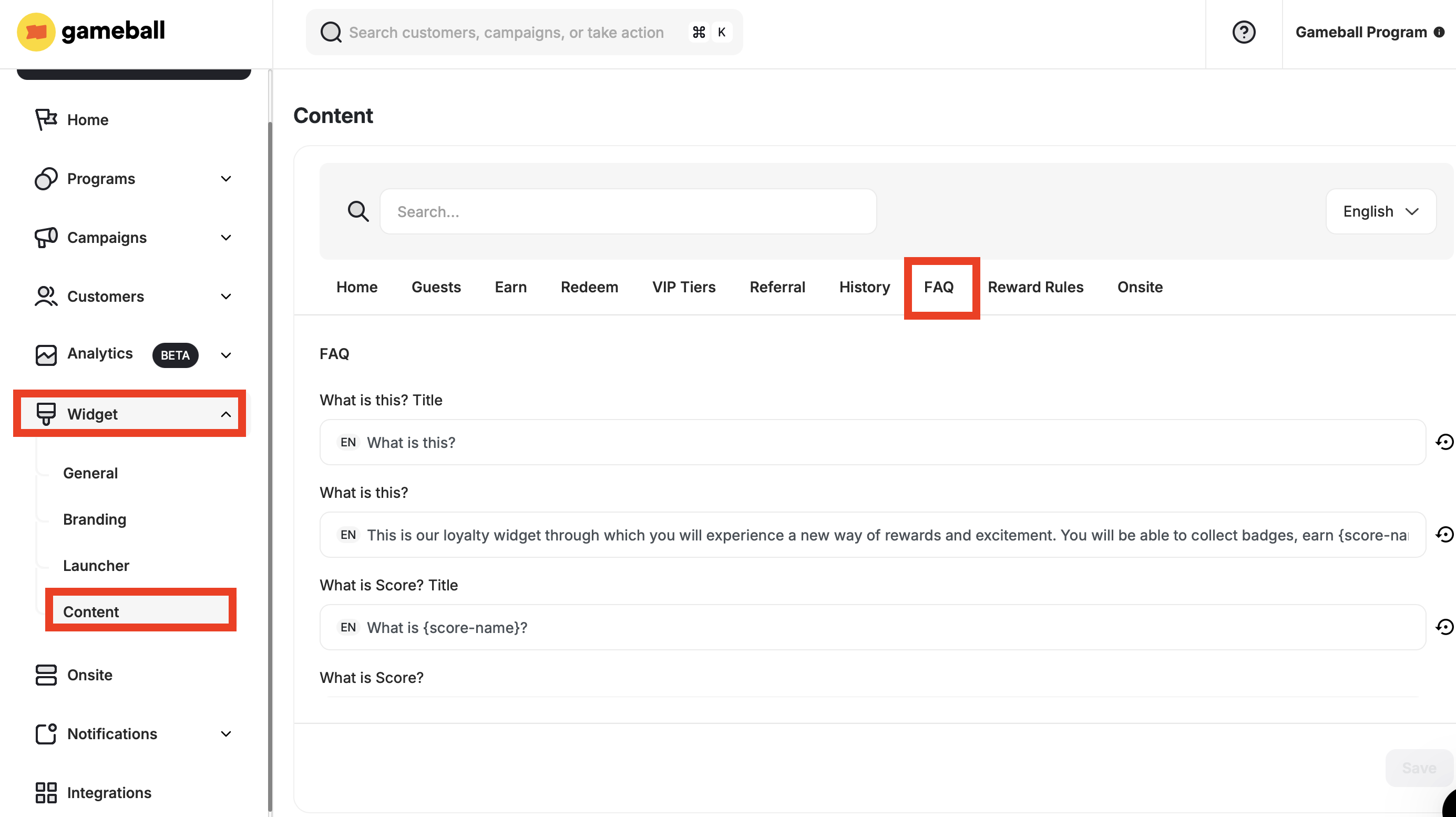
Fill in the FAQ Fields
The following fields are available to customize:
| Tab | Description |
|---|---|
| What is this? Title | The heading for the FAQ section introducing the widget or program. |
| What is this? | Content explaining the purpose of the widget or loyalty program. |
| What is Score? Title | The heading introducing the Score concept. |
| What is Score? | Description of what a Score is and how it is used. |
| What is Points? Title | The heading introducing the Points concept. |
| What is Points? | Description of what Points are and how they are earned or redeemed. |
| Ways to Earn Title | Heading for the list or section showing earning methods. |
| Reward Campaigns Description | Explanation of how customers can earn through campaigns. |
| Reward Campaigns Title | Heading for the reward campaigns section. |
| Tiers Description | Information about the tiered loyalty levels and their benefits. |
| Tiers Title | Heading for the tiers section. |
| Referral Description | Explanation of the referral program and its benefits. |
| Referral Title | Heading for the referral program section. |
| Cashback Description with Score | Description of how cashback works when tied to score-based systems. |
| Cashback | General term used for cashback rewards. |
| Ways to Redeem Title | Heading for the list or section showing how to redeem rewards. |
| Flat Rate | A redemption method where a fixed point cost applies. |
| Free Shipping | A reward option offering free shipping for redemptions. |
| Percentage Base | A reward where the discount is calculated as a percentage. |
| Free Product | A reward where customers receive a free item upon redemption. |
| Merchant Description | General description of merchant-defined rewards. |
| Fixed Amount-based Discount | A reward offering a fixed monetary discount on a purchase. |
Related Articles
Guest Profile Configuration for Web
Configure the guest experience, including images, sign-up URLs, and login redirects.
Customize Tabs Visibility and Order
Control which tabs appear in your widget and in what order they are displayed.