

| Platform | Plan |
|---|---|
| Shopify | Starter, Pro, Guru |
| Salla | Starter, Pro, Guru |
| Non-Platform | All Plans |
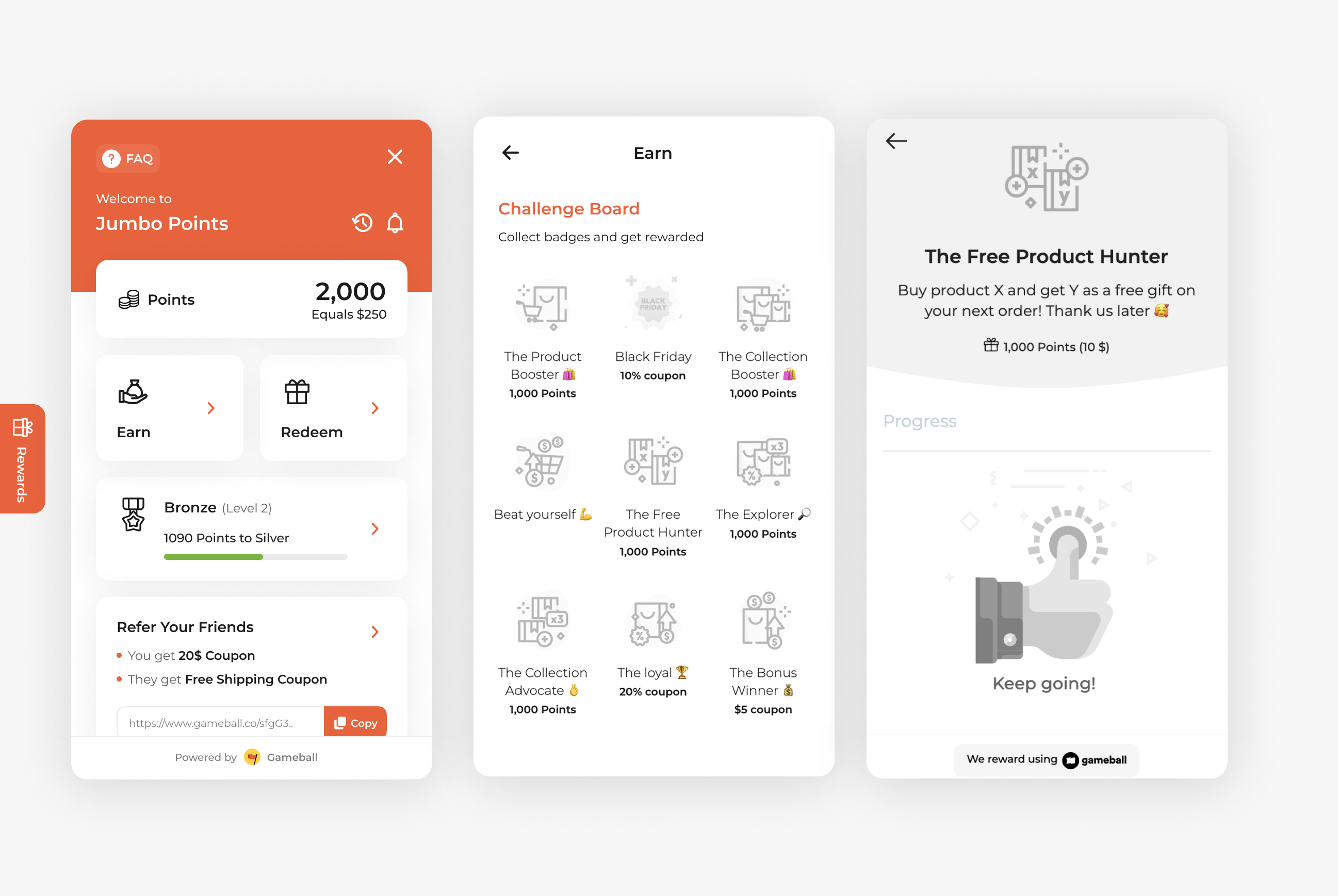
How to Set Up
Campaign Trigger
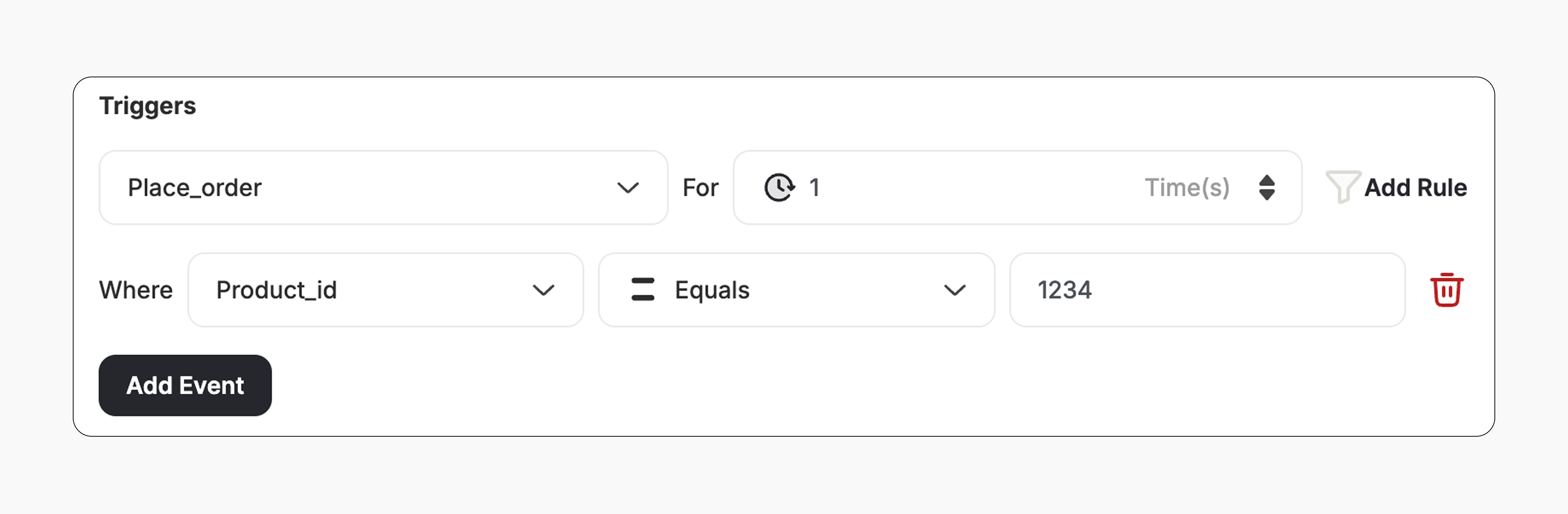
The campaign trigger is configured as follows:- Action: Place Order
- Times: 1 (Number of orders required with this condition)
- Rule: Add the Product ID to the trigger to specify which product you ask them to purchase.
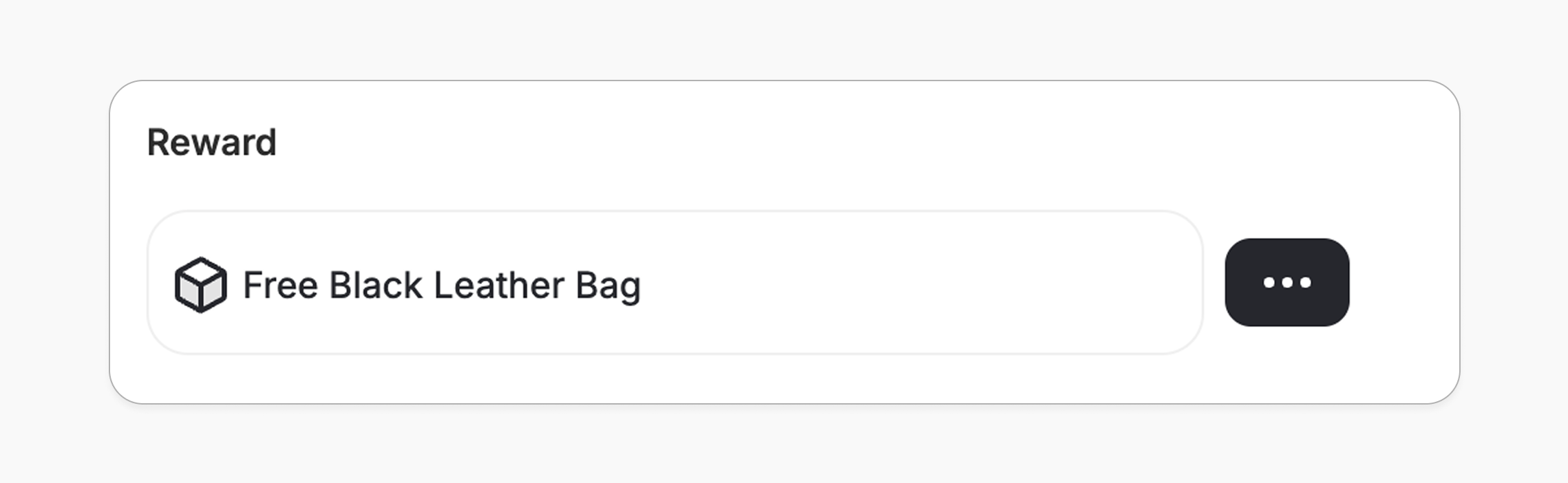
- The customer gets Y product as a coupon.
- The reward value can be adjusted from the campaign.
How It Works for Customers
Reward Notification
The customer is notified via the widget or email, depending on your configuration. Learn more
Important Notes
Reward applies to next orderWhile this is a Buy X Get Y campaign, the Y item is delivered as a coupon that the customer can redeem in their next order.
Related Articles
Set Up a Reward Campaign
Learn the full setup process for creating and launching reward campaigns.
Reward Types in Gameball
Explore the different reward types available in Gameball campaigns.
Notification After Earning a Reward
Configure how customers are notified when they earn a reward.