

| Platform | Plan |
|---|---|
| Shopify | All Plans |
| Salla | All Plans |
| Non-Platform | All Plans |
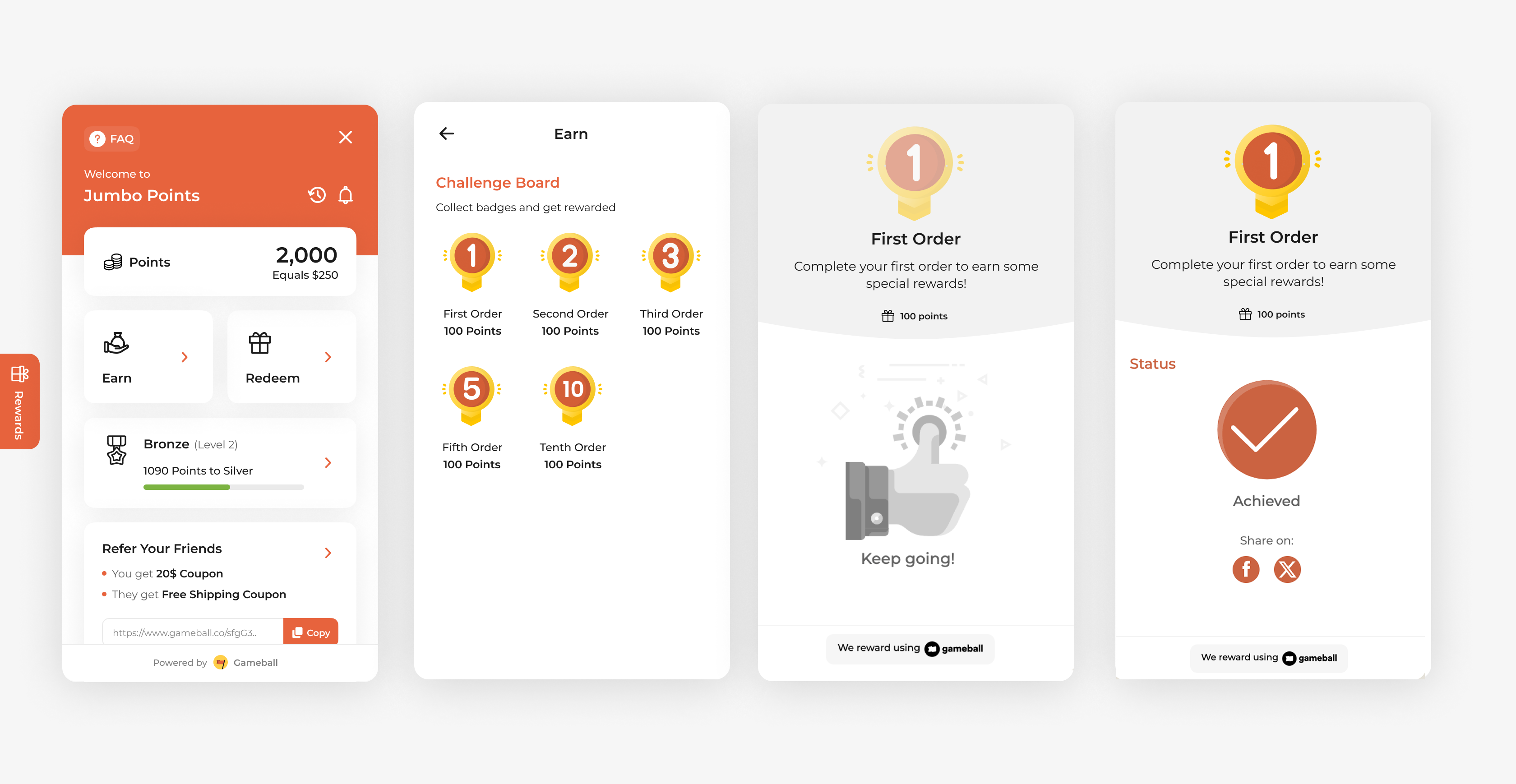
How to Set Up
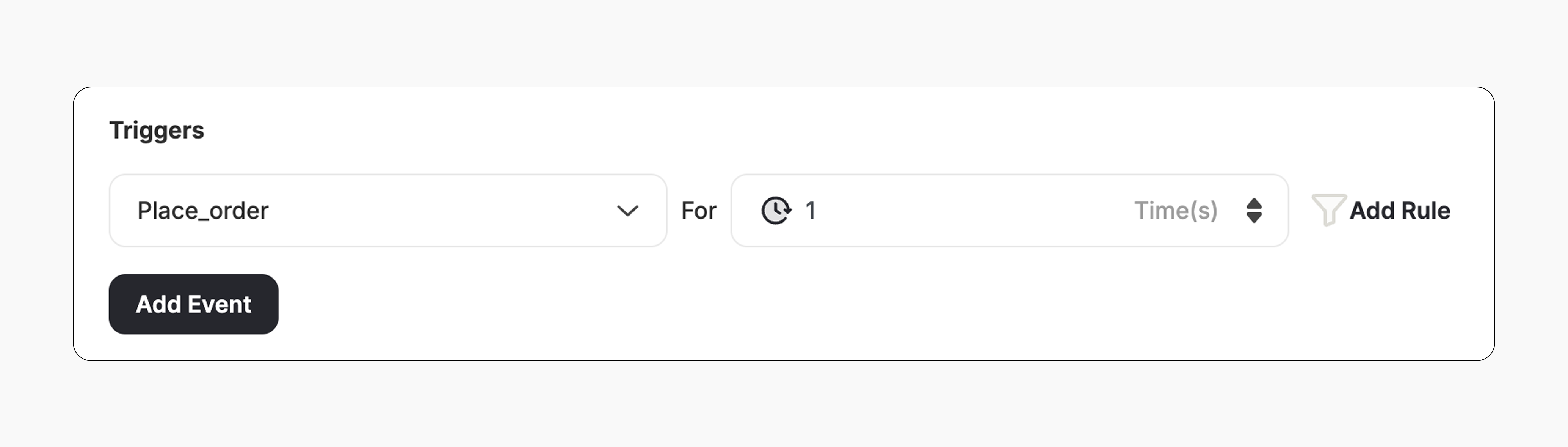
Campaign Trigger
The campaign trigger fires when the customer places their first order on your platform:- Action: Place Order
- Times: 1
How It Works for Customers
Customer Receives the Reward
The customer receives the reward immediately (points, discount, badge — based on your setup).
Reward Notification
The customer is notified via the widget or email, depending on your configuration. Learn more
Important Notes
New Orders OnlyOnly customers who place a new order after the campaign is activated will be rewarded.
No Retro RewardingOrders placed before the campaign is activated will not be counted. The customer must place a new order after activation to receive the reward.
Related Articles
Set Up a Reward Campaign
Learn the full setup process for creating and launching reward campaigns.
Reward Types in Gameball
Explore the different reward types available in Gameball campaigns.
Notification After Earning a Reward
Configure how customers are notified when they earn a reward.