

Plan Availability
| Platform | Plan |
|---|---|
| Shopify | Starter, Pro, & Guru |
| Salla | Starter, Pro, & Guru |
| Non-Platform Customers | Available to All |
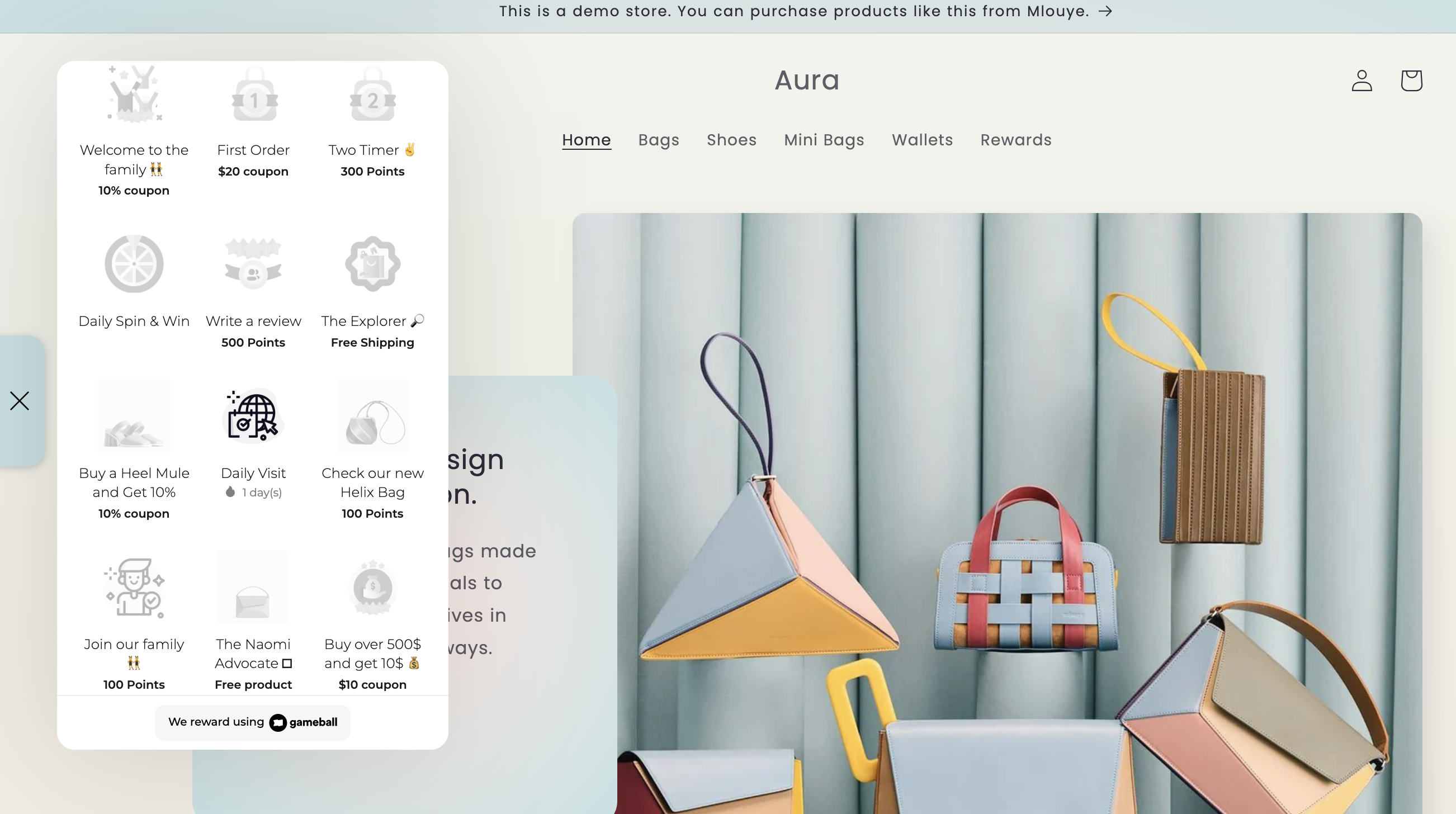
How Will This Work?
Every category on your Shopify store will have a badge. When your customers buy from these categories, they will earn these badges. Here are some examples of how this looks for different store types:Characters Shirts Store
Characters Shirts Store
Your store has different shirt categories; every category will have a badge like the ones below:
Kids Toys Store
Kids Toys Store
Your store has different toys/gadget categories; every category will have a badge like the ones below: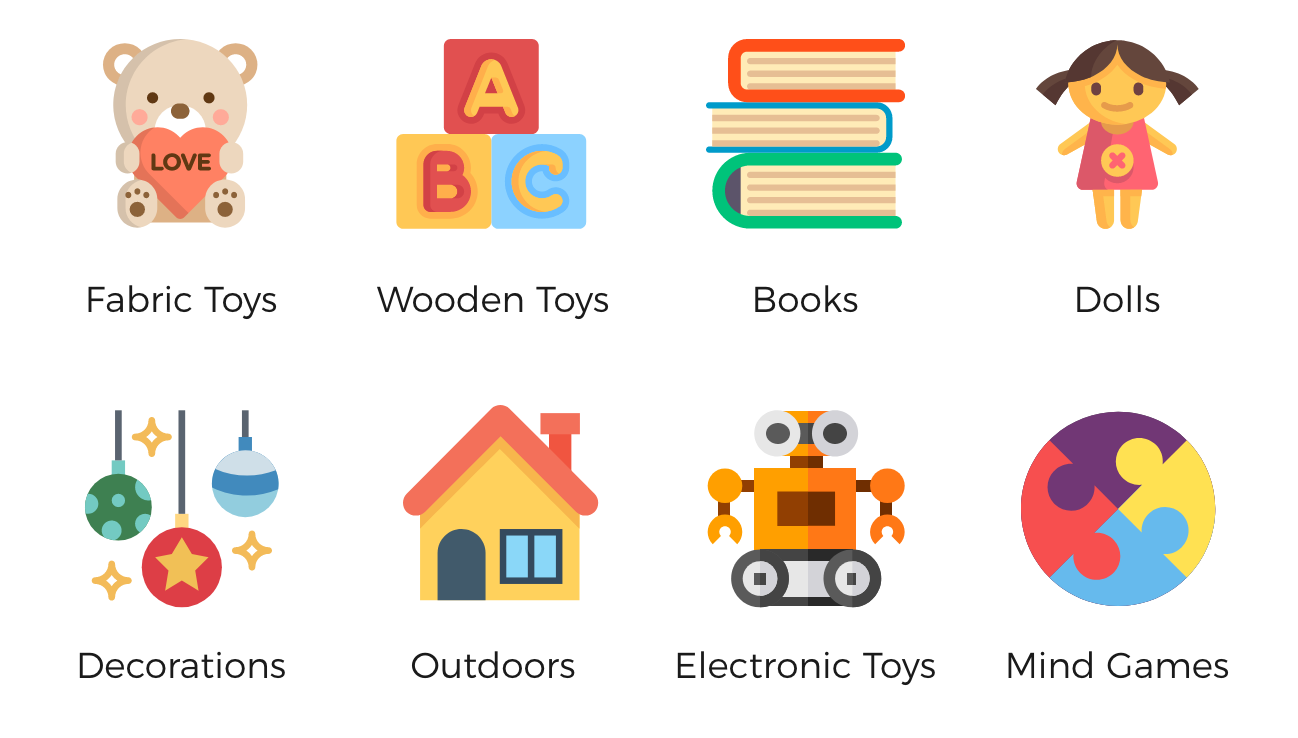
Online Hypermarket
Online Hypermarket
Your online market has different categories; every category will have a badge like the ones below: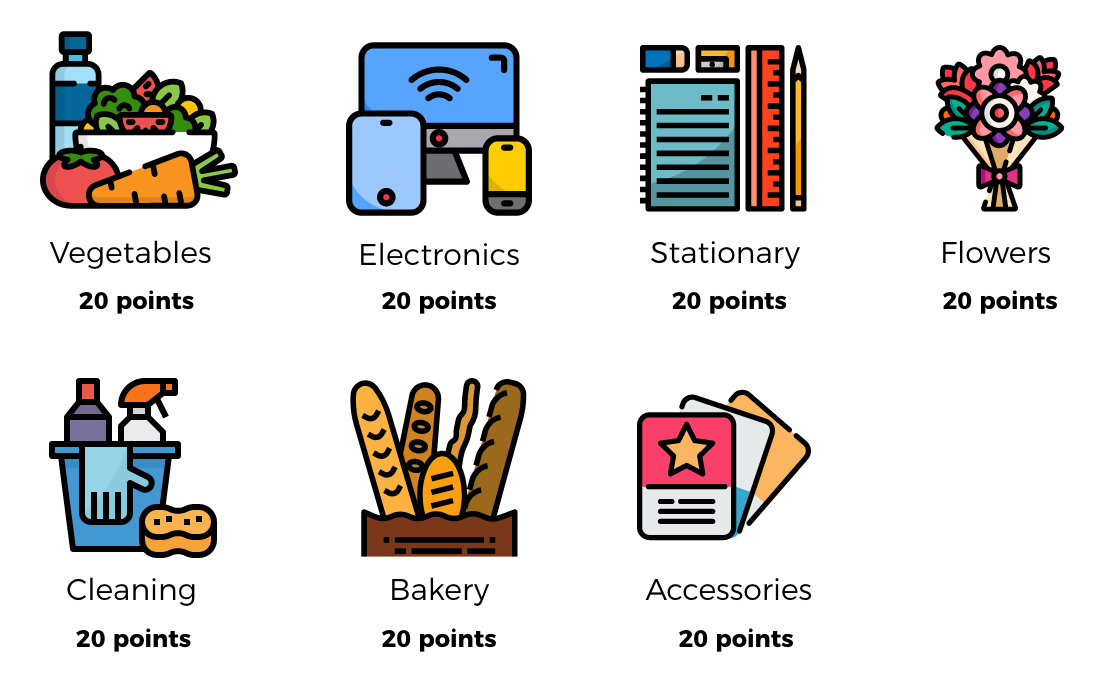
How to Configure Badges on Gameball
Open the Reward Campaigns Section
Open the Gameball dashboard, click Campaigns > Rewards from the main menu, then click Create Reward Campaign.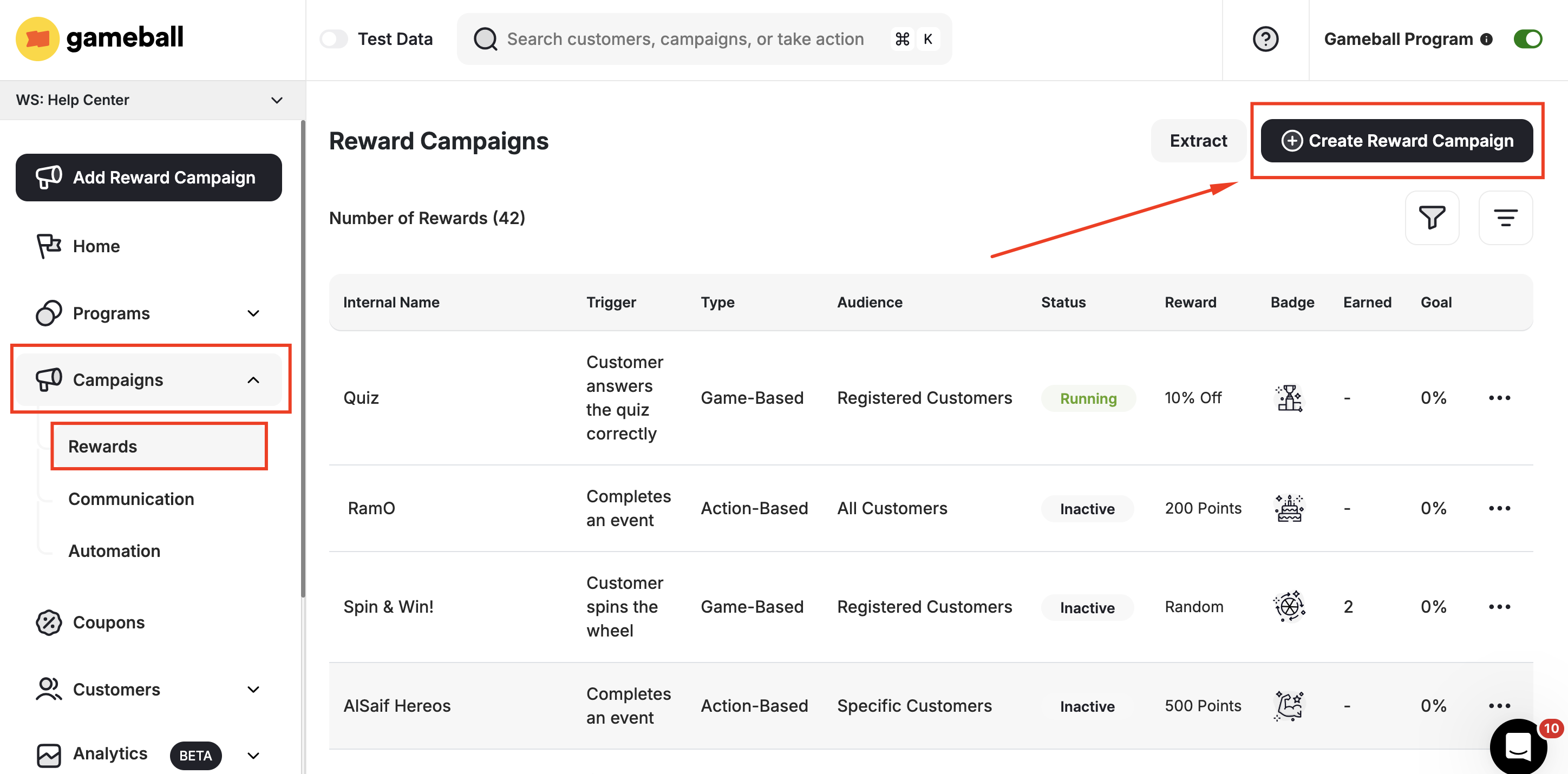
Select the Collection Template
Scroll down to templates under Grow and choose “Buy from a specific collection”.
Related Articles
Create and Configure Reward Campaigns
Set up and launch customer reward campaigns on Gameball.
How Does the Campaigns Event Rule Engine Work?
Understand how the event-based rule engine drives campaign triggers.