

What Is the Result of Including or Excluding a Customer?
| Action | Effect |
|---|---|
| Including customers | By default, all customers are included in the rewards program once you activate it. They will find the widget and will be rewarded for their engagement based on your configured programs. |
| Excluding a customer | This customer will no longer see the widget, nor will they be rewarded for any actions they take. They will interact with your platform as if no rewards system is deployed and will not receive any type of notification or communication campaign. |
How to Include or Exclude Customers
- All Customers
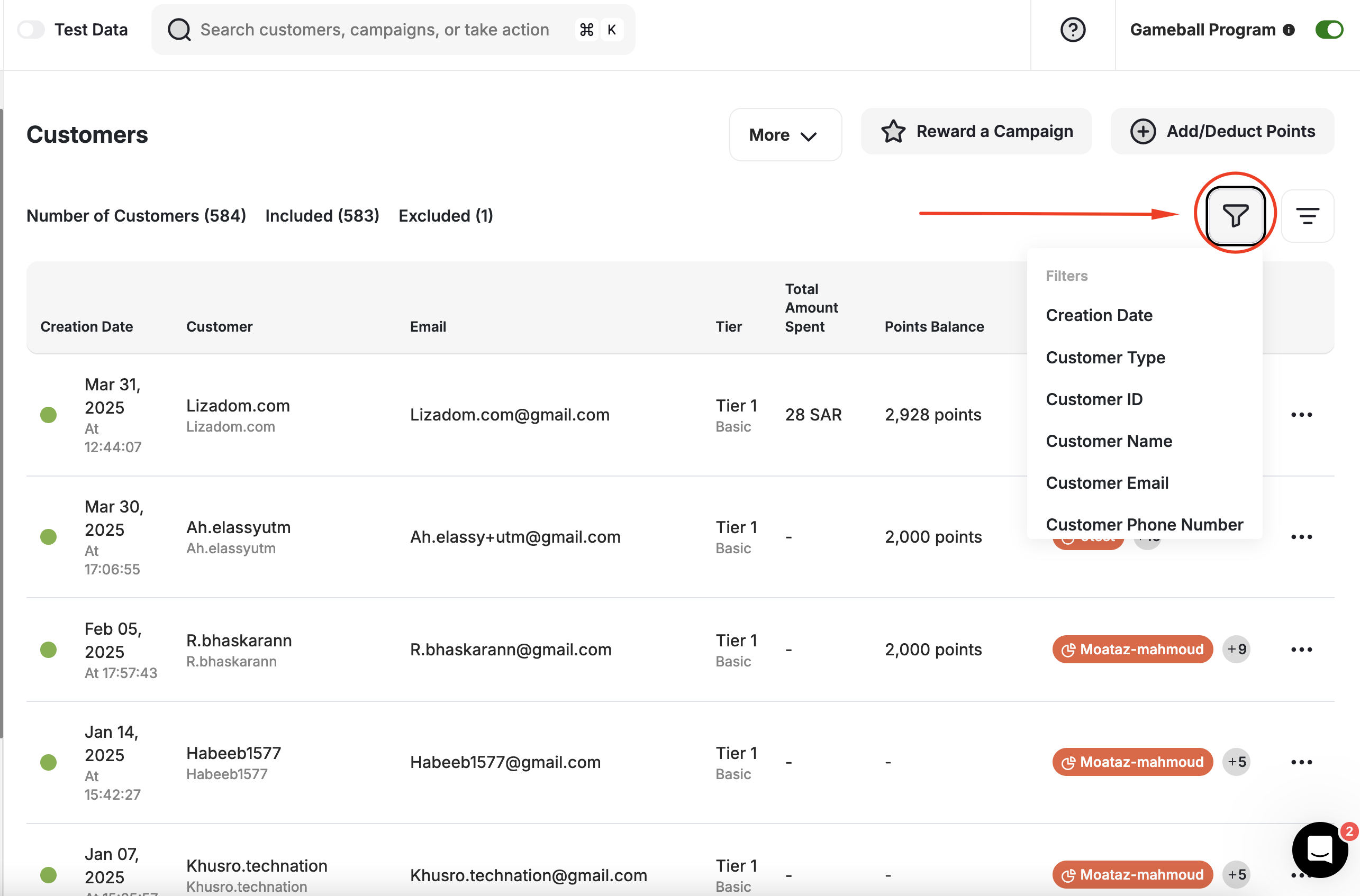
- A Group of Customers
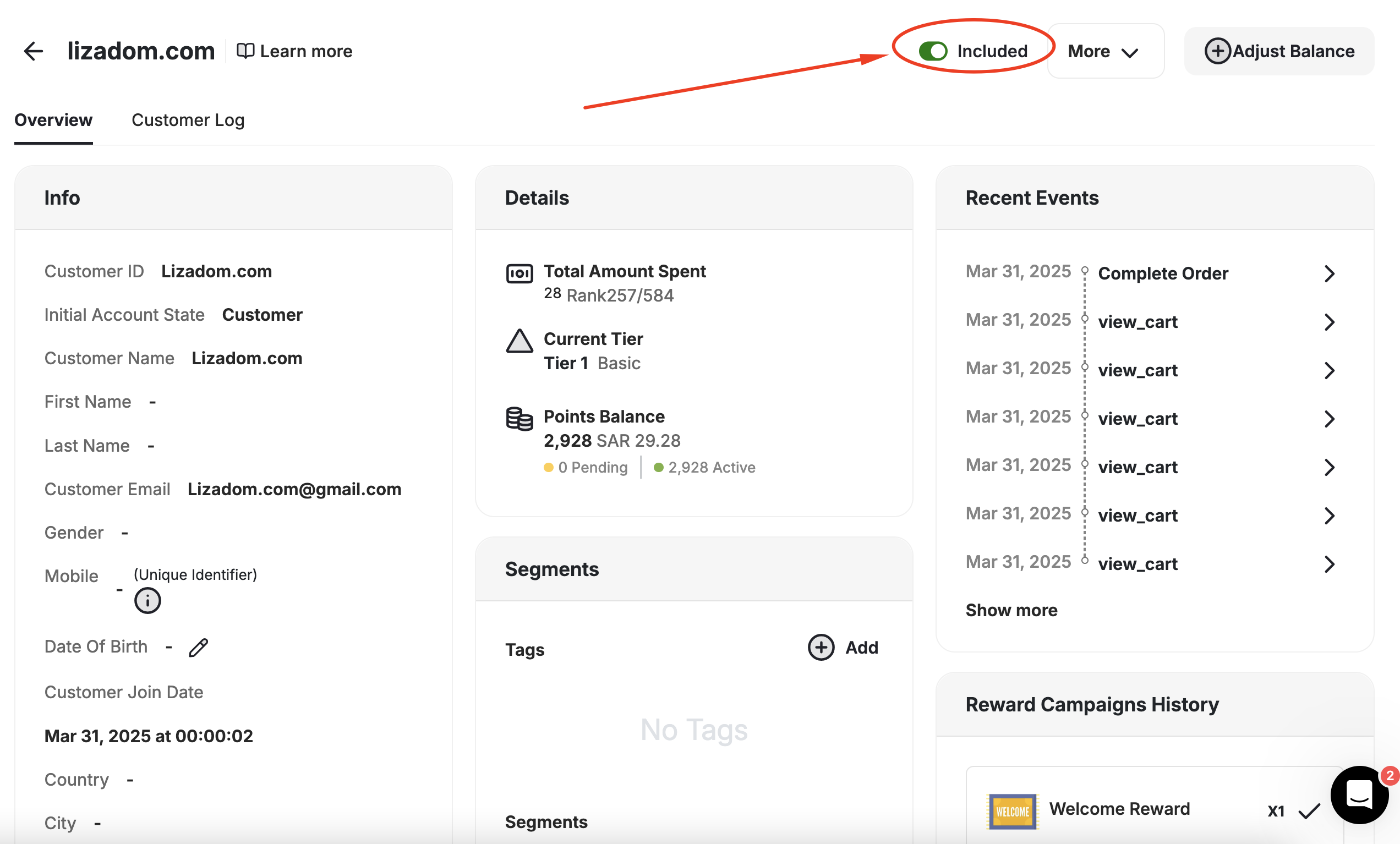
- One Customer
To include or exclude all customers at once, on the Gameball Admin Dashboard, navigate to the Customers Page, click More, then Include/Exclude Customer.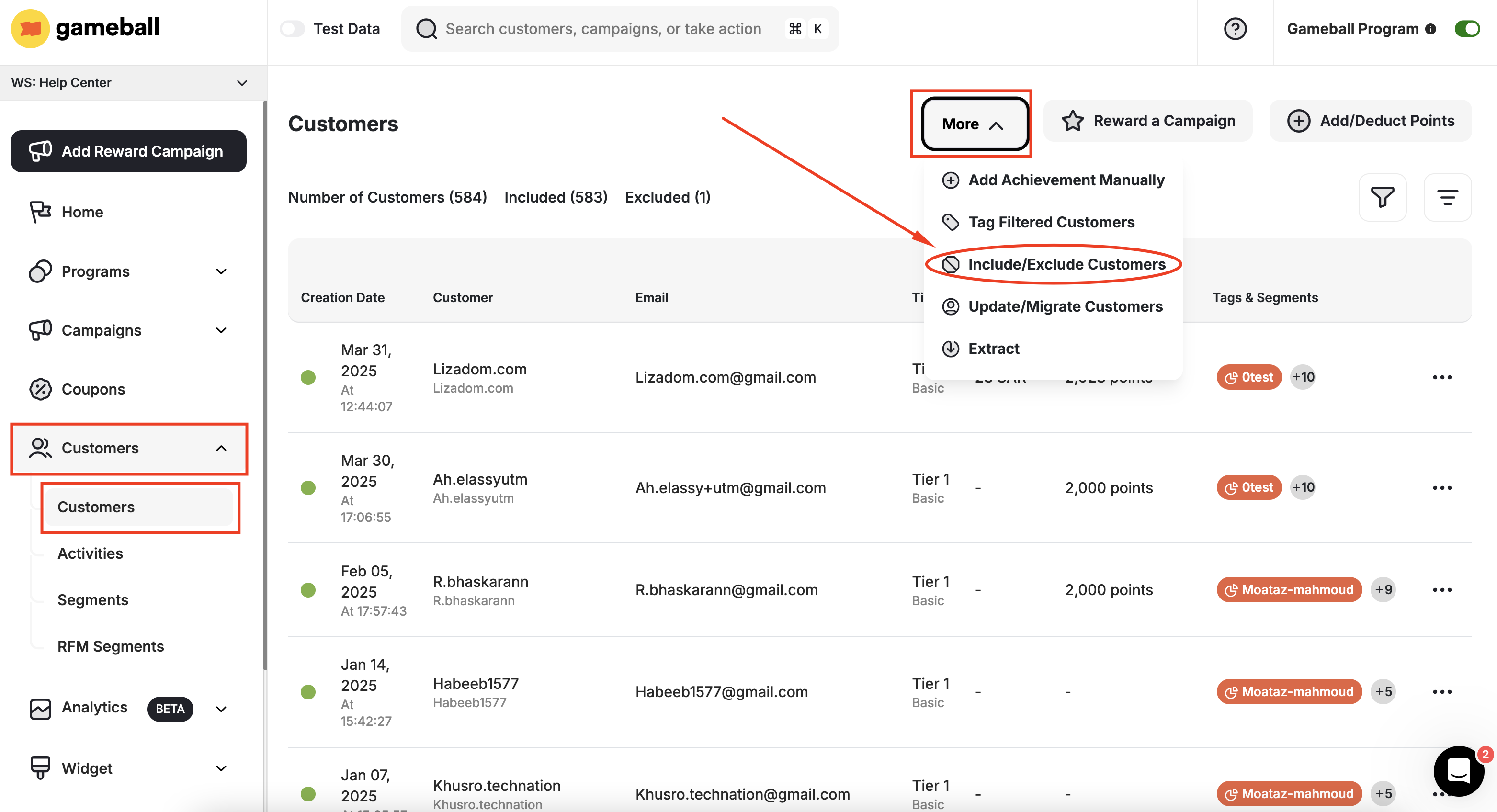
Related Articles
Apply Filters on Data Lists
Use filters to segment your customers and campaigns efficiently.
Integrate Guest Customers into Your Rewards Program
Enable unregistered visitors to participate in your loyalty program.