

Score
The score is the unit that represents the customer’s status; it increases with the more achievements your customers complete. The score also allows your customer to tier up and helps them keep track of their progress. Suggested names for score:- Gems
- Freebies
- Crystals
- Stars
To use score as the main reward system, you can do that while creating a tier-up method. Learn more.
Points
Points are your internal currency. Customers collect them with every achievement they complete, and they can be redeemed later on by the customer. Suggested names for points:- Coins
- Tokens
- Miles
How to Configure Point Names on Gameball
Open Widget Settings
Open Gameball Admin Dashboard, click on Widget Settings > Branding, then go to the Identity tab.
Set Your Custom Names
You can change both the Points and Score Names, and choose a Points Icon from Gameball’s library.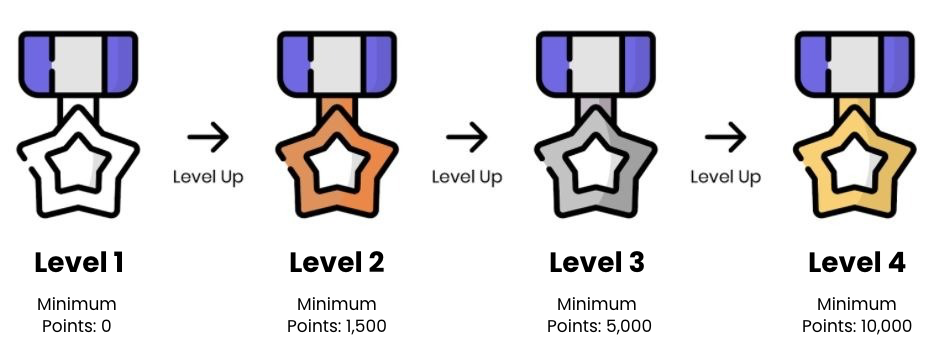
Related Articles
Match Your Widget with Your Brand
Customize your Gameball Customer Widget to align with your brand identity.
Gameball Customer Widget
Learn about the Gameball Customer Widget and its capabilities.
Customer Widget General Configurations
Customize tabs visibility and order in your Gameball widget settings.
Difference Between Score and Points
Understand the key difference between score and points in Gameball.
Configure Customer Widget Language
Set up the correct language for your customer widget on your platform.