

Adding and Deducting Points from All Customers
Navigate to the Customers Section
On the Gameball Admin Dashboard, go to the Customers Section, do not select any customer, and click Add/Deduct Points.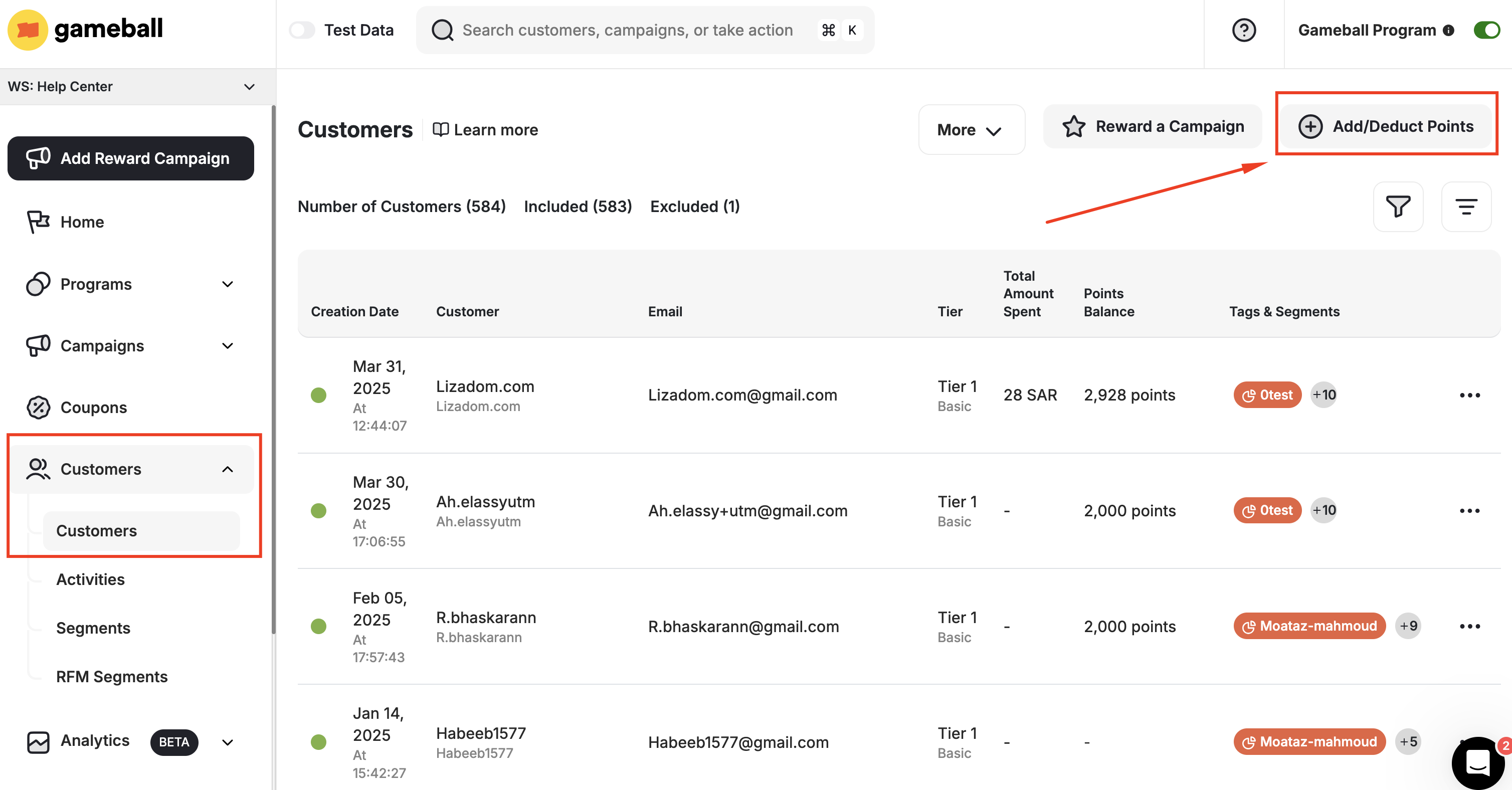
Choose the Method
You can complete the add or deduction process using the Gameball internal system or via a CSV file.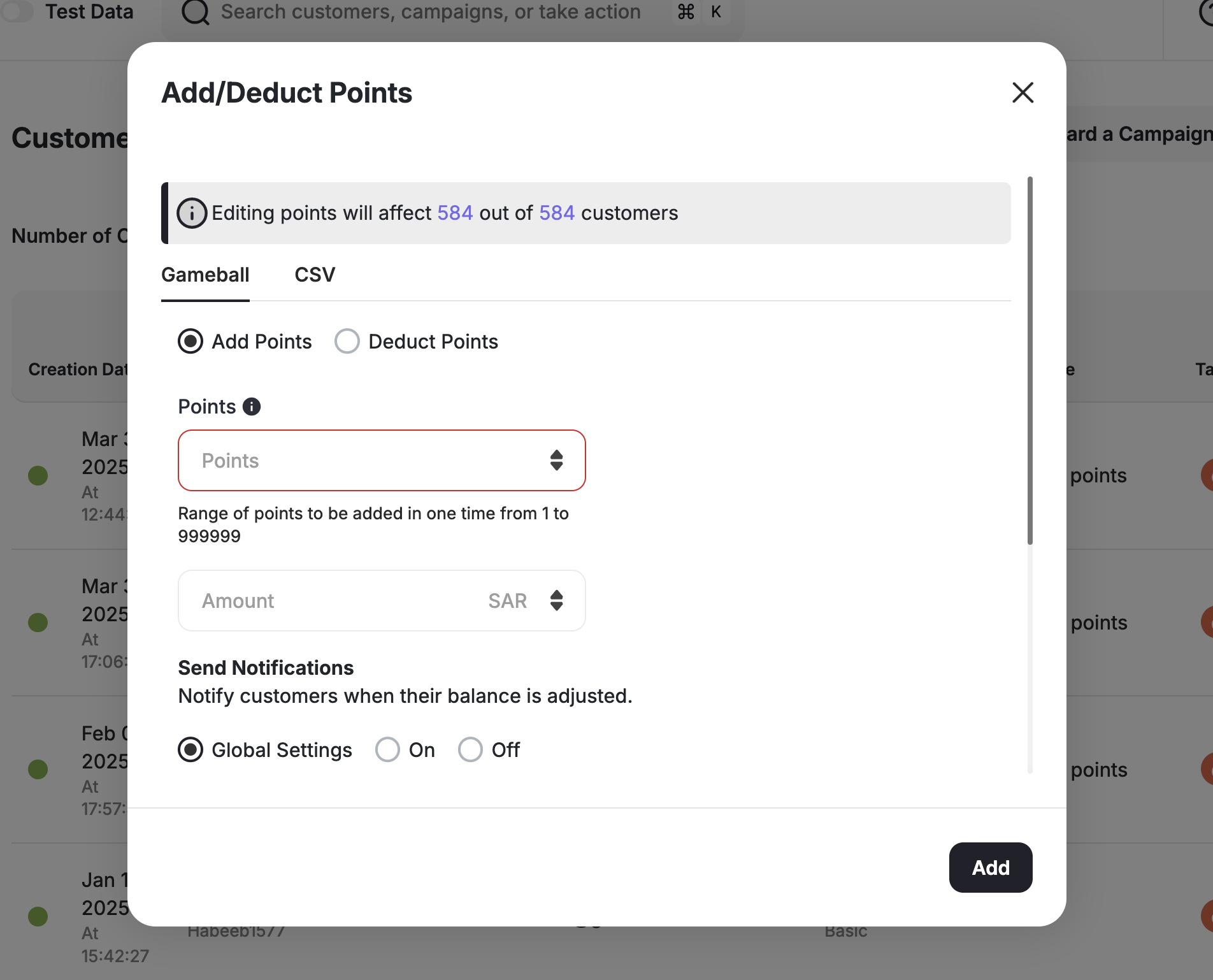


- Internal System
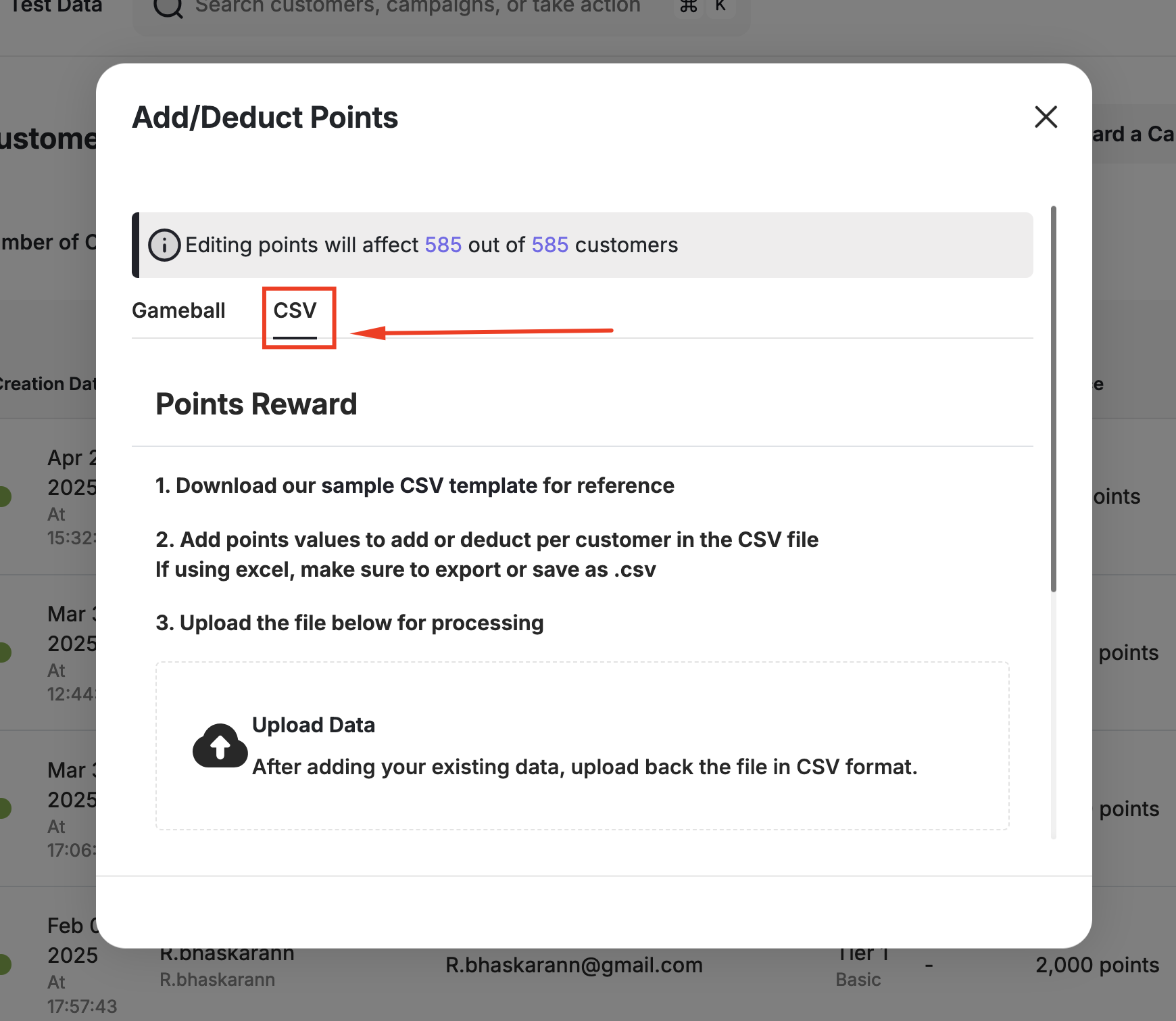
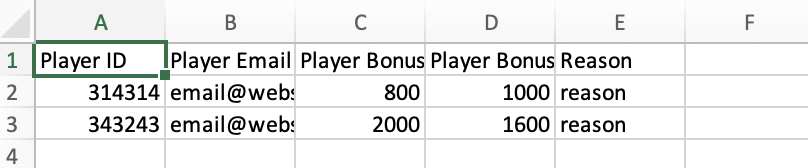
- CSV File
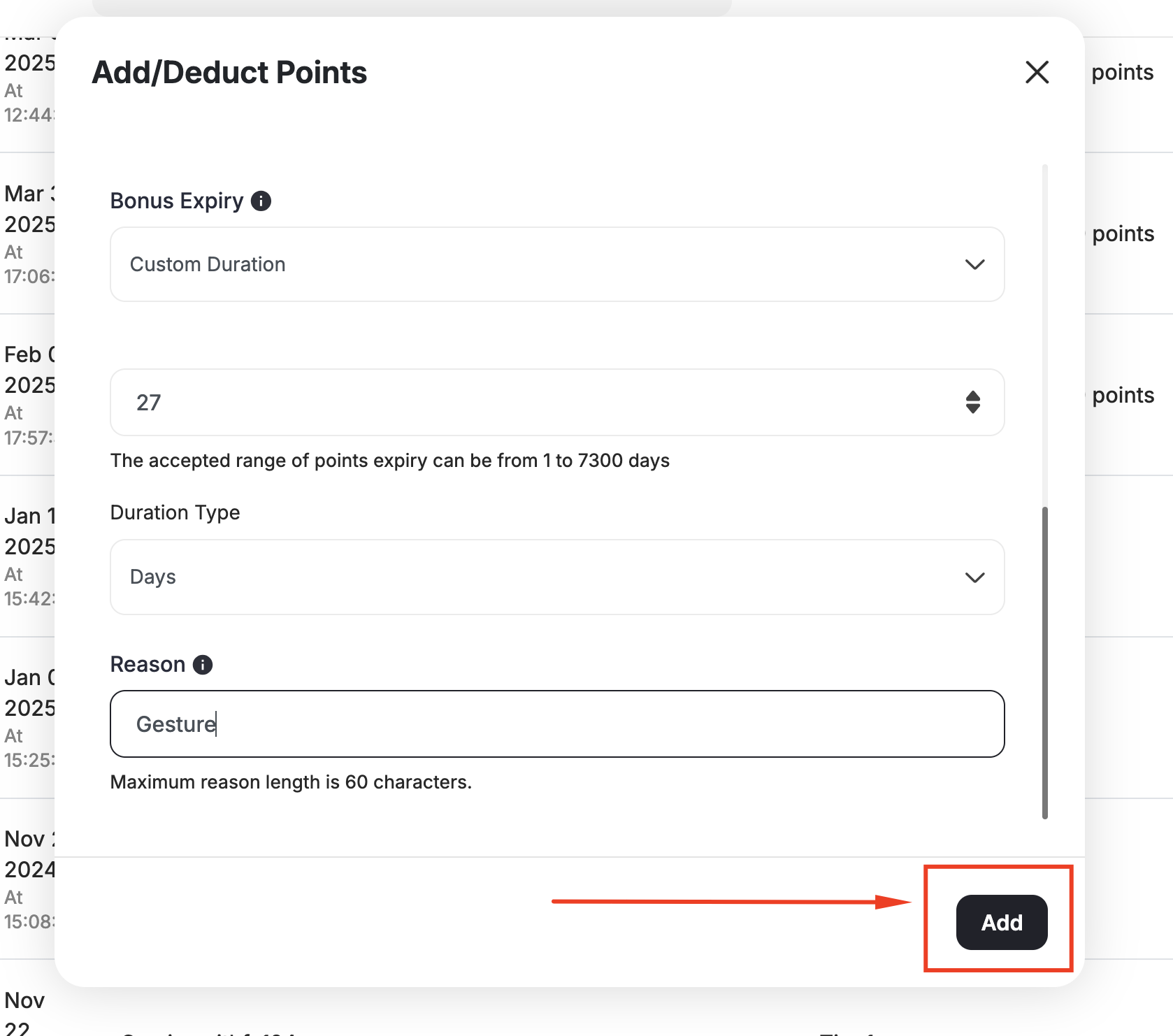
- Choose between Add points and Deduct points.
- Add the number of points you want to add/deduct.
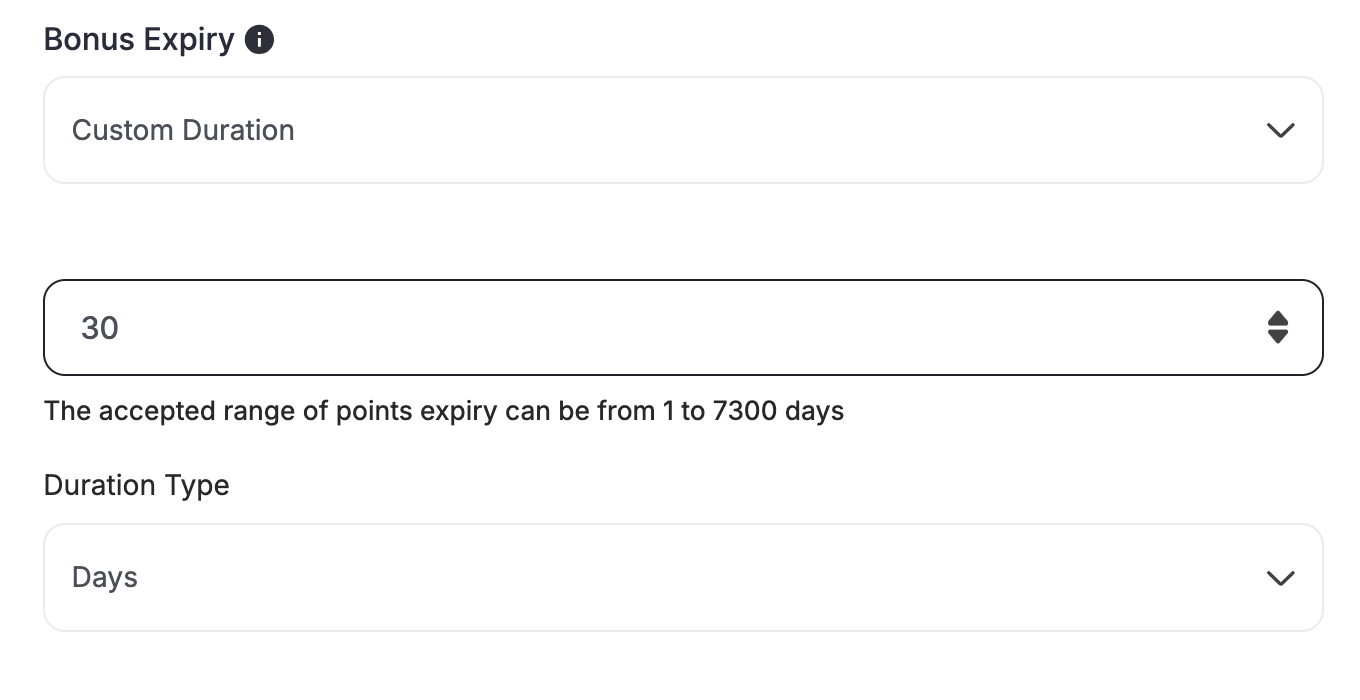
- If you are adding points, choose the expiry date of the added points.
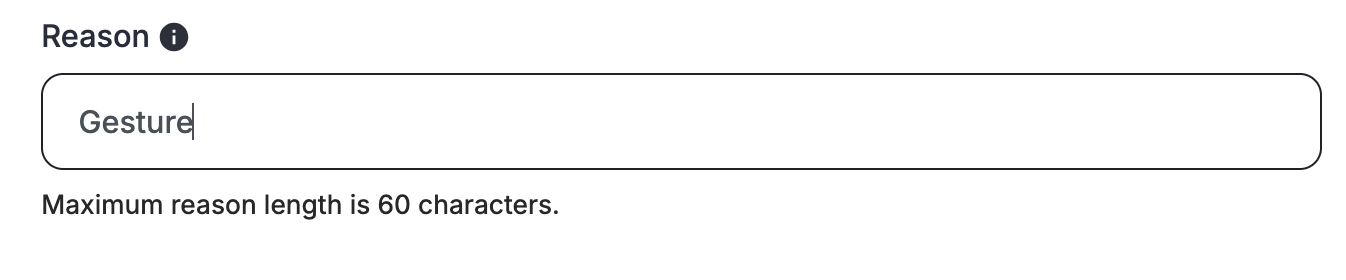
- State the reason why these points were added or deducted.
- Click Add or Deduct depending on which action you have initially chosen.
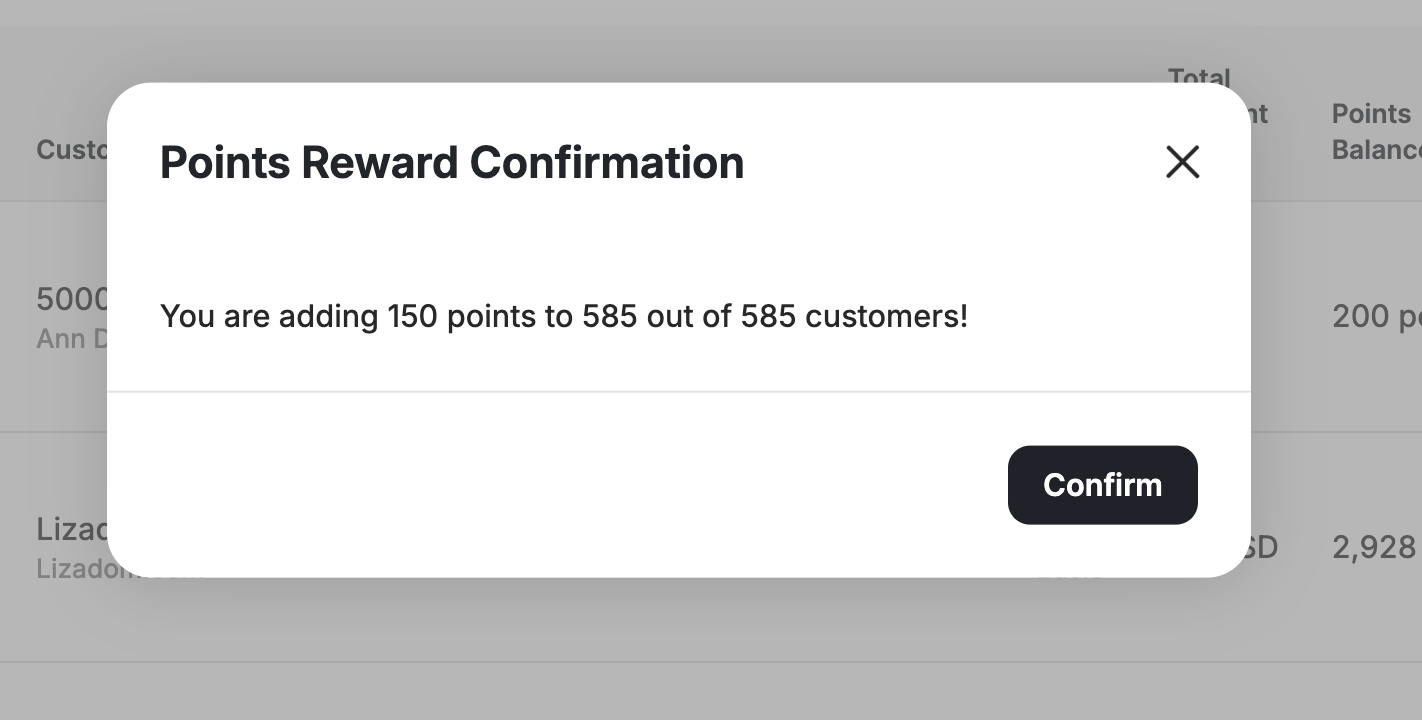
- Then click Confirm.

Adding and Deducting Points from One Customer
Find the Customer
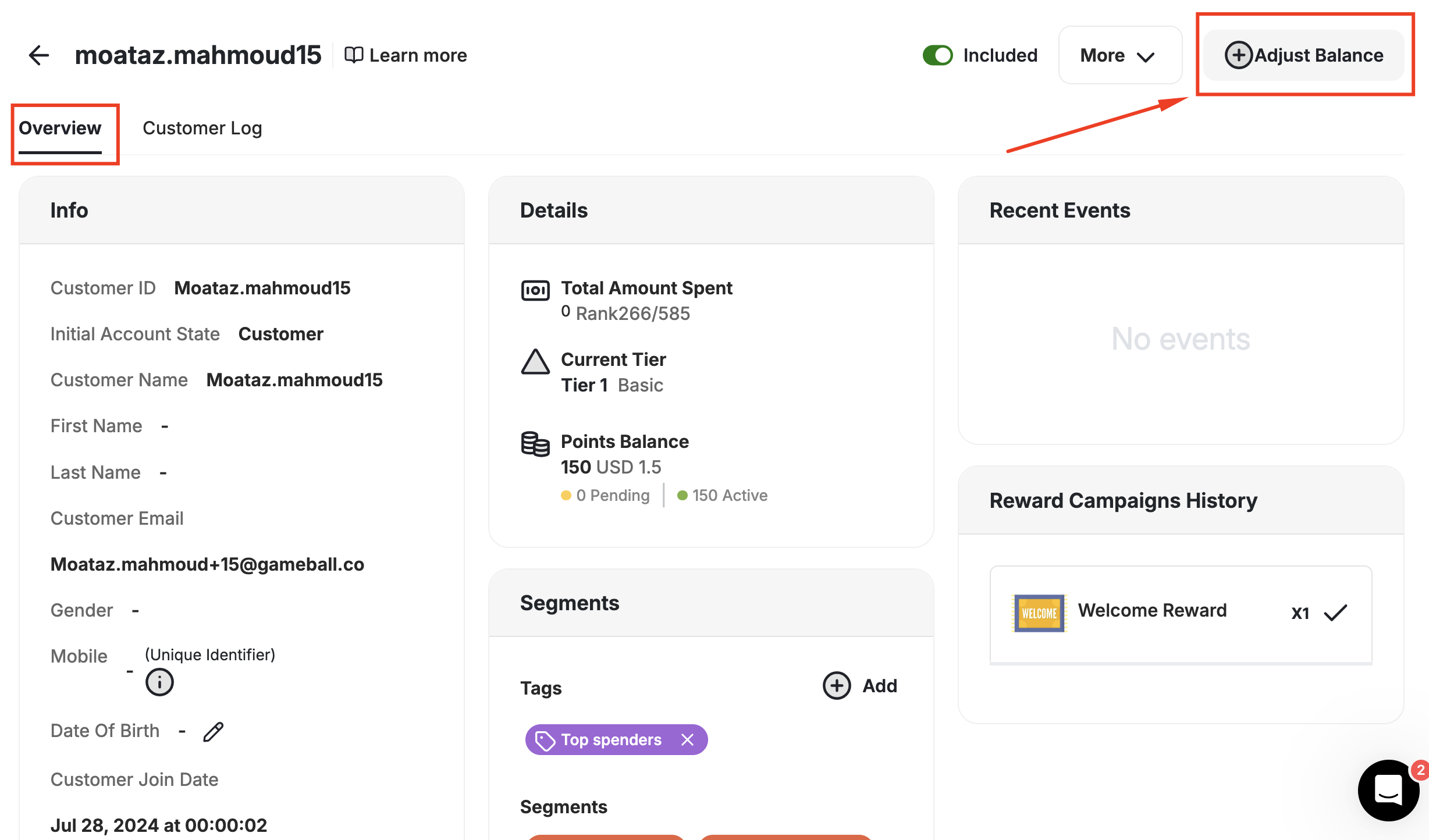
On the Gameball Admin Dashboard, go to the Customers section, search for and choose the customer you want to adjust their points for.
Related Articles
Customer Activity Log
Review all actions and transactions on any customer’s profile.
Manually Reward a Customer with a Reward Campaign
Learn how to manually assign a reward campaign to specific customers.