| Platform | Availability |
|---|---|
| Self-Serve (Non-Platform) | Available |
| Shopify / Salla | Not Available |
How to View the Dashboard on Demo Mode
Open Demo Account
It takes only one click to jump from your real dashboard to a demo mode. Just click on Settings > Demo Account.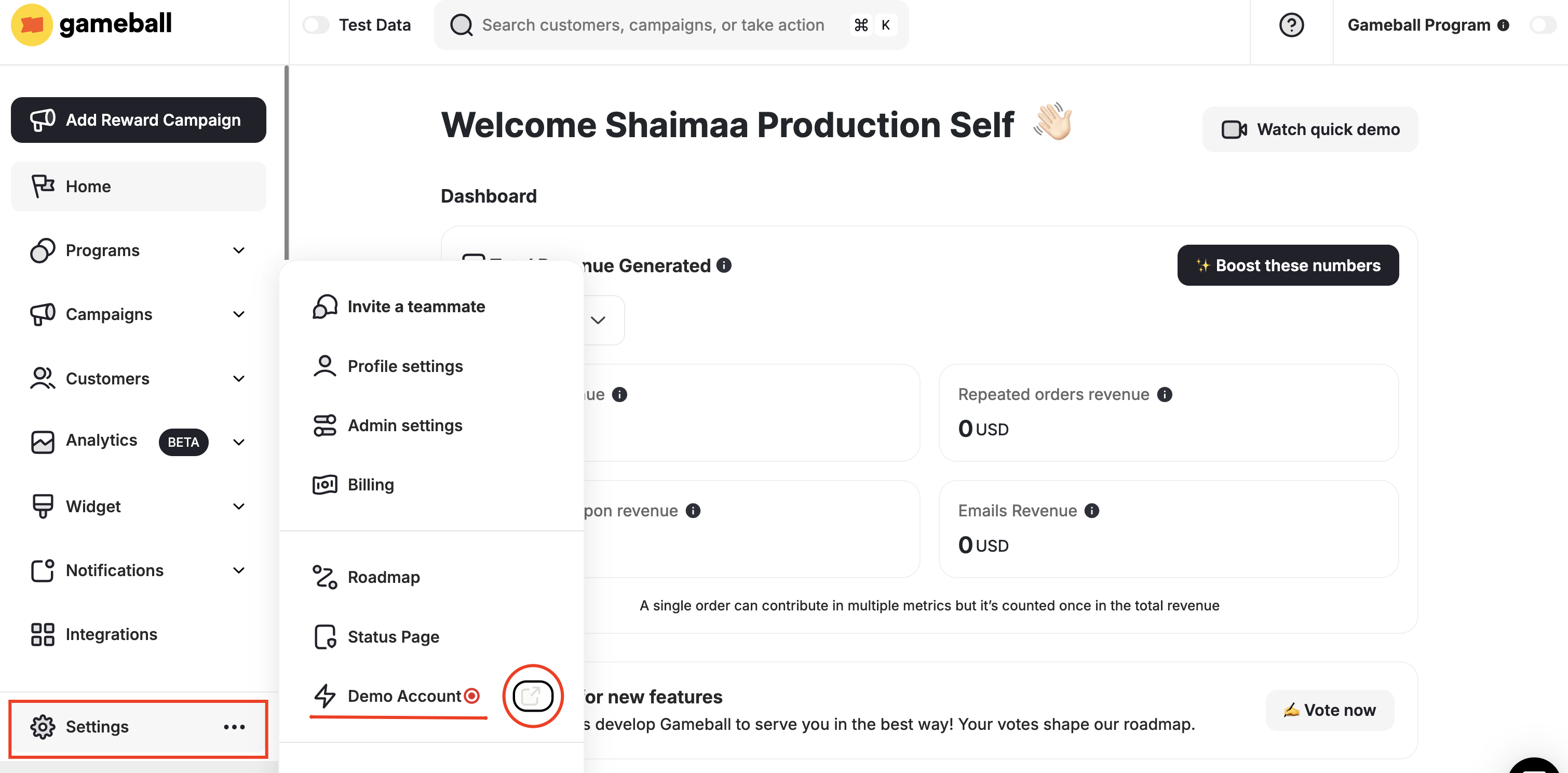
Explore the Demo
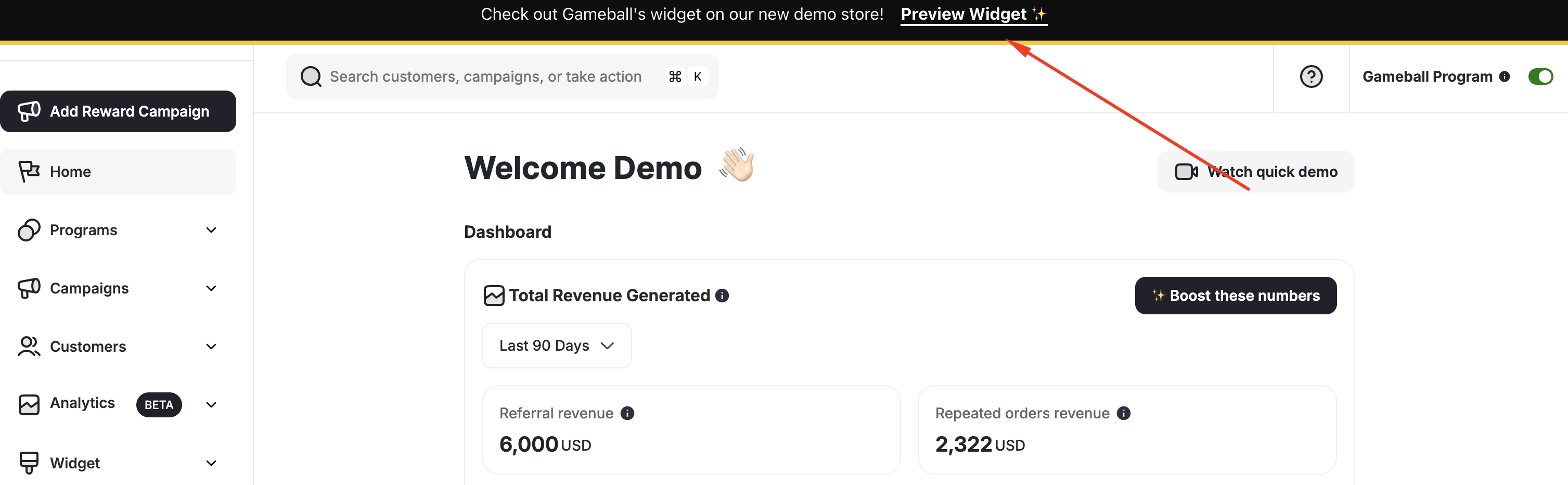
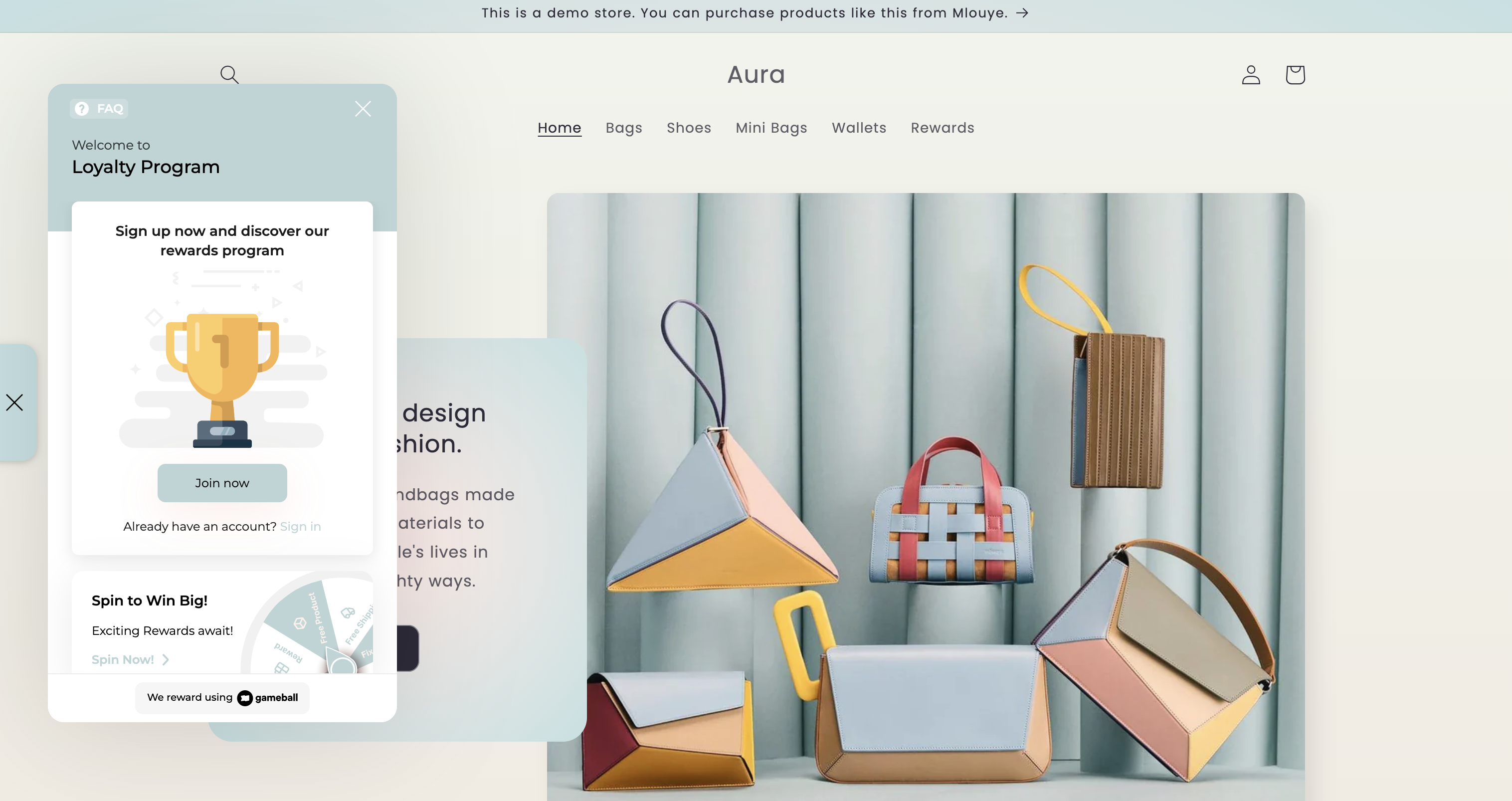
As soon as you click on Demo Account, a new tab will open, and you will be able to see some dummy data all over it. Feel free to surf all tabs and programs. You can also try some of the programs’ dummy configurations on your real dashboard.
The Demo Account button is only found on non-platform accounts.