

Publishing Your Gameball Experience
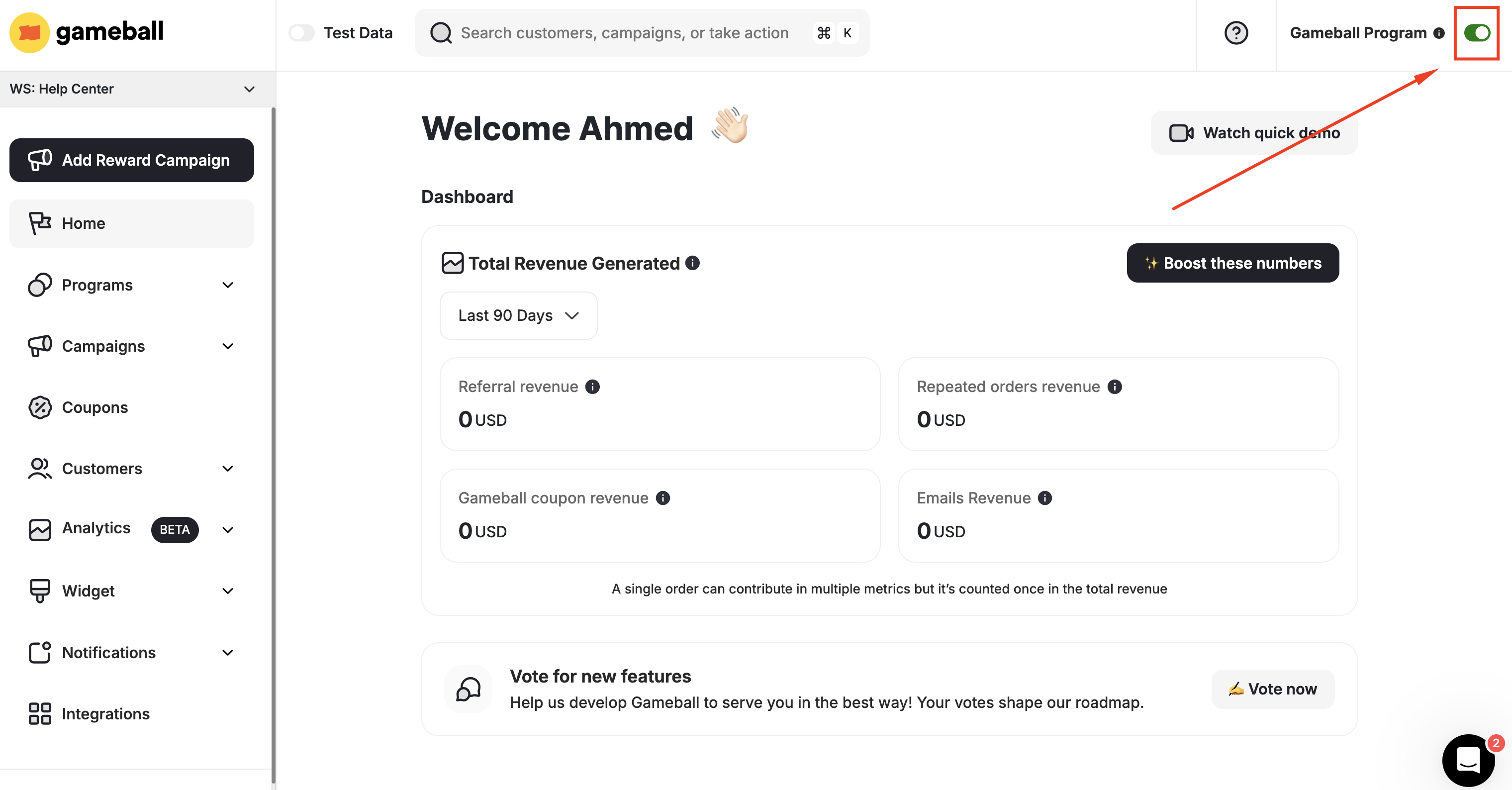
What Happens When You Deactivate the Program?
When you disable Gameball by switching off the toggle, the following applies:| Effect | Description |
|---|---|
| Program visibility | Your loyalty program will not be visible to your customers |
| Reward earning | Your customers will not earn rewards |
| Notifications | Your customers will not receive any messages, notifications, or emails |
| Customer actions | Your customers’ actions will still be added to Gameball |
| Existing coupons | Your customers will be able to use coupons they had already claimed before disabling the program |
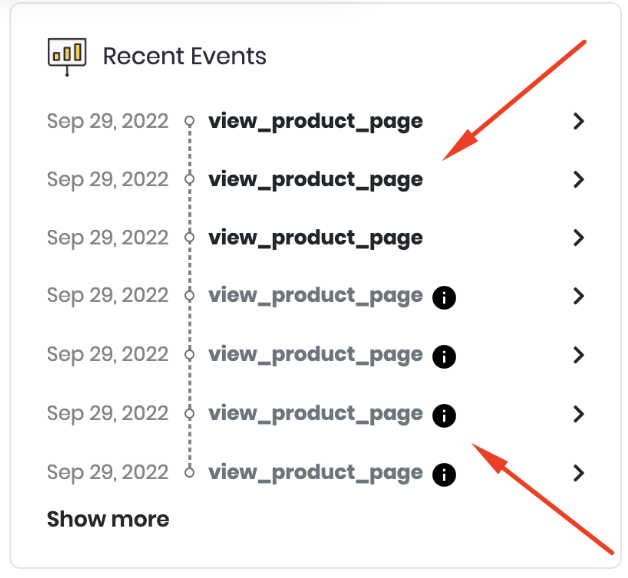
When the Gameball program is switched to unpublished, any customer event will still reflect on their profile on the dashboard; however, they will appear dimmed as these actions will have no consequence.

Related Articles
Enable Customer Account Creation on Shopify
Set up customer account creation to allow customers to join your loyalty program.
Enable Customers to Use Points as Discounts on Shopify
Let Shopify customers exchange their points for discount codes and free items.
Migrate Customers to Gameball on Shopify
Move your existing customers from a previous loyalty program to Gameball.
Control Gameball Widget Visibility
Manage where and when the Gameball widget is visible on your platform.