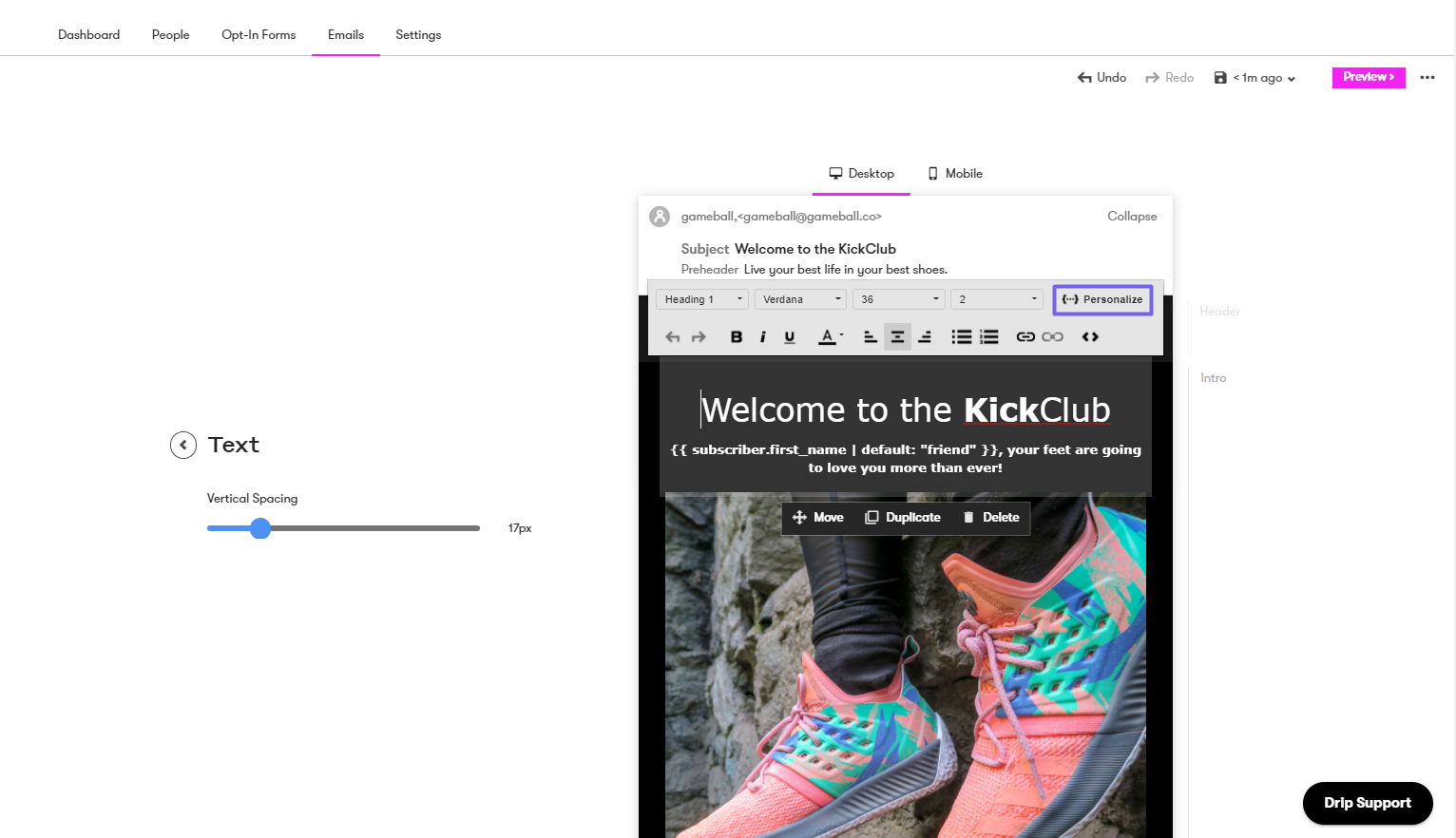
Why Integrate Drip with Gameball?
This integration allows you to target and segment your customers based on how loyal they are to your app. With this integration, you can:- Check Gameball customer attributes directly in Drip.
- Send personalized emails by including Gameball customer information in email templates, such as the customer’s current tier.
How to Configure Drip on Gameball
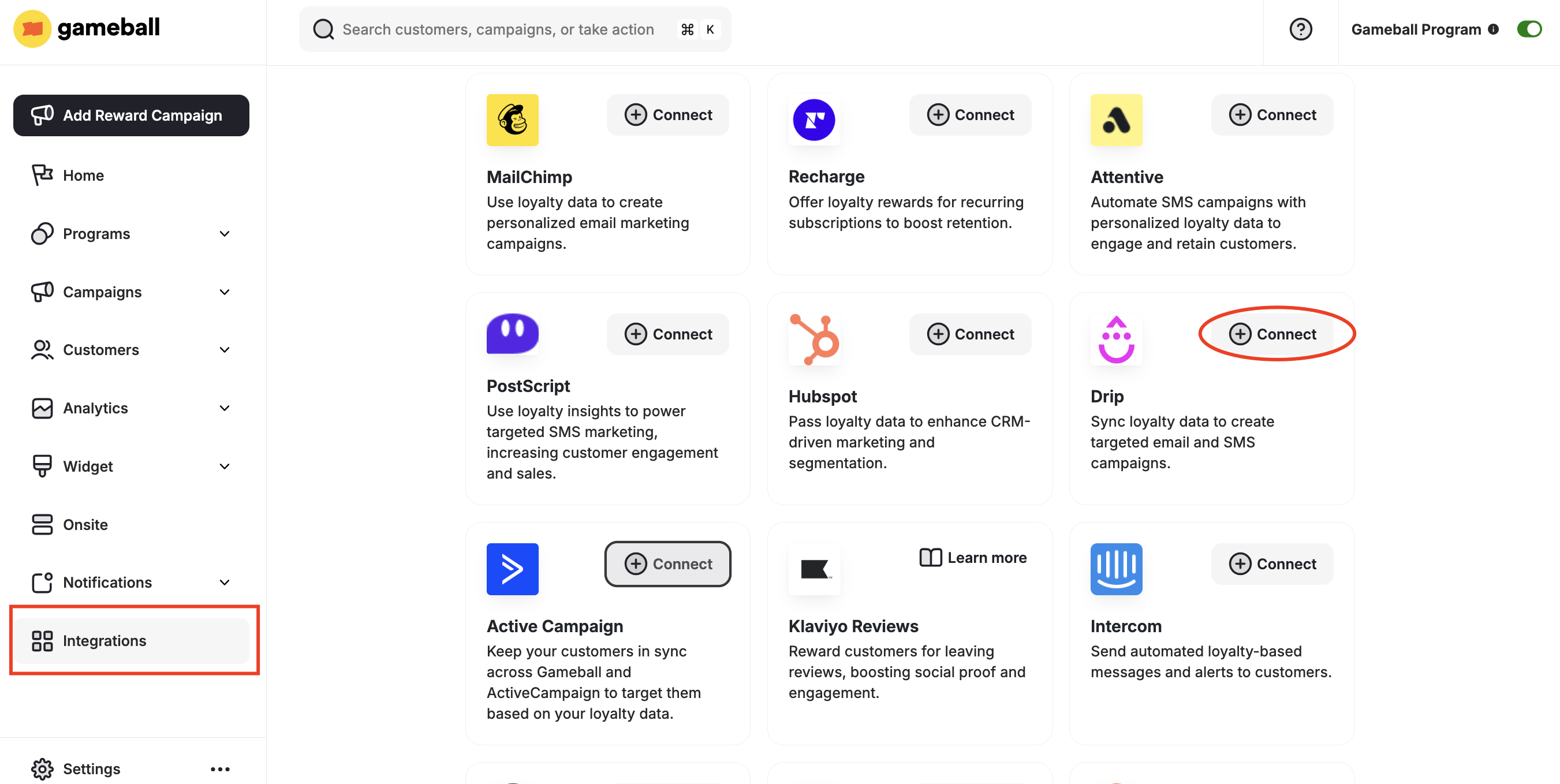
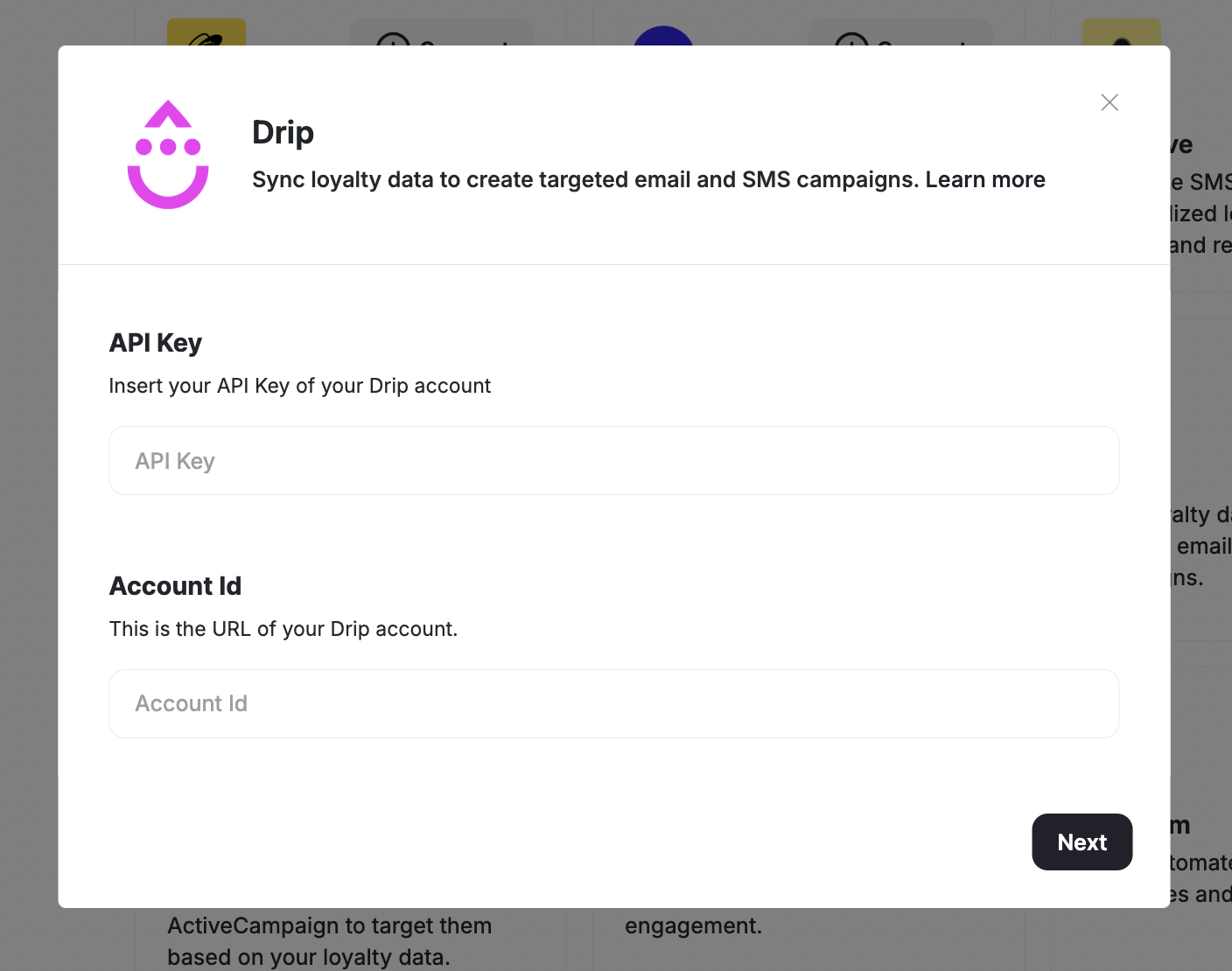
Get Your API Credentials
- Install Drip from the Shopify App Store.
- In your Drip account, go to Settings > Developer.
- Copy the URL and API Key.
Using Gameball Data in Drip
Once connected, go to your Drip account to leverage Gameball loyalty data.Check Customer Tags
View Gameball customer profile custom tags through People > Choose customer.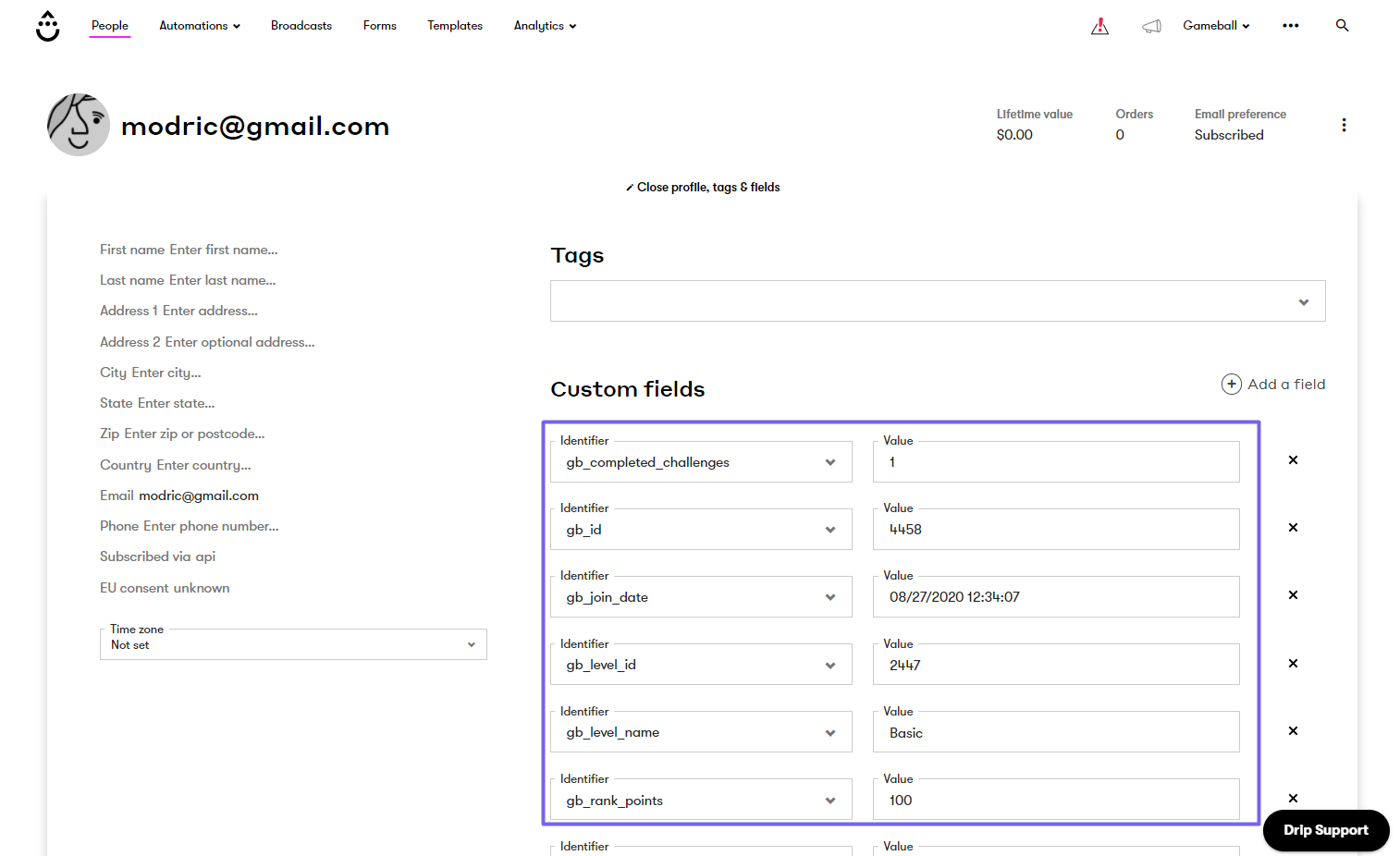
Personalize Email Campaigns
Go to Personalize and choose one of Gameball’s custom profile attributes.