

Why Integrate Zapier with Gameball?
Using Gameball with Zapier allows you to send events to Gameball in order to reward your customers for completing and performing certain actions on hundreds of other platforms, like subscribing to a newsletter, clicking on a link inside an email, and much more! Before you log in to your Zapier account and start connecting other apps to Gameball, make sure to create and configure these events through the Gameball dashboard. To learn more about recommended events and how to configure them, check this article.Quick Start Example
Here’s how to connect Judge.me to Gameball, where Judge.me sends an event to Gameball every time a new review is written so that Gameball can reward your customers for writing reviews.Connect the Apps
Log in to your Zapier Dashboard and search for Judge.me and Gameball to connect them.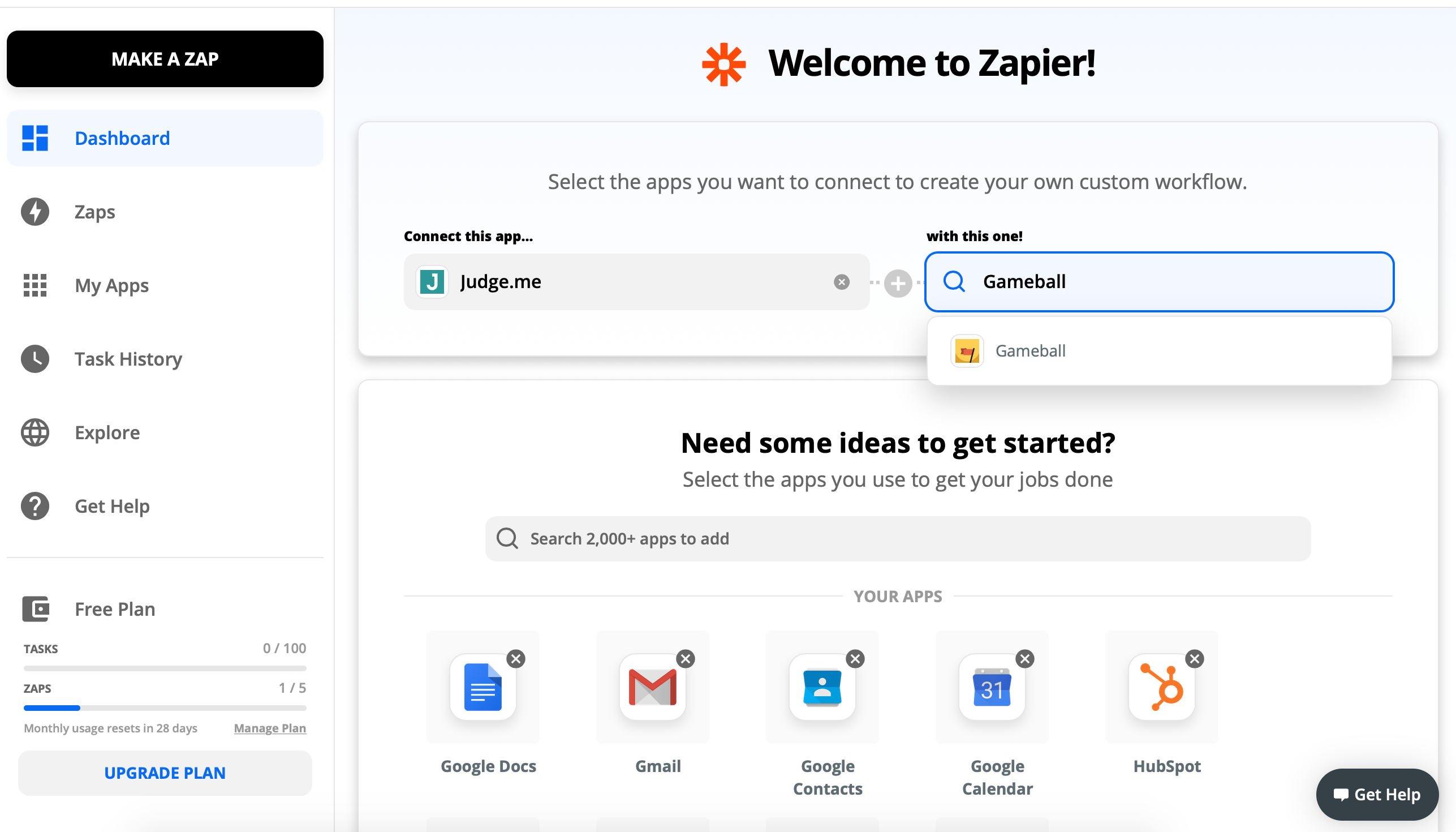
Make sure you use Gameball V1.1.
Configure the Trigger and Action
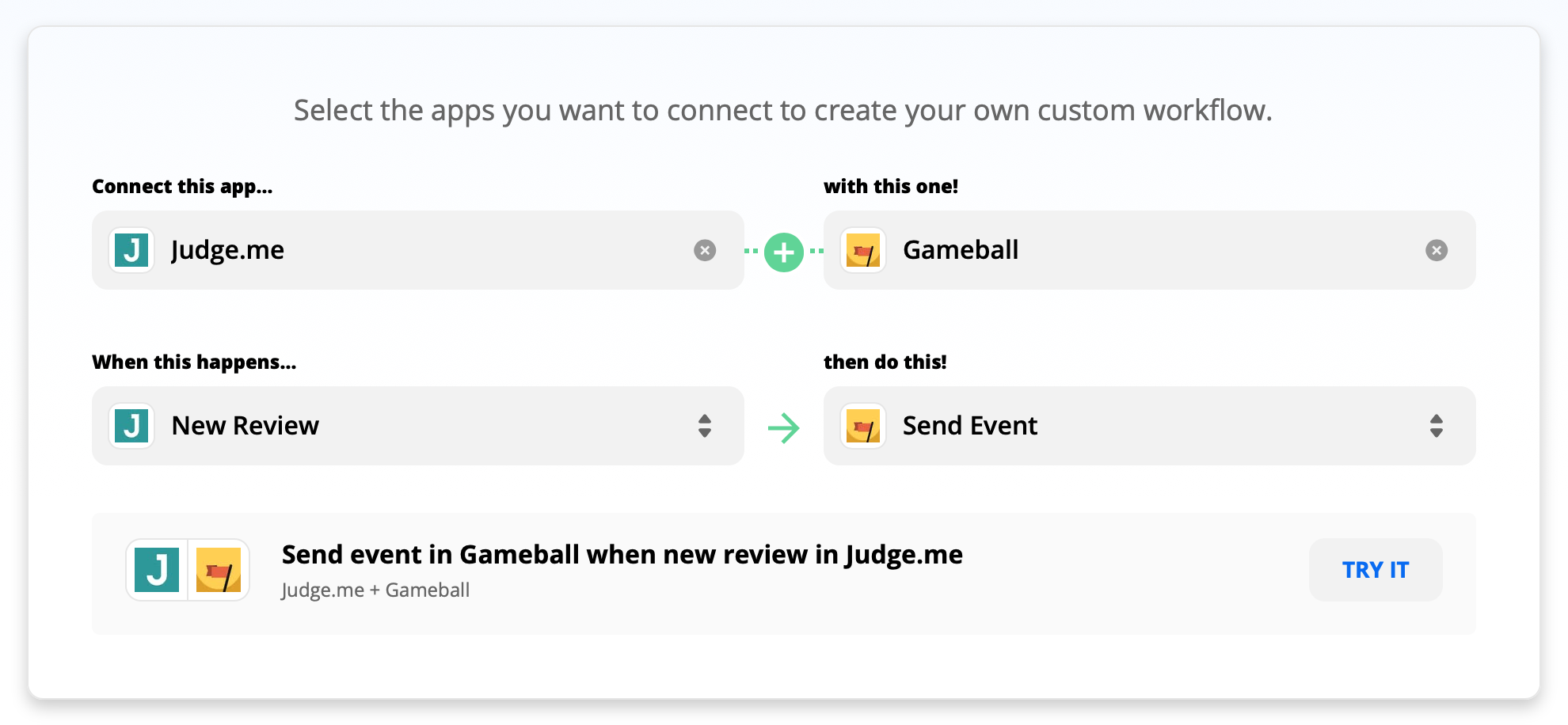
Select the trigger New Review on Judge.me and Send Event action on Gameball.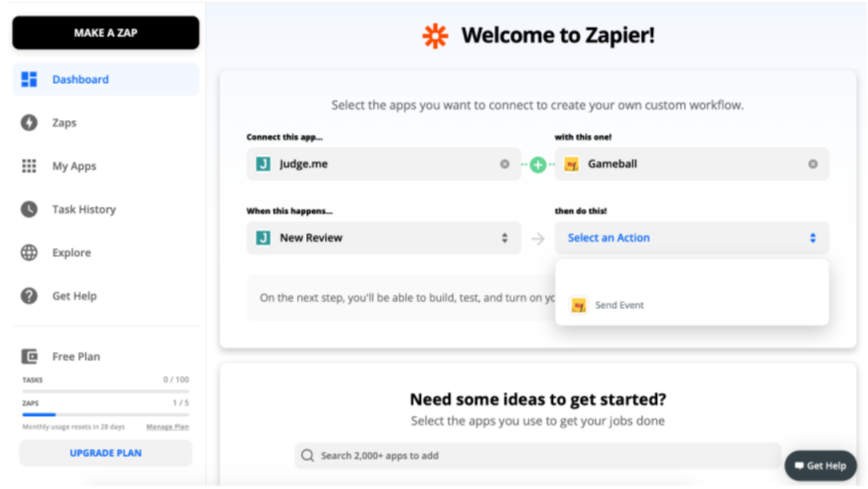
Connecting Gameball to Zapier
Explore Gameball templates and use cases on Zapier.
Connect Gameball with Apps
Step-by-step guide to connect Gameball with any app on Zapier.