

Why Integrate Judge.me with Gameball?
This integration allows you to reward your customers based on their placed reviews, driving more reviews for your business and building trust with your customers.How to Configure Judge.me on Gameball
Connect Judge.me
Go to Integrations on your Gameball Admin Dashboard and click Connect under Judge.me.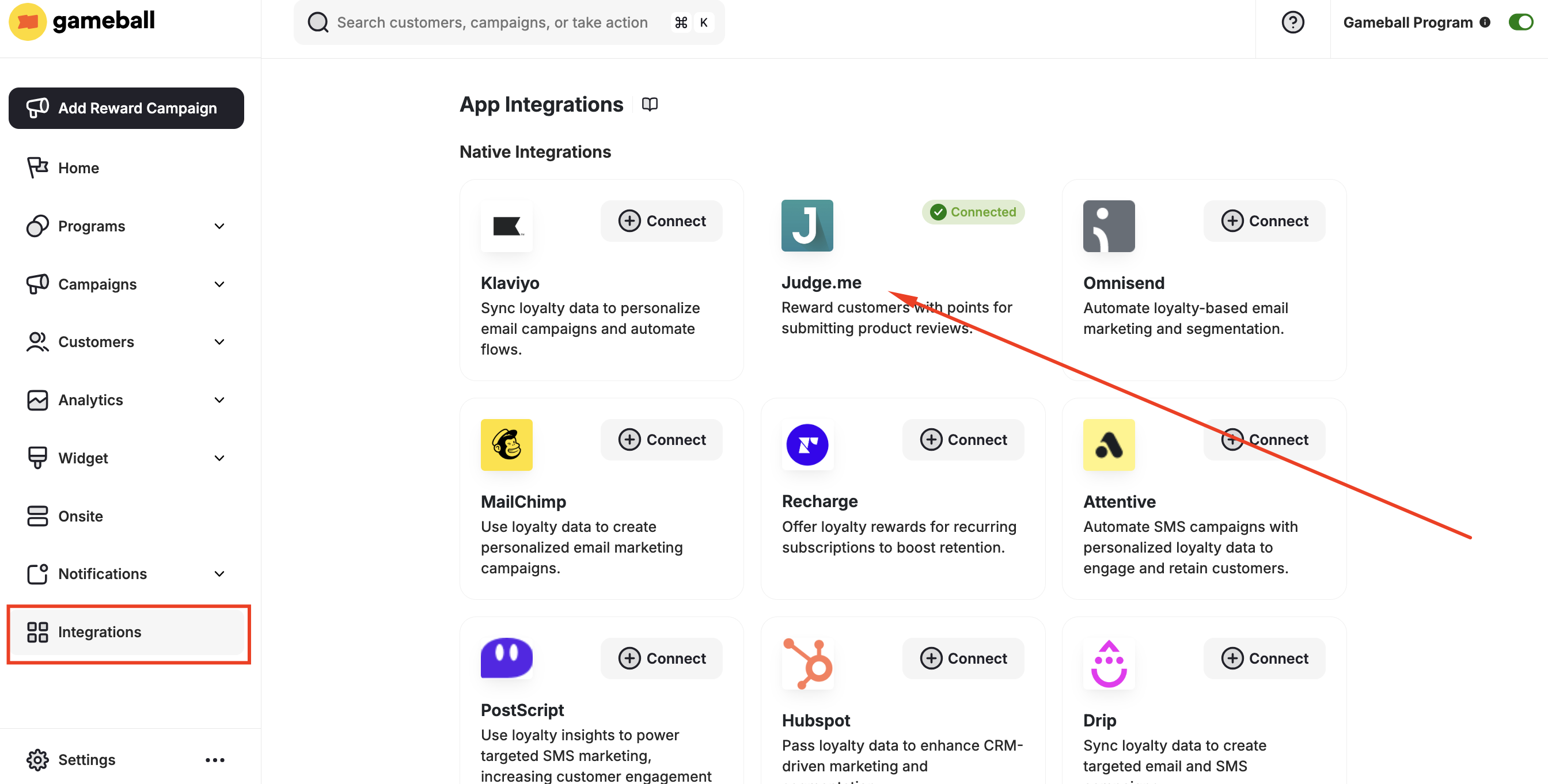
Get Your API Key
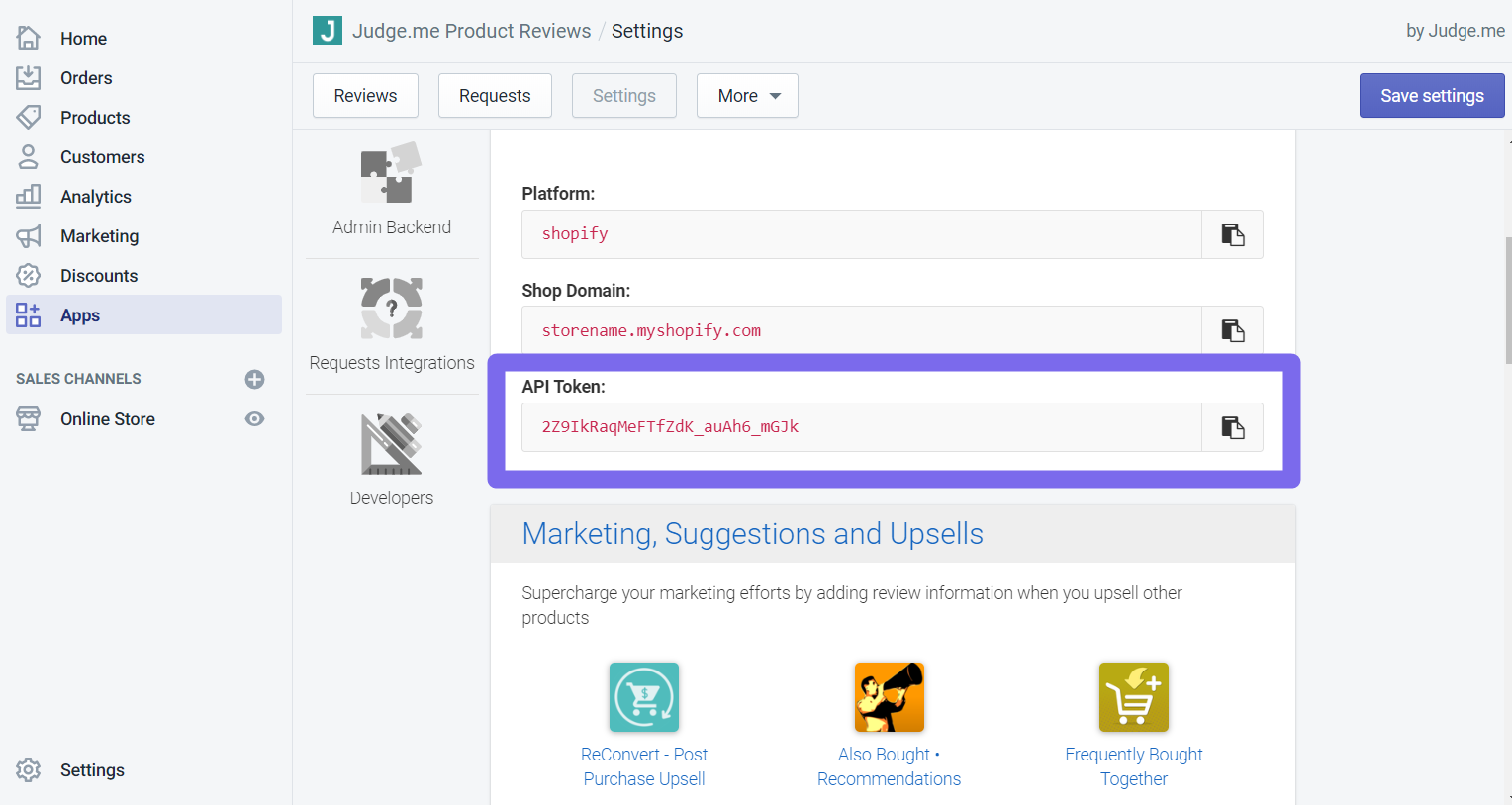
- Install Judge.me from the Shopify App Store.
- In your Judge.me account, go to Settings > Integrations.
- Copy the API token.
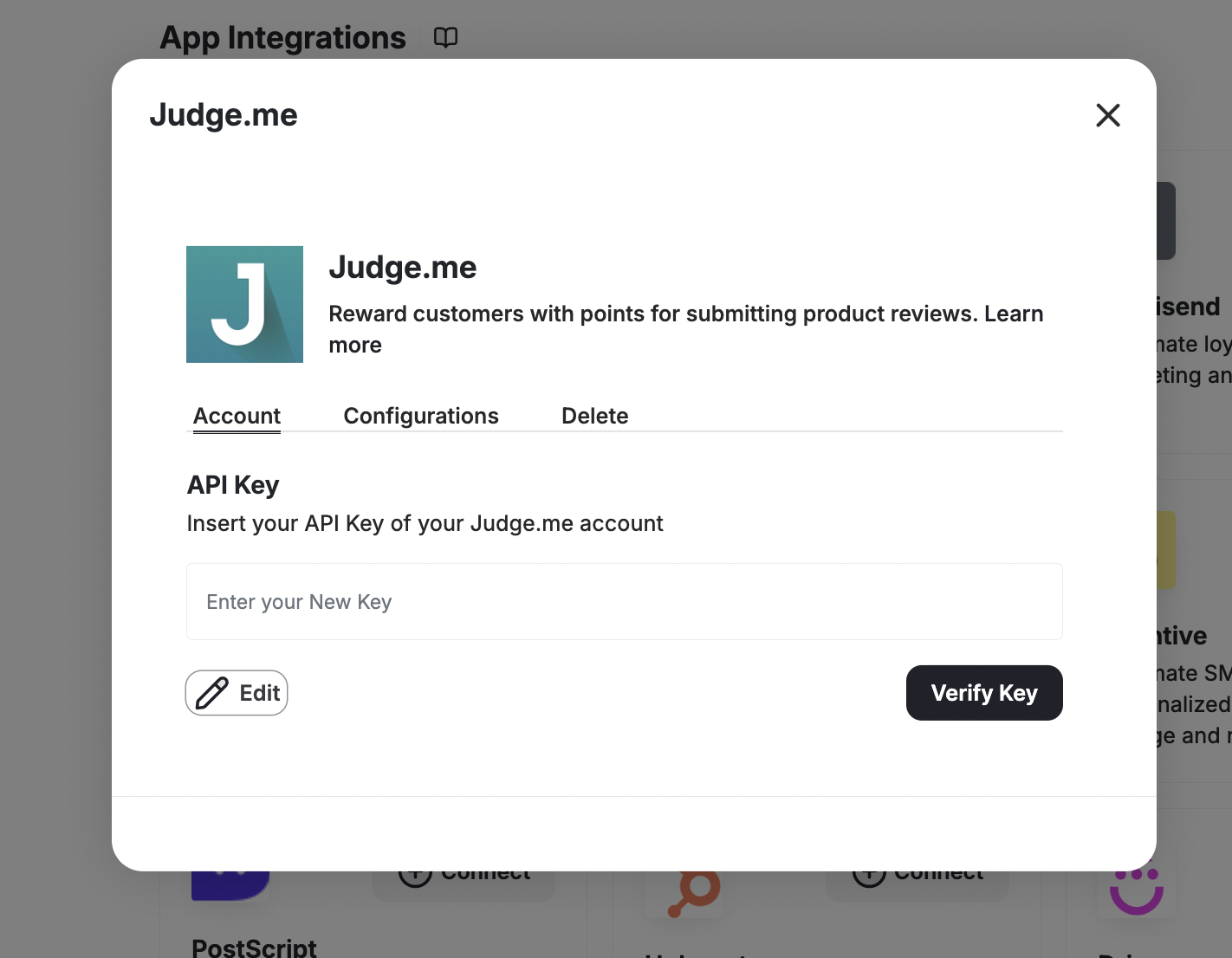
Add the Review Event
Click Add to automatically add the review event in the customers’ events section on your Gameball Admin Dashboard.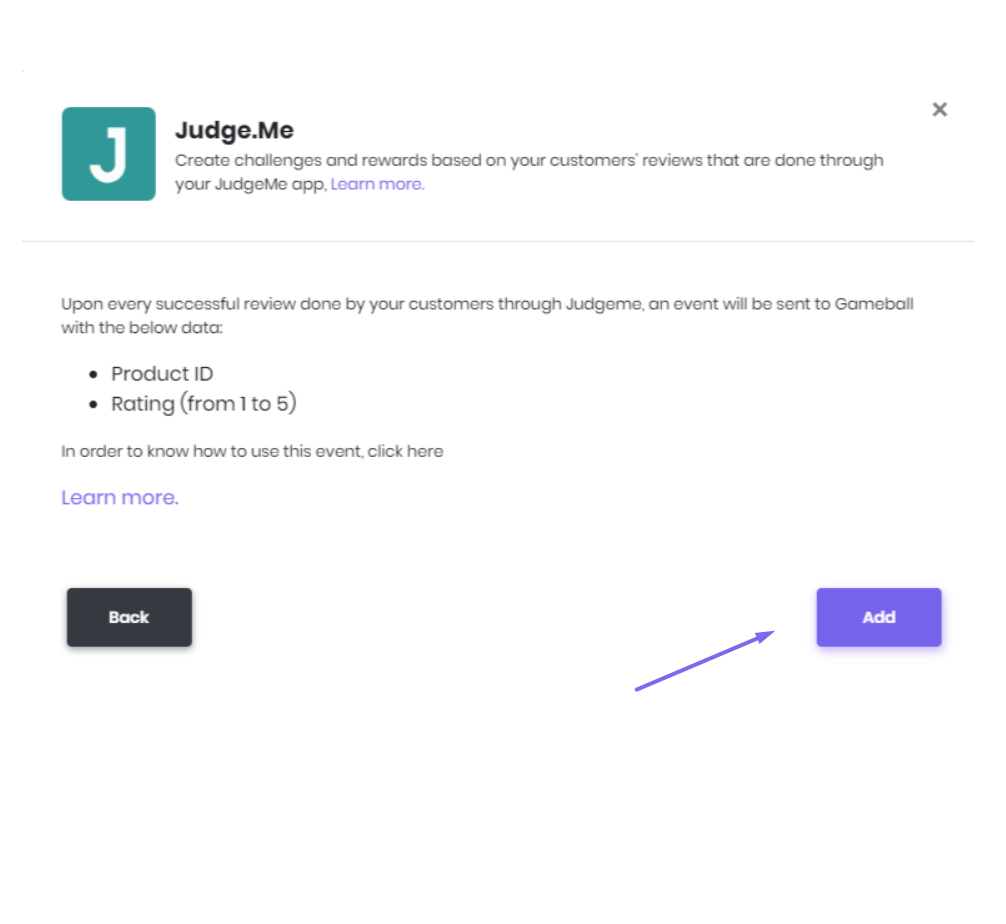
Create a Reward Campaign
Go to Rewards > Reward Campaigns and create the “review/judge me” campaign.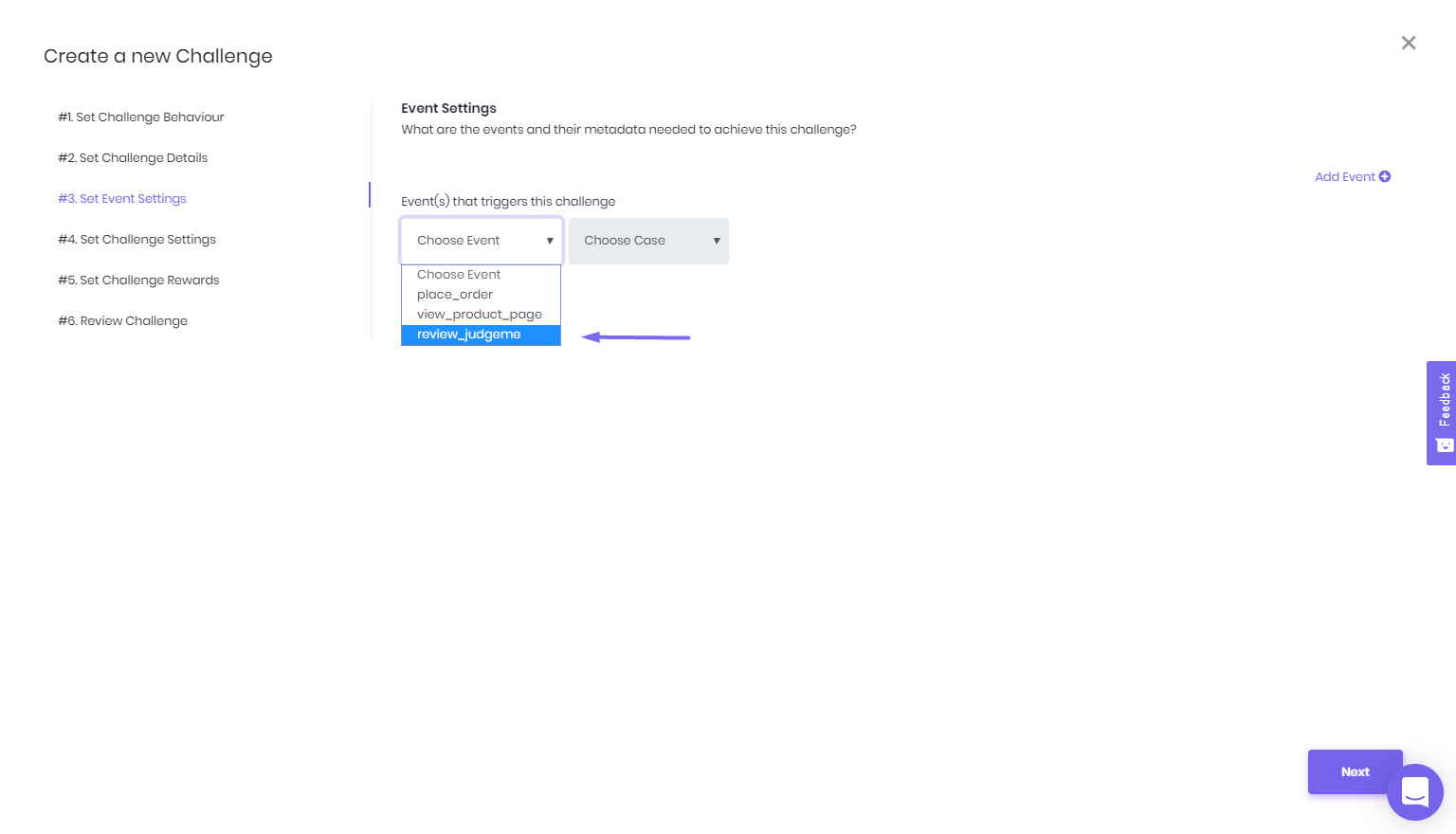
This event will have the following metadata: Product ID, Product Title, and Rating.