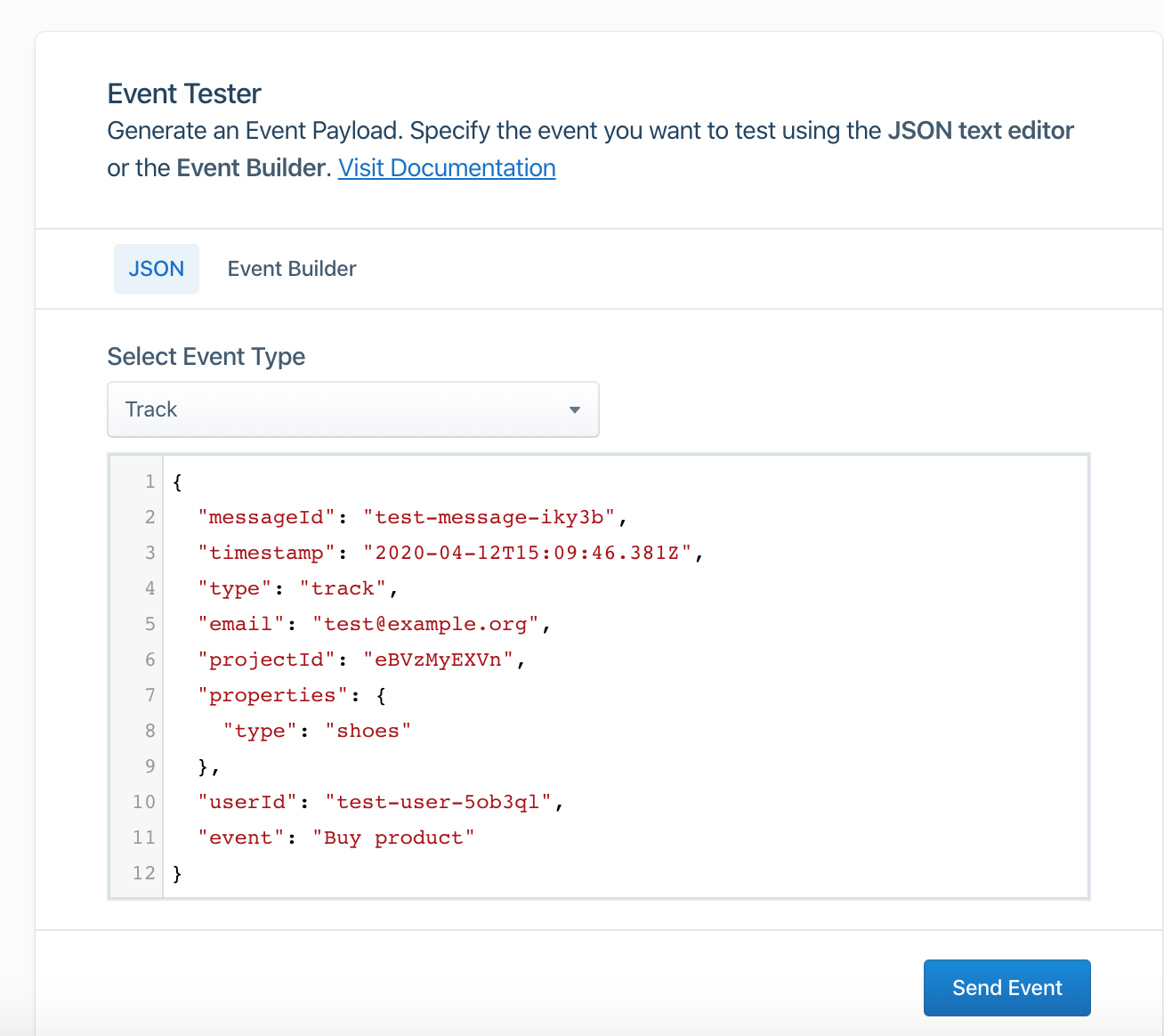
Why Integrate Segment with Gameball?
This integration allows you to target and segment your customers based on how loyal they are to your app. With this integration, you can:- Segment your contact lists based on Gameball customer attributes.
- Trigger automations based on Gameball customer attributes.
- Send personalized emails by including Gameball customer information in email templates, such as the customer’s current tier.
How to Configure Segment on Gameball
Add Events to Track
Add the events you want to track in the Gameball Admin Dashboard. For more info on how to do that, check out this article.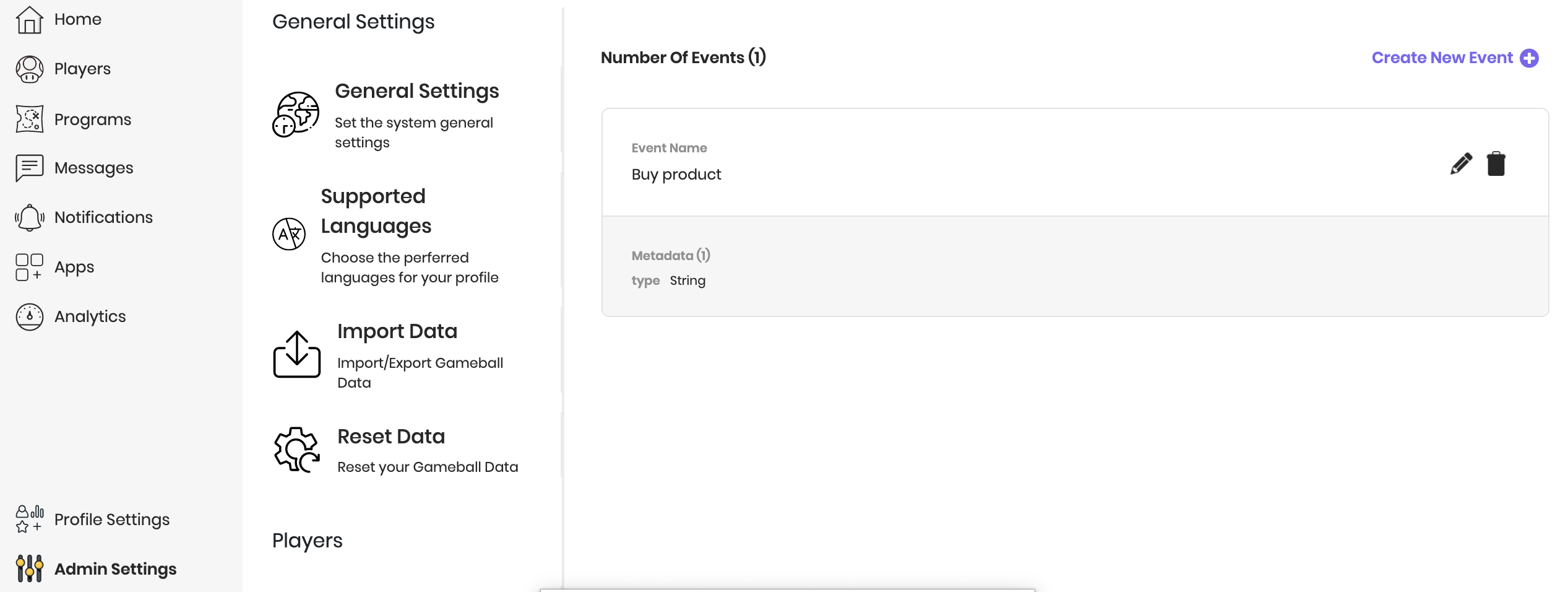
Add Gameball as a Destination
Add the Gameball app as a destination from the Segment catalog. Then add your Gameball API Key in the destination settings on Segment. Learn where to find your Gameball API key.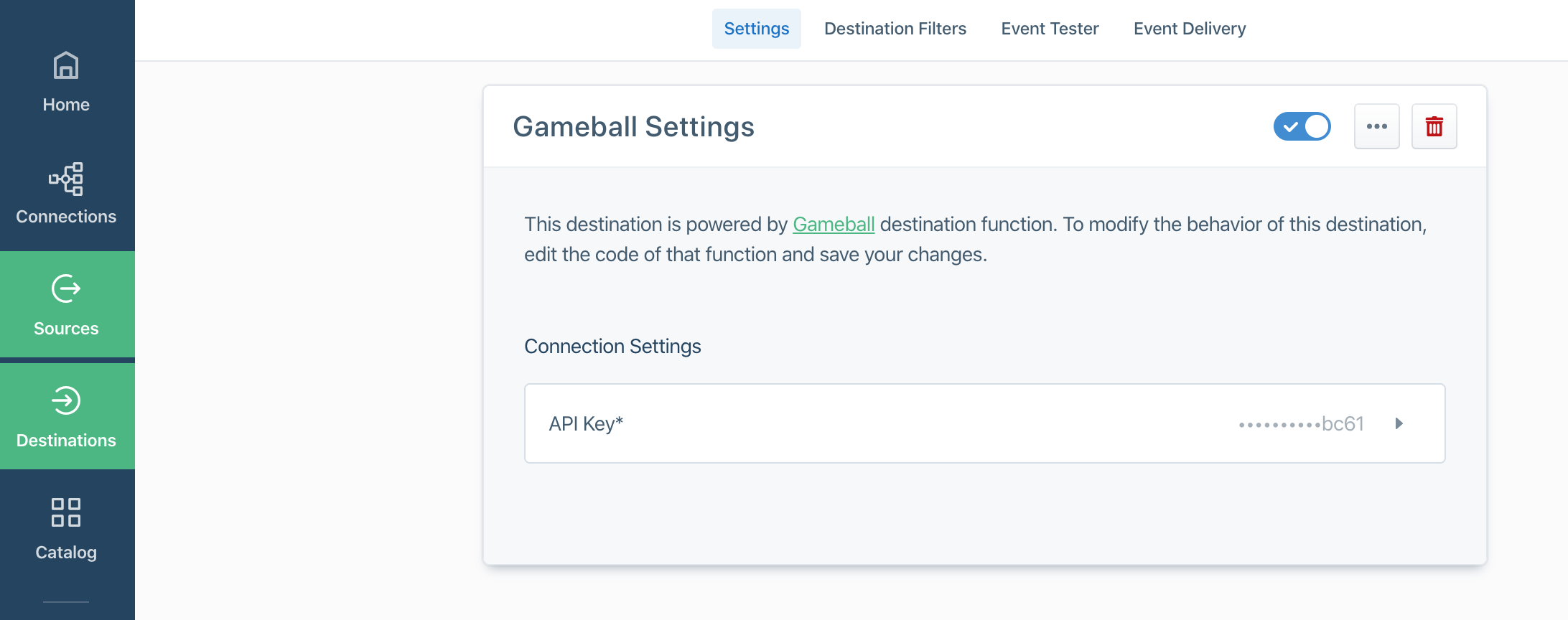
Test with Event Builder
Ensure that the events you track reach Gameball through the Event Tester on Segment with the Event Builder.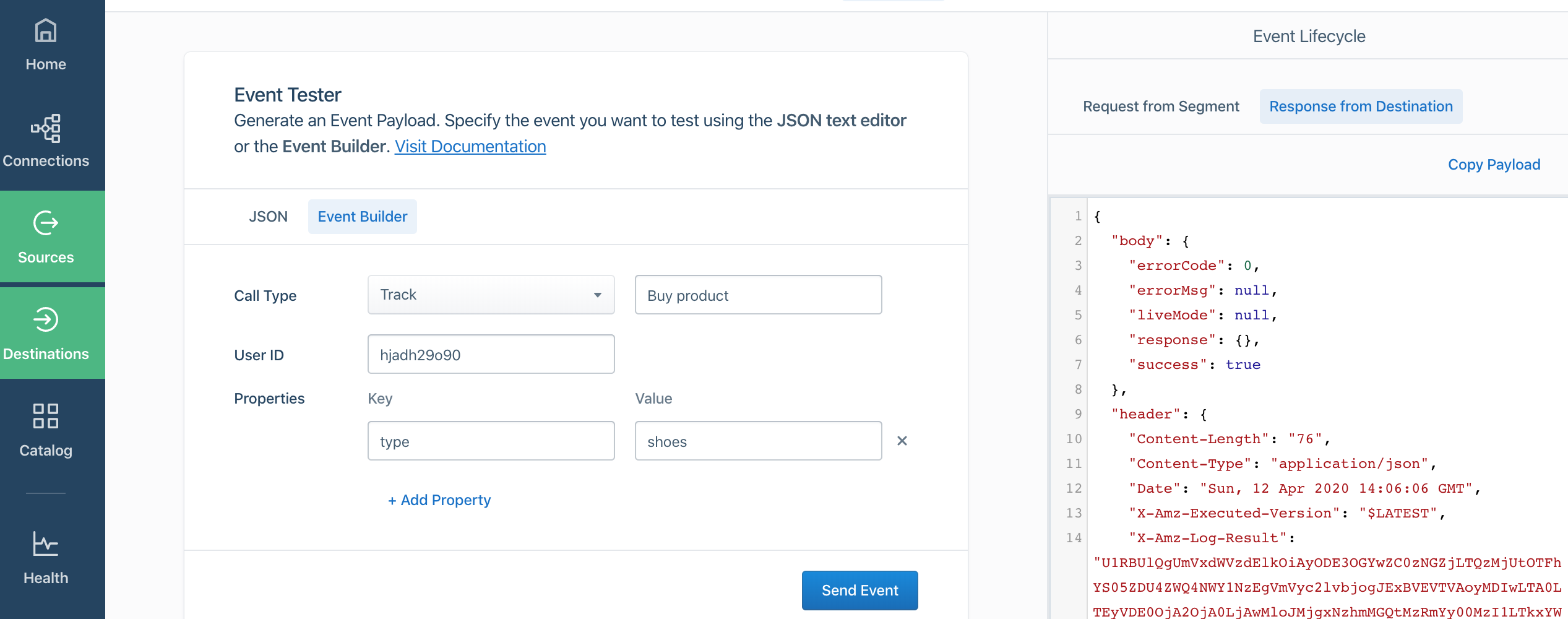
The Event Name in Event Tester on Segment must match the Event Name in the Gameball Admin Dashboard, and you must include the
userId.