

| Platform | Plan |
|---|---|
| Shopify | Starter, Pro & Guru |
How to Set Up the Integration
Enable Recharge Integration in Gameball
- Log in to your Gameball Dashboard.
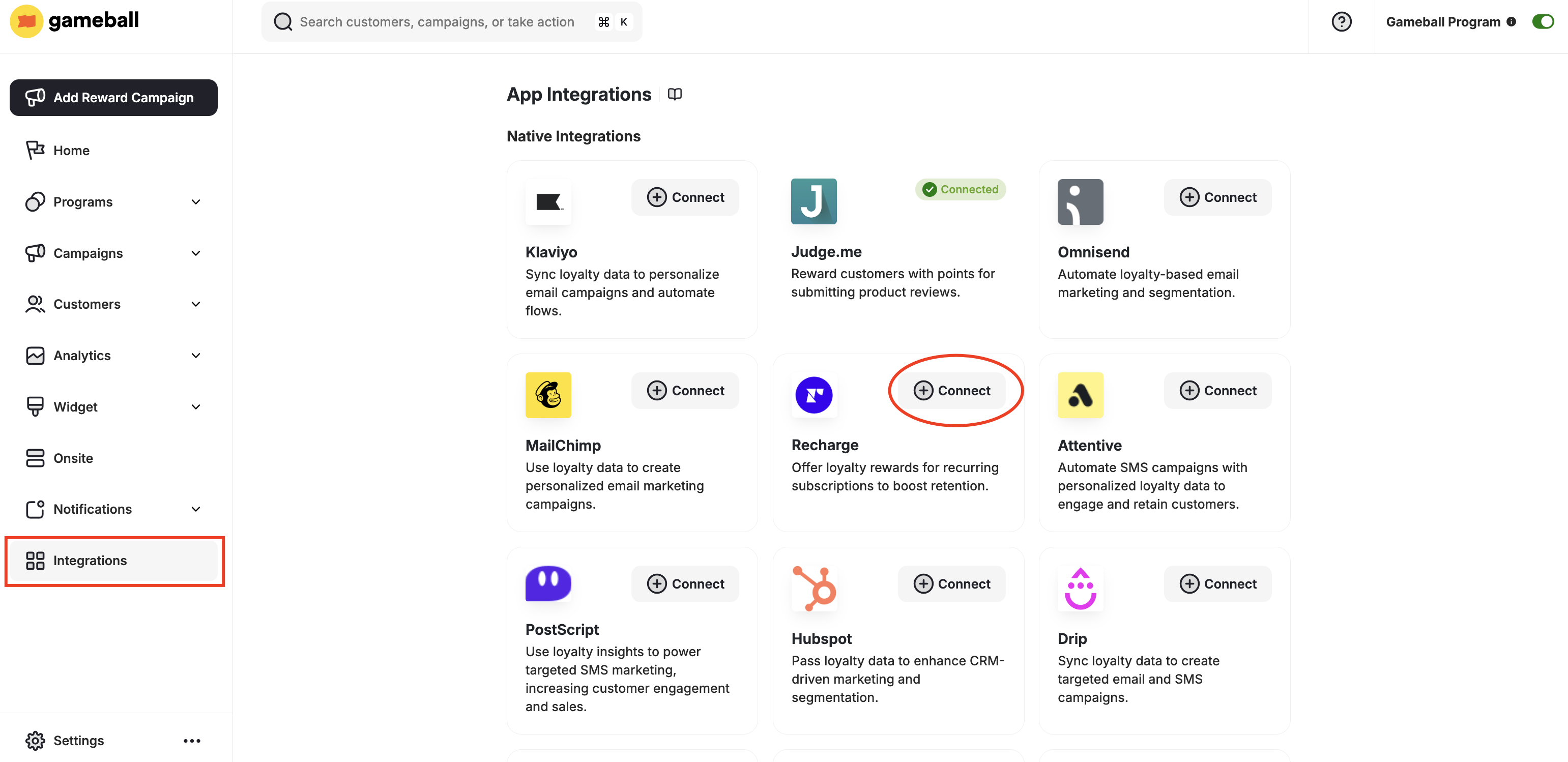
- Navigate to Integrations from the left-side menu.
- Select Recharge from the app list, then click Connect.
Authenticate Your Recharge Account
Add your Recharge account API Key and click Next.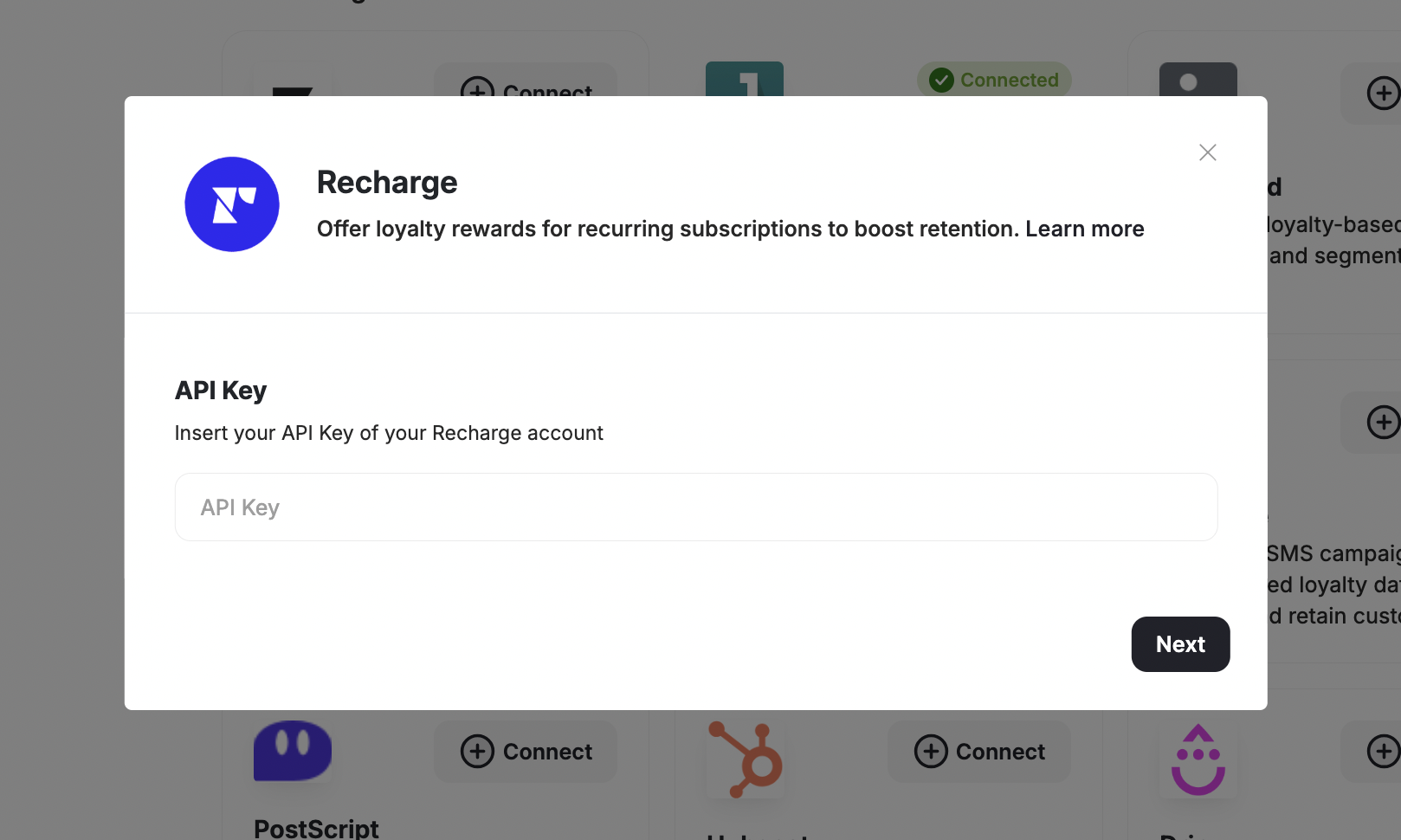

Create Recharge-Based Rewards
With the Recharge integration enabled, you can now create two types of Recharge-specific rewards from your Gameball dashboard, whether you’re creating a redemption rule or a campaign reward:
- RechargeFixed - Offers a fixed discount amount to subscribers (e.g., $50 discount). Learn More
- RechargePercentage - Provides a percentage-based discount on subscription plans (e.g., 50% discount). Learn More
Use Cases
-
Enhance Customer Retention with Subscription-Based Rewards - Use the integration to offer exclusive discounts on subscriptions. For example, create a
RechargeFixedreward to give loyal customers a flat discount on their next month’s subscription. -
Boost Subscriptions with Limited-Time Discounts - Create
RechargePercentagerewards to offer percentage-based discounts for a limited period, driving new sign-ups and encouraging upgrades. - Target High-Value Subscribers - Leverage Gameball’s segmentation capabilities to identify and reward high-value subscribers with tailored discounts through the Recharge platform.
Configure Your Redeem System
Set up how customers redeem their points.
Understanding Reward Types
Learn about the different reward types in Gameball.