Why Integrate HubSpot with Gameball?
This integration allows you to target and segment your customers based on how loyal they are to your app. With this integration, you can:- Check Gameball custom attributes on HubSpot.
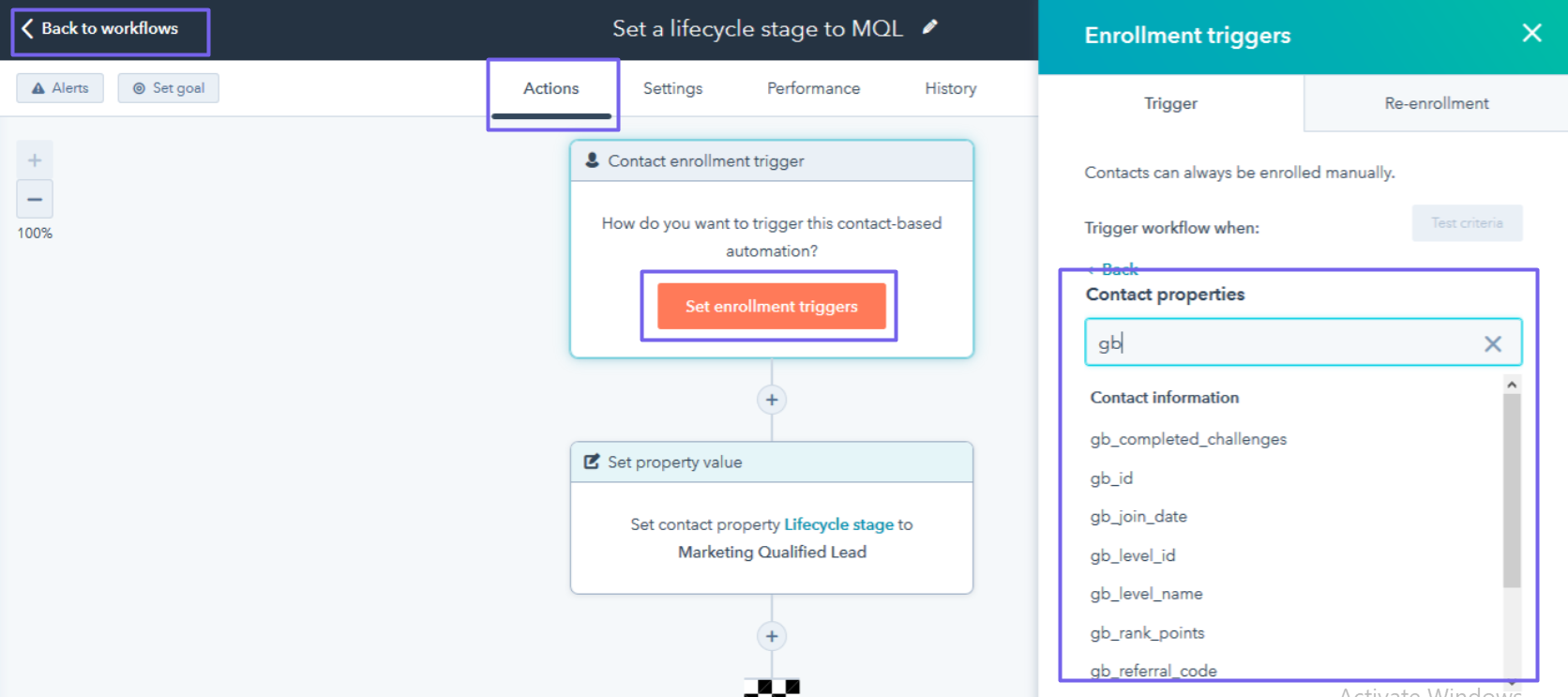
- Trigger workflows based on Gameball customer attributes.
How to Configure HubSpot on Gameball
Connect HubSpot
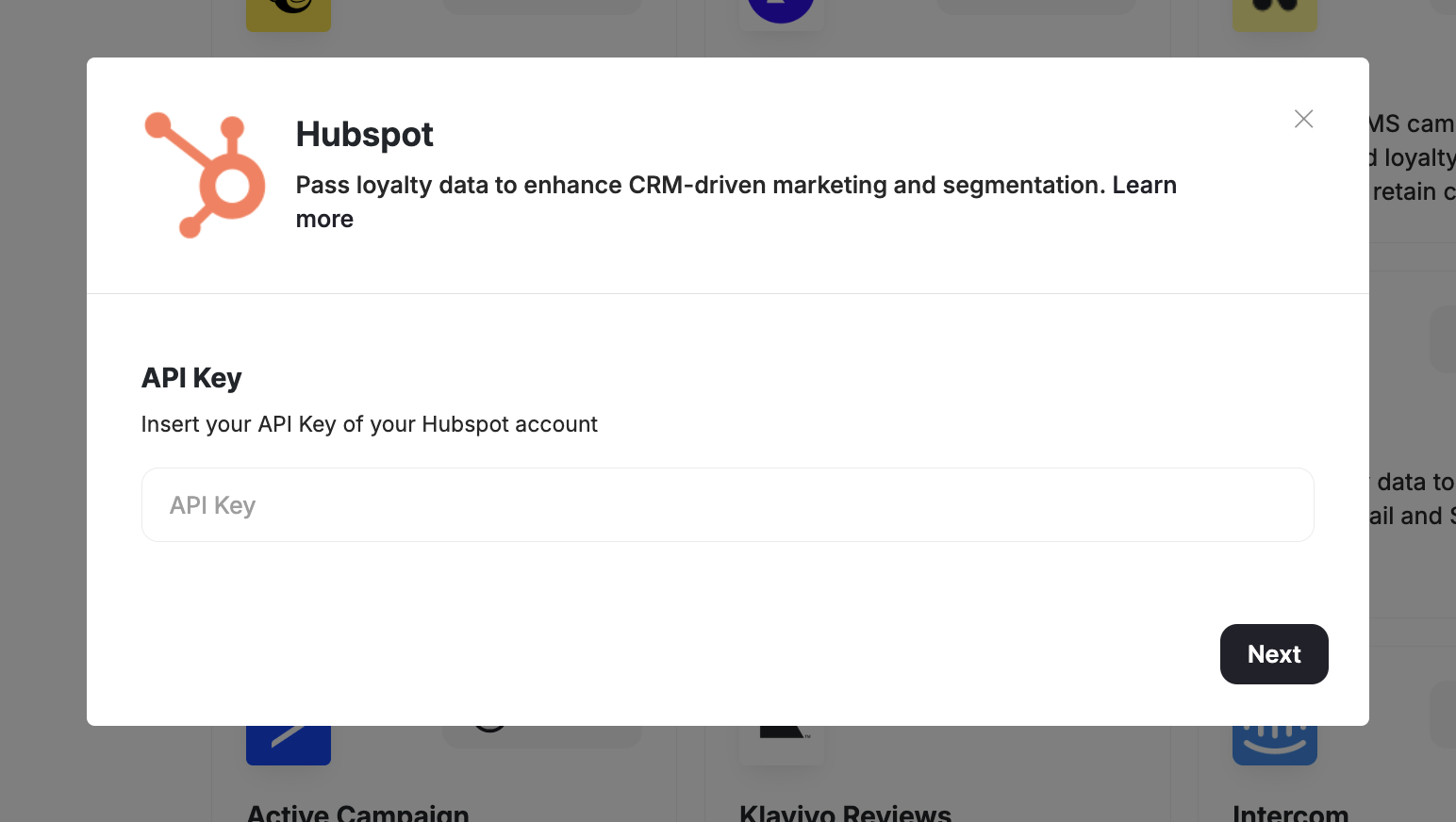
Go to Integrations on your Gameball Admin Dashboard and click Connect under HubSpot.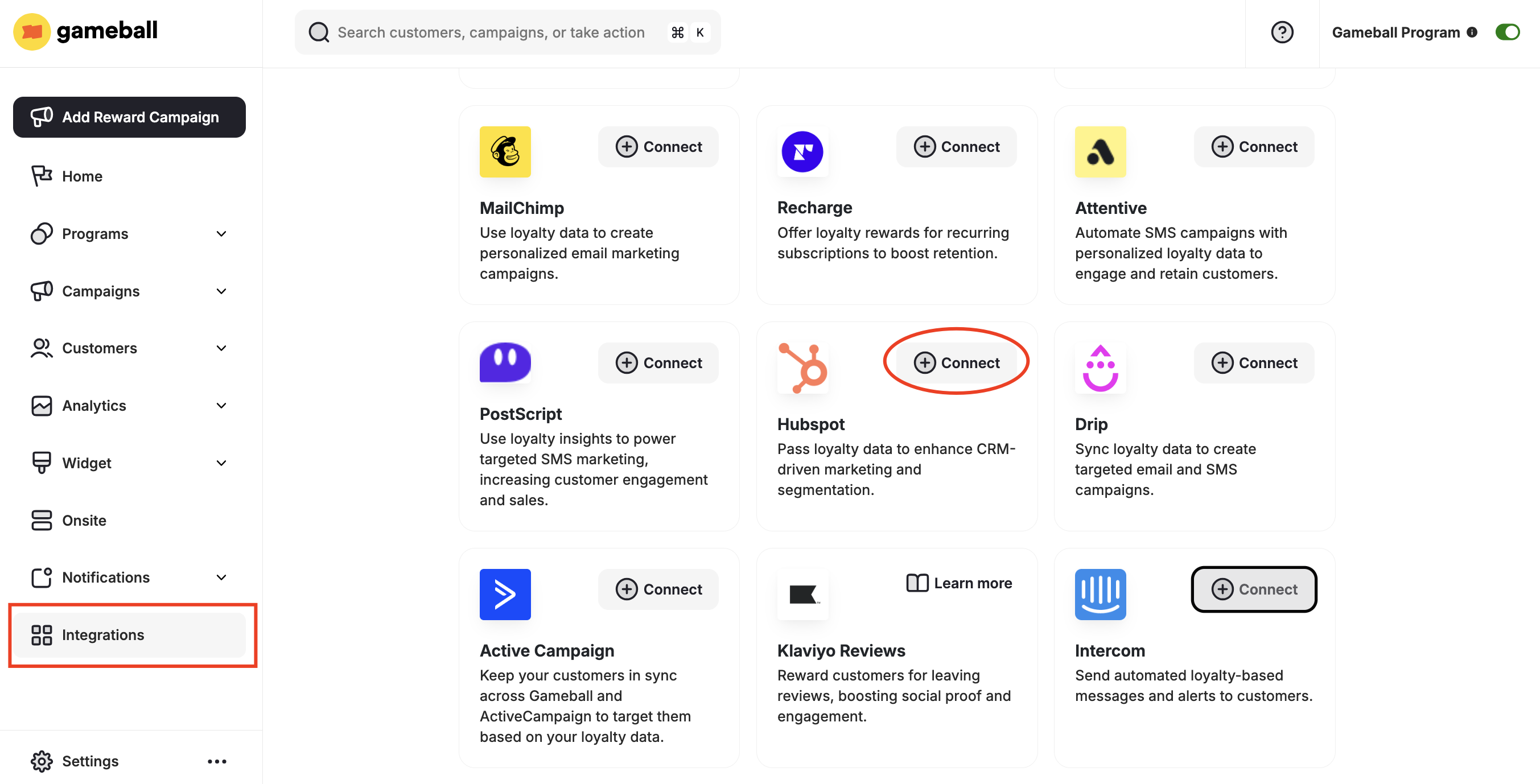
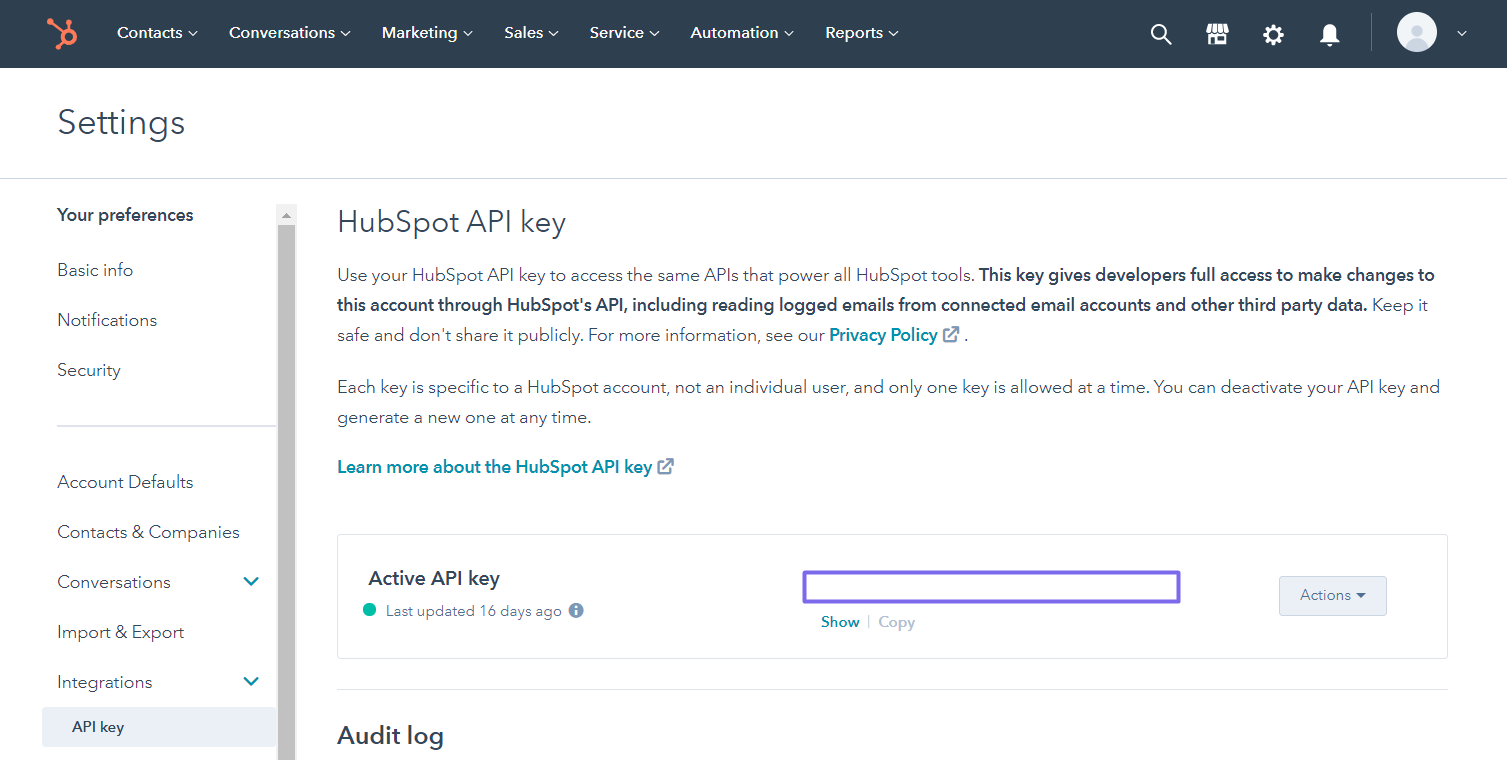
Get Your API Key
- Install HubSpot from the Shopify App Store.
- In your HubSpot account, go to Settings > Integrations.
- Copy the API token.
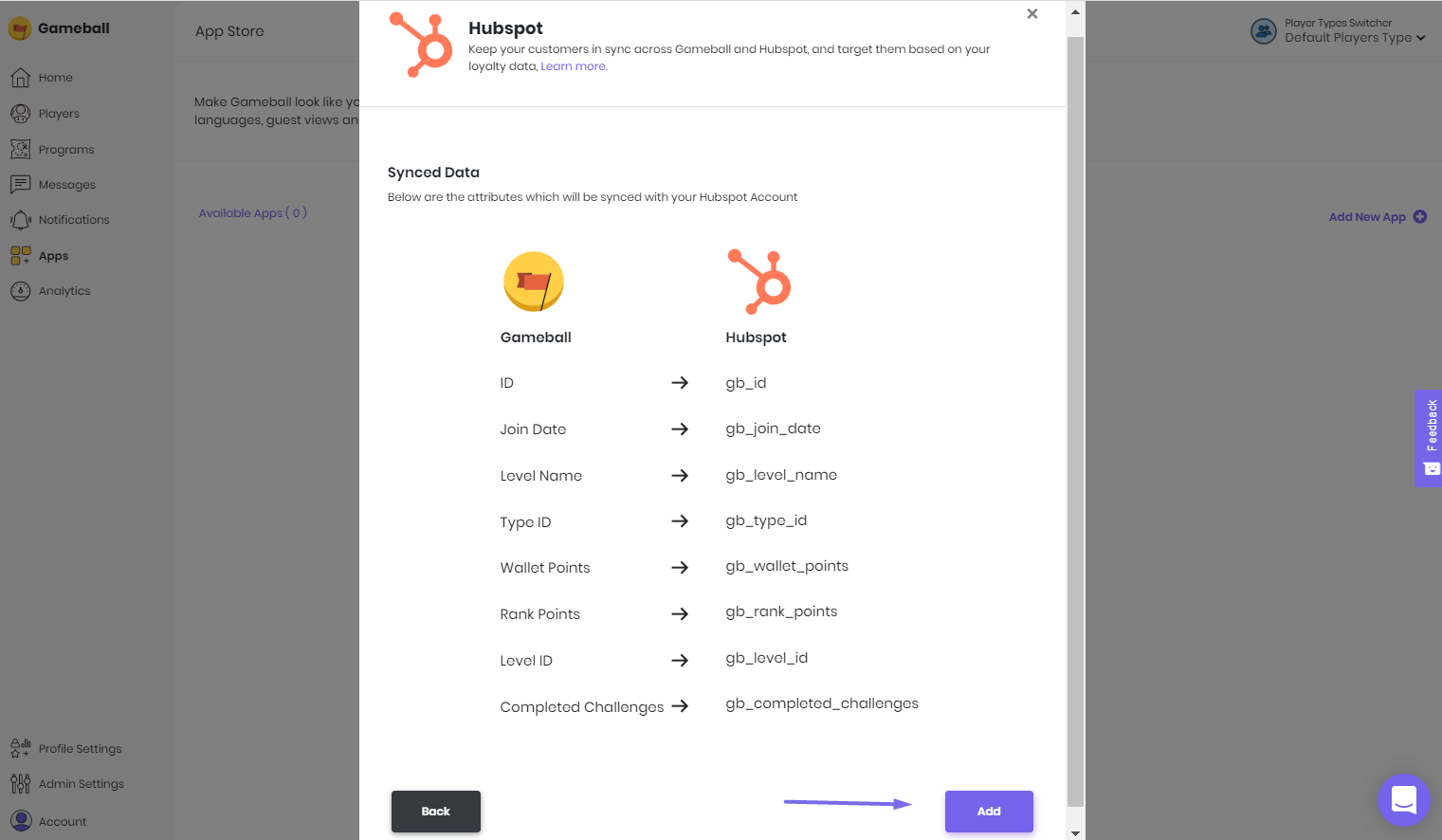
Using Gameball Data in HubSpot
Check Customer Attributes
Go to Contacts > Select a specific contact to view the custom attributes.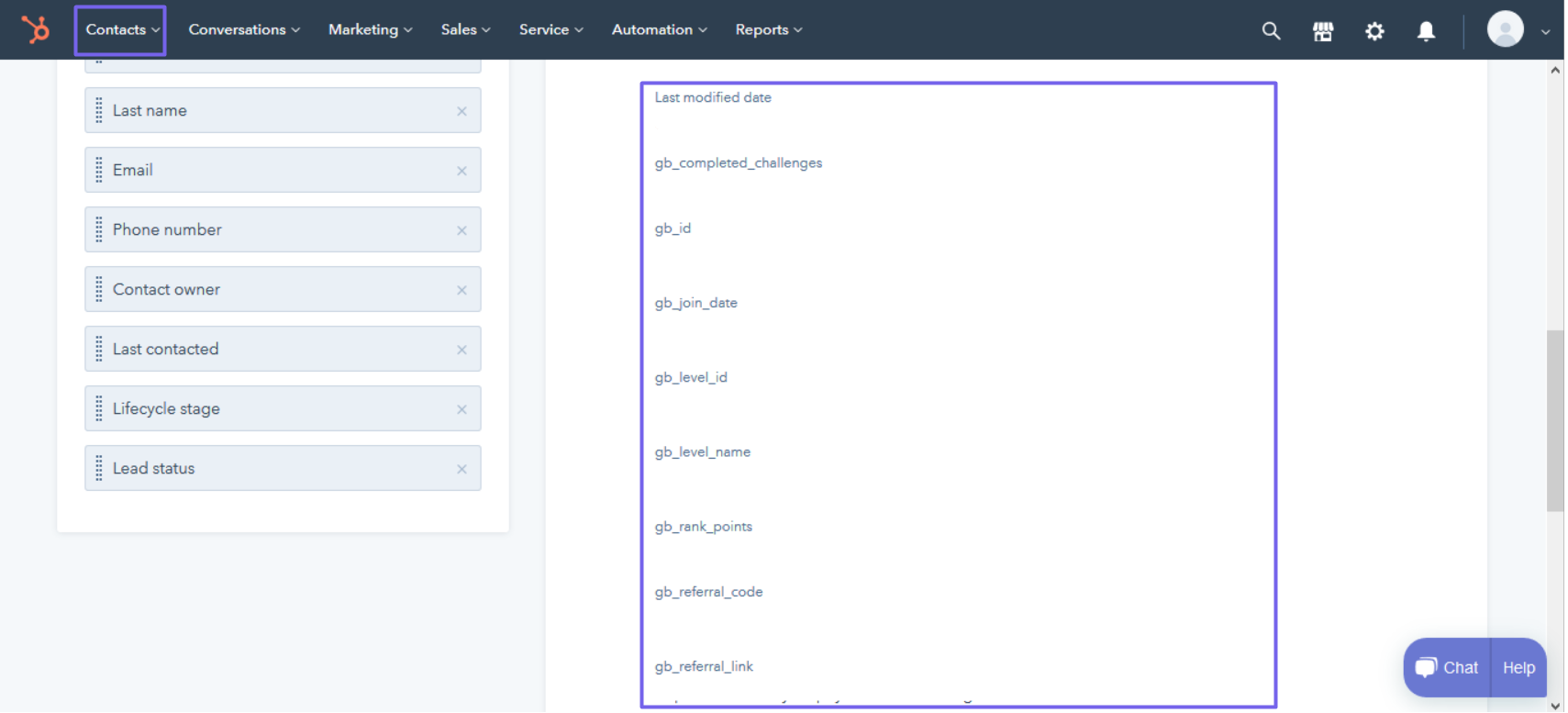
Trigger Workflows
Go to Automation > Workflows > Actions > Set Enrollment Trigger > Contact Properties to trigger a workflow based on a Gameball customer attribute.