Why Integrate Intercom with Gameball?
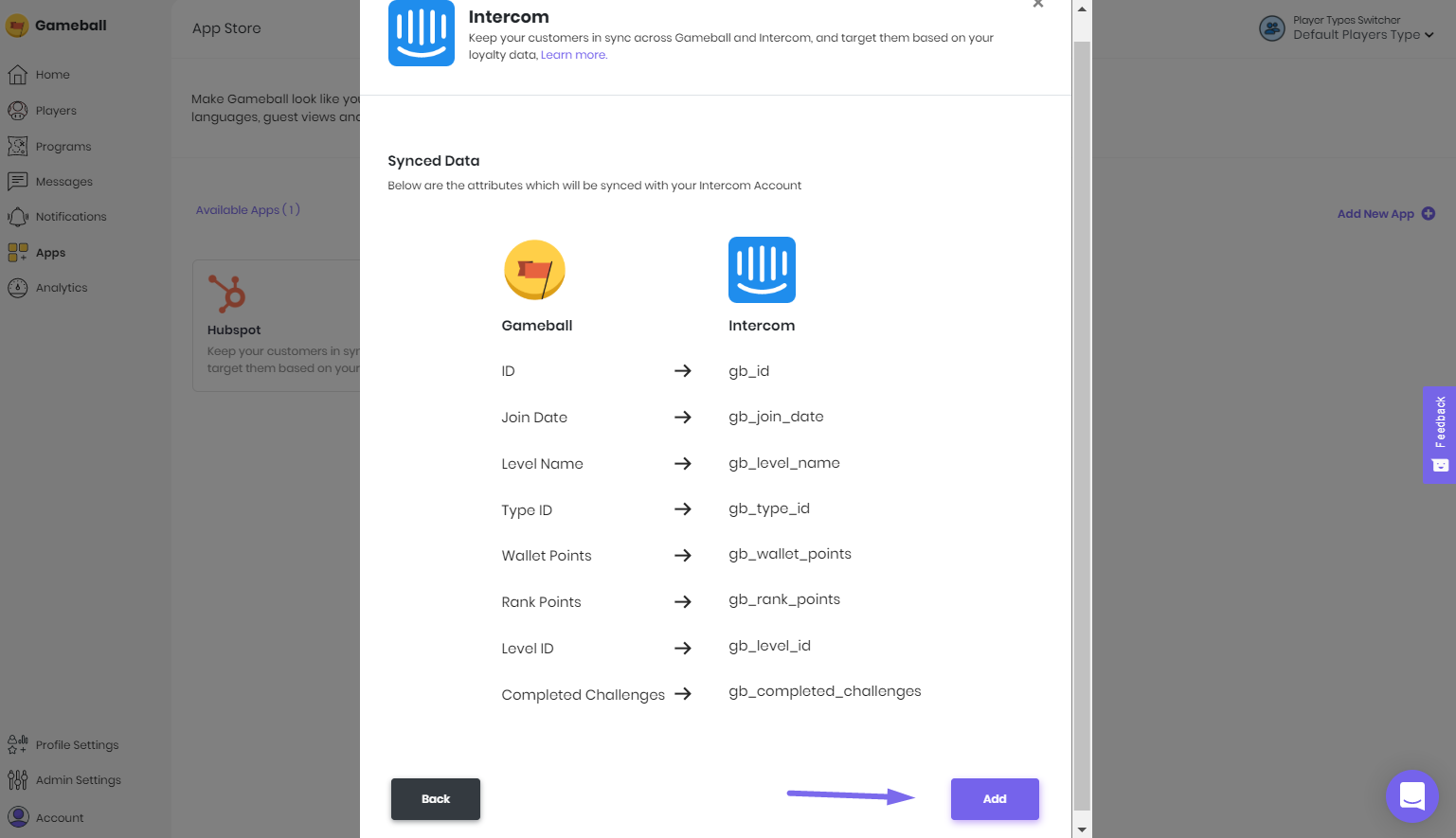
This integration allows you to target and segment your customers based on how loyal they are to your app. With this integration, you can:- Segment your contact lists based on Gameball customer attributes.
- Send personalized emails by including Gameball customer information in email templates.
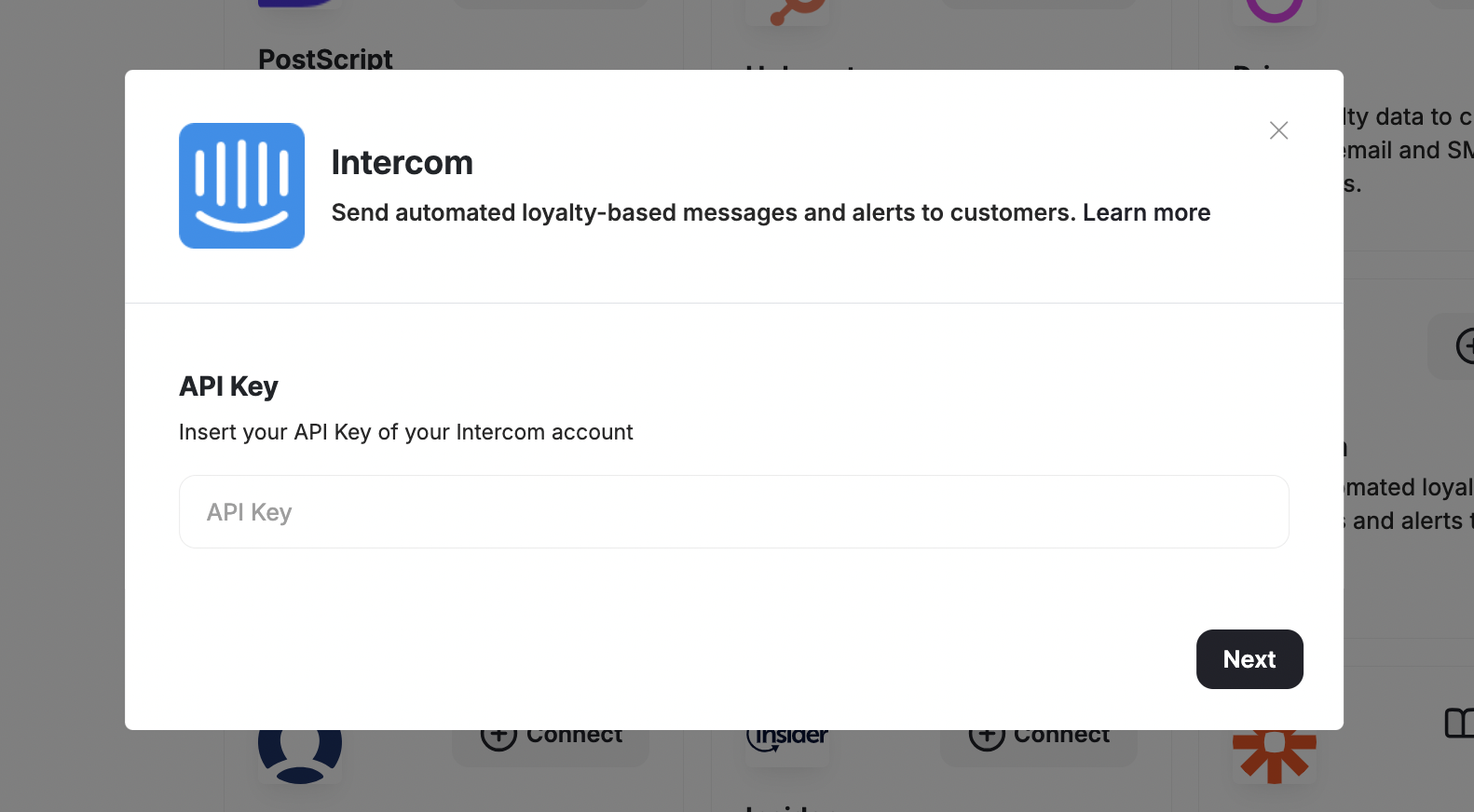
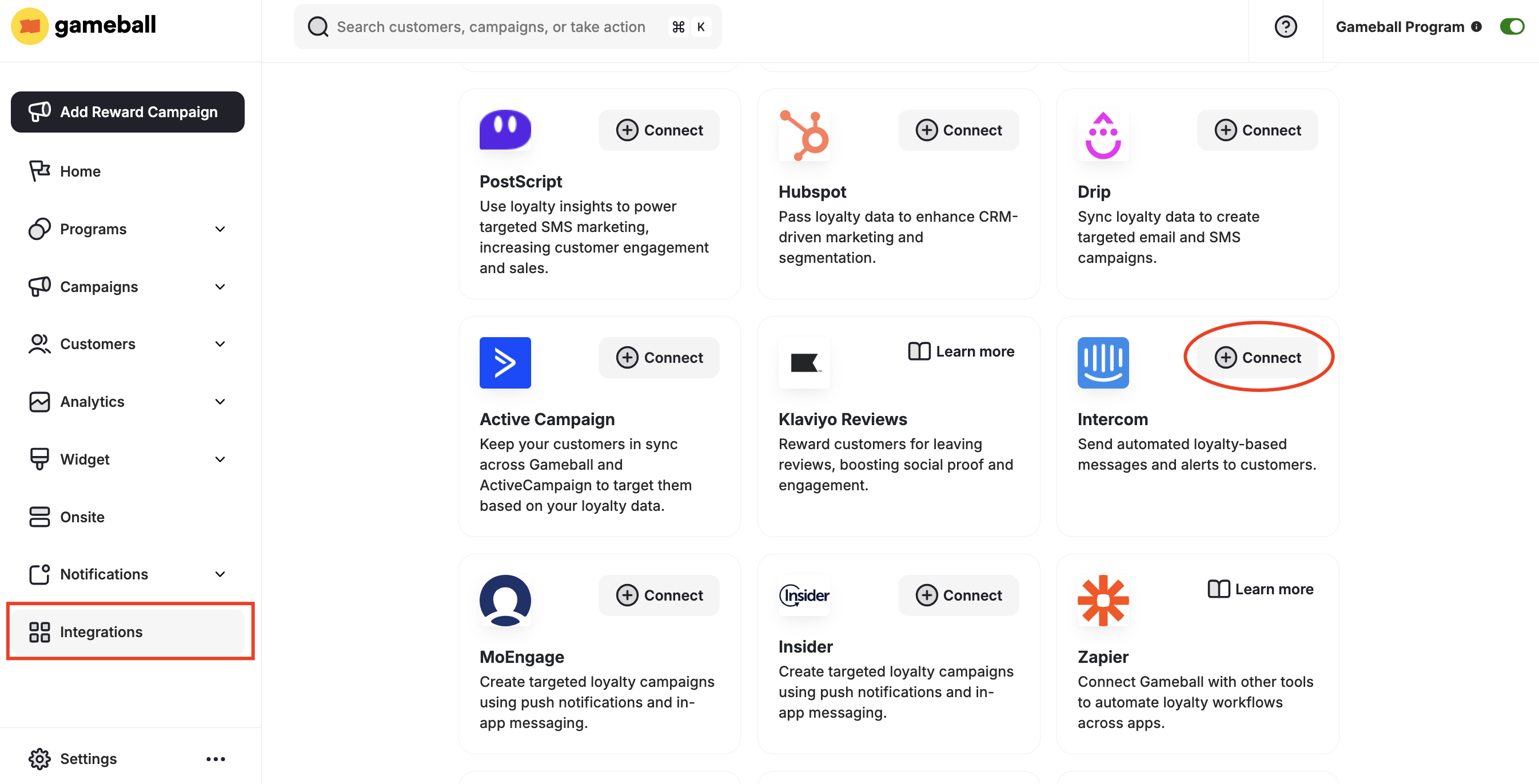
How to Configure Intercom on Gameball
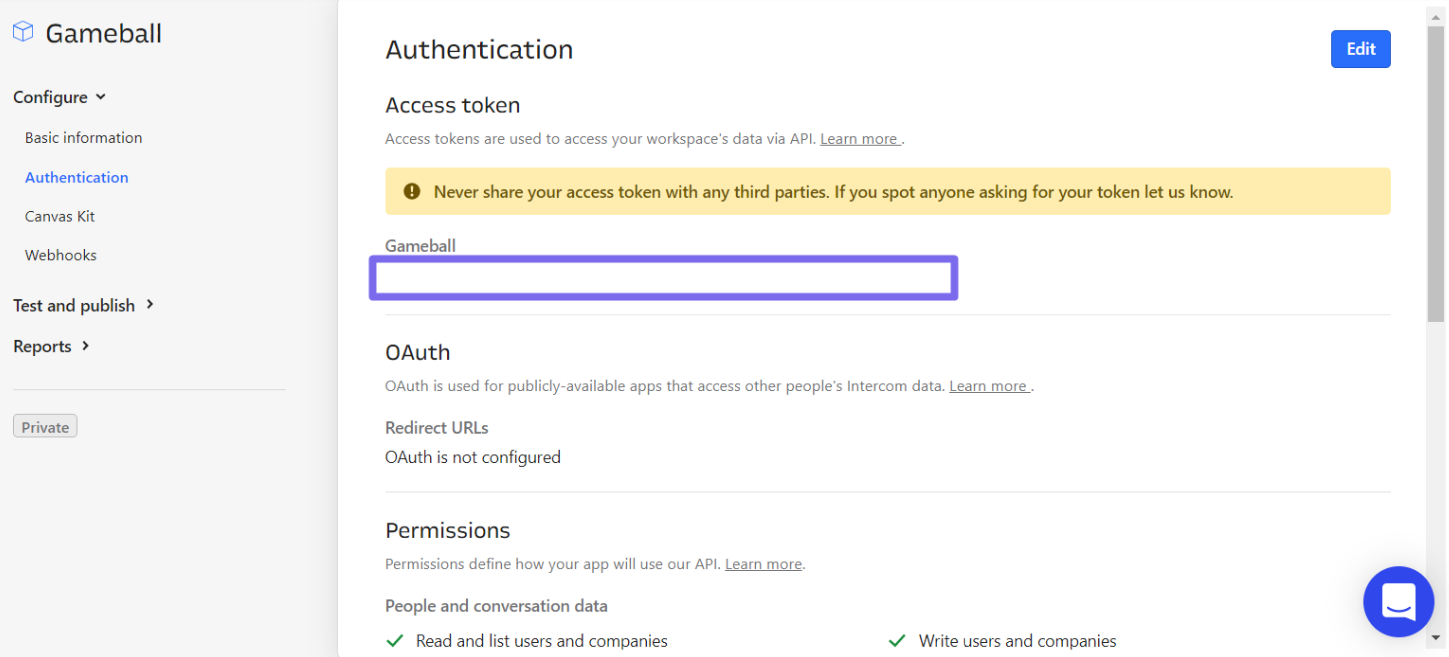
Get Your API Token
- Install Intercom from the Shopify App Store.
- Go to your Intercom Developers Hub > Configure > Authentication.
- Copy the API Key.