

Plan Availability
- All Platforms
| Plan | Available |
|---|---|
| Contact Sales | Yes |
How Calendar Campaigns Work
You can define the number of entities within a campaign, making it flexible for various durations and events. For example:30-Day Campaign
Use 30 entities for a month-long challenge, deploying a new game or action every day.
7-Day Campaign
Use 7 entities for a week-long event such as Black Friday week.
3-Day Campaign
Use 3 entities for a short festival such as Eid or a holiday weekend.
Creating a Calendar Campaign
Navigate to Reward Campaigns
From the left bar, choose Reward under Campaigns. Click Create New Reward Campaign.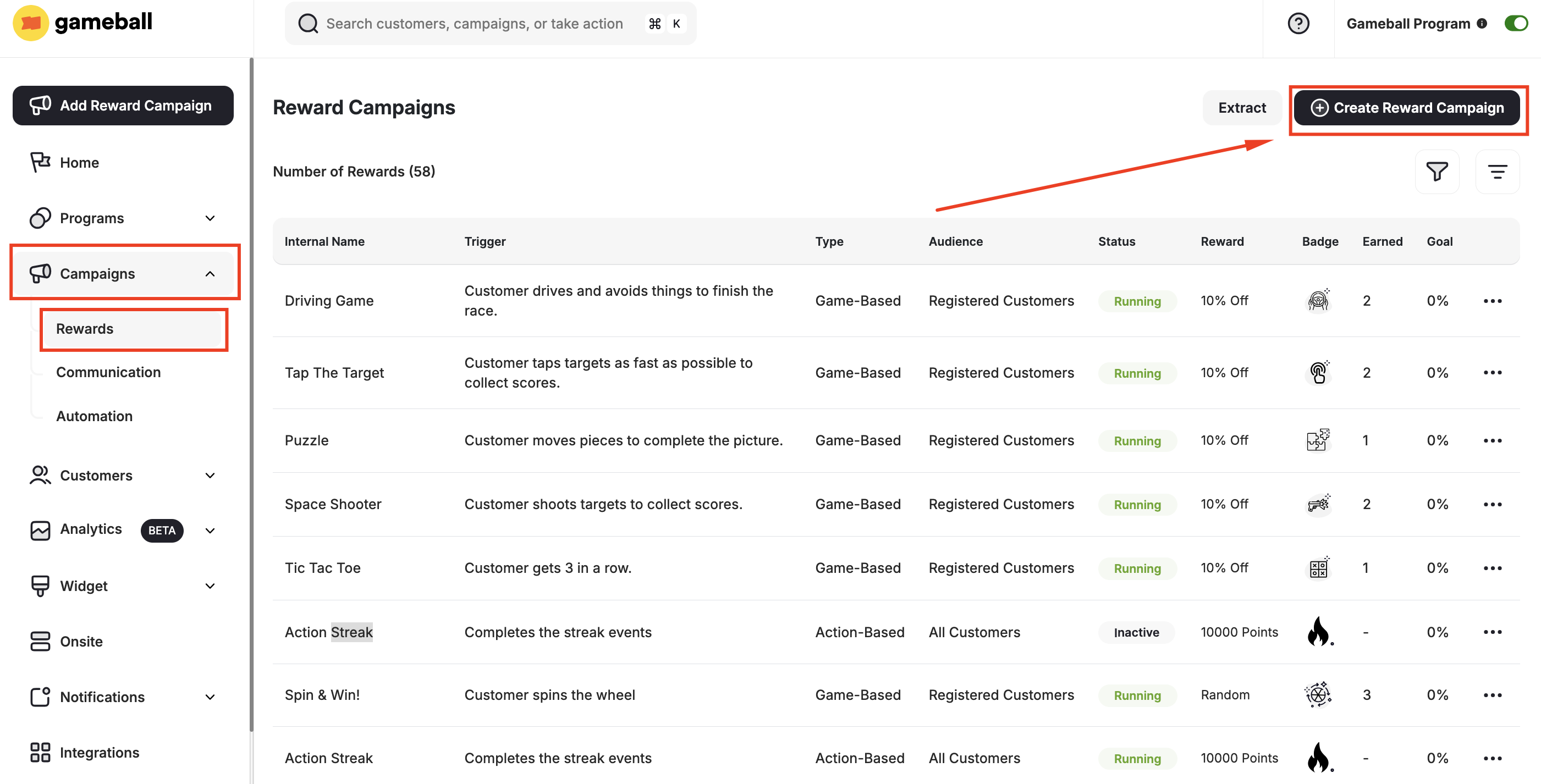
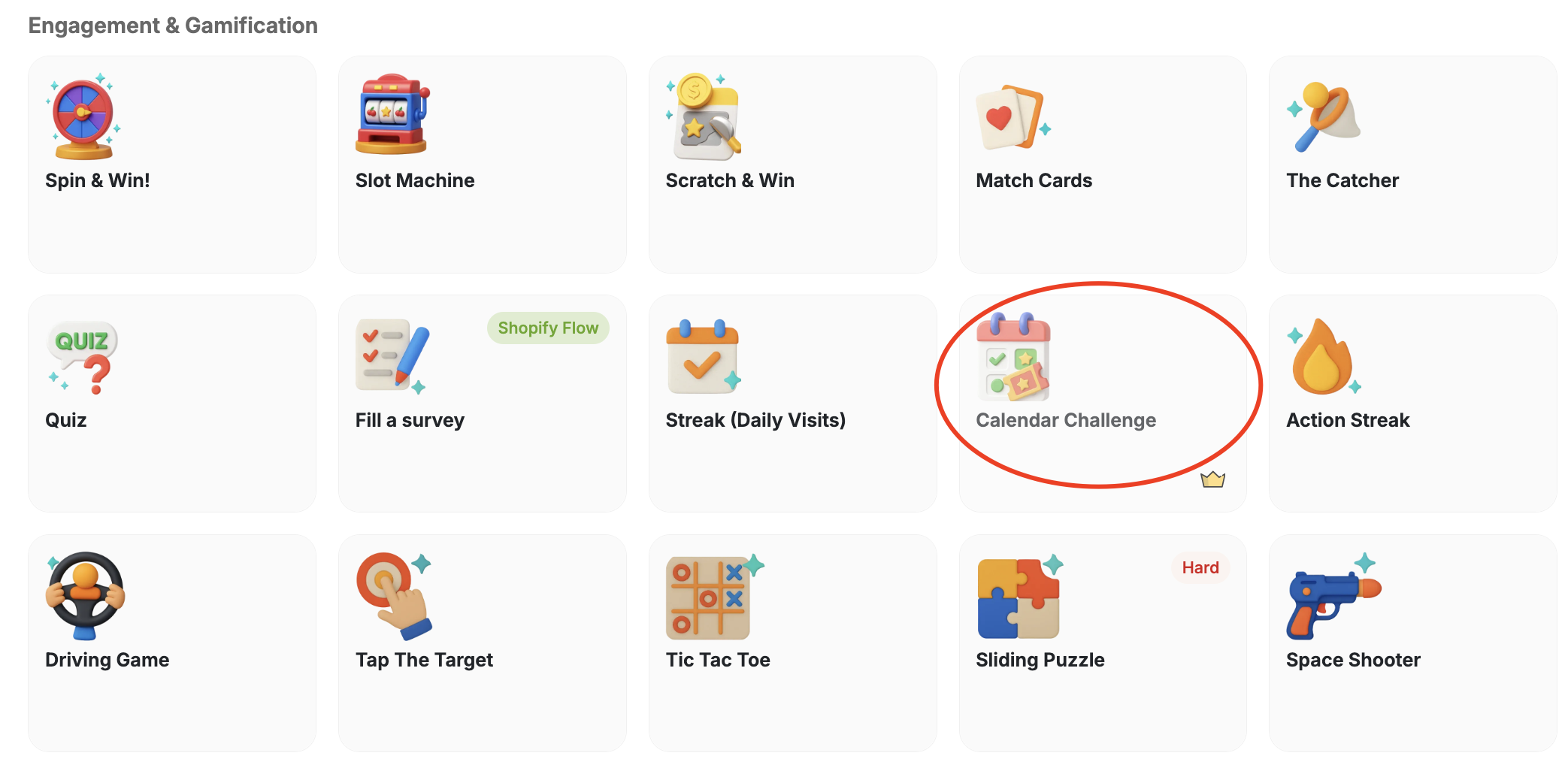
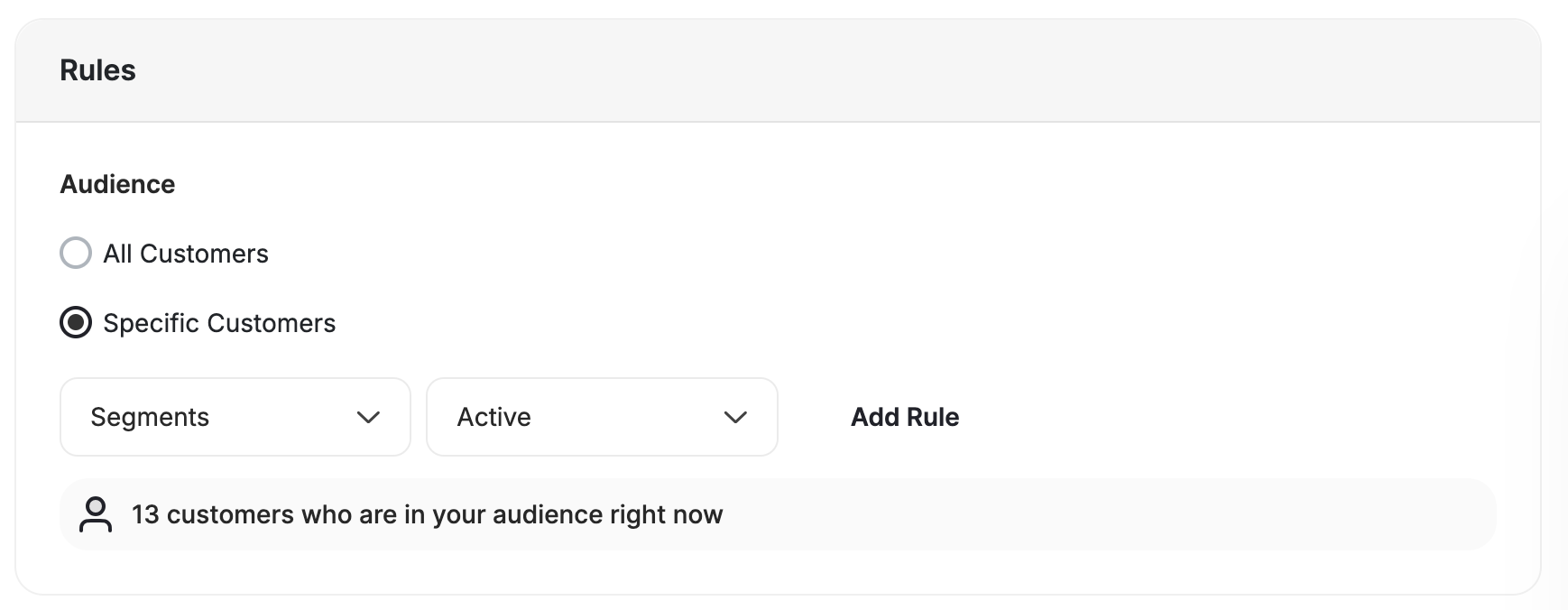
Add Campaign Entities
Add individual sub-campaigns (entities) to the calendar.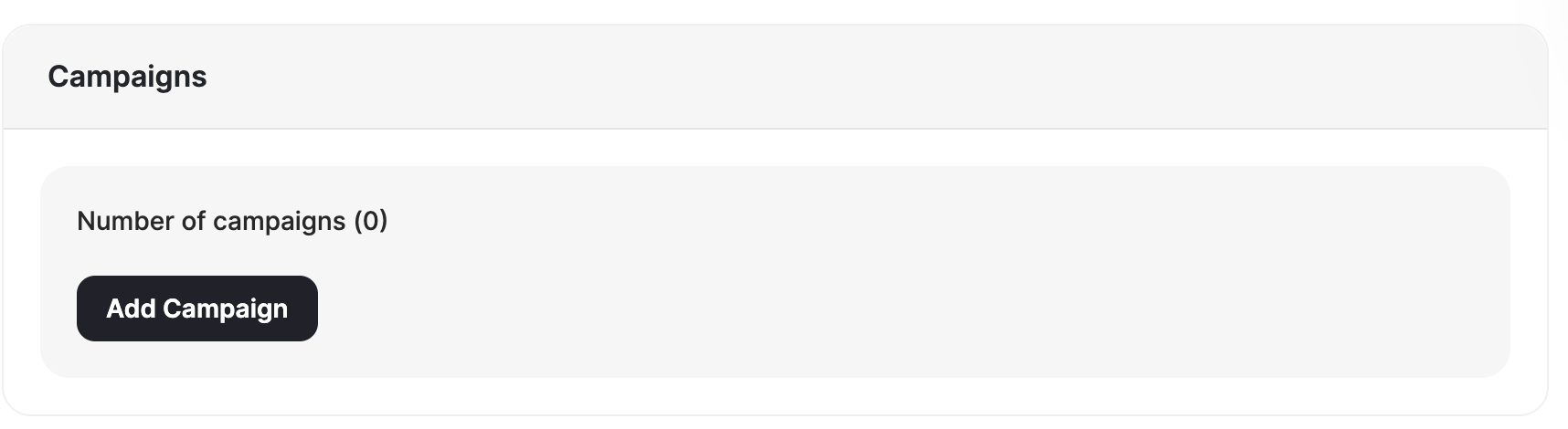
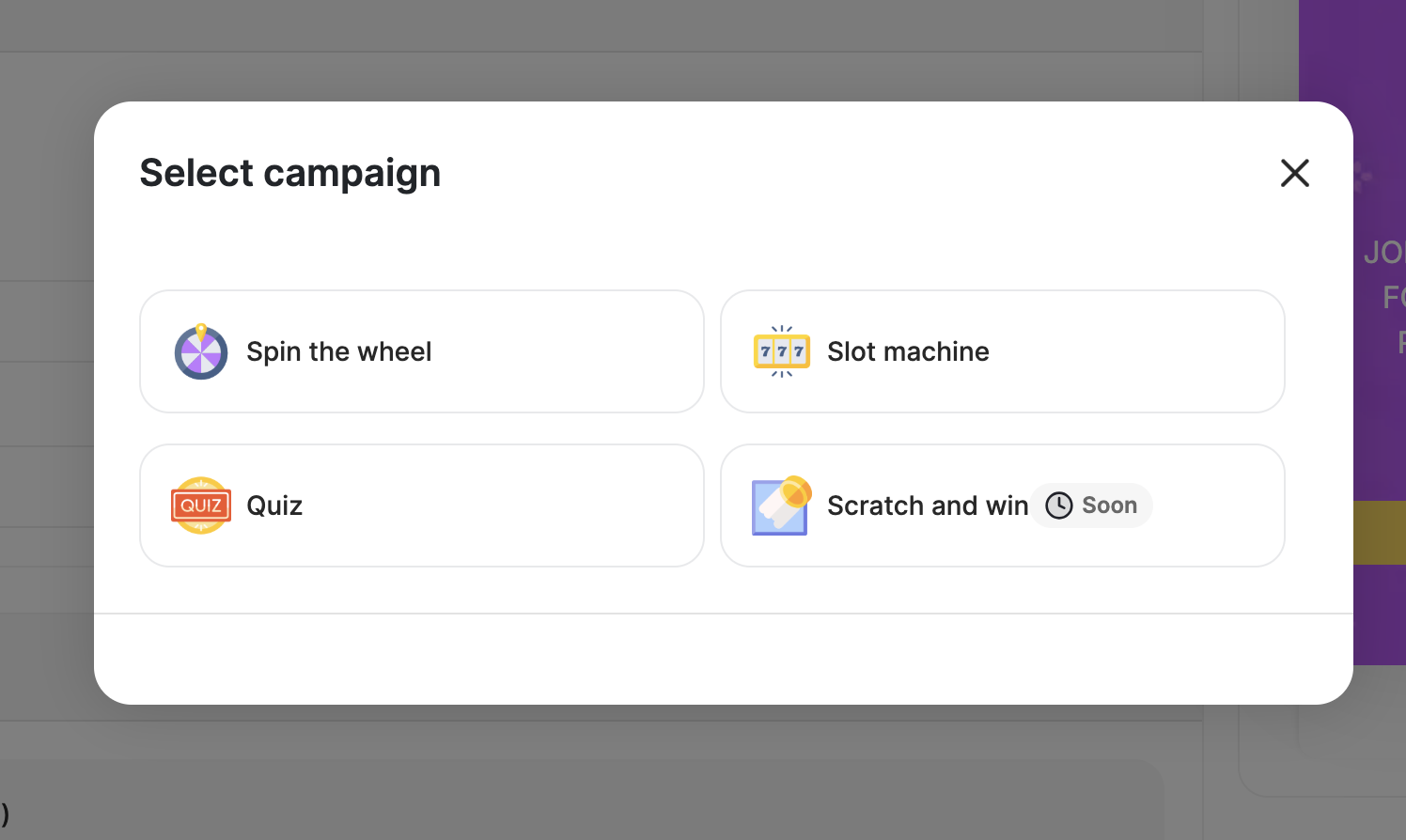
Spin the Wheel
Let customers spin to win prizes from a randomized wheel of rewards.
Slot Machine
Reward customers when all three slots align in this luck-based game.
Trivia Quiz
Challenge customers with trivia questions to earn rewards.
Scratch & Win
Give customers a digital scratch card to reveal their prize.
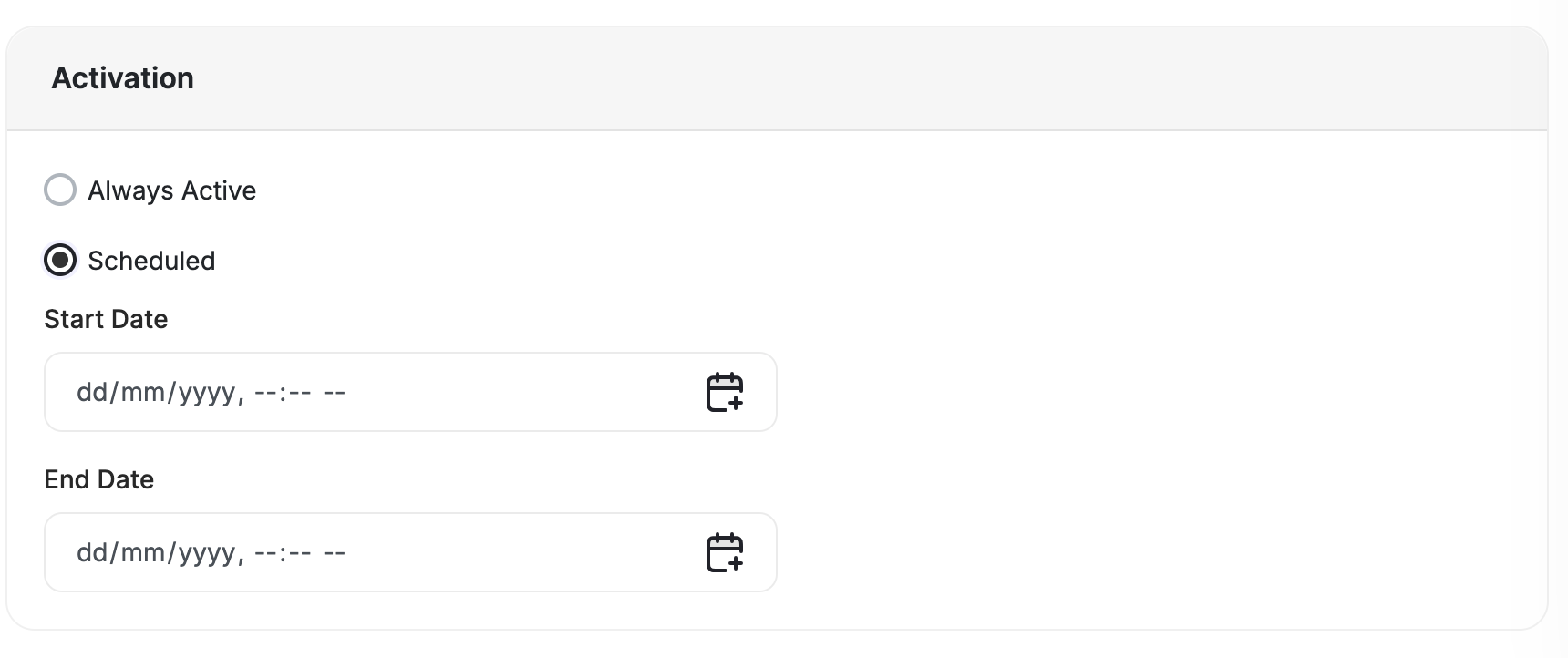
Each entity can have its own unlock and lock dates through Custom Scheduling, allowing campaigns to run sequentially or independently, depending on your strategy.
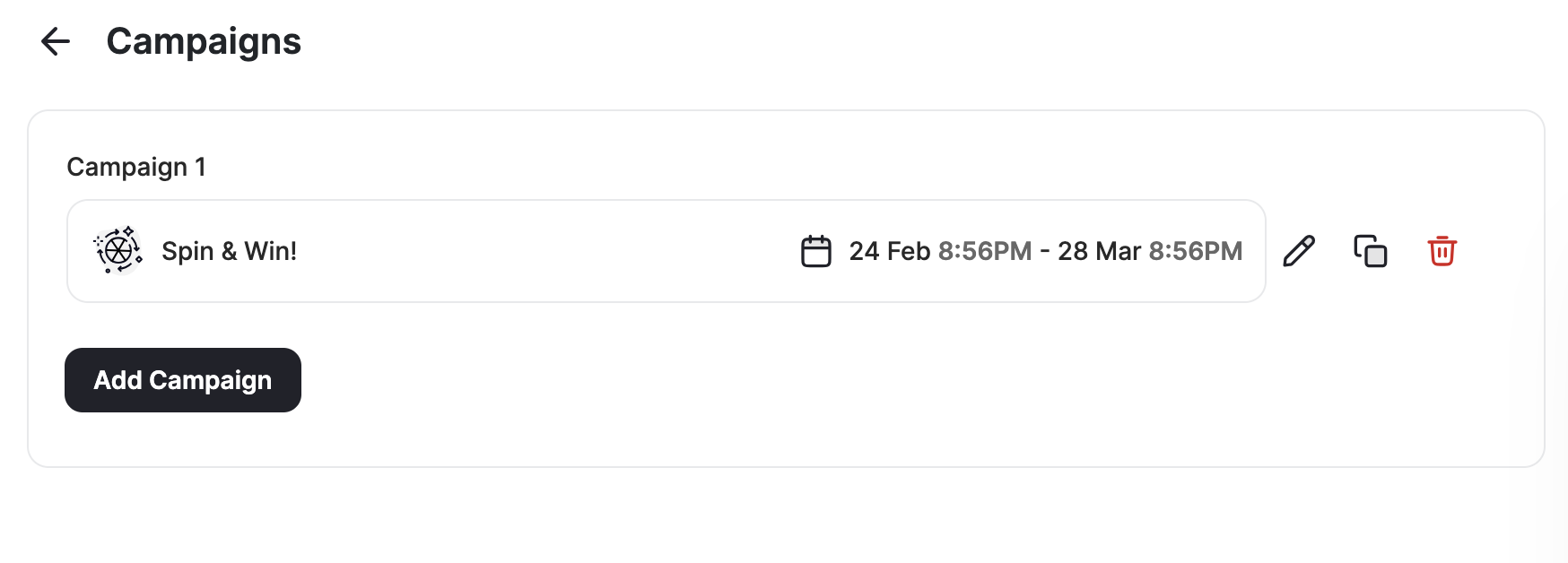
How Calendar Campaign Looks on the Widget
After adding multiple entities to your calendar campaign, the customers will be able to see all scheduled sub-campaigns ahead of their unlock time to motivate them to come back and proceed with their wins.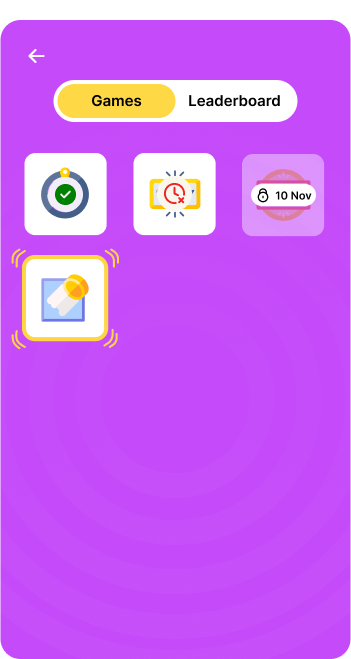
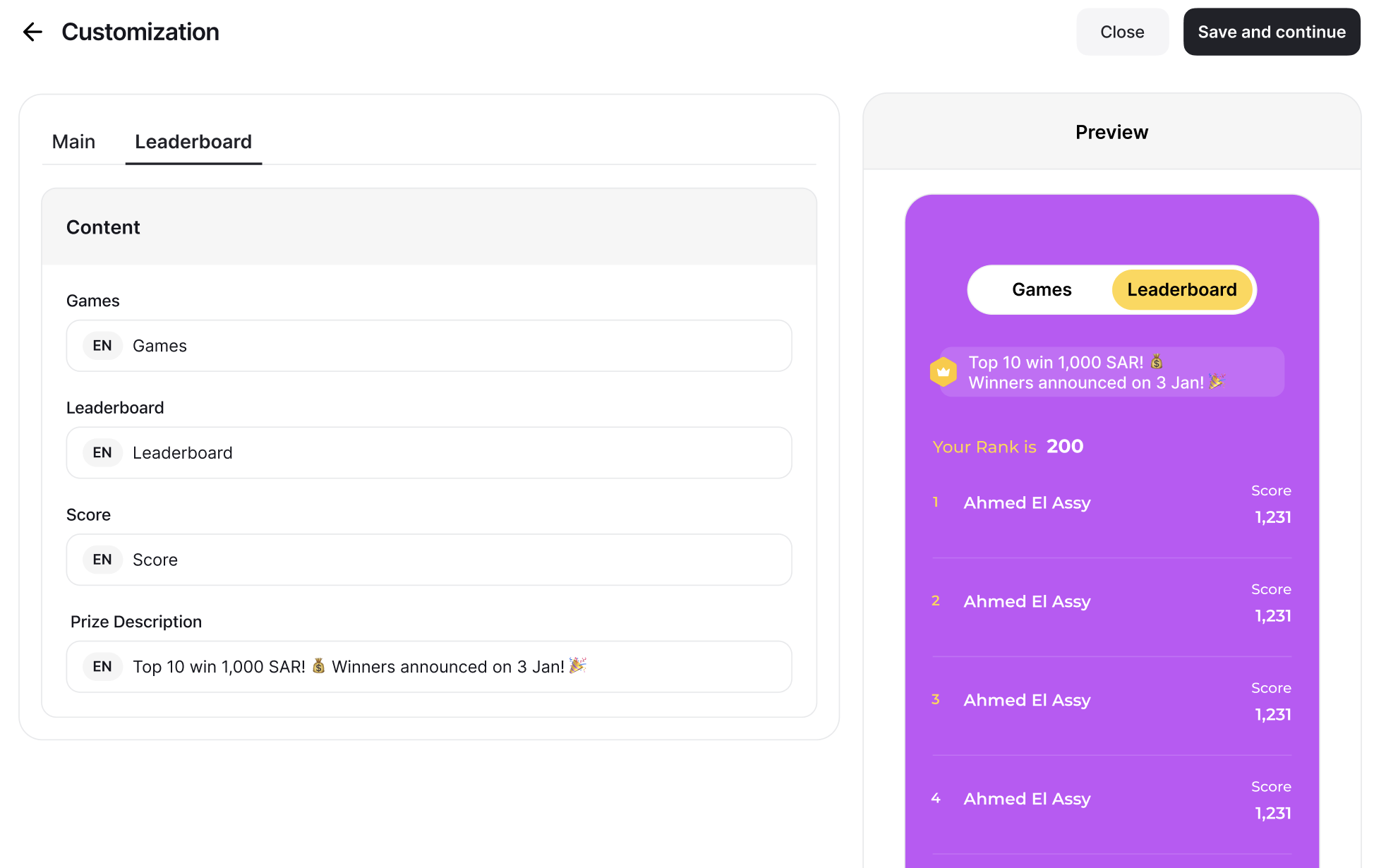
Customize Calendar Campaign and Leaderboard
To design the calendar campaign as well as the leaderboard, click on Customize Design.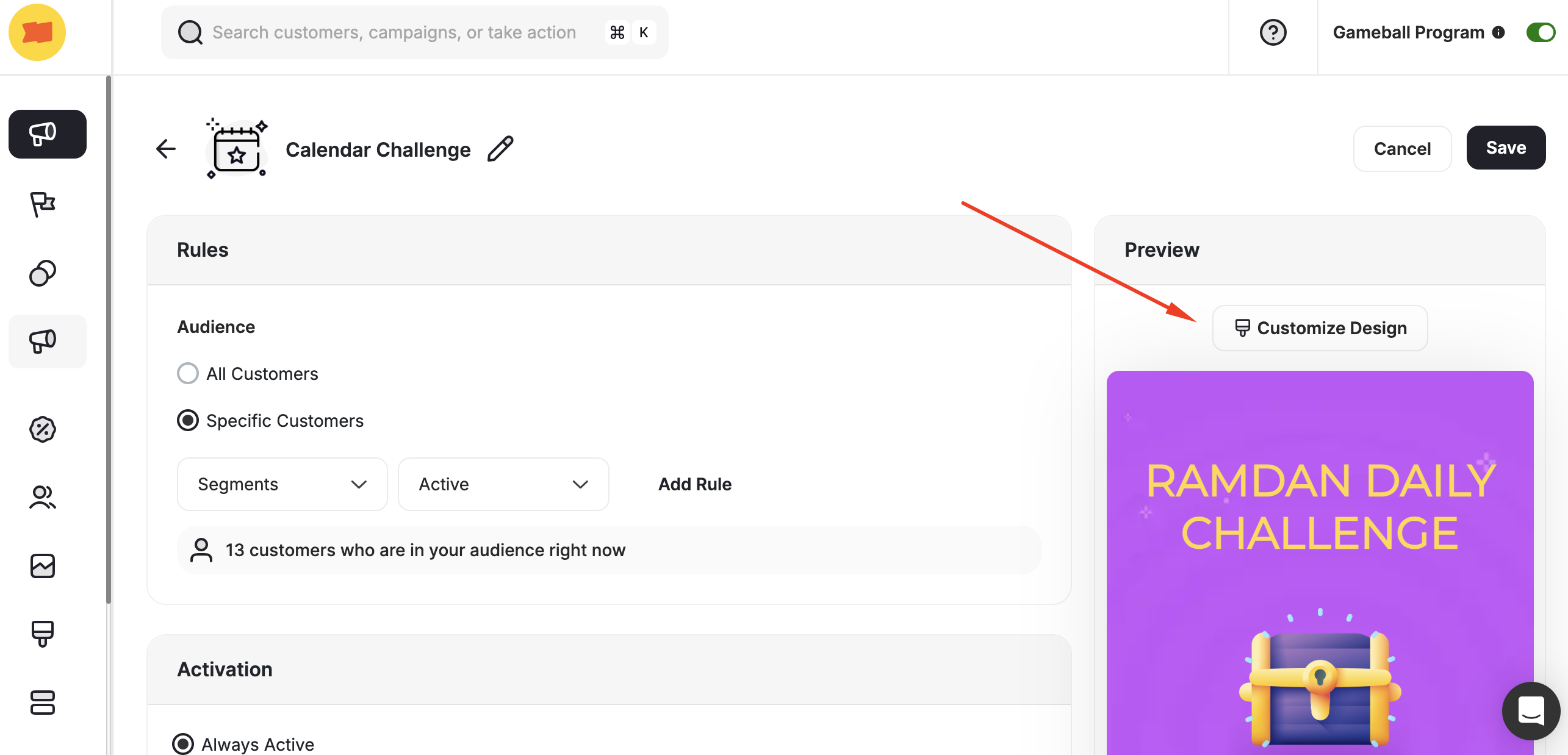
- Main Tab
- Leaderboard Tab
Select background colors, the campaign’s main image, and write down the content.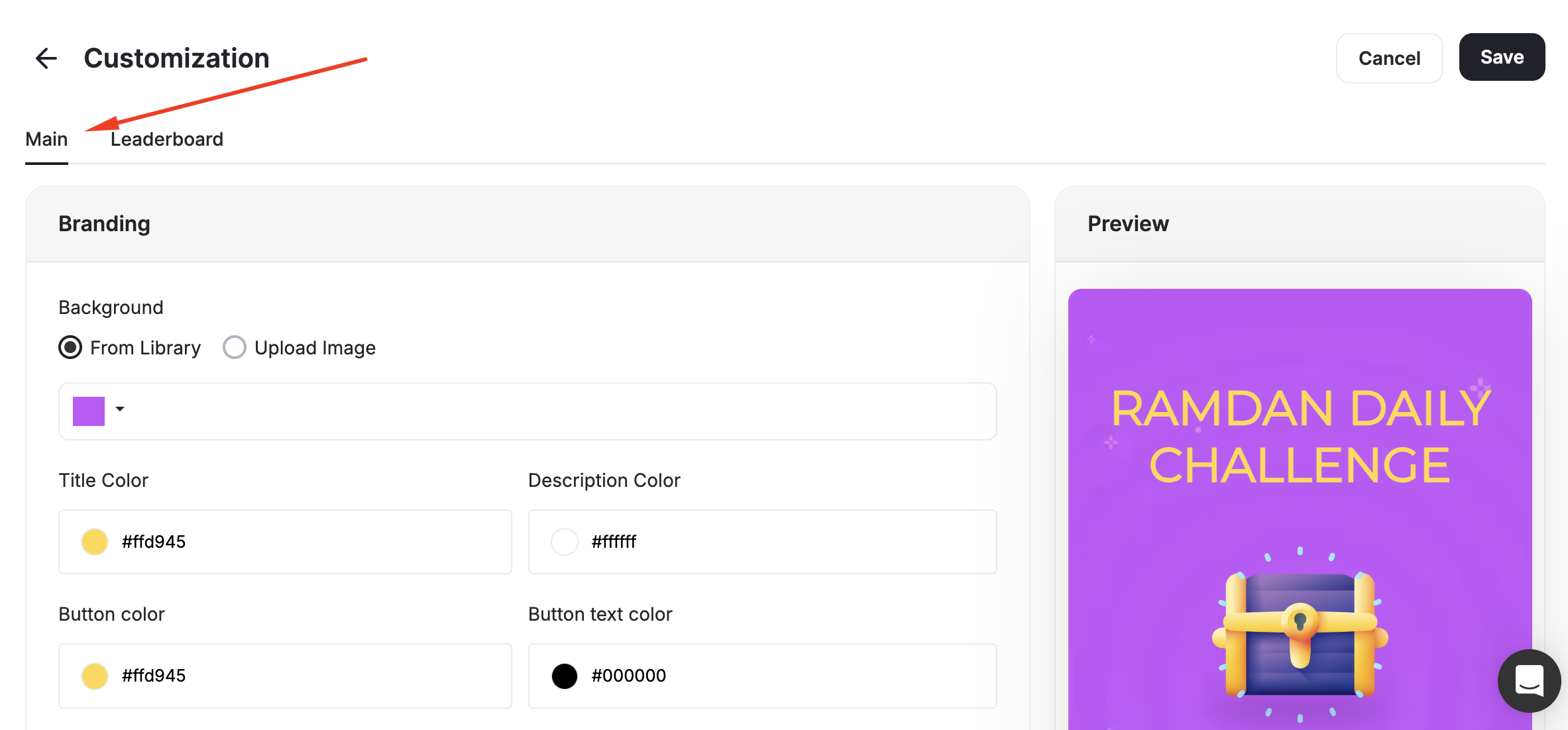
Use Cases
30-Day Trivia Challenge
30-Day Trivia Challenge
Engage your audience with a daily trivia game for 30 days. Participants answer a new question every day, keeping them excited and consistently interacting with the campaign.
Daily Engaging Game
Daily Engaging Game
Keep customers engaged with a new game each day. The campaign offers a mix of exciting experiences, such as Spin the Wheel, Slot Machine, Trivia Quiz, and Scratch and Win. This variety ensures daily excitement and sustained customer participation throughout the campaign.
Weekly Engaging Game
Weekly Engaging Game
Introduce a new game each week to sustain customer interest and interaction. Weekly games can vary in style and mechanics, offering fresh experiences to participants.
Sponsored Games
Sponsored Games
Collaborate with brands to sponsor specific games. These games will feature full branding integration, including logos, icons, rewards, and custom visuals. For example, an Adidas-sponsored game could include Adidas-themed graphics, exclusive rewards, and tailored branding throughout the experience.
Related Articles
Set Up a Reward Campaign
Learn the full setup process for creating and activating reward campaigns.
Reward Types in Gameball
Explore all reward types available and how to configure each one.
Notification After Earning a Reward
Configure in-app and email notifications triggered when customers earn rewards.