

Plan Availability
- Shopify & Salla
- Non-Platform
| Plan | Available |
|---|---|
| Pro & Guru | Yes |
Creating a Space Shooter Campaign
Campaign Configuration
Trigger
Trigger
- On Widget: Customers can access the game through the Badges section in the widget. Tapping the badge redirects them to a screen where they can start playing and trigger the campaign to begin playing.
Audience
Audience
- Registered Customers: Customers who have an account on your platform (signed up)
-
Anonymous Customers:
Visitors browsing anonymously without providing any contact information or identifiable details (not signed up)
- Visitors can open the game, submit basic information through the lead form, play, and receive rewards, matching the standalone game URL experience.
- Widget deep links that open a specific game work for guests as well. The widget would open directly into the game screen and allow participation without login.
- Specific Customers: You can choose for a specific selection of customers to participate in this campaign by filtering using segments, tags or customer attributes.
Repeatability
Repeatability
By default, customers can play once per day. A new opportunity to replay it begins at 00:00 AM based on the chosen time zone.All Games campaigns support only the Limit per day/week/etc. Learn more.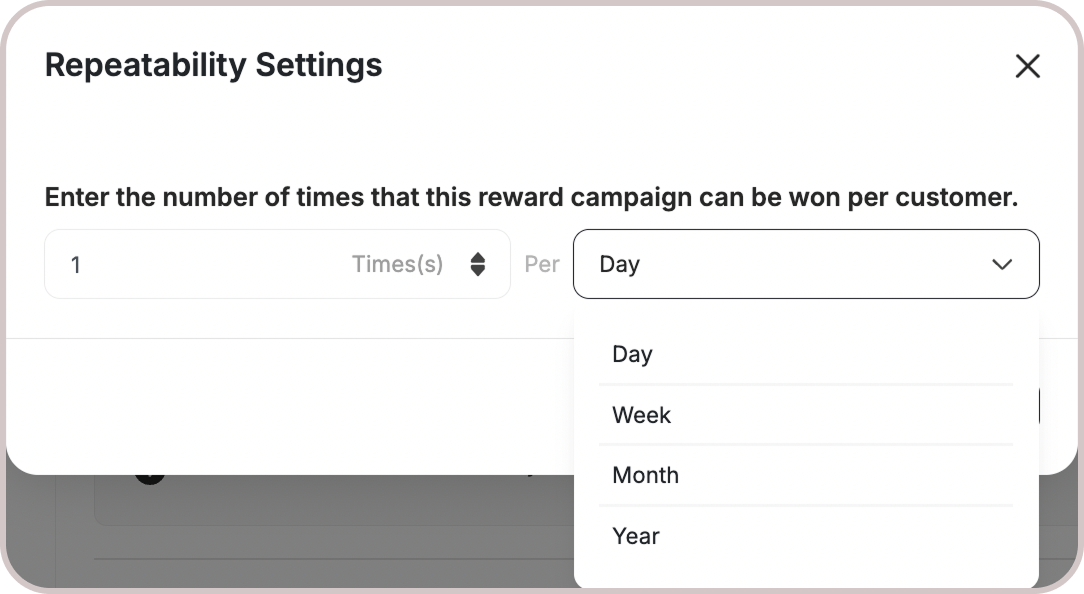
Platform Visibility
Platform Visibility
You can choose whether the game campaign is shown on web, mobile, or both, giving you better control over engagement strategies across platforms.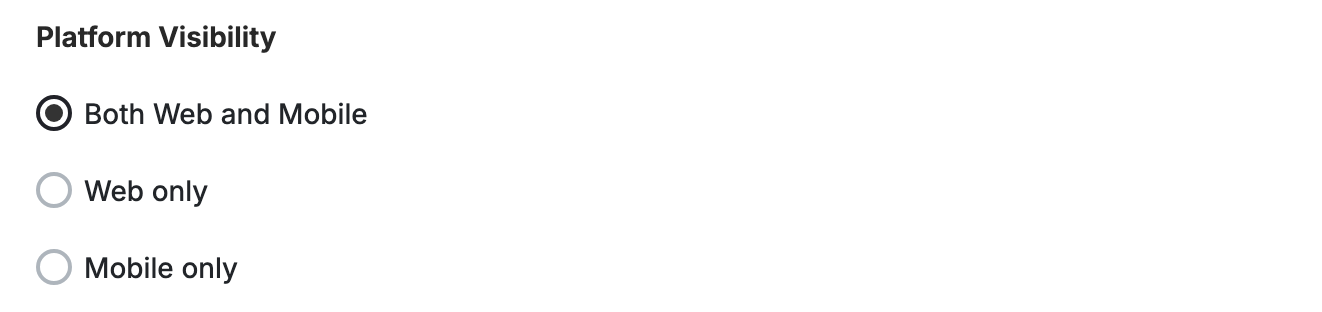
This template uses the standard reward campaign setup. See the Generic Setup Guide for details.
End User Experience
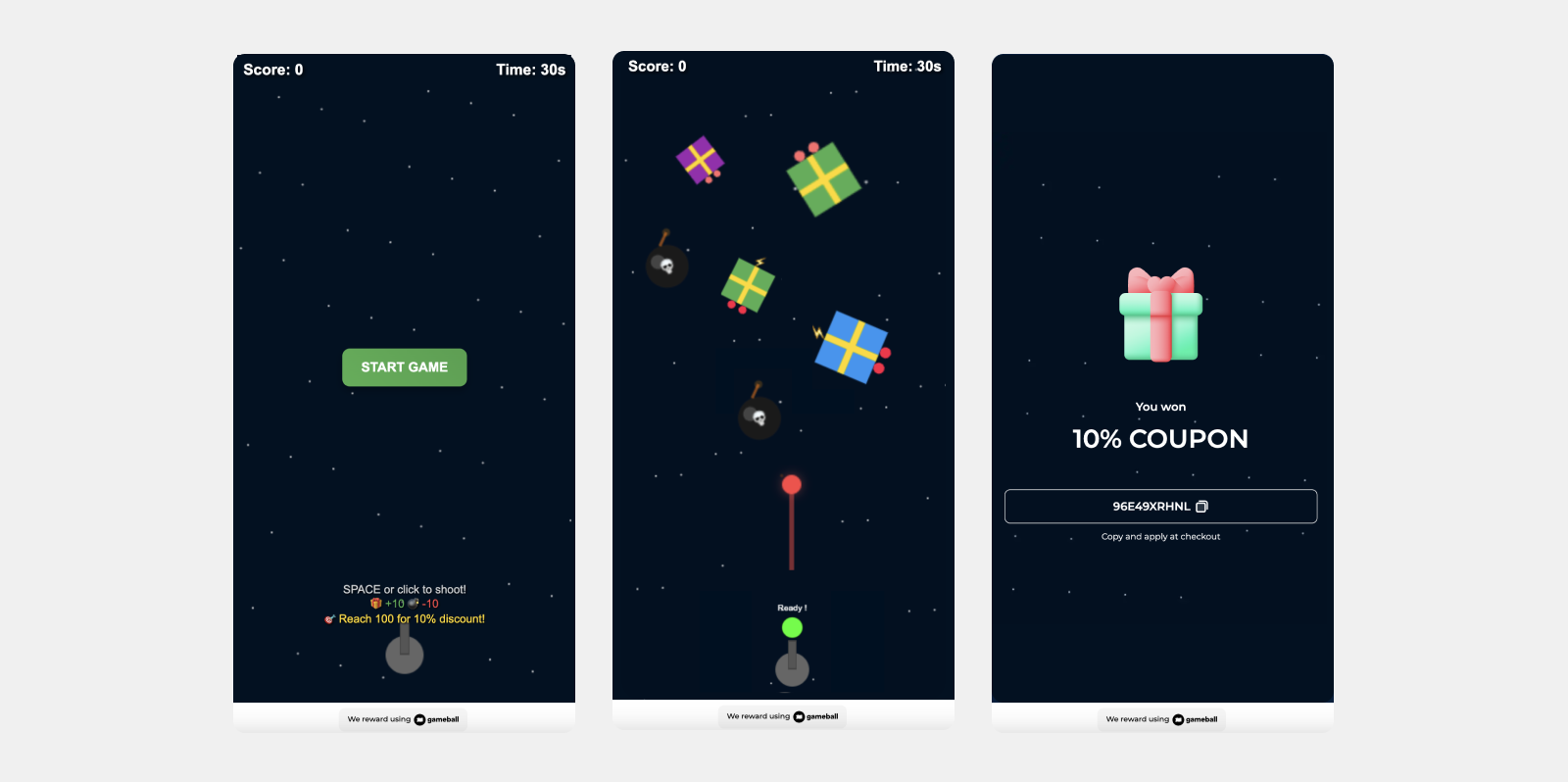
How it works:Shoot Rewards, Avoid Bombs
Customers start by trying to hit the gifts and rewards and intentionally miss the bombs.
Get Notified
The customer is notified via the widget or email, depending on your configuration, when they earn a reward. Learn more.
Customization
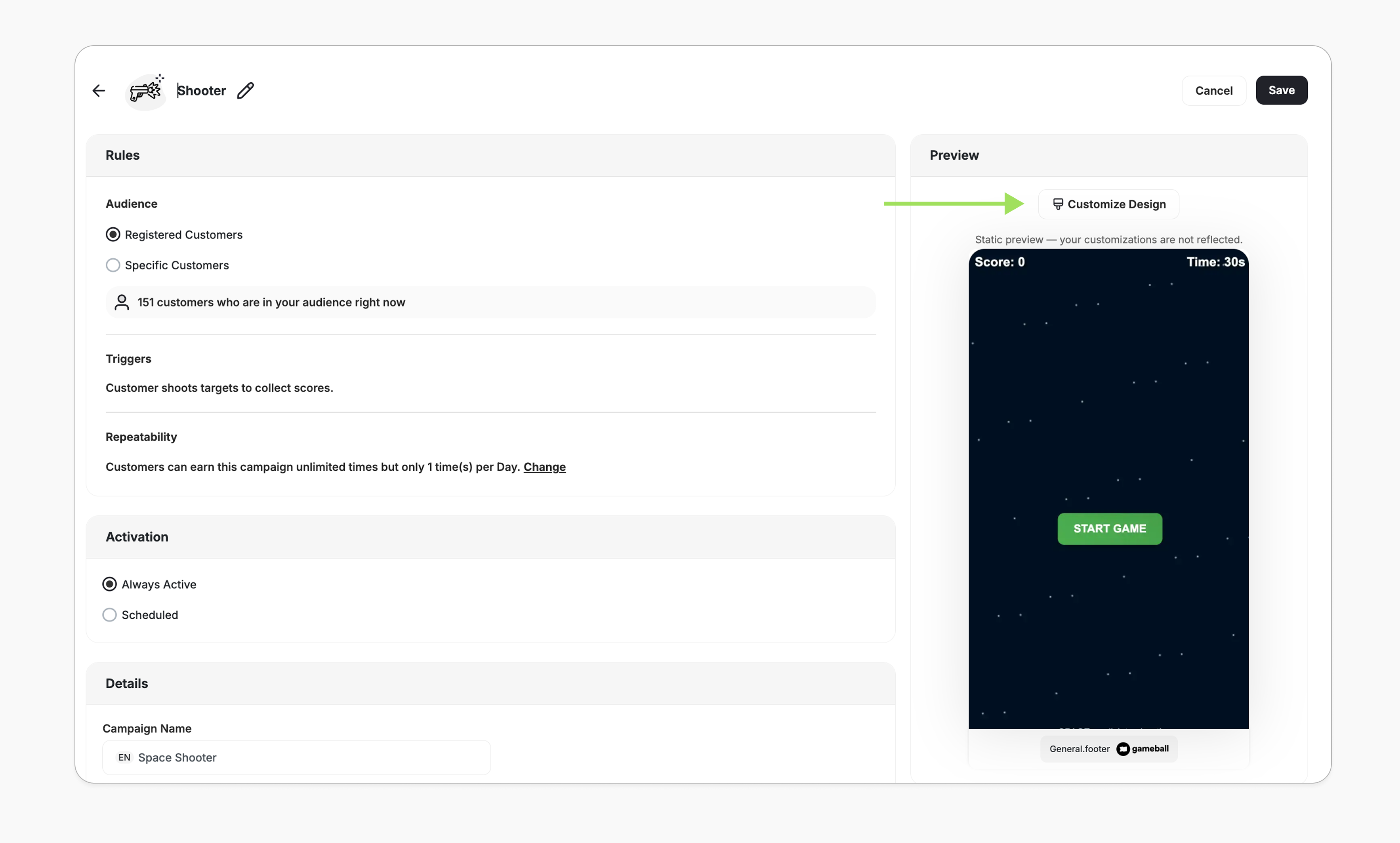
You can fully customize each stage of the campaign through dedicated tabs representing the different screens in the flow:- Intro / Main Screen
- Game General Rules
- Lead Form
- Success / No Luck Screens
- Content: Edit the headlines, descriptions, and call-to-action messages to match your tone and messaging.
Important Note
Customer EligibilityGames in the widget update dynamically based on customer eligibility, ensuring customers only see games they can still participate in.Games are hidden when customers become ineligible.If a customer no longer belongs to the game’s target segment, the game is automatically removed from the widget and won’t reappear unless eligibility is restored.
Related Articles
Set Up a Reward Campaign
Learn the full setup process for creating and activating reward campaigns.
Reward Types in Gameball
Explore all reward types available and how to configure each one.
Notification After Earning a Reward
Configure in-app and email notifications triggered when customers earn rewards.