How does Zapier works?
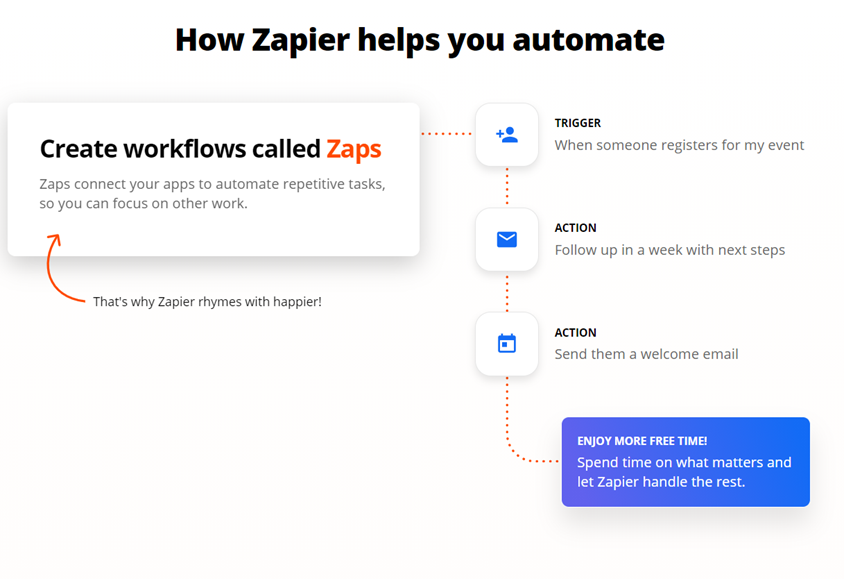
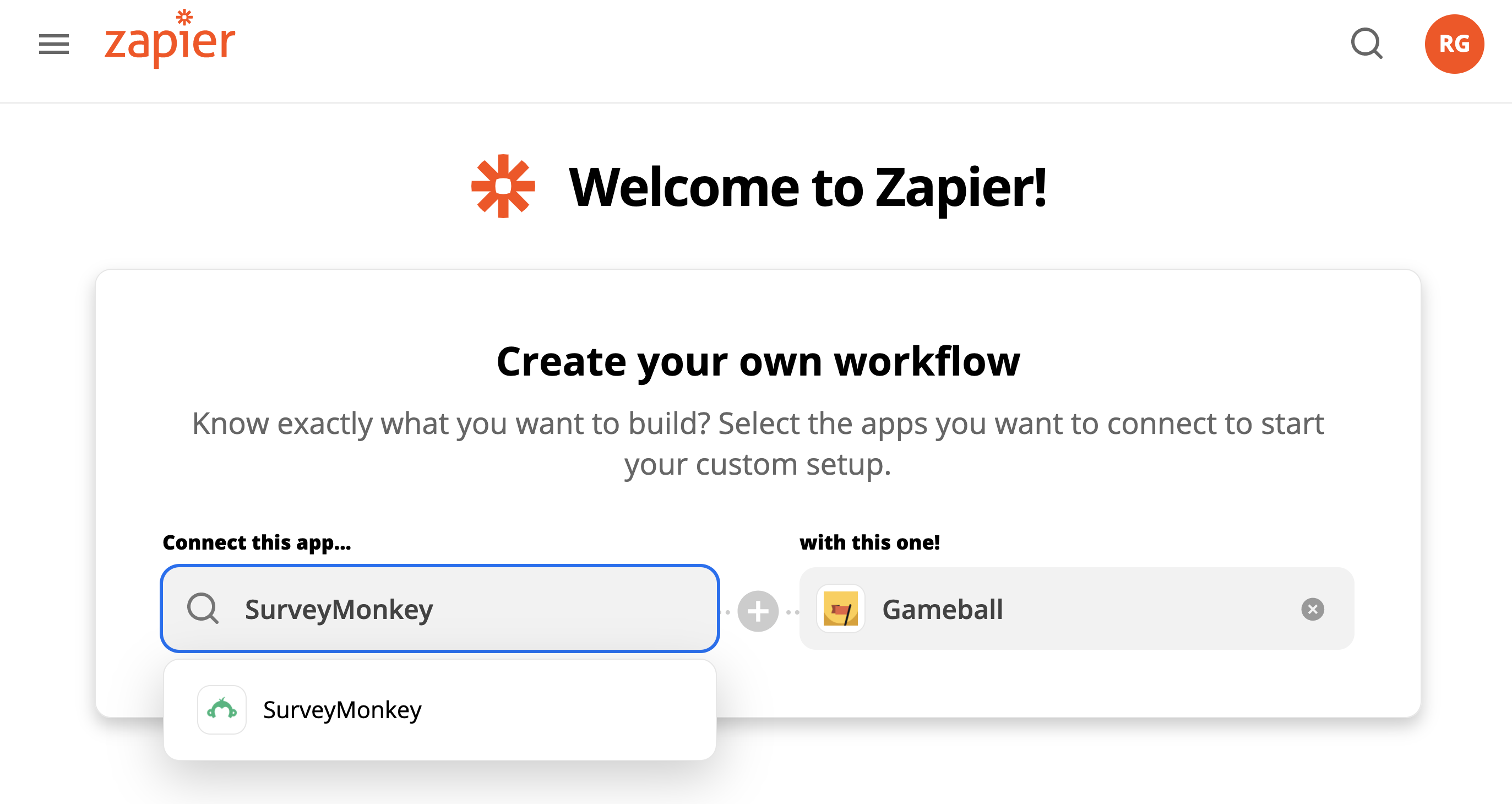
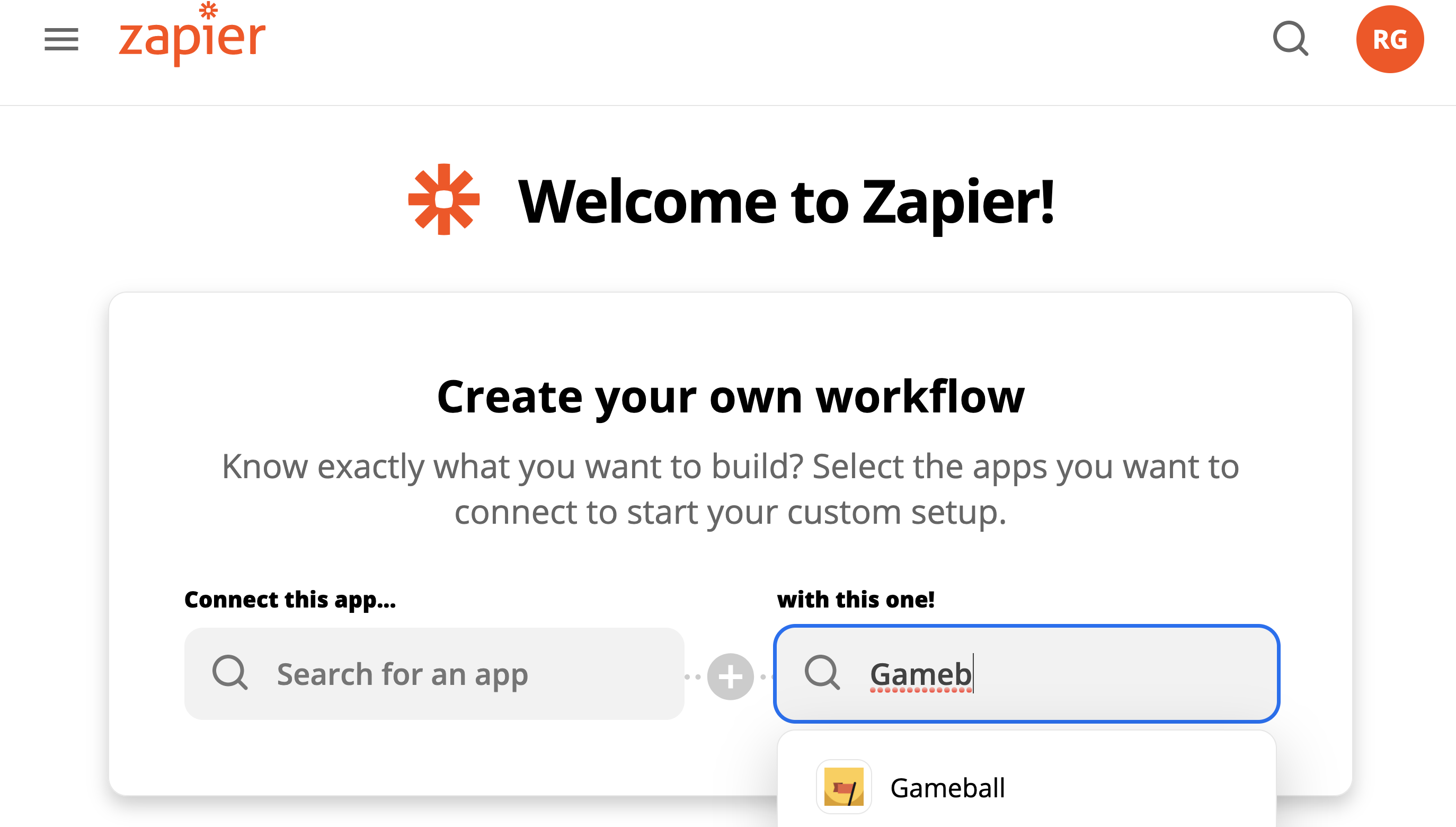
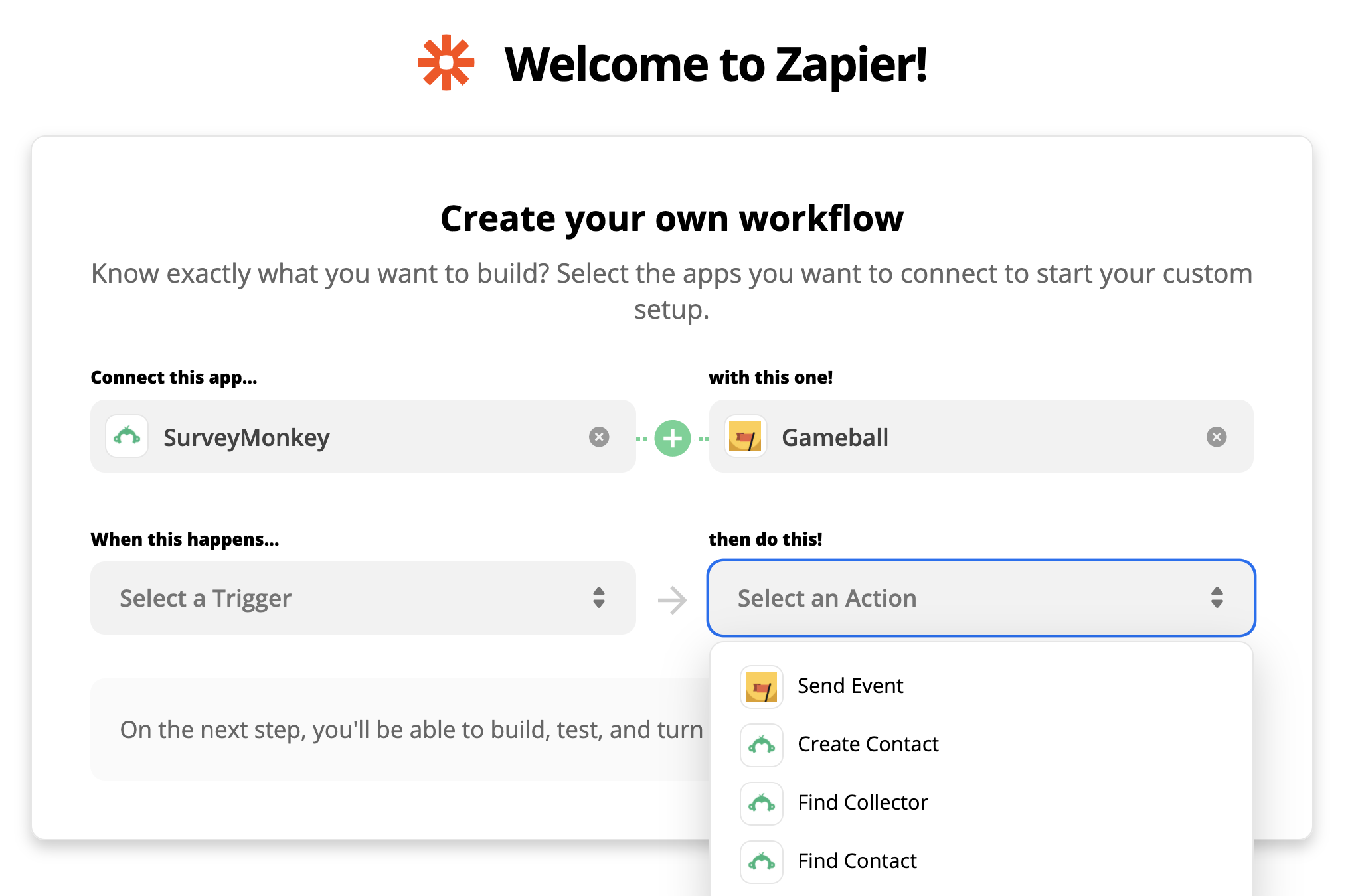
If you are connecting two different applications using Zapier, Zapier can execute an action on one of the two applications when a certain trigger happens on the other one. For example, You can decide that once you receive a certain type of email on Gmail (trigger application), Zapier can then send you a message on Slack notifying you of the email.


Gameball Templates on Zapier
Integrations between other apps and Gameball have become very easy. Gameball created ready-to-use integration templates between some apps and Gameball. By clicking on any of the templates, you will be redirected to Zapier and you will find that the configuration has been set and ready to be deployed. Here are some of the templates you can use:Mailchimp

- Give rewards to Gameball players with new Mailchimp subscriptions. Click here
- Relay Gameball rewards for new links clicked through Mailchimp emails. Click here
Drip

- Give rewards to players in Gameball for new Drip subscriptions. Click here
ReCharge

- Reward Gameball players when new ReCharge subscriptions are created. Click here
- Reward players in Gameball when ReCharge subscriptions are reactivated. Click here
PayPal

- Reward players through Gameball for new Paypal completed payments. Click here
GoToWebinar

- Send rewards from Gameball to new GoToWebinar attendees. Click here
- Give rewards to new GoToWebinar registrants with Gameball. Click here
Crowdcast

- Relay rewards to new Crowdcast registrants through Gameball. Click here
- Provide Gameball rewards to new Crowdcast webinar attendees. Click here
- Send rewards to Gameball players with new Crowdcast recording views. Click here
Facebook Shops

- Give Gameball rewards for new orders in Facebook Shops. Click here
Stripe

- Reward new customers in Stripe through Gameball. Click here
Calendly

- Reward Gameball players for scheduling events through Calendly. Click here
Unbounce

- Reward players through Gameball for new form submissions in Unbounce. Click here
Google Calendar

- Reward Gameball players for new scheduling meetings in Google Calendar. Click here